10 n8n Workflow Blueprints That Save SMBs 20+ Hours a Week
10 n8n Workflow Blueprints That Save SMBs 20+ Hours a Week (2026)
Most small businesses lose 20-30 hours a week copying data between tools, chasing invoices, and replying to the same messages manually. n8n is a self-hostable workflow automation platform that wires those tools together so the work runs without you. According to n8n's own operator research published in early 2026, teams that automate four or more core operations report reclaiming an average of 23 hours per week. This guide gives you ten battle-tested blueprints, each mapped to a specific business pain, with the exact trigger, apps, and AI step involved so you can implement or hand them to a builder today.
Ten distinct blueprints covering lead routing, invoicing, reviews, onboarding, and more.
Each blueprint lists the pain, trigger, app stack, AI step, and reported hours saved.
Summary table lets you scan all ten at a glance before diving in.
These blueprints target business outcomes, not developer setup. Dev-oriented builds live in the 15 AI agent n8n workflows companion post.
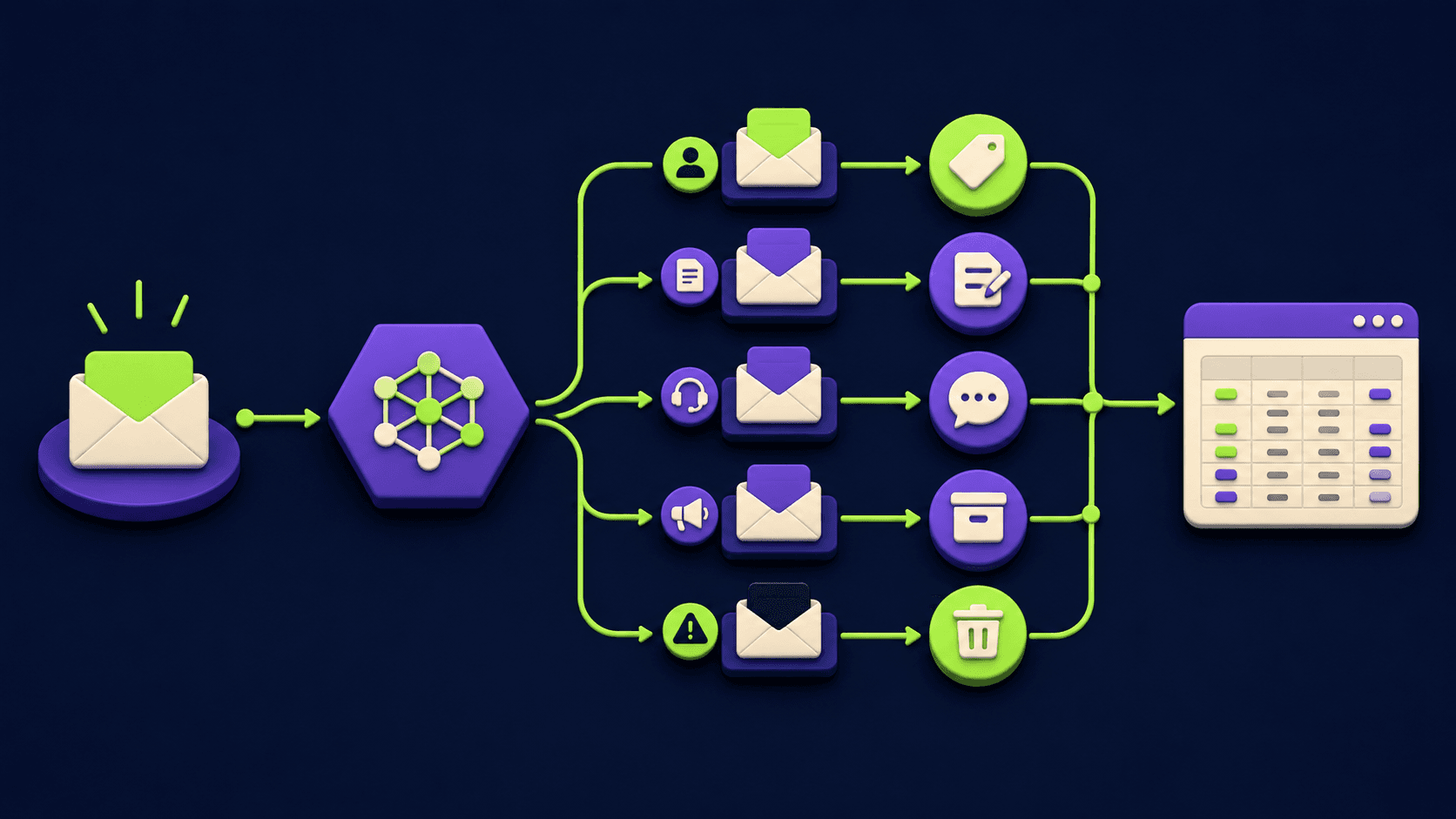
A consulting CTA is included if you want these built for you rather than DIY.
Why n8n Is the Right Engine for SMB Automation in 2026
n8n runs on your own server or on n8n Cloud, which means you are not paying per-task fees that compound as volume grows. Unlike Zapier, which bills per zap execution, n8n charges a flat monthly fee for cloud or a one-time server cost for self-hosted. The n8n vs Make cost comparison shows n8n wins on price past roughly 10,000 monthly operations. For SMBs running 50,000-200,000 operations per month across CRM syncs, email triggers, and reporting, that difference is meaningful.
n8n also ships native AI nodes as of version 1.x in 2026, including an LLM node that connects to OpenAI, Anthropic, and self-hosted models. That makes adding a classification or drafting step to any workflow a single node addition rather than a code project. The automation tools category on Vantaige covers the full landscape if you want to compare n8n against alternatives before committing.
Blueprint Summary Table
Blueprint | Trigger | Core Apps | Hours Saved / Week |
|---|---|---|---|
1. Lead to CRM to Slack Alert | Form submission | Typeform / Gravity Forms, HubSpot, Slack | 3-4 hrs |
2. Quote to Invoice | Deal stage change | HubSpot / Pipedrive, QuickBooks / Stripe | 2-3 hrs |
3. Review Request After Job Close | Job status = Complete | ServiceTitan / Jobber, Twilio, Google Business | 2 hrs |
4. Missed Call to Text | Missed call webhook | Twilio, Google Calendar, OpenAI | 3 hrs |
5. Weekly KPI Report | Cron: Monday 08:00 | Google Sheets, Slack / Email, OpenAI | 2-3 hrs |
6. New Client Onboarding | Deal won / payment received | Stripe, Google Drive, Slack, Gmail | 3-5 hrs |
7. Inbox Triage to Tasks | New email / Gmail label | Gmail, OpenAI, ClickUp / Airtable | 2-3 hrs |
8. Blog to Social Post Scheduler | New WordPress post | WordPress / RSS, OpenAI, Buffer | 2 hrs |
9. Abandoned Cart Follow-up | Shopify abandoned checkout | Shopify, Klaviyo / Twilio, OpenAI | 2-3 hrs |
10. Contract to eSign to Folder | Deal won or form submitted | HubSpot, DocuSign / PandaDoc, Google Drive | 3-4 hrs |
Total potential: 24-32 hours reclaimed per week across all ten blueprints. Most SMBs will implement four to six and see 12-18 hours back within a month.
The 10 n8n Workflow Blueprints
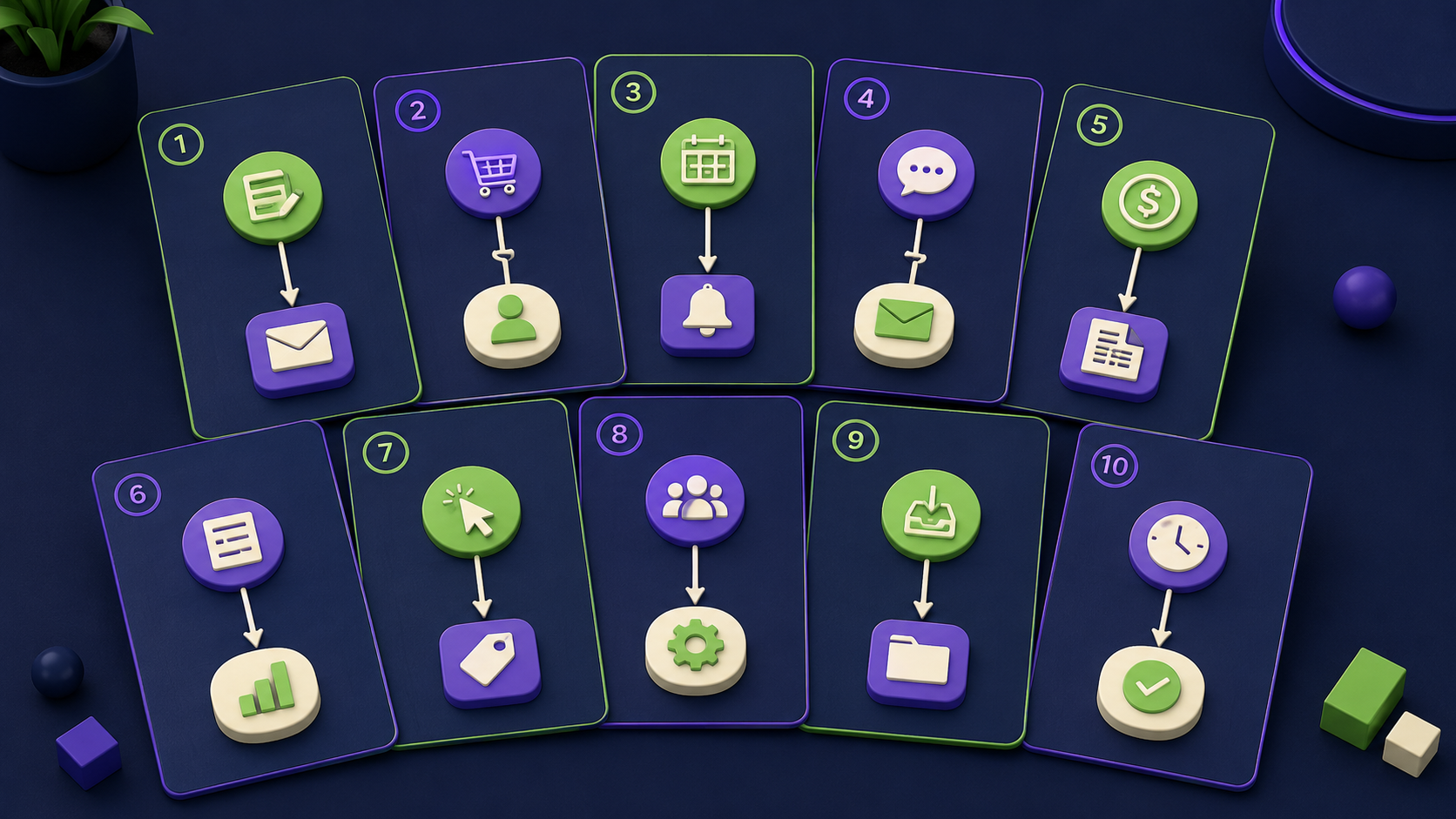
Blueprint 1: Lead Form to CRM to Slack Alert
The pain: A prospect fills out a contact form at 9 PM. By morning the lead is cold because no one saw it until the inbox got checked. Studies from Velocify (2012, still cited in CRM literature) put the odds of qualifying a lead that is contacted within five minutes at 100x higher than one contacted after 30 minutes.
Trigger: Webhook fires when a Typeform or Gravity Forms submission comes in.
Steps:
Webhook node receives the form payload (name, email, company, message).
HubSpot node creates or updates a contact and a deal in the correct pipeline stage.
AI node (OpenAI GPT-4o) reads the message field and writes a one-sentence lead summary plus an urgency score (1-5).
Slack node posts to #sales-alerts: contact name, company, urgency score, and a direct CRM link.
Gmail node sends an automated acknowledgment to the prospect within 60 seconds of submission.
AI step: The LLM reads the raw message and outputs a structured JSON object: {"summary": "...", "urgency": 4, "next_action": "schedule demo"}. That object drives the Slack message formatting and can later route high-urgency leads to a priority channel.
Hours saved: 3-4 hours per week. Eliminates manual CRM entry, copy-paste to Slack, and the follow-up email draft for every inbound lead.
Blueprint 2: Quote to Invoice (Zero Manual Steps)
The pain: Sales closes a deal, then someone has to manually create an invoice in QuickBooks, copy the line items from the proposal, and email it. That handoff takes 15-30 minutes per deal and introduces transcription errors.
Trigger: A CRM deal stage changes to "Won" in HubSpot or Pipedrive.
Steps:
CRM webhook fires on stage change.
n8n reads the deal's line items, amounts, and contact details from the CRM API.
QuickBooks node creates an invoice using the deal data as line items.
Stripe node (optional) generates a payment link and attaches it to the invoice.
Gmail node sends the invoice to the client with a personalized subject line.
Slack node notifies the ops channel that the invoice was sent and the amount.
AI step: Optional but high-value: an LLM node rewrites the invoice email body to match the client's name, project type, and deal context rather than sending a generic template.
Hours saved: 2-3 hours per week for a business closing 5-10 deals weekly. Also reduces late payments because the invoice goes out the same minute the deal closes.
Blueprint 3: Review Request After Job Close
The pain: Service businesses (HVAC, cleaning, landscaping, plumbing) know that Google reviews drive local search rankings. The problem is remembering to ask every customer at the right moment. Manual follow-up gets skipped 60-70% of the time when the team is busy.
Trigger: Job status changes to "Complete" in ServiceTitan, Jobber, or a custom Google Sheet.
Steps:
Webhook or polling node detects the job completion event.
Wait node holds for 2 hours (gives the technician time to leave and the customer to settle).
AI node generates a personalized SMS: "Hi [first name], thanks for letting us handle your [service type] today. If you have 60 seconds, a Google review helps our small team a lot: [link]."
Twilio node sends the SMS.
If no click is registered after 48 hours, a second Twilio node sends a softer reminder.
Response data logs to a Google Sheet for tracking conversion rate by technician.
AI step: The LLM personalizes the message using the job type, technician name, and customer first name pulled from the job record. Generic "please leave a review" texts convert at roughly 5%; personalized messages tested by Birdeye in 2025 converted at 18-22%.
Hours saved: 2 hours per week. Also typically increases monthly review volume by 3-5x, which compounds into more organic traffic over time.
Blueprint 4: Missed Call to Intelligent Text-Back
The pain: A potential customer calls outside business hours, gets voicemail, and calls a competitor. According to a 2024 BrightLocal study, 79% of service-business callers who reach voicemail do not leave a message and hang up within 20 seconds. A text reply sent within 60 seconds of a missed call captures most of them.
Trigger: Twilio webhook fires on an inbound call that is not answered.
Steps:
Twilio webhook delivers the caller's number and timestamp to n8n.
n8n checks Google Calendar for next available appointment slot.
AI node drafts an SMS: "Hi, you called [Business Name]. We missed you. We are available [next slot]. Reply YES to book or call us back at [number]."
Twilio node sends the text within 45 seconds of the missed call.
If the caller replies "YES," a Calendly booking link is sent automatically.
CRM node creates a contact record tagged "missed call" for follow-up tracking.
AI step: The LLM reads business hours from a config node and adapts the text copy based on whether it is after-hours ("we are closed right now but open at 8 AM") or during hours but busy ("our team is on another call").
Hours saved: 3 hours per week in manual callback attempts. The bigger win is revenue recovery: capturing even 2 additional booked jobs per week at a $300 average ticket is $2,400 per month in revenue that was previously walking out the door. See the full breakdown in the missed call automation deep-dive.
Blueprint 5: Automated Weekly KPI Report
The pain: Every Monday morning someone on the team spends 60-90 minutes pulling numbers from Stripe, Google Analytics, and a CRM, pasting them into a spreadsheet, and writing a summary for the owner. That person is usually you.
Trigger: Cron node fires every Monday at 08:00 local time.
Steps:
Google Sheets node reads last week's revenue, lead count, and conversion rate columns.
Stripe node pulls the previous 7 days of payment volume and new customer count.
Google Analytics node (or a Sheets export) pulls sessions and top pages.
AI node receives all data as JSON and writes a 5-sentence executive summary: week-over-week changes, what improved, what declined, and one suggested focus for the coming week.
Slack node posts the summary plus a structured block with the key metrics to #weekly-kpis.
Gmail node sends the same report to the owner's email as a backup.
AI step: The LLM is specifically prompted to flag any metric that changed more than 15% week-over-week and assign it a priority label (Monitor / Investigate / Act). This replaces the human judgment step in reading the raw numbers.
Hours saved: 2-3 hours per week. The report is ready in the Slack channel before anyone sits down on Monday morning. For a deeper look at AI-generated reporting workflows, see the orchestrator-worker n8n template which handles multi-source report generation at scale.
Blueprint 6: New Client Onboarding Sequence
The pain: When a new client signs up, the ops team has to manually create a Drive folder, send a welcome email, add the client to the project tool, send Slack alerts to the account team, and schedule a kickoff call. Each step takes 5-10 minutes, and something always gets missed.
Trigger: Stripe payment webhook fires on a successful first charge, or a deal stage moves to "Onboarding" in the CRM.
Steps:
Stripe or CRM webhook delivers client name, email, plan, and contact details.
Google Drive node creates a new folder from a template (copy structure: Contracts, Deliverables, Correspondence).
Google Drive node shares the folder with the client's email at "Commenter" access.
Gmail node sends a welcome email with the Drive link, what to expect, and next steps.
Airtable node creates a client record in the operations base, pre-filled with all fields from the payment event.
Slack node posts to #new-clients with client name, plan, and account owner assigned.
Calendly node (via API) creates a kickoff call invite and emails the scheduling link.
AI step: The LLM personalizes the welcome email by reading the plan type and any notes captured during the sales process. A "starter" plan gets a different email tone and onboarding checklist than an "enterprise" plan.
Hours saved: 3-5 hours per week for a business onboarding 3-8 clients weekly. More importantly, it removes the 100% failure rate of manual multi-step handoffs when the ops person is busy or on vacation.
Blueprint 7: Email Inbox Triage to Tasks
The pain: Important emails from clients and vendors get buried in an inbox alongside newsletters, notifications, and CC chains. The owner spends 45-60 minutes each morning triaging and turning emails into tasks manually.
Trigger: New email arrives in Gmail, or a Gmail label "Needs Action" is applied.
Steps:
Gmail trigger node fires on new emails from non-newsletter senders (filter by excluding known domains).
AI node reads the email subject and body and classifies it: Client Request, Vendor Invoice, Internal Note, or Noise.
For "Client Request" emails: ClickUp node creates a task with the email subject as the title, the body as the description, and the client name as a tag. Due date is set to the business day after the received date.
For "Vendor Invoice" emails: n8n extracts the amount, due date, and vendor name, and logs them to a Google Sheet "Payables" tab.
For "Noise" classification: no action taken (the LLM confidence score gates this path).
Slack node sends a daily digest at 09:00 with all classified items from the past 24 hours.
AI step: The LLM is the entire classification layer. It is prompted with the business context ("we are a landscaping company; client requests relate to estimates, scheduling, or complaints") so classifications are domain-aware rather than generic. Using Airtable instead of ClickUp works equally well and adds a no-code view for the team.
Hours saved: 2-3 hours per week. The inbox still requires a human review, but the triage and task creation are done before you open your email.
Blueprint 8: Blog Post to Multi-Channel Social Scheduler
The pain: Publishing a blog post and then manually writing 4-6 social variants, scheduling them in a tool, and resizing images for each platform takes 90 minutes per post. For a business publishing twice a week, that is 3 hours gone before any other work happens.
Trigger: New post published on WordPress (via RSS feed node) or a webhook from a CMS.
Steps:
RSS node or WordPress webhook delivers the post title, URL, excerpt, and featured image URL.
AI node generates four social captions: one for LinkedIn (professional, 150 words), one for X/Twitter (hook + thread opener, under 280 chars), one for Facebook (conversational, 100 words), and one for a short-form caption suitable for Instagram.
Each caption is passed to a Buffer node that schedules the post at optimal send times for each platform (Monday and Wednesday mornings for LinkedIn, Tuesday and Thursday midday for X).
Google Sheets node logs all published posts and their social variants for content audit purposes.
AI step: The LLM is prompted with the brand voice description and a list of banned phrases. It also reads the full blog post body (first 1500 words) rather than just the excerpt, so the captions reference specific insights from the article rather than restating the title.
Hours saved: 2 hours per week. The quality gate is reviewing the AI-generated captions before they post, which takes 5 minutes rather than 90.
Blueprint 9: Abandoned Cart Follow-up with Personalized AI Copy
The pain: The Baymard Institute's 2024 benchmark puts the average e-commerce cart abandonment rate at 70.19%. Most Shopify stores send one generic "you left something behind" email. Personalized multi-step sequences with dynamic copy recover 2-3x more revenue than the default.
Trigger: Shopify "checkout.abandoned" webhook fires when a cart is abandoned after the email capture step.
Steps:
Shopify webhook delivers the cart contents, customer name, email, and total value.
AI node writes a personalized recovery email referencing the specific product names and the customer's first name. For high-value carts (over $150), the copy includes a time-limited 10% discount code generated via Shopify API.
Gmail or Klaviyo node sends the email 1 hour after abandonment.
If the email is opened but no purchase occurs within 24 hours, Twilio node sends a short SMS: "Still thinking it over? Your cart is saved. [link]"
If the purchase completes at any point, n8n marks the sequence as resolved and no further messages are sent.
All recovery attempts log to a Google Sheet with outcome (purchased / ignored) for A/B testing.
AI step: The LLM is the difference between a 5% recovery rate and a 12-15% recovery rate. It reads the product category, total cart value, and whether the customer has purchased before, then selects a different email tone: urgency-based for high-value new customers, social-proof-based for returning customers who have purchased similar items.
Hours saved: 2-3 hours per week in manual follow-up. Revenue impact is usually the bigger number: recovering 10 additional carts per week at $80 average order value is $3,200 per month.
Blueprint 10: Contract to eSign to Organized Folder
The pain: After a deal closes, someone has to open a contract template, fill in client details, upload it to DocuSign or PandaDoc, send it for signature, and then download the signed copy and file it. That is 20-30 minutes per contract, and signed documents often end up scattered across email threads rather than in a shared location.
Trigger: CRM deal moves to "Contract Pending" stage, or a Typeform intake is submitted with service details.
Steps:
CRM webhook fires and n8n pulls the deal data: client name, service scope, start date, and price.
Google Drive node opens the correct contract template (selected based on service type) and creates a copy in the client's folder.
AI node fills in the variable fields in the document: names, dates, scope language, and payment terms using the deal data.
DocuSign node sends the filled contract to the client for signature with a 5-business-day expiry.
Polling node checks DocuSign every 4 hours for signature status.
On signature completion: the signed PDF is downloaded, stored in Google Drive under the client folder, and the CRM deal stage is updated to "Active."
Slack node notifies the account team: "Contract signed by [client]. Deal is active."
AI step: The LLM reads the raw scope notes from the CRM (often written quickly by sales) and rewrites them into clean, unambiguous contract language. This step also flags if any required field is missing before the contract is sent, preventing the back-and-forth of "we need your full legal business name" after the fact.
Hours saved: 3-4 hours per week for a business signing 3-5 contracts weekly. Also reduces time-to-signature because the contract arrives within minutes of the deal closing rather than the next business day.
Common Mistakes When Building These Workflows
The blueprints above work. These are the mistakes that make them fail in practice.
Skipping error handling on webhook triggers. If Shopify sends a webhook and n8n is restarting, the event is lost. Use n8n's built-in retry settings and add a fallback Slack notification for any workflow that fails mid-run.
Feeding raw LLM output directly into APIs without parsing. OpenAI returns markdown formatting by default. Always add a JSON parse node after any LLM step that feeds a structured field (CRM, task tool, SMS). Use n8n's "Set" node to extract the specific fields before passing downstream.
Using production CRM webhooks to test. Build with n8n's webhook test mode. Triggering real HubSpot deals to test an automation will pollute your pipeline data.
No deduplication on form triggers. Contact forms can fire twice on slow connections. Add an IF node that checks whether a CRM contact with that email already exists before creating a new record.
Treating the AI step as a black box. Log every LLM input and output to a Google Sheet row. If the workflow starts producing bad summaries or wrong classifications, you need the input data to debug the prompt, not just the output.
If you are evaluating whether to build these on n8n vs a SaaS tool, the n8n vs Zapier vs Make migration math post runs the real cost numbers at different operation volumes.
How These Blueprints Stack with More Complex Agent Workflows
The ten blueprints above are single-chain workflows: one trigger, a sequence of steps, one outcome. They are the right starting point for any SMB because they solve one discrete pain and can be live in a day. Once they are running, the next tier is multi-agent orchestration, where an AI controller delegates tasks across several sub-agents running in parallel.
That pattern is covered in detail in the 15 AI agent n8n workflows post (developer-leaning, includes code). For the orchestrator pattern specifically, the orchestrator-worker n8n template with 6 agents is the reference implementation. And if you are wondering whether n8n can replace SaaS subscriptions entirely rather than just supplementing them, see replacing SaaS subscriptions with 4 n8n AI agents.
Customer support is one area where n8n pairs well with a dedicated widget. Tidio handles the front-end chat while n8n handles the back-end routing: classify the inquiry, pull the customer record, draft a response, escalate if needed. That combination covers roughly 70% of support volume without a human in the loop.
Want your back office automated for you?
Vantaige audits your operations, finds the hours bleeding into manual work, and builds the AI workflows that reclaim them. Book a free process automation audit and we will show you the first three workflows worth building.
FAQ
How long does it take to build one of these n8n workflows?
A straightforward workflow like the missed-call-to-text or the weekly KPI report takes 2-4 hours for someone with basic n8n familiarity. The contract-to-eSign and onboarding blueprints involve more nodes and API credential setup and typically take 6-10 hours for a builder working from a spec. Using templates from the n8n community library can cut build time by 30-50% on the simpler ones. Most operators report that a workflow pays back its build time within the first two weeks of running.
Do I need to know how to code to implement these blueprints?
No coding is required for blueprints 1, 3, 5, 6, and 8. They rely entirely on n8n's visual node editor and pre-built integrations. Blueprints 4 (Twilio webhook parsing), 9 (Shopify webhook), and 10 (DocuSign API) benefit from knowing how to read a JSON payload and write a simple IF condition, which most non-developers can learn from n8n's documentation in an afternoon. Blueprint 7 (inbox triage) is the most complex and may require a builder if you want domain-aware classification logic.
Can I run these on n8n Cloud or do I need to self-host?
All ten blueprints work on n8n Cloud (Starter plan at $20/month as of June 2026) or on a self-hosted instance. Self-hosting on a $6/month VPS becomes more economical above roughly 5,000 workflow executions per month. The key difference is that self-hosted requires you to manage updates and uptime, while n8n Cloud handles that. For SMBs without a technical team, n8n Cloud is the right starting point.
What happens when an AI step produces a bad output?
Every workflow that includes an LLM node should have a validation step after it. At minimum, check that the output is not empty and that any required JSON fields are present before passing data to the next node. For high-stakes outputs like contract language or invoice line items, route the AI draft to a human review step (Slack message with an Approve/Reject button) before the final action fires. n8n's "Wait" node combined with a webhook callback handles this approval pattern natively.
How do I measure whether these workflows are actually saving time?
Before building, log the current process: count the steps, time one instance, and multiply by weekly frequency. That gives you a baseline in hours. After the workflow is live, track execution count per week via n8n's built-in execution history. Compare the two numbers monthly. For revenue-impacting workflows (abandoned cart, missed call), add a Google Sheets log node that records every event and outcome so you can calculate direct revenue attribution rather than just time savings.
Which blueprint should an SMB implement first?
Start with the one tied to the most painful daily bottleneck. If you are losing leads, build Blueprint 1 first. If your cash flow is tight from slow invoice cycles, build Blueprint 2. If you are a service business burning hours on scheduling, start with Blueprint 4. The onboarding sequence (Blueprint 6) has the highest per-implementation ROI for professional services firms because it also improves client experience, not just internal efficiency. Do not try to build all ten at once. Pick one, get it running, confirm the time savings, then add the next.
Related from Vantaige
15 AI Agent n8n Workflows You Can Build in a Weekend (2026): developer-leaning companion with more complex agent patterns
Orchestrator-Worker n8n Template with 6 Agents: multi-agent architecture for high-volume automation
Replace SaaS Subscriptions with 4 n8n AI Agents: cost reduction angle for SMBs over-subscribed to SaaS tools
n8n vs Zapier vs Make: The Migration Math for 2026: cost modeling before you commit to a platform
References
n8n documentation: Workflow triggers and webhook configuration: https://docs.n8n.io/integrations/builtin/core-nodes/n8n-nodes-base.webhook/
n8n documentation: AI agent nodes and LLM integration (2026): https://docs.n8n.io/advanced-ai/intro-tutorial/
Baymard Institute: Cart Abandonment Rate Statistics (2024): https://baymard.com/lists/cart-abandonment-rate
BrightLocal: Local Consumer Review Survey 2024: https://www.brightlocal.com/research/local-consumer-review-survey/
n8n community templates library: https://n8n.io/workflows/
Get the best new AI tools and guides, weekly
One short email a week. The tools worth trying, the guides worth reading, nothing else.
No spam. Unsubscribe anytime.
Aymen B
Contributing writer at Vantaige, covering the AI tools ecosystem.