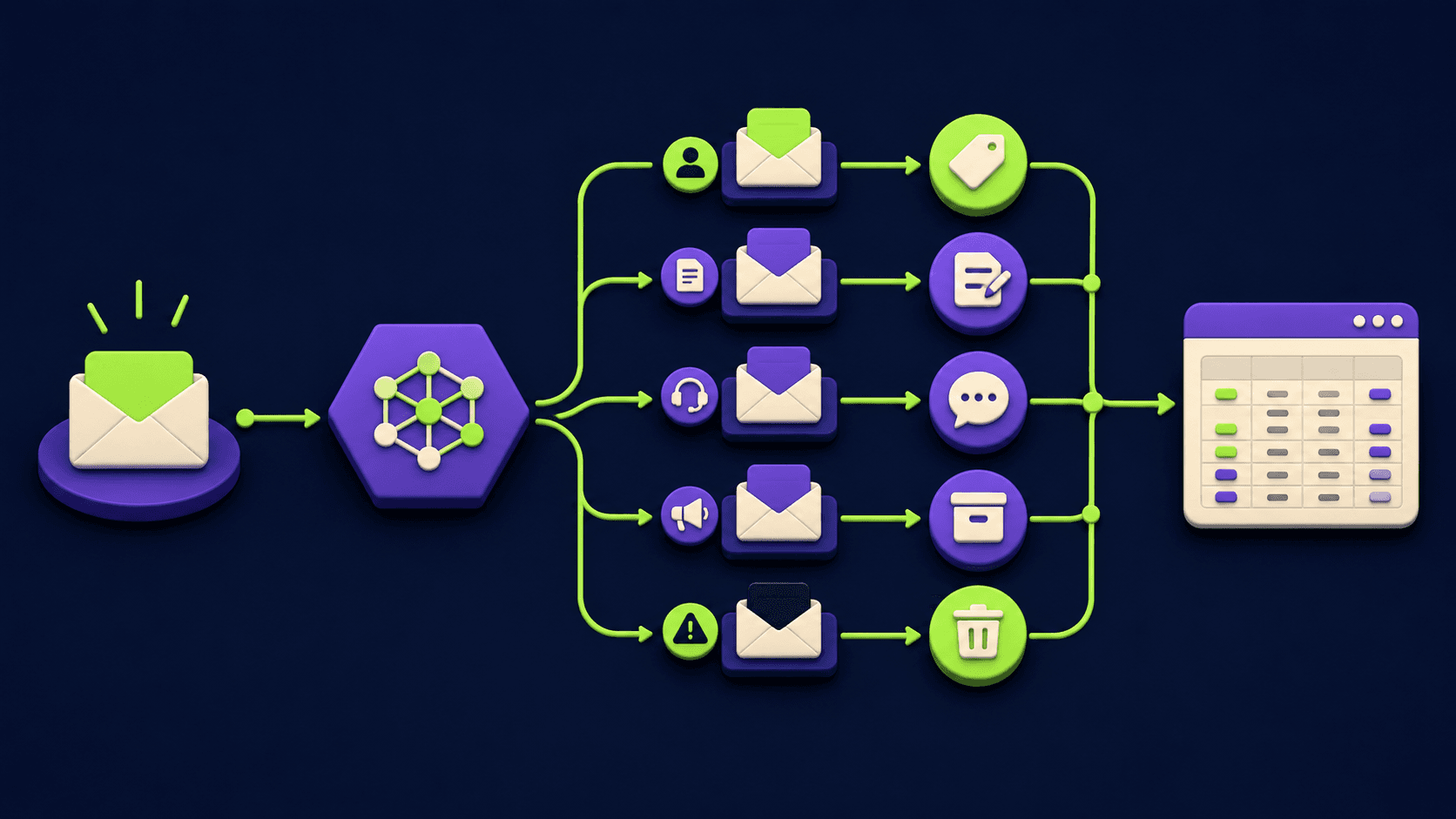
Replace 6 SaaS Subscriptions With 4 n8n AI Agents (2026)

Replace 6 SaaS Subscriptions With 4 n8n AI Agents (2026)
Most small teams pay for a dozen SaaS tools and use a thin slice of each. A social scheduler, a lead enrichment tool, a support autoresponder, a reporting dashboard, a basic CRM enricher, an email-list segmenter: six recurring invoices for jobs a handful of self-hosted agents can absorb. n8n is open-source and self-hostable, and per its official GitHub project it ships native AI nodes plus 400+ integrations. This guide names the six subscription categories four n8n agents can replace, the LLM step for each, and the honest tradeoff: you swap a money bill for a maintenance bill, and a few categories should never leave SaaS.
TL;DR
Four n8n AI agents can absorb six common SaaS subscription jobs.
The four: social, enrichment, support, reporting agents.
You trade subscription money for server cost plus maintenance hours.
n8n Community Edition includes the AI Agent and MCP nodes.
Do not self-host billing, deliverability, auth, or compliance.
Can you really replace SaaS subscriptions with n8n AI agents?
Yes, for a specific class of tools. n8n is a source-available workflow platform you can run on your own server, and per its AI Agent node documentation it ships native agent, LangChain, and tool-calling nodes. That covers scheduling, enrichment, triage, and reporting well. It does not cover everything, and that limit is the honest part of this guide.
The replaceable pattern has three traits. The tool is mostly moving data between APIs on a trigger, the logic is rules plus one or two LLM calls, and an occasional failure is annoying but not catastrophic. A social scheduler on a cron fits all three. A payment processor fits none.
The non-replaceable pattern is the opposite: hard compliance, deliverability reputation you cannot rebuild, or a failure that loses money or breaks login. Those stay on SaaS, and a section below names them so you do not learn this the expensive way.
Which 6 SaaS categories do 4 n8n agents replace?
Four agents map to six subscription jobs because two of them each absorb a second adjacent job. The social agent covers scheduling and basic content repurposing. The enrichment agent covers lead enrichment, list hygiene, and CRM record enrichment. The support agent covers autoresponse and ticket triage. The reporting agent covers dashboard digests and the email-list auto-segmenter side of marketing tools.
The table below is the core of this article. Read the LLM step column and the "what you give up" column as carefully as the agent column. The LLM step is what makes this an agent rather than a script, and what you give up is the real decision.
SaaS category | The n8n agent that replaces it | The LLM step | What you give up |
|---|---|---|---|
Social scheduler and post repurposer | Social agent. Schedule Trigger, content store in a sheet or DB, AI Agent for the caption, HTTP Request to publish. | One AI Agent call to rewrite source text into a platform-shaped caption inside the character limit. | Built-in analytics, best-time-to-post models, first-party connectors, polished mobile approval app. |
Lead enrichment, list hygiene, CRM record enrichment | Enrichment agent. Webhook or CRM trigger, HTTP Request to enrichment APIs, AI Agent to normalise, Merge then write back. | One AI Agent call to standardise job title, company-size bucket, and ICP tier from the raw enrichment fields. | The vendor's proprietary data graph. n8n orchestrates; it does not own the underlying dataset. |
Support autoresponder and ticket triage | Support agent. Inbox trigger, retrieval over your docs, AI Agent to draft a grounded reply, IF and Set to tag and route, human-in-the-loop for send. | One AI Agent call grounded on retrieved snippets to draft the reply, plus a classification call to assign tag and route. | A purpose-built agent inbox UI, SLA and CSAT reporting, vendor-tuned safety guardrails, managed knowledge-base index. |
Reporting digest and email-list auto-segmenter | Reporting agent. Schedule Trigger, HTTP Request to each source, Code to aggregate, AI Agent to summarise and label segments, email or chat to deliver. | One AI Agent call to write the plain summary with the three biggest movements, plus one to label each subscriber into a segment. | Interactive drill-down dashboards, prebuilt connectors with schema handling, shareable live links non-technical stakeholders can explore. |
The pattern is identical in every row: n8n is strong on orchestration and the LLM step, weaker on the polished UI, the proprietary dataset, and the vendor-managed reliability layer. If the UI and the dataset are the product you are paying for, self-hosting is a downgrade. If the orchestration is the product, it is a clean swap. The same orchestration ceiling shows up in the 15 AI agent n8n workflows you can build in a weekend, which is a useful source of starter graphs for these four agents.
How do you build the social scheduler agent in n8n?
You build it as a scheduled workflow that reads a content queue, rewrites the caption with an AI Agent node, and publishes through each platform's API. The whole agent is a Schedule Trigger, a data source, one model call, and a publish step.
Add a Schedule Trigger. Set it to your posting cadence. Success is the workflow firing on time in the executions list.
Read the content queue. Use a database, Google Sheets, or Airtable node to pull the next unposted row. Success is one queued item returned with its text and target platform.
Add an AI Agent node for the caption. Pass the source text and ask for a platform-shaped caption under your length limit. Success is a caption inside the limit.
Publish via an HTTP Request node. Post to each network's API with stored credentials. Success is a returned post ID.
Write the result back with a Set node. Mark the row posted and store the post ID and timestamp so you never double-post. Success is the queue row flipped to posted.
The honest gap: you are now responsible for platform API changes and token refreshes that a paid scheduler absorbs for you. Budget time for the occasional broken connector.
How do you build the lead enrichment and support agents?
You build both as event-triggered workflows that call external APIs and use one AI Agent step for the judgement. The enrichment agent fires on a new lead and appends data. The support agent fires on a new message and drafts a grounded reply. Both keep a human in the loop where a wrong action has a cost.
Enrichment agent.
Trigger on a new CRM record or a Webhook. Success is the workflow firing with the lead's email or domain.
Call enrichment and validation APIs with HTTP Request nodes. One for firmographics, one for email validity. Success is a populated response or a clean "no match."
Normalise with an AI Agent or Code node. Standardise job titles, company size buckets, and country codes. Success is a consistent record shape.
Write back to the CRM and dedupe. Match on a stable key before insert with an IF node. Success is no duplicate contact created.
Support agent.
Trigger on a new inbox or helpdesk message. Success is the workflow firing with the message body and sender.
Retrieve relevant docs. Query a vector store or your knowledge base so the model answers from your content, not its training data. Success is 1 to 3 relevant snippets returned.
Draft with an AI Agent node. Ground the reply in the retrieved snippets and your tone rules. Success is a draft that cites your own docs.
Tag, route, and gate the send with IF and Set nodes. Auto-send only low-risk categories; queue everything else for a human. Success is correct routing and zero unreviewed sensitive replies.
The honest gap on support: vendor helpdesk AI ships safety tuning, an agent UI, and CSAT reporting you now build or skip. The retrieval-then-draft pattern here is the same one used in the n8n MCP and Claude Code setup guide, which also covers wiring n8n as a tool an external model can call.
How do you build the reporting and segmentation agent in n8n?
You build it as a scheduled workflow that pulls each metric source over HTTP, aggregates numbers in a Code node, asks an AI Agent to write a plain-language summary, and delivers it by email or chat. The same agent labels each subscriber into a segment from rule output and event history. It replaces the recurring digest and the basic segmenter inside an email tool, not the interactive dashboard.
Add a Schedule Trigger for your reporting cadence. Success is reliable firing.
Pull each source with HTTP Request nodes. Analytics, ad spend, revenue, the email tool's event API. Success is each source returning current numbers.
Aggregate in a Code node. Compute deltas versus the prior period so the summary has movement. Success is a single structured object of metrics and changes.
Summarise with an AI Agent node. Feed it the structured numbers and ask for a short plain summary with the three biggest movements called out. Success is a digest a non-technical reader understands.
Label segments with a second AI Agent call. Given rule output and recent event counts, return the segment label per subscriber. Success is a stable label set written back.
Deliver by email or chat. Send the digest to the team channel or inbox. Success is on-schedule arrival.
The honest gap: there is no clickable dashboard for someone to slice the data. If stakeholders need self-serve exploration, keep the SaaS dashboard and use this agent only for the push digest. Mixing both is a valid outcome. The orchestrator-and-workers shape that makes a multi-step agent stable is laid out in the orchestrator-worker n8n template with 6 agents, which is the reference graph for any "plan, call, summarise" agent.
What do you give up by self-hosting these agents?
You give up vendor-managed reliability, polished UIs, proprietary datasets, and built-in analytics, and you take on patching, monitoring, backups, and security. Per the official n8n hosting documentation, self-hosting is recommended only for users comfortable managing servers; n8n Cloud is the recommendation otherwise. That is the tradeoff stated plainly by the vendor.
The concrete costs you absorb:
Maintenance time. Updates, monitoring, and fixing broken connectors are now your job. This is the bill that replaces the subscription bill; it does not disappear, it changes form.
Security ownership. Per n8n's securing documentation, encryption at rest, TLS, and access control are your responsibility on a self-hosted instance, not the vendor's.
Backups and restore tests. You must store backups off the server and periodically test restoring them. An untested backup is not a backup.
No proprietary data. An enrichment agent is only as good as the APIs it calls. n8n orchestrates; it does not own a data graph.
No polished end-user UI. Approval flows, dashboards, and mobile apps are now Slack messages and spreadsheets unless you build more.
Read honestly, this is a time-for-money trade. If your team has zero hours for ops, the metered SaaS bill may be cheaper than the hidden cost of a neglected server. If you sell automation as a service, that maintenance time is billable instead of overhead, which flips the economics, and that case is detailed in the build and sell AI automations operator playbook.
What should you NOT self-host with n8n agents?
Do not self-host billing and payments, transactional email deliverability, authentication and identity, anything under strict compliance, and any system where a few hours of downtime loses money or breaks customer login. These are not n8n weaknesses. They are categories where the vendor's reliability, reputation, or compliance posture is the actual product you are paying for.
The do-not-replace list, with the reason for each:
Payments and billing. A processor carries PCI scope, fraud tooling, and chargeback handling. Recreating that with workflows is a liability, not a saving.
Transactional email deliverability. Inbox placement depends on the sender's IP and domain reputation built over years. An n8n workflow can send mail; it cannot manufacture a warm sending reputation.
Authentication and identity. Login, SSO, and session security are high-blast-radius. A bug here is a breach, not a missed post.
Regulated data and compliance. If a SOC 2 or similar attestation is contractually required, a self-hosted box without that posture fails the requirement regardless of how well it runs.
Anything with a hard uptime SLA you cannot personally guarantee. If two hours down on a Sunday is unacceptable, you are now the on-call engineer for it.
The rule of thumb: self-host the orchestration and the LLM judgement; keep buying the reliability, the reputation, and the compliance. Mixing self-hosted agents with a few critical paid tools is the mature setup, not a half-measure.
How much does running the four n8n agents actually cost?
The cost is a flat server line plus your maintenance hours, instead of a metered subscription line that scales with usage. The exact figure depends on your server, your blended hourly rate, and how many hours you spend on patching and broken connectors, so this article gives you the structure to compute it, not a promised dollar figure.
The three real cost lines:
Server. A small VPS running n8n in Docker is inexpensive and roughly fixed. Add backup storage and, if uptime matters, a staging instance.
LLM API usage. Each agent's model calls are metered by the model provider. This is usage-based and is the line most teams forget to project. Self-hosting n8n does not make the LLM calls free.
Maintenance time at your loaded rate. The single most common error is pricing this at zero. Updates, monitoring, and fixes are real hours.
Whether this beats your subscriptions is a calculation, not a slogan. Run it with your real invoice before moving anything. If the math returns "do not migrate," that is a correct answer. The cost-versus-time framing here is the same approach used in the Agent 365 vs Claude managed agents cost comparison.
Frequently asked questions
Is n8n really free to replace paid SaaS tools?
n8n is source-available and free to self-host, and per its GitHub project the Community Edition includes the AI Agent, LangChain, and MCP nodes these four agents need. It is not zero-cost overall. You still pay for the server, backups, the LLM API calls, and the time to maintain and secure the instance. The honest comparison is a metered subscription versus a flat infrastructure line plus maintenance time, and which is cheaper depends on your usage and hourly rate.
Why four agents instead of one big agent?
Four focused agents are easier to build, debug, and keep running than one monolith. Each agent has a single trigger and a narrow job, so a failure is isolated instead of taking down scheduling, enrichment, support, and reporting at once. It also lets you replace one SaaS tool at a time and keep the rest until each agent proves stable. Splitting agents by responsibility is the same isolation principle behind the orchestrator-worker pattern.
Does n8n Community Edition include the AI Agent nodes?
Yes. Per n8n's AI Agent node documentation and its GitHub project, the self-hosted Community Edition ships the native AI Agent and LangChain nodes, vector store integrations, and Model Context Protocol support in both directions, so external models can call your workflow and your workflow can call MCP servers. It also supports local models through Ollama. The agent capability is not gated behind a paid tier for the patterns in this guide.
What is the biggest hidden cost of self-hosting these agents?
Maintenance time priced honestly at your loaded hourly rate. Teams compare the SaaS invoice to the server cost and conclude self-hosting wins, while setting maintenance hours to zero. Per n8n's hosting guidance, self-hosting is recommended only for users comfortable managing servers; updates, monitoring, and backups are recurring work. The metered LLM API spend each agent generates is the second forgotten line. Project both for twelve months before deciding.
Can I migrate just one SaaS tool and keep the rest?
Yes, and for most teams a hybrid is the rational outcome. Replace the tool with the highest metered cost or the worst lock-in first, run the n8n agent in parallel with the SaaS tool until it proves stable, then cut over and move to the next. Keep the tools whose proprietary data, polished UI, or compliance posture is the actual value you pay for. There is no requirement to replace everything or nothing, and the migration math will usually point to a mix.
Is a self-hosted n8n agent reliable enough for customer-facing support?
It can be, if you keep a human in the loop for anything sensitive and gate auto-send to low-risk categories only. The reliability gap is not the LLM step; it is that you own uptime, monitoring, and incident response instead of a vendor. For internal triage and drafting that is acceptable. For a strict customer SLA you cannot personally guarantee, keep the managed helpdesk and use n8n only for the draft-and-route layer behind it. Match the risk to where you keep the human.
What happens to my agents when a platform API changes?
The affected workflow breaks until you fix it, and that maintenance is now yours rather than a vendor's. This is the core tradeoff of self-hosting restated: a paid scheduler or helpdesk absorbs API churn for you, while a self-hosted agent surfaces it as a broken execution you must patch. Budget recurring time for connector breakage, monitor the executions list for failures, and treat that time as part of the true cost when you compare against the subscription you replaced.
References
n8n official GitHub project (fair-code platform, native AI capabilities, self-host or cloud, 400+ integrations), accessed May 2026.
n8n AI Agent node documentation (agent root node, tools, memory, LangChain), accessed May 2026.
n8n hosting documentation (self-host recommended for server-comfortable users, Cloud otherwise), accessed May 2026.
n8n securing documentation (encryption at rest, TLS, and access control are the self-host operator's responsibility), accessed May 2026.
n8n documentation home (node model, Schedule Trigger, HTTP Request, Code node, Merge, IF, Set, Webhook, expressions), accessed May 2026.
Related from Vantaige
Get the best new AI tools and guides, weekly
One short email a week. The tools worth trying, the guides worth reading, nothing else.
No spam. Unsubscribe anytime.
Aymen B
Contributing writer at Vantaige, covering the AI tools ecosystem.