AI Customer Support Triage That Routes 70% of Tickets Without a Human (2026)
AI Customer Support Triage That Routes 70% of Tickets Without a Human (2026)
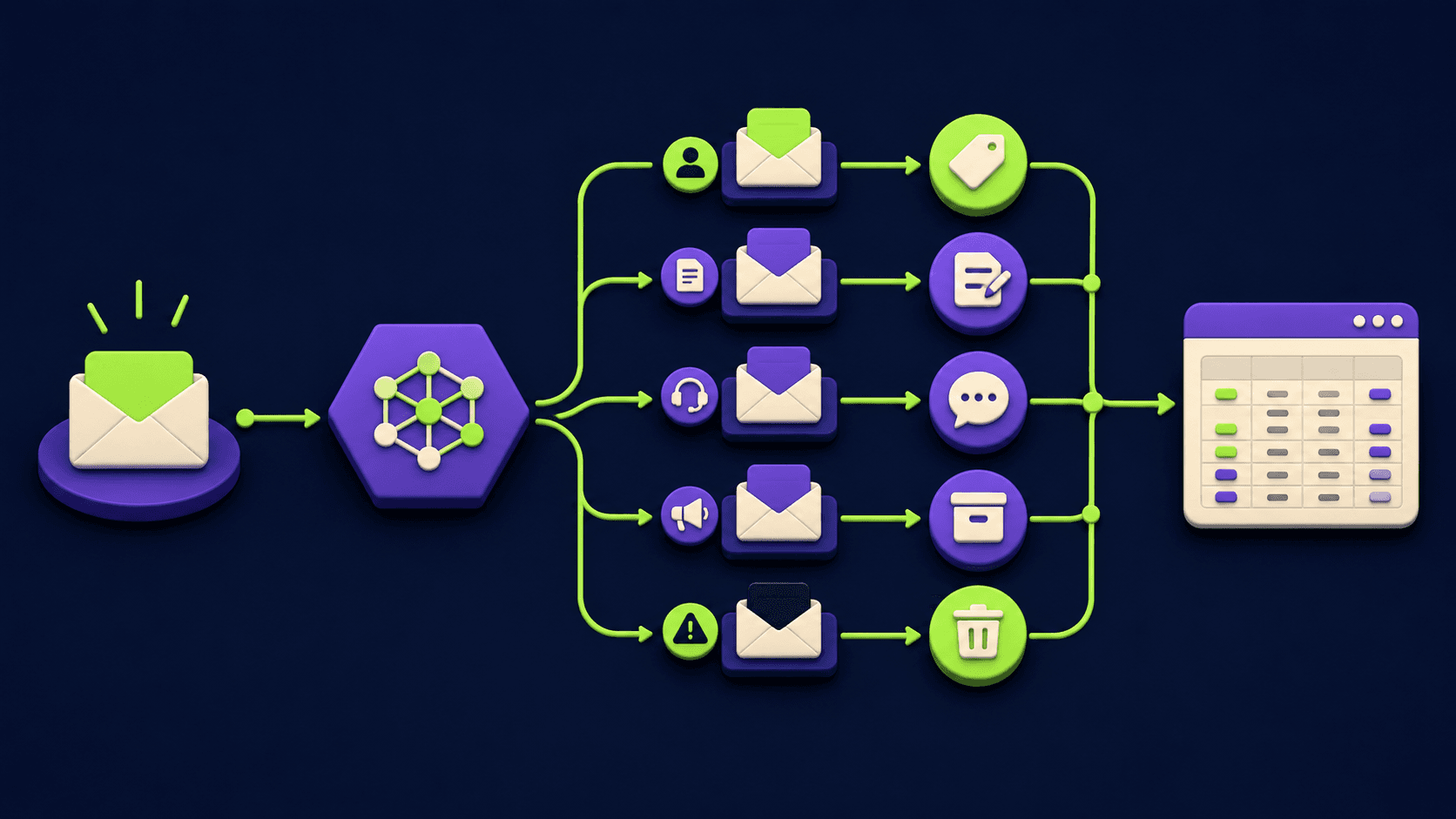
Your Zendesk queue, Intercom panel, and Gmail support inbox fill up with the same eight questions over and over, and a human still reads each one before deciding what to do with it. The fix is a small AI triage layer that ingests every new ticket, classifies it into a fixed category, and either auto-replies, routes to the right queue, or escalates with context. Operators commonly report 60 to 80 percent of inbound moves without a human once the classifier is tuned.
TL;DR
One n8n workflow ingests Zendesk, Help Scout, Intercom, Gmail, and Front.
An AI Agent node classifies each ticket into a fixed label set.
Switch and IF nodes route by label and confidence threshold.
Routine tickets get an auto-macro reply, the rest escalate with context.
Never auto-resolve refund disputes, legal threats, or angry-customer signals.
What is AI customer support triage and how does it actually work?
AI customer support triage is a small automation that ingests every new ticket from your help desks, classifies it into a fixed category, and decides per category whether to auto-reply with a saved macro, route to a specific queue, or escalate to a human with full context. It does not replace your team. It removes the part of their day they spent sorting tickets before they could start answering, and it handles the routine categories on its own. The default category set covers refund or return status, shipping, how-to questions, bug reports, account or login problems, billing-error inquiries, feature requests, and urgent traffic.
How much support volume can an AI triage actually handle without a human?
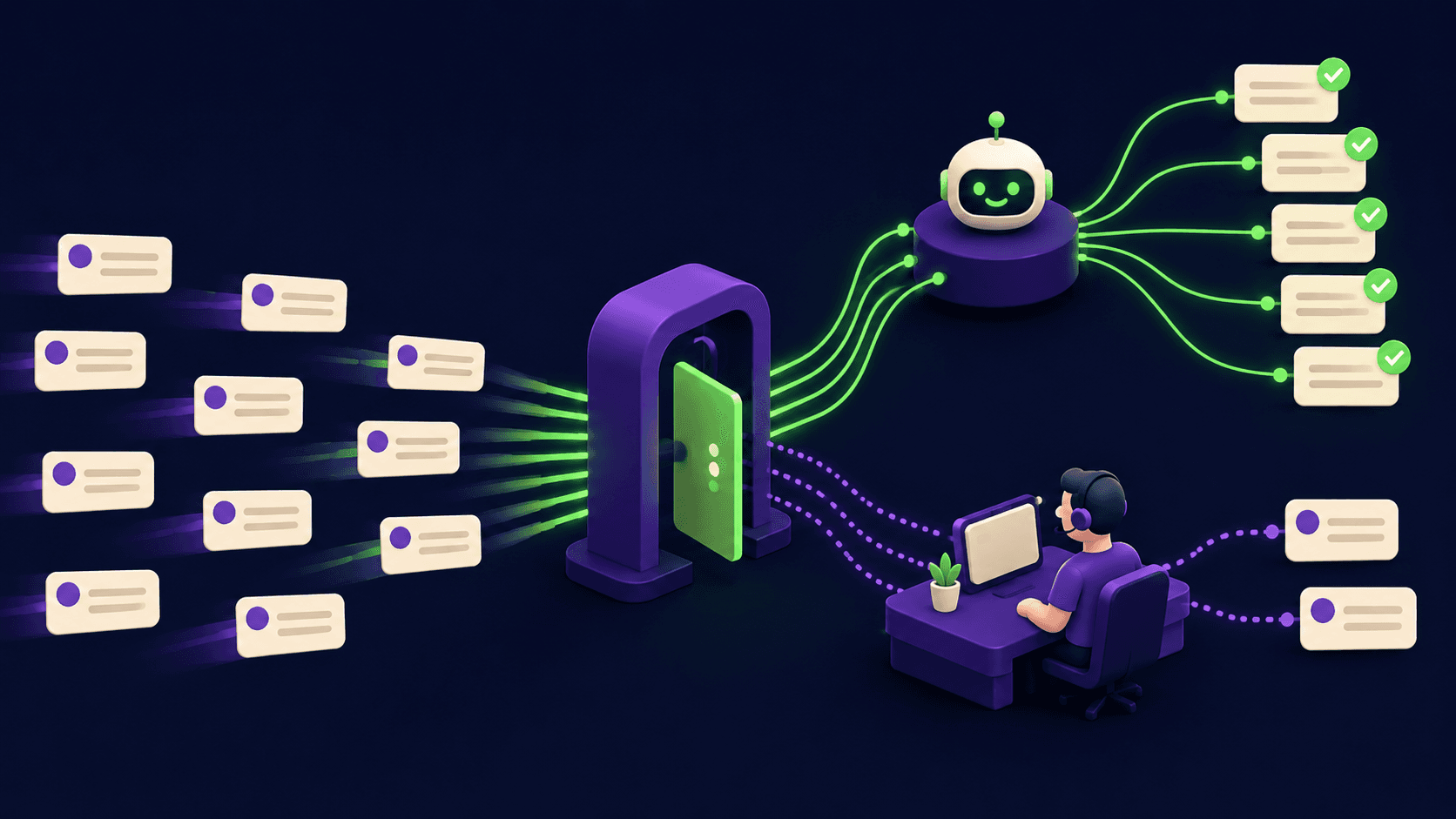
Operators commonly report 60 to 80 percent of incoming support volume moving without a human in the loop once the classifier is tuned, with the upper end on e-commerce and SaaS inboxes where shipping, password resets, and how-to questions dominate. The honest range is wide: a B2B SaaS inbox heavy on bug reports sits closer to 40 to 50 percent, while a Shopify store can clear 75 percent.
According to the Zendesk CX Trends 2025 report, 51 percent of consumers prefer a bot for fast issues. Triage does not have to be magic; it has to reliably handle the 8 to 12 categories that produce the bulk of inbound traffic.
Which help desks can n8n ingest tickets from?
n8n has first-party nodes for Zendesk, Help Scout, Intercom, Gmail, Front, Freshdesk, and a generic Webhook node that catches any platform that can POST JSON. The cleanest pattern is webhook-first: each help desk fires into one n8n Webhook node per new ticket. The Zendesk Webhooks API, Help Scout Webhooks, and Intercom webhook reference all support new-conversation events out of the box. For Gmail or Front, the Gmail Trigger and Front node fire without a webhook setup. Every channel funnels into the same Set node, the same AI Agent, and the same Switch. New channels plug into the front and inherit the whole pipeline.
What does the n8n triage architecture look like end to end?
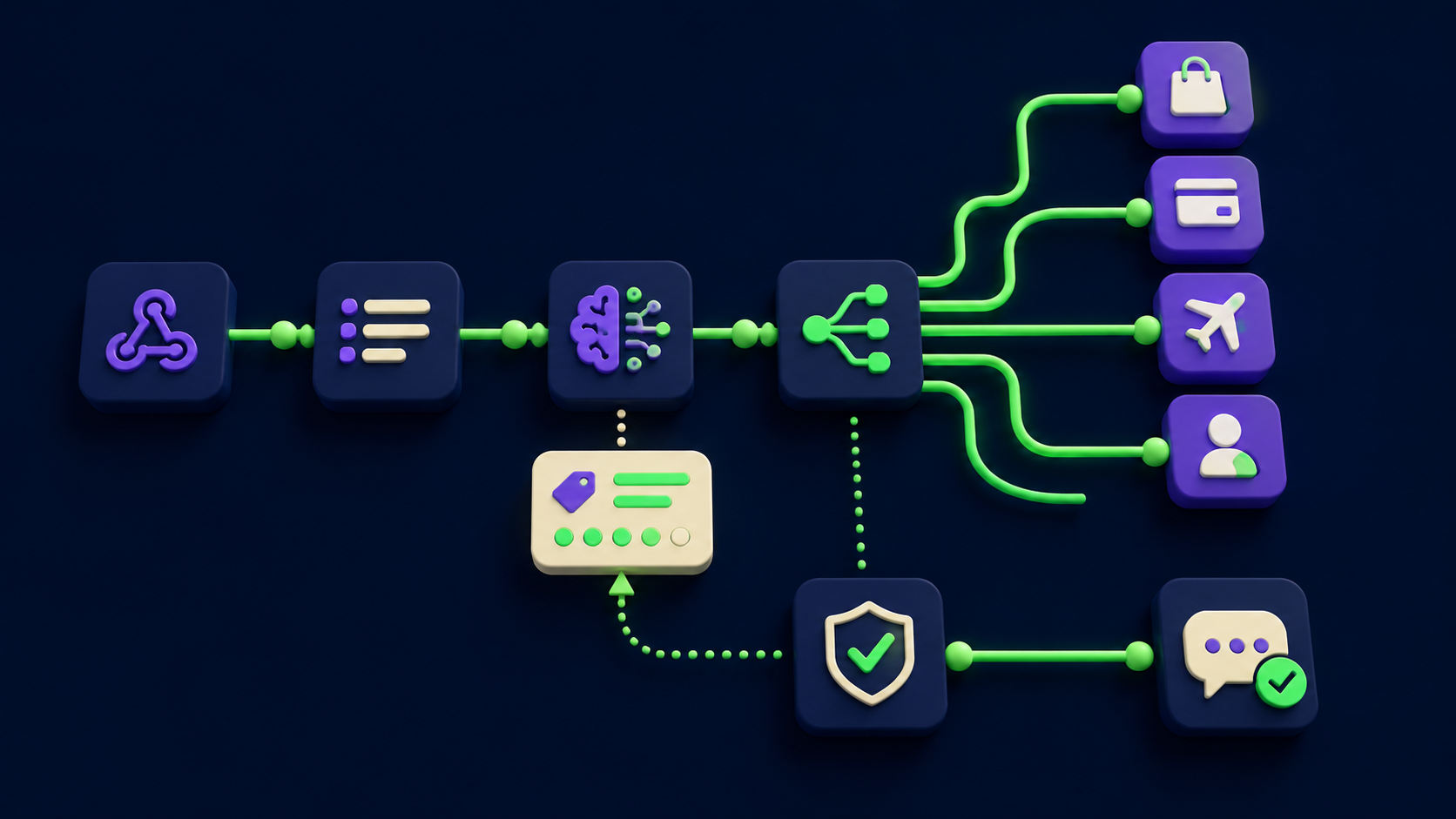
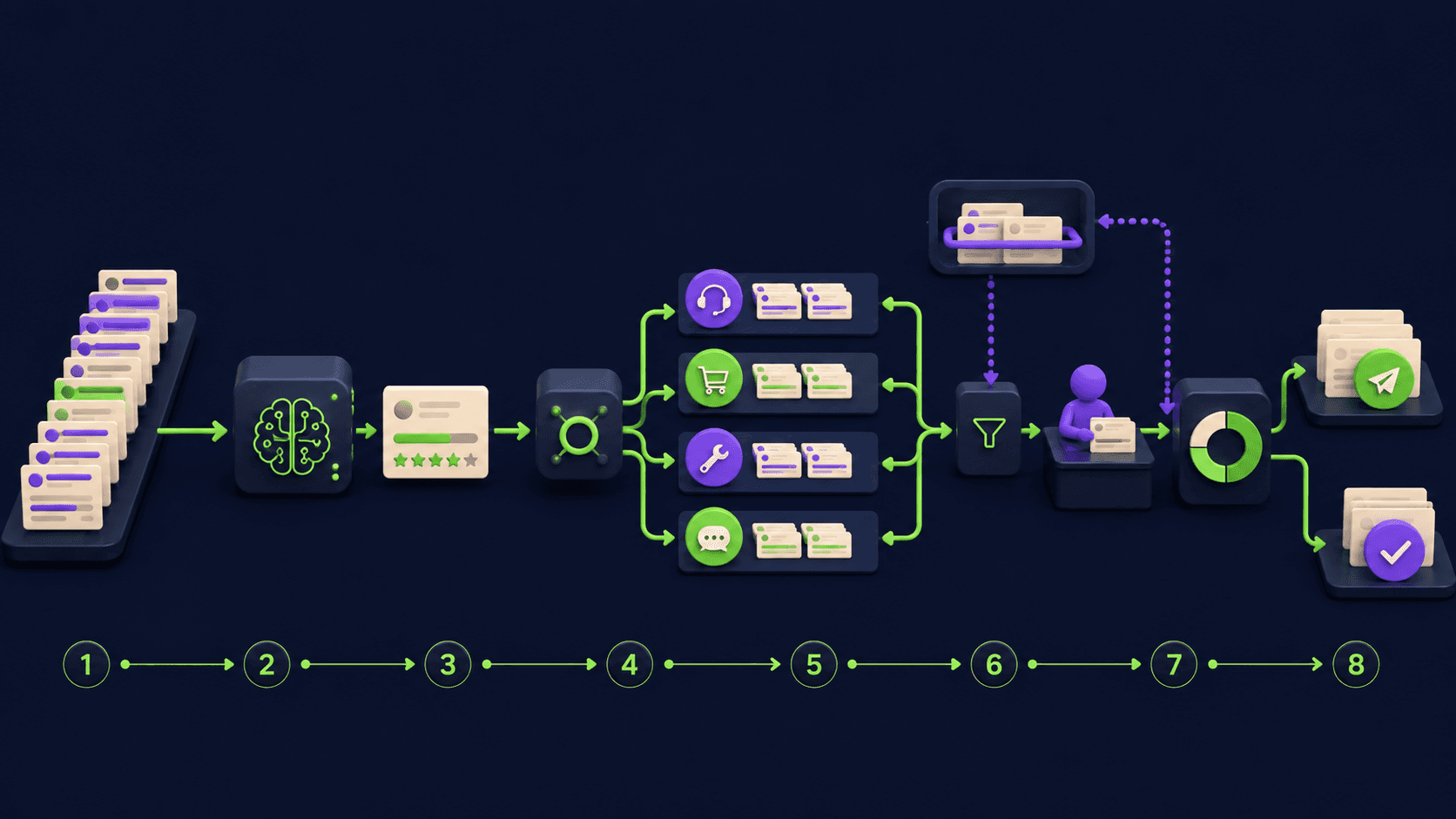
The pipeline is eight stages in one workflow: a Webhook (or Gmail Trigger) catches the new ticket, Set normalizes fields across platforms, AI Agent classifies into a fixed label with confidence, Switch routes by label, IF gates on confidence, HTTP Request posts the auto-reply or routes to the right queue, Slack escalates urgent traffic, and a final HTTP Request logs the row to your CRM.
Ticket category | Confidence threshold | Action | Who sees it |
|---|---|---|---|
shipping or order status | >= 0.80 | Auto-reply with tracking macro, close ticket | Customer sees reply, agent never opens it |
password reset or login | >= 0.85 | Auto-reply with reset macro, close ticket | Customer sees reply, agent never opens it |
how-to or product question | >= 0.80 | Auto-reply with KB article macro, mark "auto-resolved, reopen if needed" | Customer sees reply, agent reviews if reopened |
refund status (already approved) | >= 0.85 | Auto-reply with refund-timeline macro, close ticket | Customer sees reply, agent never opens it |
refund request (new, not approved) | any | Route to "Refunds" queue with full context, no auto-reply | Refund team handles manually |
bug report | >= 0.75 | Auto-reply acknowledging report, route to "Bugs" queue, create Linear or GitHub issue | Customer sees ack, engineering triages |
account question | >= 0.75 | Route to "Accounts" queue with tagged customer context | Accounts team handles |
billing error or dunning | any | Route to "Billing" queue, no auto-reply, no auto-resolve | Billing team handles manually |
feature request | >= 0.80 | Auto-reply thanking customer, log to product backlog | Customer sees ack, product reviews weekly |
urgent or angry signal | any | Add "URGENT" tag, Slack-ping support lead, no auto-reply | Lead sees Slack ping within seconds |
legal threat or compliance | any | Add "LEGAL" tag, Slack-ping ops lead, no auto-reply | Ops or legal handles manually |
under threshold or unknown | < threshold | Route to "Needs Review" queue with classifier's reasoning | Agent reads the ticket and decides |
Confidence is a per-category gate, not a global one: a shipping classification at 0.82 auto-replies safely, but a refund-request classification at 0.95 still skips auto-reply because the row says "any" in the threshold column. Every auto-reply macro ends with a "reopen if needed" line so customers can pull the ticket back to a human in one click. See the n8n AI Agent docs and the Switch node reference for the rules-mode pattern.
The linear node order, with exact n8n node names in execution order, looks like this. A familiar builder can wire it in 4 to 8 hours including macro tuning.
1. Webhook              (one per help desk, all into the same downstream)
   or Gmail Trigger     (for Gmail-only inboxes)
2. Set                   (normalize: ticket_id, channel, requester_email, subject, body)
3. AI Agent              (Claude Haiku or GPT-4o-mini, strict JSON: label + confidence + reason)
4. Switch                (rules mode, one branch per label)
5. IF                    (confidence threshold per branch)
6. HTTP Request          (post macro reply OR assign to queue OR create Linear issue)
7. Slack                 (urgent and legal branches only: ping the right lead)
8. HTTP Request          (final step on every branch: log row to CRM)
Three configuration details matter. The Webhook node should validate the source signature for any help desk that signs payloads (Zendesk, Intercom, and Front all do). The AI Agent should run in JSON mode with a small fixed schema. The final CRM log step writes every ticket including the classifier's reasoning so you can audit edge cases in week two.
How does the AI Agent classify support tickets reliably?
The agent works because it has four constraints: a small fixed label list, a one-line description of your business, a strict instruction to return a JSON object with label, confidence, and reason, and explicit example phrases for the trickier classes (refunds, urgent, legal). Open-ended classification fails. Constrained classification with a finite list, forced JSON output, and example phrases for high-risk categories succeeds reliably on routine traffic.
The system prompt is one paragraph. It names the business in a line ("a direct-to-consumer skincare brand on Shopify, US-only shipping, 30-day returns"), lists the twelve labels with one-line definitions, gives three example phrases per high-stakes label, and ends with "respond with one JSON object containing label, confidence between 0 and 1, and a one-sentence reason." The agent returns: {"label": "shipping", "confidence": 0.88, "reason": "Customer asking where order 4421 is"}. Per the Anthropic structured-output guide, validating the JSON in the next node and routing failures straight to "Needs Review" is the cheapest way to make this production-reliable.
What macros should you let the agent send without human review?
Three macros are safe to auto-send when confidence is high: shipping status lookups, password reset instructions, and "here is the KB article that answers your question" replies. Each shares two properties: the answer is the same for every customer asking it, and the customer can self-correct by replying to the thread. Every macro ends with "If this did not solve it, just reply and a human will pick it up."
The shipping macro pulls the order number from the ticket body, calls your order API or Shopify's Admin REST API via HTTP Request, and posts back through the help desk's reply endpoint. The password macro links to the reset URL. The KB macro uses the classifier's reason as a search query, hits your KB API (Help Scout's Docs API works cleanly), and pastes the top result with a link. None of these require the agent to write original prose, which is the part that breaks at scale. Rule of thumb: if the answer could be contradicted by a state change in the next 24 hours (a "your refund is on its way" reply, a "shipping ETA" on a late order), it is not an auto-reply.
What you should NEVER auto-resolve, even when the model is confident
Six categories should never get an automated resolution, an automated draft sent without review, or auto-closure even at high classifier confidence: refund disputes, legal threats, accessibility complaints, dunning and billing-error claims, account-deletion requests, and executive escalations. The cost of a wrong automated reply on any of these is asymmetric. You save 30 seconds when it works. You lose money, customers, or a regulator's attention when it does not.
Refund disputes: any ticket arguing a refund decision, requesting a chargeback, or escalating an unpaid refund. Label "refund-dispute" and route to the refund team with full context. No auto-reply, no auto-macro, no auto-close. The cost of a dismissive auto-reply is a chargeback or a public review.
Legal threats and demand letters: any mention of lawsuit, attorney, lawyer, demand, cease and desist, BBB complaint, FTC, AG complaint, GDPR or CCPA data request, or regulatory inquiry. Label "legal" and Slack-ping the ops lead. No auto-reply ever. An automated response to a demand letter can cost legal privilege or weaken the dispute.
Accessibility complaints: any message citing ADA, WCAG, screen reader, keyboard navigation, or "I cannot use your site because." Label "accessibility" and route with ADA-priority tagging. Per ADA.gov web accessibility guidance, formal complaints can start a Title III action; a flippant auto-reply makes it worse.
Dunning and billing-error claims: any ticket claiming a wrong charge, double-billing, charge after canceling, or a disputed dunning email. Label "billing" and route to the billing team. Stripe and most processors expect a human to handle disputed charges in writing.
Account-deletion and data-export requests: any ticket invoking GDPR Article 17, CCPA, "delete my account," "export my data," or "I withdraw consent." Label "data-rights" and route with a 30-day clock attached. Per the GDPR right-to-erasure documentation, these have legally-binding response windows.
Executive escalations and named-customer accounts: any ticket from a CRM-tagged enterprise customer, partner, investor, press contact, or named account. Label "vip" and route to your support lead. No auto-reply. The relationship is the asset; AI-mimicking voice here is not worth the speed gain.
One signal to layer on top of categories: angry-customer detection. Any ticket where the classifier flags the tone as angry, threatening to cancel, threatening a public review, or invoking "this is unacceptable" or "I want a manager" routes straight to a human regardless of category. The agent detects this with a second "is the tone angry" field on the same model call, and the IF node overrides the action based on the answer.
How do you escalate urgent tickets and log everything to a CRM?
Urgent tickets get a fast path: an URGENT tag, a Slack ping in #support-urgent with the customer email and ticket link, and a 5-minute SLA timer. The fast path triggers on any one of three signals: classifier confidence >= 0.9 on urgent or angry categories, a banned phrase in the body ("cancel my account," "lawsuit," "BBB," "chargeback," "press"), or requester email matching a VIP row in your CRM.
The final stage of every Switch branch is an HTTP Request that POSTs one row to your CRM: ticket ID, channel, customer email, classifier label, confidence, action taken, agent reason, and a link back to the ticket. HubSpot, Salesforce, Pipedrive, Close, and Airtable all expose REST endpoints for this. Two queries from the log handle most tuning. Group by label and count: anything under 1 percent of traffic is overfit (drop it); over 30 percent is too broad (split it). Group by label and average confidence: anything below 0.7 needs a clearer definition with three example phrases. The HubSpot Tickets API and Salesforce REST API both support the custom-property writes that make these queries trivial.
What does this cost to build and run for a real support inbox?
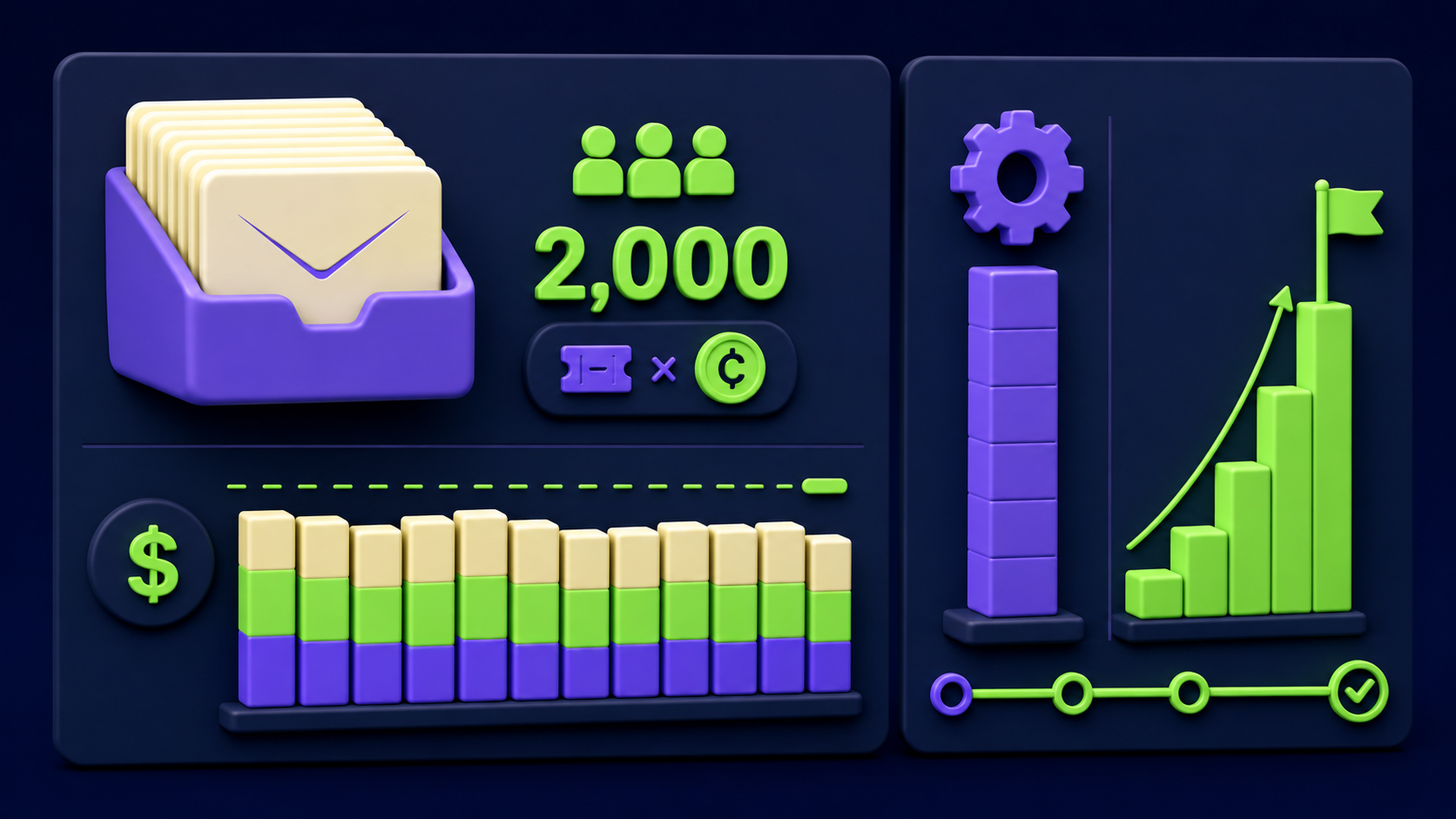
A first build takes 8 to 16 hours for an n8n-comfortable operator, plus two weeks of light tuning while real traffic flows through. Operating cost stays under $200 per month for almost every small-to-mid support inbox. For an inbox handling 2,000 tickets a month, per-ticket cost lands in single cents.
Line item | Typical monthly cost | Notes |
|---|---|---|
Model API (classification, sentiment, KB search) | $20 to $90 | Claude Haiku or GPT-4o-mini for classification, larger model only for macro personalization |
n8n hosting | $20 to $50 | n8n Cloud Pro for multi-workflow setups, or self-hosted on a $12 VPS |
Help desk API quota | $0 to $50 | Zendesk, Help Scout, Intercom, Front all include generous API quotas in paid plans |
CRM logging | $0 | HubSpot free tier, Airtable free tier, or Sheets all handle audit logging |
Slack escalation | $0 | Free Slack tier handles incoming webhooks at any reasonable volume |
The rollout pattern. Week one is shadow mode: every ticket gets classified and logged, no auto-replies; compare the classifier's label to what the human did. Week two enables routing to queues. Week three turns on auto-reply for the safest category first (shipping). Week four adds password reset. Each promotion to automatic is informed by a week of evidence in the log.
For adjacent patterns, the 15 AI agent n8n workflows to build in a weekend roundup covers the build pattern across several agents, the orchestrator-worker n8n template is the upgrade path once triage grows into a multi-agent suite, and sell AI chatbots to local businesses is the agency playbook for shipping this on retainer.
How do you measure whether the triage is actually working?
Four numbers from the CRM log, tracked weekly, settle the question. Percent of tickets resolved without a human touch (aim for 60 to 80 percent after tuning). Percent of auto-replies that received a customer reply within 24 hours (a reply means it did not resolve it; aim for under 15 percent). Median time-to-first-response (should drop from minutes to seconds on auto-resolved categories). And CSAT on auto-resolved tickets (should be within 5 points of human-handled tickets in the same category).
If auto-resolve climbs and reopen stays under 15 percent, the agent is doing real work. If reopen creeps above 20 percent on any category, that macro is wrong and needs a rewrite or a higher confidence threshold. CSAT is the trust check: if it drops more than 5 points on auto-resolved tickets, macros are too cold and need a voice pass.
What is the maintenance load once the triage is running?
Maintenance is 1 to 3 hours a week once stable, mostly reviewing the CRM log and updating the system prompt for new edge cases or seasonal shifts. The two things that break in practice are help desk webhook signature changes on major version bumps, and label drift when your product changes. Both are fixable in one workflow edit.
The weekly habit that prevents most problems is a 30-minute Friday review: sort the CRM log by label, check reopen rate on each auto-resolve category, and add one line to the system prompt for any pattern that fired more than five "needs-review" tickets that week. n8n's error handling docs cover the fallback branch that routes tickets to "Needs Review" on model outage instead of dropping them.
Would rather have this built and tuned for you?
If reading the architecture above sounds clear but building it on a live support inbox is not a two-week project your team can take, Vantaige builds these workflows for SMB e-commerce, SaaS, and service businesses as a fixed-scope engagement. We wire the twelve-label classifier into your help desks, tune macros against your last 500 tickets, and hand over the n8n workflow as a file you own. Get in touch via vantaige.io/contact for a scoped quote.
Frequently asked questions
Does this work with Zendesk, Help Scout, Intercom, Gmail, and Front at the same time?
Yes. n8n has first-party nodes for each, and the cleanest pattern is one Webhook node per help desk, all feeding the same downstream chain (Set, AI Agent, Switch, IF, HTTP Request). The Set node normalizes per-platform field names into a common schema before the AI Agent reads them, so the agent never has to know which platform the ticket came from. Adding a sixth channel later means adding one Webhook node and updating the Set mapping; the classifier, macros, and routing stay identical.
What confidence threshold should we use for auto-reply?
0.80 for low-stakes categories (shipping, how-to, feature requests), 0.85 for medium-stakes (password reset, refund-status on already-approved refunds), and "any" (route to human) for refund disputes, legal, accessibility, billing errors, account deletion, and VIP. The right threshold per category emerges in the first two weeks of CRM-log review. If reopen stays under 15 percent at 0.80, drop to 0.75 in week three; if it climbs above 20 percent, raise to 0.85 and tighten the macro.
Can the AI Agent handle multi-language support tickets?
Yes. Modern frontier models classify and reply in dozens of languages. The system prompt should list the languages your support covers and instruct the agent to detect the incoming language and either reply in the same one or route to a "needs-translation" queue. Per the Anthropic Claude model documentation, classification accuracy is comparable across major languages, though macro tone needs a per-language voice tune. Start with one language, validate the loop, then add more.
What happens if the AI Agent node fails or the model API is down?
n8n's error handling lets you wire a fallback branch off any node. On AI Agent error, route the ticket straight to a "Needs Review" queue and continue. The ticket never disappears, it just lands unsorted and waits for a human. See the n8n docs on error-handling flow patterns. Even a multi-hour model outage just means a few hundred tickets sit in "Needs Review" until the next successful run, no worse than the pre-triage status quo.
Can the agent write custom replies, or is it macros only?
Both work, but the safer pattern is macros for auto-send and custom drafts for human review. Macros for shipping, password reset, and KB-link replies are deterministic and safe to auto-send. Custom replies drafted by the agent using your voice samples (for refunds, accounts, bugs) should land in the help desk's draft state, never auto-send, so a human reads the summary and clicks Send. Help Scout, Zendesk, and Intercom all support drafts via API.
How long until we see the 60 to 80 percent auto-resolve rate?
Most builds reach 40 to 50 percent in the first two weeks (the easy categories: shipping, password, KB-lookup) and 60 to 80 percent by week six after macro tuning. Your ticket mix sets the ceiling: a Shopify store dominated by shipping and how-to traffic hits 75 percent fast; a B2B SaaS inbox heavy on bug reports and account-config questions tops out closer to 50 percent because more categories legitimately need a human.
Related from Vantaige
Sell AI chatbots to local businesses: $1k to $5k retainers (2026)
The AI inbox triage that gives owner-operators 5 hours back a week (2026)
References
Get the best new AI tools and guides, weekly
One short email a week. The tools worth trying, the guides worth reading, nothing else.
No spam. Unsubscribe anytime.
Aymen B
Contributing writer at Vantaige, covering the AI tools ecosystem.