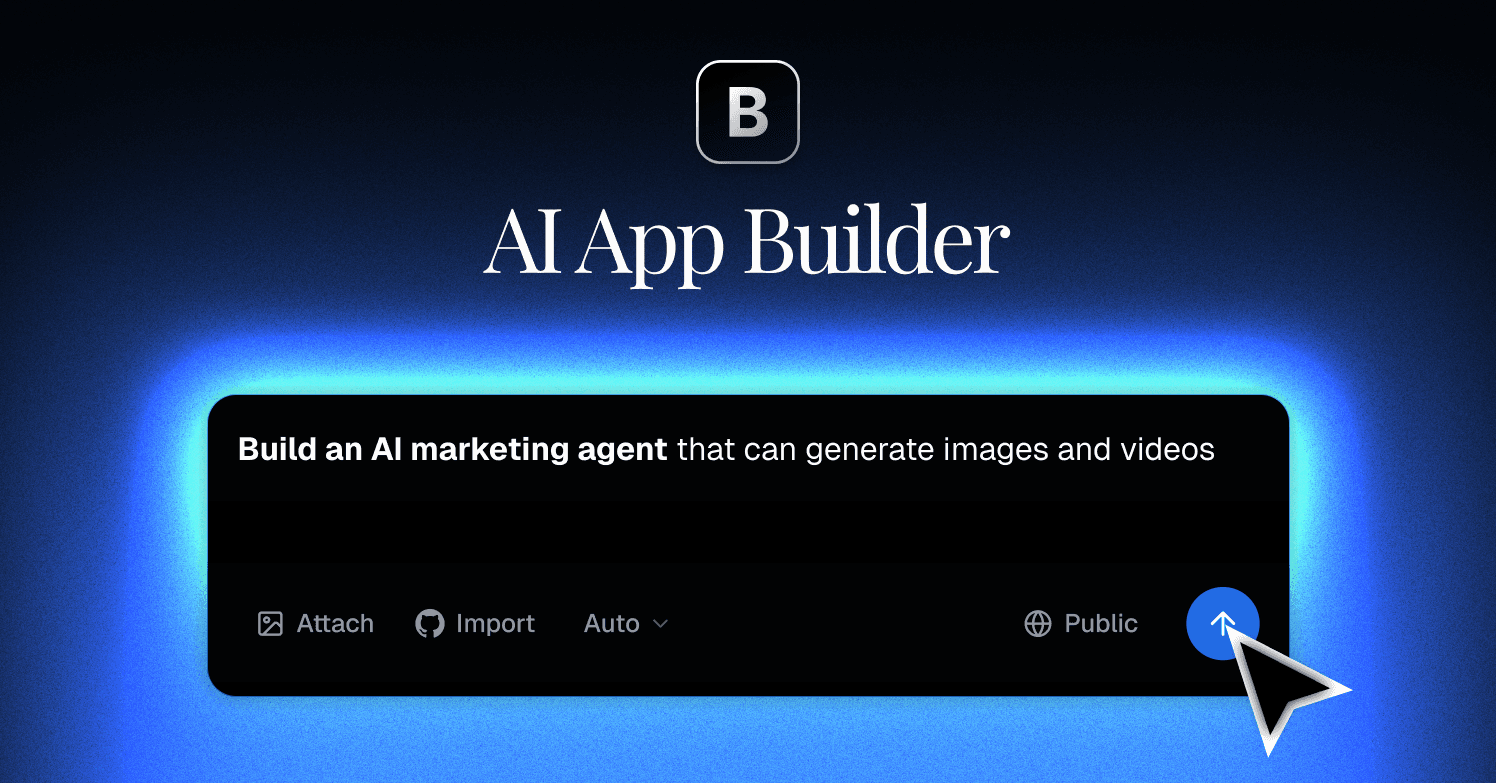

Blink turns a text prompt into a deployed full-stack web application, including database, authentication, and hosting, with no external service accounts required. Built for founders and solo builders who want a live product, not a prototype.
Blink (blink.new) is an AI-powered full-stack app builder founded in 2025 by Kai Feng, a Y Combinator alumnus who previously built 1Flow (YC W22). The platform takes a natural language description and returns a production-ready web application: Postgres database provisioned, user authentication configured, hosting live on a global CDN, and backend logic written, all in a single AI conversation with zero external account setup. It is not a prototyping sandbox; the URL Blink gives you is a real deployed application.
Blink's core offering centers on eliminating the infrastructure gap that trips up other AI app builders. On the Free plan, users get 5 daily refresh credits (capped at 30 per month) to explore the platform. The Starter plan ($25/month) includes 100 plan credits plus daily refreshes, enough for 2-3 solid MVPs per billing cycle. Every plan includes built-in Postgres via Turso, Firebase-backed authentication supporting Google, GitHub, Apple, and Microsoft OAuth plus email/password, file storage, and CDN-delivered hosting with SSL and custom domain support. The AI coding agent can access 200+ models including Claude, GPT-5, Gemini, and DeepSeek to power both the build process and any AI features embedded in the apps it creates.
What Blink actually does in June 2026
The workflow starts with a prompt: describe an app, and Blink's agent generates a React and TypeScript frontend alongside a functioning backend. What distinguishes this from tools like Bolt.new or Lovable is that the backend is not a suggestion or a template. Blink provisions an actual Postgres database, wires authentication flows, configures file storage, and deploys to a live URL before the conversation ends. Users do not connect a Supabase account or configure environment variables. The agent handles it.
As of January 2026, Blink added the Agent Builder, which extends the same prompt-to-app workflow into agentic AI applications: tools that can search the web, execute code in sandboxed Node.js or Python environments, and use a built-in vector database for long-term memory. The Agent Builder launch reached #11 on Product Hunt's monthly January 2026 leaderboard with 557 comments.
Credit costs scale with build complexity. Simple changes like updating a color cost around 0.30 credits; adding authentication to an existing app costs around 1.50 credits; a full e-commerce store with checkout runs 5 or more credits. Hosting consumes credits based on traffic: 50 credits per month for 10,000 visits, 120 credits for 50,000. The platform uses a credit-first ordering: bonus credits deplete first, then daily refresh credits, then plan credits. Unused credits carry over only on the Max plan ($200+/month).
The "vibe coding" framing Blink uses is accurate in the sense that users direct the AI with intent rather than specifications. Zane, an AI tools reviewer at vibecoding.app, built a Personal Finance Tracker with working login, database updates, and custom styling in 45 seconds in January 2026, describing the experience as "feeling like directing a movie, not dragging boxes." Ishraq Haider Chowdhury, writing on DEV Community in November 2025, built a production AI summarizer SaaS with PDF upload, contextual chat memory, Stripe payments, and dark/light mode in under 10 minutes.
"It's like having an entire dev team compressed into one conversation." - Ishraq Haider Chowdhury, DEV Community, November 7, 2025
Where Blink sits versus Bolt.new and Lovable
The technical architecture separating these three tools explains the real tradeoffs.
Bolt.new runs on StackBlitz's WebContainers: a micro-OS built on WebAssembly that executes Node.js inside the browser tab itself. The AI generates code that runs locally in your browser, which gives Bolt a transparency advantage: developers can see terminal output, install npm packages, and inspect file structure in real time. Before Bolt V2 (October 2025), getting a Bolt project to production required exporting code and deploying separately to Vercel or Netlify. Bolt V2 and Bolt Cloud introduced bundled hosting, databases, auth, and edge functions, but these remain configuration steps outside the AI generation flow. The AI assistant does not automatically provision and wire them. Users who want maximum visibility into their generated code and a developer-friendly terminal experience will prefer Bolt.new. Users who want the backend live without any configuration will prefer Blink.
Lovable generates React and TypeScript frontends and relies on Supabase for all backend services. Before Lovable Cloud (launched late 2025), every project required connecting a Supabase account: copying a project URL and API keys, configuring row-level security, and setting up auth providers. Reviewers estimated this added 30-90 minutes of Supabase configuration to each new project. With Lovable Cloud, a Supabase instance is provisioned automatically per workspace, but it remains a separate Supabase account with its own billing: Lovable Pro at $25/month plus Supabase Pro at $25/month equals $50+ per month minimum for a production backend. Lovable produces the most polished frontend output of the three tools, making Lovable the stronger choice for design-led projects. Blink's frontend is competent but less aesthetically refined. Blink's backend is fully integrated and costs nothing extra.
A third point of comparison is Replit, which combines a cloud IDE, deployment, and AI coding assistant. Replit gives developers the most control over their environment and supports the widest range of languages and frameworks. It is closer to a hosted development environment with AI features than a prompt-to-app generator. For non-technical founders who want to describe and deploy without touching an IDE, Blink is faster. For developers who want to iterate in a real coding environment with AI assistance, Replit or Bolt are stronger fits.
The mechanical summary: Bolt builds in-browser via WebAssembly (transparent, developer-oriented, separate deploy step). Lovable wires Supabase externally (beautiful frontend, separate billing, manual Supabase account). Blink bundles everything in-platform (integrated backend, one invoice, less visibility).
What the vibe coding reality looks like
The best case is fast enough to be genuinely surprising. A working MVP (auth, database, UI, and a live URL) in under an hour is a real outcome for straightforward use cases: internal tools, landing pages with waitlist capture, subscription trackers, dashboards, AI-powered SaaS with one or two core features. One tester built a task management SaaS with working Stripe checkout and authentication in 37 minutes with zero configuration.
The harder cases reveal the platform's current limits. Multi-tenant architecture with role-based access control produces buggy logic. Edits can cascade unexpectedly: Zane at vibecoding.app reported requesting that a logout button be moved and losing the entire footer in the process. The AI makes confident large changes rather than surgical small ones, which accelerates simple builds and breaks complex ones. Unlike Bolt, there is no terminal view and no granular file tree visible during generation, so debugging is harder when something goes wrong.
"Requested changes sometimes trigger unexpected deletions. Moving a logout button caused the footer to delete entirely." - Zane, vibecoding.app, January 24, 2026
The credit system adds friction. There is no pre-build credit estimate, so users only discover how many credits an operation consumed after it runs by clicking an info icon on the AI response. Free users burn through the 30-credit monthly cap within one or two small builds. Multiple reviewers note credits deplete faster on Blink than on comparable tools for equivalent feature complexity. One Trustpilot reviewer (May 2026) noted that restarting an agent consumes 180 credits and can fail silently if the wrong AI model is selected, with no documentation warning about this behavior.
The pricing transparency complaint surfaced on Trustpilot as well. The annual billing commitment was reported as nearly invisible during checkout, leading at least one user to subscribe to an annual plan without realizing it. Blink's non-refundable subscription policy makes this consequential. It is worth noting that Trustpilot's sample for blink.new is small: 5 reviews over 12 months as of June 2026, with 80% rated 1 star. The rating skews heavily negative on low volume, while review aggregators like reviewnexa.com rate the tool 9.3/10. The truth is likely in between: a capable tool with rough edges and customer support that has not scaled evenly with the user base.
SOC 2 certification is pending as of June 2026. Teams with compliance requirements should note this before committing production workloads.
Who Blink is built for
Blink's clearest fit is the non-technical founder or solo builder who needs a working product live, not a prototype to hand to a developer. If you have an idea, zero coding background, and need something real enough to show investors or paying users within a day, Blink is among the most capable tools in this category. The fully integrated backend means you are not blocked by Supabase setup or hosting configuration. You describe and deploy.
Solo developers who want to prototype quickly and then refine in a standard IDE also report good results. The pattern: use Blink to generate the structure, download the codebase (Blink gives you full code ownership and export), then use Cursor or a standard editor for refinement. Zane at vibecoding.app described using "Blink first, then Cursor for refinement" as the recommended workflow for developers who want Blink's speed without being locked to its editing interface.
Agencies delivering rapid client deliverables are a reasonable fit, particularly for internal tools and MVPs where polish matters less than functionality. The Pro plan ($50/month, 200 credits plus daily refreshes) is sustainable for 3-4 small projects per month at this use level.
What Blink is not
Blink is not a platform for enterprise workloads requiring HIPAA or SOC 2 compliance. SOC 2 is pending; HIPAA is not mentioned. Healthcare, finance, and other regulated sectors should wait for certification or choose platforms that already carry these certifications.
Blink does not support native mobile app development. The output is web applications. iOS and Android distribution via PWA wrappers or third-party tools like Capacitor is possible in principle, but native mobile builds are outside Blink's current scope. Competitors like Replit offer broader language and platform coverage.
Blink is not the right tool for developers who want maximum code visibility and control. The interface does not expose a file tree or terminal during generation. Debugging a non-obvious failure requires downloading the codebase and inspecting it externally. If seeing every file change and npm install in real time is important to your workflow, Bolt.new's WebContainers architecture gives you that terminal-level transparency that Blink deliberately abstracts away.
Blink is also not a substitute for real infrastructure at high scale. Projects expecting millions of monthly users, complex microservices, or custom cloud provider requirements (AWS GovCloud, Azure, on-premise) are better served by conventional infrastructure with an AI coding assistant layered on top, rather than a vertically integrated app builder.
For users whose needs fit the use case, a working full-stack app in hours without touching infrastructure, billing, or account configuration, Blink delivers on its core promise more completely than most competitors in the category. For everyone else, the limitations are real enough that the honest recommendation is to start with the free tier before committing to a paid plan.
User Reviews
No reviews yet. Be the first to share your experience!
Sign in to write a review.
Related articles
Guides and articles related to Blink.

Replit Pricing Explained (2026): Core vs Pro and Effort-Based Agent Billing

Google Vision AI Explained (2026): Pricing Per 1,000 Units, Free Tier, and Alternatives

15 AI Agent n8n Workflows You Can Build This Weekend (2026)

The Boring B2B AI Agent Niches That Actually Pay (2026)
Auto-Build Weekly Client Status Reports From Slack, Asana, GitHub & Stripe (2026)