Google Vision AI Explained (2026): Pricing Per 1,000 Units, Free Tier, and Alternatives

Google Vision AI Explained (2026): Pricing Per 1,000 Units, Free Tier, and Alternatives
Google Vision AI's pricing page confuses more buyers than any comparable API because it bills per feature, not per image. One image analyzed for both text and labels costs two units, not one, and that single detail breaks most first-draft cost estimates. This guide explains what Vision AI does, how the unit math actually works in 2026, what stays free forever, and when an OCR-focused alternative is the better buy.
TL;DR
First 1,000 units per month are free, permanently
Common features cost $1.50 per 1,000 units after that
Billing is per feature applied, not per image
New customers get $300 in credits
Dedicated OCR tools beat it on documents at scale
What is Google Vision AI?
Google Vision AI (the Cloud Vision API) is Google Cloud's image-analysis API. You send it an image and it returns structured data: detected text (OCR), labels describing the content, faces and their attributes, logos, landmarks, explicit-content flags, and object locations with bounding boxes.
Like Amazon Translate on the language side, it is infrastructure for builders, not an end-user app. Typical production uses: extracting text from receipts and IDs, auto-tagging photo libraries, moderating user uploads, and detecting products in shelf photography. If you searched "google vision ai" wanting to analyze a handful of images manually, the free drag-and-drop demo on the product page does that without any setup.
How does Google Vision AI pricing work in 2026?

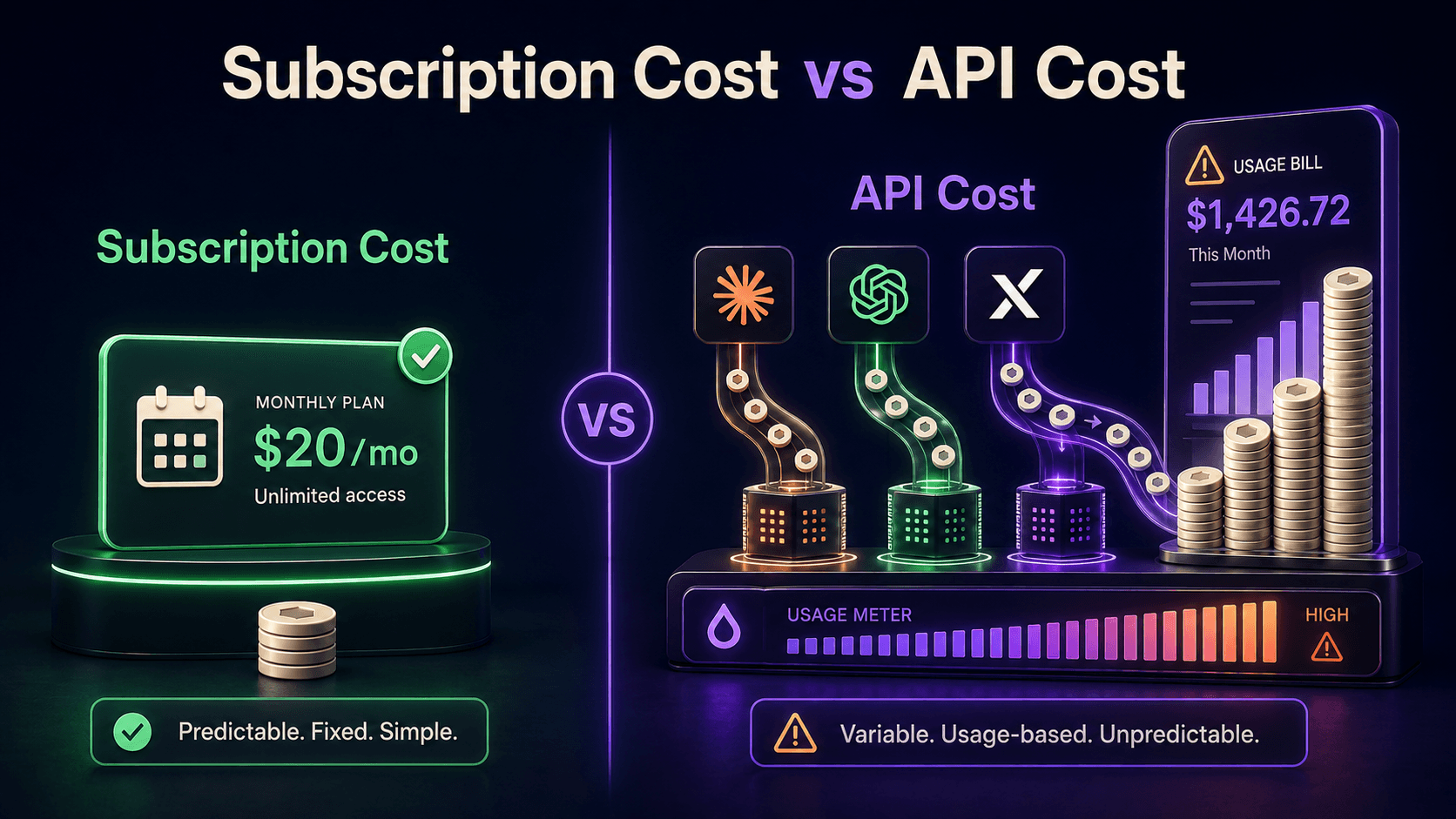
Pricing is per 1,000 units, where one unit equals one feature applied to one image. The first 1,000 units each month are free forever, then most common features cost $1.50 per 1,000 units in the standard tier covering units 1,001 to 5,000,000 per month, per the official pricing page.
Feature | Price per 1,000 units (1,001 to 5M) |
|---|---|
Label detection | $1.50 |
Text detection (OCR) | $1.50 |
Document text detection (dense OCR) | $1.50 |
Face detection | $1.50 |
Object localization | $2.25 |
Web detection | $3.50 |
The two rules that fix most budget surprises: every feature counts separately (text plus labels on one image is two units), and volumes above 5 million units per month drop to cheaper tiers. New Google Cloud customers also get $300 in credits usable on Vision, per BuildMVPFast's 2026 cost breakdown.
What does a real workload cost?
A worked example makes the unit math concrete. Suppose you process 100,000 receipt images per month, running document text detection plus label detection on each. That is 200,000 units. The first 1,000 are free; the remaining 199,000 bill at $1.50 per 1,000, which is about $299 per month.
Drop the label detection (you usually do not need it for receipts) and the same volume costs about $149. Per-feature billing punishes "just run everything" configurations: most pipelines need one, maybe two features per image. Audit which features your code actually requests; it is the single biggest Vision AI cost lever.
What is Google Vision AI good at, and where does it struggle?
It is strong at general-purpose recognition: clean OCR on photos and scans, broad label vocabulary, reliable face and landmark detection, and the web-detection feature that finds visually similar images across the web. Latency and uptime are what you expect from Google Cloud.
It struggles, relative to specialists, on structured document extraction. Vision OCR gives you the text and coordinates; it does not natively give you "invoice number, line items, totals" as fields. Google sells Document AI separately for that, and dedicated document-parsing tools often beat both on price-to-outcome for forms-heavy workloads, a pattern PDNob's 2026 OCR guide documents in detail. Handwriting, low-light photos, and exotic layouts also remain hit-or-miss across every vendor.
When should you pick an alternative?
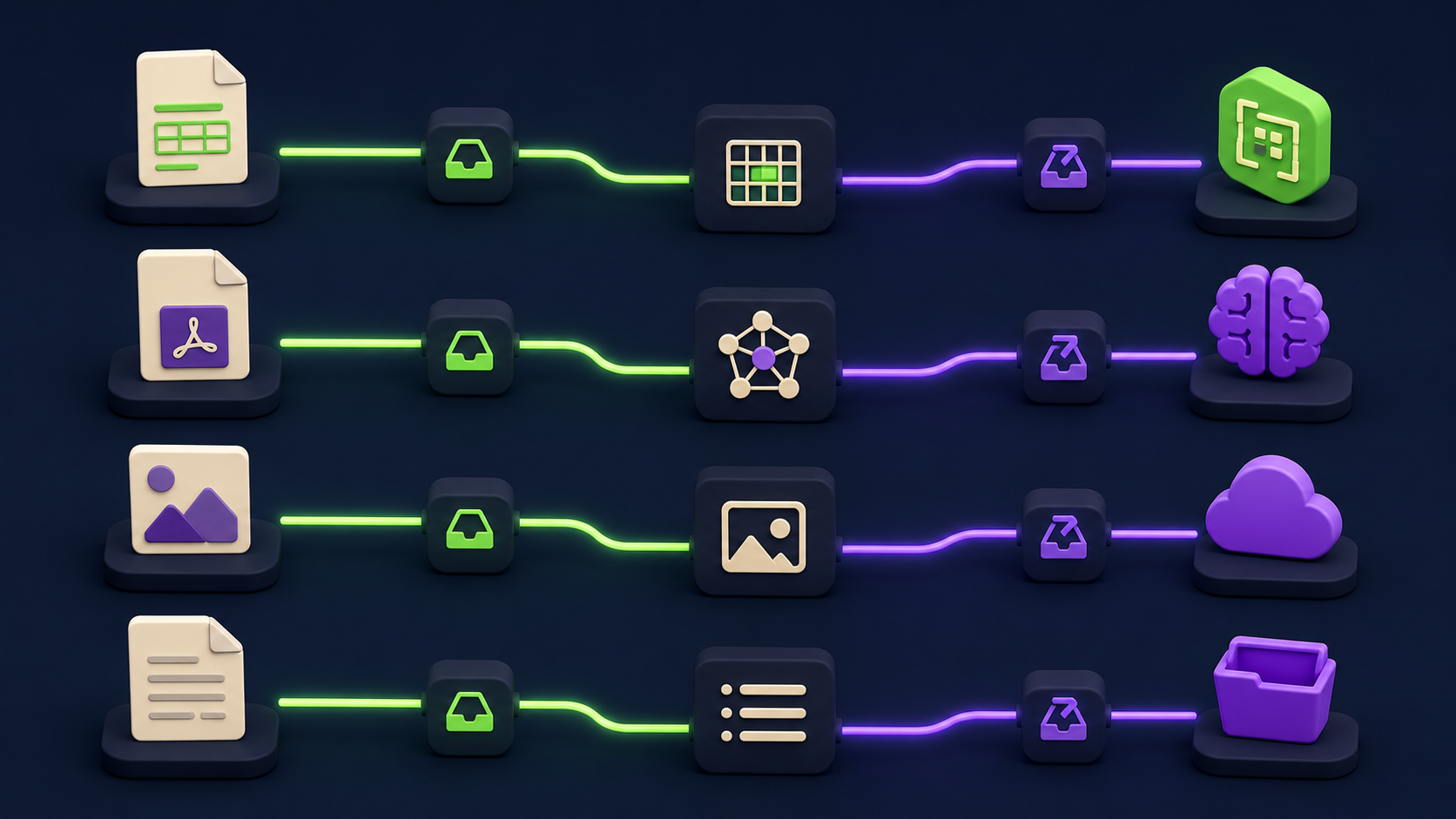
Match the tool to the extraction job:
Structured documents (invoices, forms, receipts) at scale: Nanonets trains field-level extraction models without ML work on your side, returning the fields, not just the text.
PDF-heavy pipelines feeding LLMs: LlamaParse converts complex PDFs (tables, multi-column layouts) into LLM-ready structure better than raw OCR.
High-accuracy document parsing for production apps: Reducto targets exactly the document-understanding gap between OCR output and usable data.
General image understanding inside Google Cloud: Vision AI itself, especially when IAM, BigQuery, and the rest of your stack are already there.
Multimodal reasoning about images: a frontier LLM with vision answers questions about images rather than returning detection primitives; costlier per image, far more flexible per answer.
How do you keep Vision AI costs down?
Four levers, in order of impact. Request only the features you use: per-feature billing means every unnecessary feature is a 100% surcharge on that image. Pre-filter images client-side: skip blanks, duplicates, and sub-threshold quality before they hit the API. Batch asynchronous workloads so retries do not double-bill hot paths. And re-check the tier table when you cross 5 million units, because the volume discount does not apply itself to your architecture decisions; sustained high volume can also justify a Document AI or custom-model comparison.
FAQ
Is Google Vision AI free?
The first 1,000 units per month are free permanently, and new Google Cloud customers get $300 in credits. Beyond that, common features cost $1.50 per 1,000 units. Light usage, a few dozen images a day with one feature, can stay free indefinitely.
What counts as a unit?
One feature applied to one image. OCR on 1,000 images is 1,000 units. OCR plus labels on the same 1,000 images is 2,000 units. This per-feature rule is the most common source of billing surprises.
Is Vision AI the same as Google Lens?
No. Lens is the consumer app experience. Vision AI is the developer API that returns structured results your code can use. They share underlying technology but solve different problems.
How good is the OCR compared to dedicated tools?
Strong on general text in photos and clean scans. For structured fields from forms and invoices, dedicated extractors like Nanonets or document parsers like LlamaParse and Reducto produce usable data with less post-processing.
Does Vision AI work for content moderation?
Yes, SafeSearch detection flags explicit content categories per image at standard unit pricing. Most production moderation stacks pair it with human review for borderline cases.
Compare these tools side by side
Vantaige tracks 540+ AI tools with pricing, use cases, and alternatives. Browse the directory and create a free account to save tools to a shortlist and compare vision and OCR options before you commit.
Related from Vantaige
References
Google Cloud, "Pricing | Cloud Vision API." cloud.google.com/vision/pricing
BuildMVPFast, "Google Cloud Vision Pricing 2026: OCR Cost Per 1000 Units and Alternatives." buildmvpfast.com
PDNob, "Mastering Google Cloud Vision OCR: API, Pricing, and 2026 Tools." pdnob.com
Capterra, "Google Cloud Vision API Pricing 2026." capterra.com
G2, "Google Cloud Vision API Pricing 2026." g2.com
Get the best new AI tools and guides, weekly
One short email a week. The tools worth trying, the guides worth reading, nothing else.
No spam. Unsubscribe anytime.
Aymen B
Contributing writer at Vantaige, covering the AI tools ecosystem.