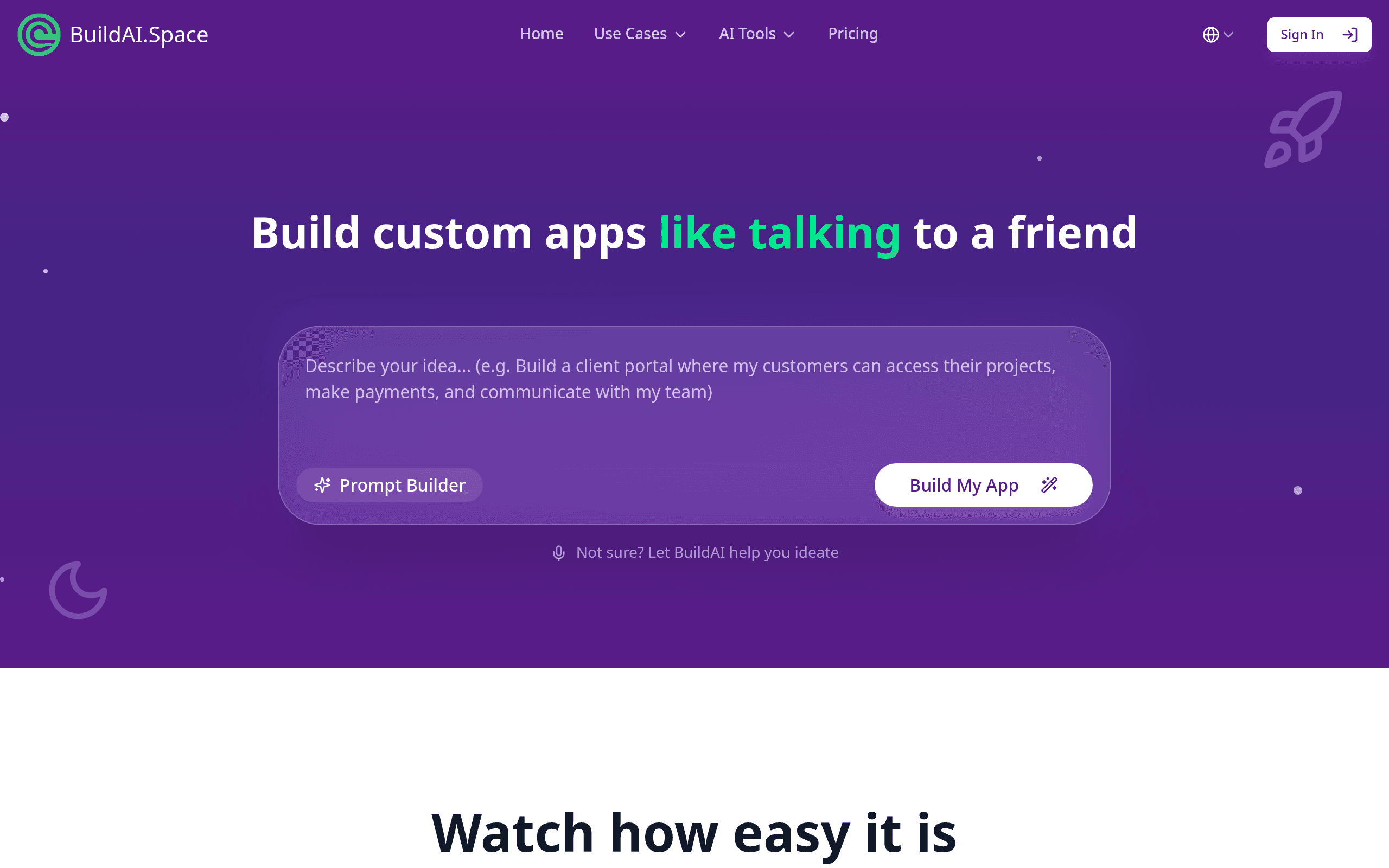

Build AI lets non-technical teams create and deploy custom AI web applications using simple text prompts. Marketing and operations staff can build tools like internal document searchers in minutes. The platform handles hosting, but users cannot customize the underlying HTML or CSS structure.
What is Build AI?
A marketing manager needs a custom lead scoring tool but lacks a development team. Instead of waiting weeks for engineering resources, they type a paragraph describing the logic into a text box. Sixty seconds later, they have a live, shareable web application.
Build AI Inc. developed this platform to solve the bottleneck between AI capabilities and non-technical business users. The software targets marketing teams, customer support managers, and solo founders who need custom AI utilities fast.
- Primary Use Case: Creating custom AI web apps from text prompts.
- Ideal For: Non-technical business operators and marketing teams.
- Pricing: Starts at $15 (freemium) – Affordable entry point for basic text-transformation tools.
Key Features and How Build AI Works
App Generation and Logic
- No-code builder: Generates functional web apps from text instructions. Limit: Fails at complex multi-step reasoning.
- Model selection: Lets users choose underlying LLMs like GPT-4o. Limit: Tied to the specific models the platform supports.
- File support: Accepts PDF or TXT uploads for context. Limit: File size and upload credits depend on the pricing tier.
Deployment and Integration
- Embeddable widgets: Provides iframe snippets for website integration. Limit: Iframe styling clashes with host site CSS.
- Zapier connection: Sends app outputs to over 5,000 external services. Limit: Requires a separate paid Zapier account for high volume.
- API Integration: Connects generated apps to external REST endpoints. Limit: Requires basic understanding of API structures.
Security and Branding
- Custom UI styling: Modifies colors and fonts to match corporate branding. Limit: Users cannot edit the raw HTML structure.
- Password protection: Secures internal tools with basic authentication. Limit: Single Sign-On requires the highest Enterprise+ tier.
- White-labeling: Removes platform branding from the final app. Limit: Only available on higher-tier paid plans.
Build AI Pros and Cons
Pros
- Rapid deployment allows users to go from a text prompt to a live URL in under a minute.
- Zero coding requirements make the platform accessible to business users without technical backgrounds.
- Clean default designs ensure generated applications look professional and adapt to mobile screens.
- Managed hosting keeps applications online and responsive during unexpected traffic spikes.
Cons
- The system struggles with complex multi-step reasoning or advanced mathematical logic.
- Users cannot customize the HTML or CSS structure of their generated applications.
- Minor changes in setup instructions cause unpredictable shifts in application behavior.
- The pricing gap between the free tier and paid plans creates friction for individual users.
Who Should Use Build AI?
- Marketing Teams: Create custom content generators or social media caption writers for internal use.
- Customer Support Managers: Build automated email response drafters based on company documentation.
- Solo Founders: Validate product ideas by launching functional AI prototypes in minutes.
- Not for Enterprise Developers: Engineering teams needing deep code access and custom database integrations should avoid this platform.
Build AI Pricing and Plans
The platform uses a freemium model. The free tier acts as a trial, offering basic access but restricting usage.
- Free: $0/mo. Includes 5 meetings per month, live notes, and basic summaries.
- Pro: $15/mo (billed annually) or $19.75/mo. Unlimited transcripts, 100 file upload credits, and premium integrations.
- Enterprise: $22.50/mo (billed annually) or $29.75/mo. Video playback, highlights, and 200 file upload credits.
- Enterprise+: $29.75/mo (billed annually) or $39.75/mo. HIPAA compliance, SSO, and 300 file upload credits.
The pricing gap between the free tier and paid plans creates friction for casual users.
How Build AI Compares to Alternatives
Similar to MindStudio, Build AI targets non-technical users wanting custom AI applications. MindStudio offers a visual canvas for mapping out complex logic flows. Build AI relies on a single text prompt to generate the entire interface. Users who need strict control over multi-step AI reasoning prefer MindStudio.
Unlike Brancher.ai, Build AI includes specific enterprise features like HIPAA compliance and SSO on its highest tier. Brancher.ai focuses on connecting multiple AI models together for creative projects. Build AI serves corporate environments well due to its security options and Zapier integrations.
The Verdict for Non-Technical Operators
Build AI works best for marketing and operations teams needing fast internal utilities.
The text-to-app generation saves hours of manual setup.
Users hit a wall if they need complex custom layouts (we tested this by trying to inject custom CSS).
The rigid HTML structure prevents deep customization.
If you require granular control over application logic and database connections, look elsewhere. Retool AI provides the developer-focused environment necessary for those complex builds.
User Reviews
No reviews yet. Be the first to share your experience!
Sign in to write a review.
Related articles
Guides and articles related to Build AI.

The Personal AI Productivity Stack (2026): One Tool Per Job, Nothing Extra

Google Vision AI Explained (2026): Pricing Per 1,000 Units, Free Tier, and Alternatives

Replit Pricing Explained (2026): Core vs Pro and Effort-Based Agent Billing

Build and Sell AI Automations as a Service: The Operator Playbook (2026)

The Boring B2B AI Agent Niches That Actually Pay (2026)