The Personal AI Productivity Stack (2026): One Tool Per Job, Nothing Extra

The Personal AI Productivity Stack (2026): One Tool Per Job, Nothing Extra
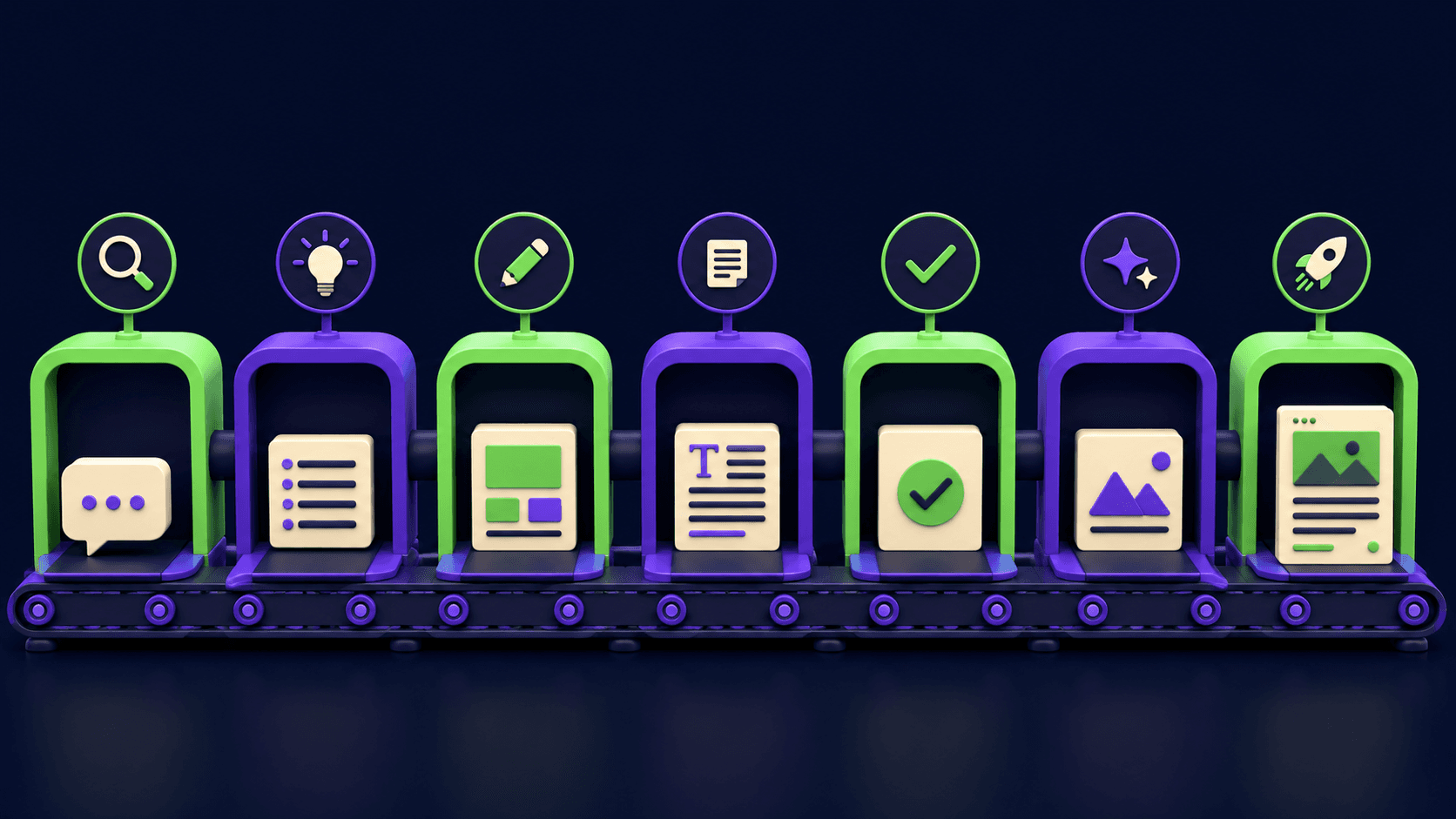
Most personal AI tool lists are 40 logos deep and useless by item 12. A working stack is smaller: one tool per job, chosen so they hand off to each other. This guide builds that stack for 2026 across the six jobs that actually consume a knowledge worker's week: calendar, meetings, notes, voice capture, reading, and recall. Every pick has a stated reason and a named runner-up, so you can swap by preference without breaking the system.
TL;DR
Six jobs cover most personal productivity: schedule, meet, note, capture, read, recall
One tool per job beats overlapping subscriptions
Reclaim defends focus time automatically on Google Calendar
Granola took the meeting-notes crown for unobtrusiveness
The whole stack runs under typical two-tool enterprise pricing
What belongs in a personal AI stack?
A personal AI productivity stack is the small set of AI tools that manage your individual workflow: time, meetings, notes, and information, as opposed to team platforms your company picks for you. The test for inclusion is daily touch: if a tool does not earn an interaction most working days, it is subscription clutter.
The six-job frame below exists because tools in this category sprawl: every notes app adds meeting transcription, every meeting tool adds tasks. Choosing per job, then disabling the overlap features, keeps each tool doing the thing it is best at and keeps your data findable in one predictable place per type.
Which AI tool should run your calendar?
Reclaim is the pick. It sits on Google Calendar and automatically defends focus blocks, schedules habits, and reshuffles lower-priority holds when conflicts land, which converts your task list's time requirements into actual calendar reality without manual Tetris.
The reason it beats manual scheduling is enforcement: a focus block you place yourself silently loses to every incoming invite, while Reclaim re-defends and re-places it. Runner-up: calendar features inside Notion if you want fewer tools and weaker enforcement.
What should take your meeting notes?
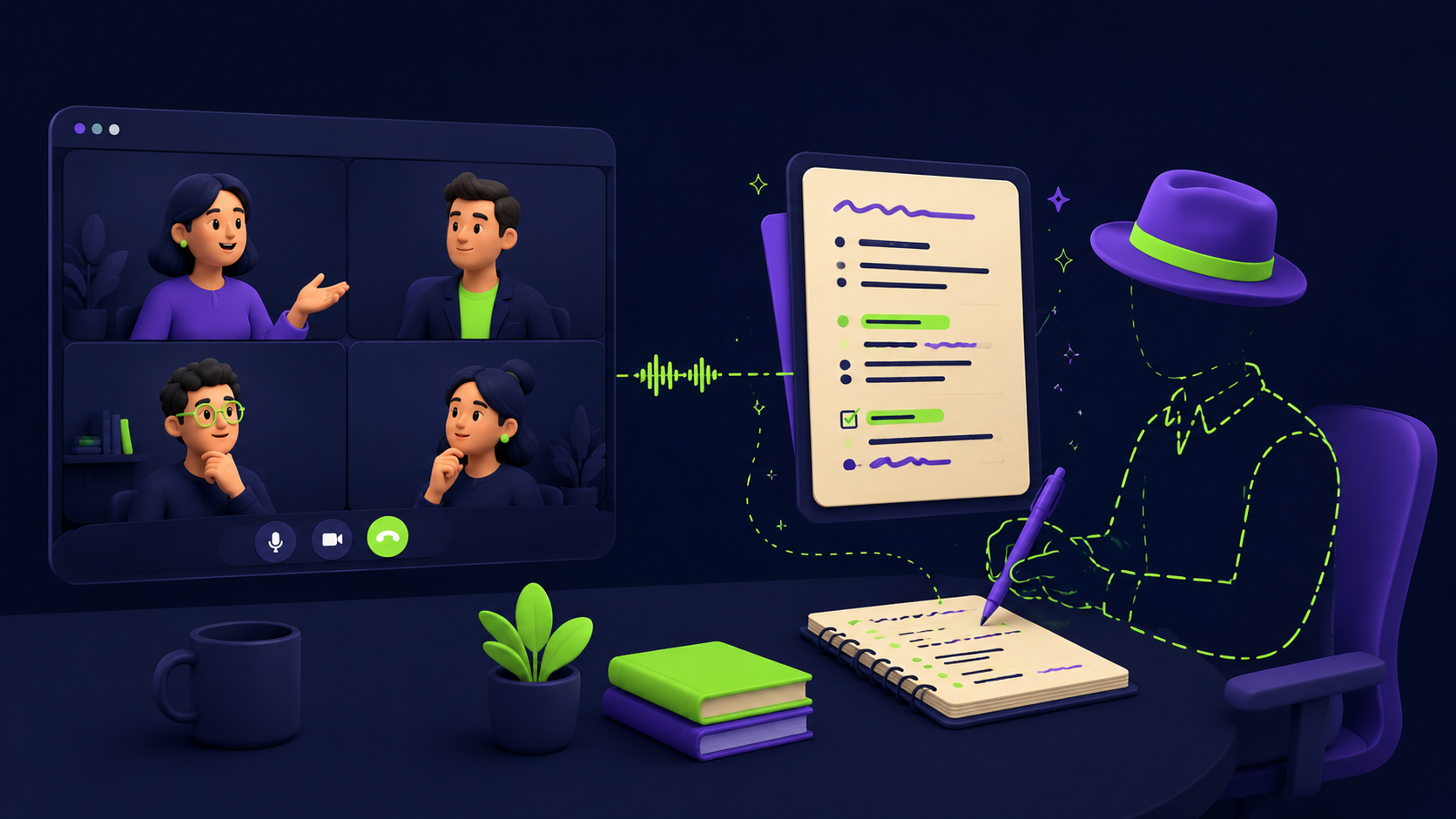
Granola is the current standard for one reason: no bot joins the call. It transcribes locally from system audio and blends AI notes with the fragments you type yourself, producing minutes that read like yours instead of a generic summary. For client-facing work where a visible recorder changes the room, that design wins.
Runner-up: Otter, the long-running default with deep search across your meeting history; Fellow when you want meeting notes fused with agendas and action-item accountability across a team.
Where should your notes and thinking live?
Two philosophies, pick by temperament. Obsidian for local-first Markdown you own forever, with AI added on your terms via plugins; it rewards structure-builders and survives every vendor pivot. Notion for the all-in-one workspace where AI drafts, summarizes, and queries across your pages; it rewards people who want one searchable surface for everything.
Third paths worth knowing: Capacities for object-based notes (every meeting, person, and book is a typed object), and Tana for supertag-driven structure that turns notes into a queryable database as a side effect of writing.
How do you capture thoughts away from the keyboard?
Plaud Note covers physical capture: a card-thin recorder that transcribes and summarizes voice memos and calls, which makes it the commute-and-corridor input device for the rest of the stack. The workflow that sticks: speak the thought, let the summary land, file it into your notes app during the daily review.
Software-only runner-up: voice capture in Otter or your notes app's mobile dictation; less friction to start, weaker batting average on long rambles.
What handles reading, browsing, and recall?
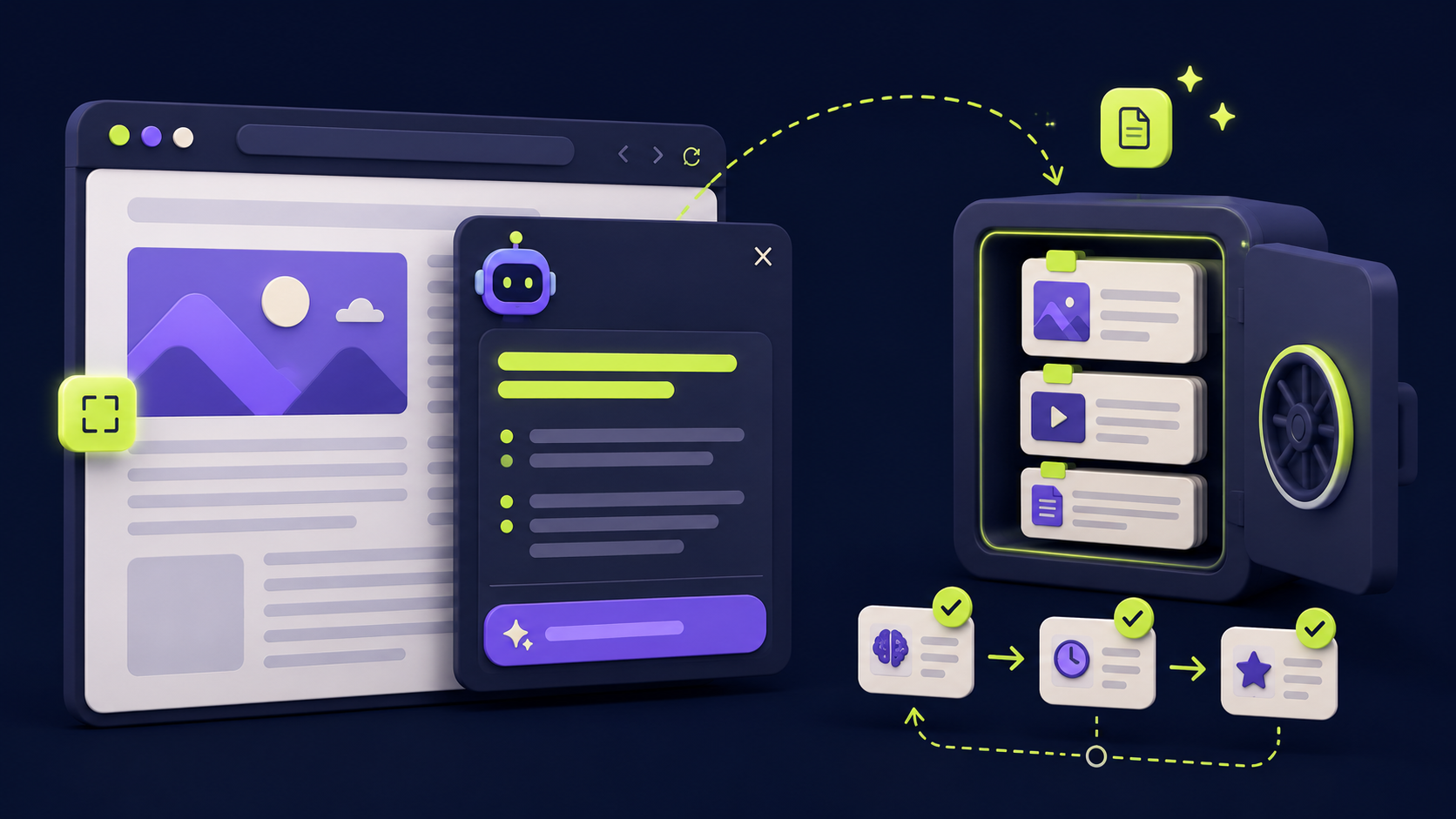
Three light tools close the loop. MaxAI puts summarize-explain-rewrite actions on every page and PDF in the browser, the highest-frequency micro-tool in the stack. mymind is the zero-folder save-everything visual memory: clip it and trust search. Recall summarizes content you consume and, crucially, resurfaces it with spaced review, which converts reading from intake into retention.
If you only adopt one of the three, take the browser copilot: per-interaction value is small, but frequency makes it the biggest cumulative time saver in this section.
What does the full stack look like assembled?
Job | Pick | Why it wins | Runner-up |
|---|---|---|---|
Calendar defense | Auto-defends focus time against invites | Notion calendar | |
Meeting notes | No bot in the call, notes read like yours | ||
Notes and thinking | Ownership vs all-in-one, by temperament | ||
Voice capture | Hardware capture anywhere, auto-summarized | Otter mobile | |
Browser copilot | Highest-frequency micro-assists | Built-in browser AI | |
Memory and recall | Zero-filing saves, spaced resurfacing | Notes-app clipper |
Adoption order that works: calendar first (instant, visible win), meetings second, then notes, then the capture-and-recall layer. One tool per fortnight beats six in a weekend; each needs its habit to form before the next lands. When you outgrow personal tooling and want these jobs automated end to end, that is the moment for workflow automation, the territory of our inbox triage build and the 15 weekend n8n workflows.
FAQ
What are the best personal AI tools in 2026?
By job: Reclaim for calendar, Granola for meeting notes, Obsidian or Notion for notes, Plaud Note for voice capture, MaxAI in the browser, mymind plus Recall for memory. The six-job table above includes runners-up for each slot.
How much does a full personal AI stack cost?
Most of these tools run free tiers or single-digit-to-low-double-digit monthly plans, and several (Obsidian core, browser AI basics) are free. Check each tool's current pricing page; the point of the one-per-job rule is that the total stays below what overlapping duplicates would cost.
Notion AI or Obsidian: which should I pick?
Notion if you want one connected workspace with AI built in and accept vendor dependence. Obsidian if you want local Markdown files you own outright and prefer adding AI via plugins. Temperament decides this one, not features.
Are AI meeting notetakers safe for confidential calls?
Check three things: where audio is processed (Granola's local system-audio approach differs from cloud bots), your company's recording policy, and consent rules in two-party states. For sensitive calls, disclose or take manual notes.
What is the single best first tool to adopt?
The calendar layer. Reclaim produces a visible win in week one (focus blocks that survive), which builds the habit momentum for the rest of the stack.
Compare these tools side by side
Vantaige tracks 540+ AI tools with pricing, use cases, and alternatives. Browse the directory and create a free account to save tools to a shortlist and build your own stack from the six-job frame.
Related from Vantaige
References
Reclaim, product documentation. reclaim.ai
Granola, product site. granola.ai
Obsidian, official site. obsidian.md
Plaud, Plaud Note product page. plaud.ai
Recall, product site. getrecall.ai
Get the best new AI tools and guides, weekly
One short email a week. The tools worth trying, the guides worth reading, nothing else.
No spam. Unsubscribe anytime.
Aymen B
Contributing writer at Vantaige, covering the AI tools ecosystem.