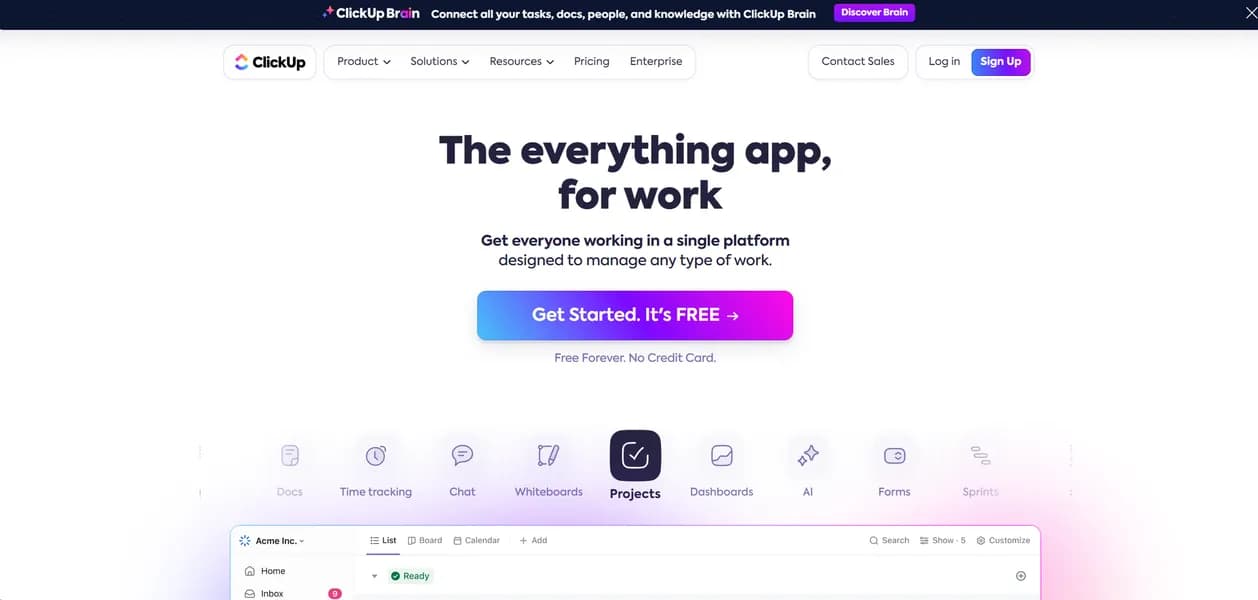

ClickUp is a unified productivity platform that combines project management, document collaboration, and AI automation. It helps teams replace multiple apps by centralizing workflows into one workspace. While the custom task statuses offer great flexibility, the sheer volume of features overwhelms new users during initial setup.
What is ClickUp?
ClickUp is a heavy work management platform that attempts to replace every other productivity app on your computer. It combines task tracking, document editing, and resource allocation into a single interface.
ClickUp, Inc. developed this project management software to solve the problem of fragmented team communication. It targets mid-sized agencies and software development teams who need strict control over complex Agile sprints.
- Primary Use Case: Managing complex software development sprints with integrated GitHub tracking.
- Ideal For: Mid-sized agencies and development teams needing high customizability.
- Pricing: Starts at $7 (freemium): The Unlimited plan offers cheap access to Gantt charts and unlimited storage.
Key Features and How ClickUp Works
Visual Workflow Management
- Multiple Views: Access 15 views including List, Board, Gantt, and Calendar (limited to 60 uses on the Free plan).
- Whiteboards: Create real-time collaborative canvases for brainstorming (limited to 3 whiteboards on the Free plan).
AI and Automation
- ClickUp Brain: Generate project summaries and retrieve data using an AI assistant (costs an extra $7 per user monthly for 1500 credits).
- Automations: Build custom triggers and actions to update task statuses (capped at 100 actions per month on the Free plan).
Organization and Tracking
- Hierarchy System: Organize work using Workspaces, Spaces, Folders, Lists, and Tasks (Free plan limits users to 5 Spaces).
- Time Tracking: Record billable hours using a built-in global timer (advanced reporting requires the $12 Business plan).
ClickUp Pros and Cons
Pros
- High Customizability: Users can tailor almost every aspect of the interface to fit specific niche workflows.
- Feature Density: Replaces multiple standalone apps like Jira, Slack, and Trello within a single subscription.
- Generous Free Tier: Offers unlimited tasks and members, which is rare among enterprise competitors.
- Centralized Communication: Comment threads and nested replies keep project discussions contextually linked to specific tasks.
Cons
- Steep Learning Curve: The sheer volume of features and settings overwhelms new users during initial setup.
- Performance Lag: Users report slow loading times and UI stuttering when managing large workspaces.
- Notification Overload: Default settings trigger excessive email and in-app alerts that require manual tuning.
Who Should Use ClickUp?
- Agile Development Teams: Software engineers benefit from native GitHub integrations and custom sprint dashboards.
- Marketing Agencies: Account managers can track client deliverables and billable hours in one centralized location.
- Solo Freelancers: Independent workers will likely find the complex hierarchy system too heavy for simple task lists. This tool is not a good fit for basic personal use.
ClickUp Pricing and Plans
The Free Forever plan costs $0 per month. It includes unlimited tasks and members but restricts storage to 100MB and limits key features to 60 uses. This is a real free tier for basic use, not just a trial.
The Unlimited plan costs $7 per user monthly when billed annually. It unlocks unlimited storage, spaces, integrations, and Gantt charts.
The Business plan costs $12 per user monthly. It adds Google SSO, advanced automations, workload management, and time tracking.
The Enterprise plan uses custom pricing. It provides white labeling, HIPAA compliance, and a dedicated success manager.
The Brain AI add-on costs $7 per user monthly. This provides 1500 credits for AI writing and chat functions.
How ClickUp Compares to Alternatives
Similar to Monday.com, ClickUp offers visual project tracking and custom dashboards. Unlike Monday.com, ClickUp includes a built-in document editor and a much more generous free tier. Monday.com loads faster and offers a cleaner interface for non-technical users.
Compared to Asana, ClickUp provides more native features like time tracking and mind maps. Asana focuses on simple list and board views, making it easier for beginners to adopt. ClickUp wins on pricing, as Asana charges much more for its premium tiers.
The Ideal User for ClickUp
ClickUp delivers the most value to technical teams who want to consolidate their software stack. If you hate paying separate subscriptions for Jira, Trello, and Slack, this platform solves that problem.
Simple teams should look elsewhere.
If you just need a basic task list, Asana is a much better alternative (and your team will complain less about the interface).
Expect ClickUp to integrate its Brain AI deeper into the core platform over the next 12 months, automating entire project setups without human input.
User Reviews
No reviews yet. Be the first to share your experience!
Sign in to write a review.
Related articles
Guides and articles related to ClickUp.

The Personal AI Productivity Stack (2026): One Tool Per Job, Nothing Extra
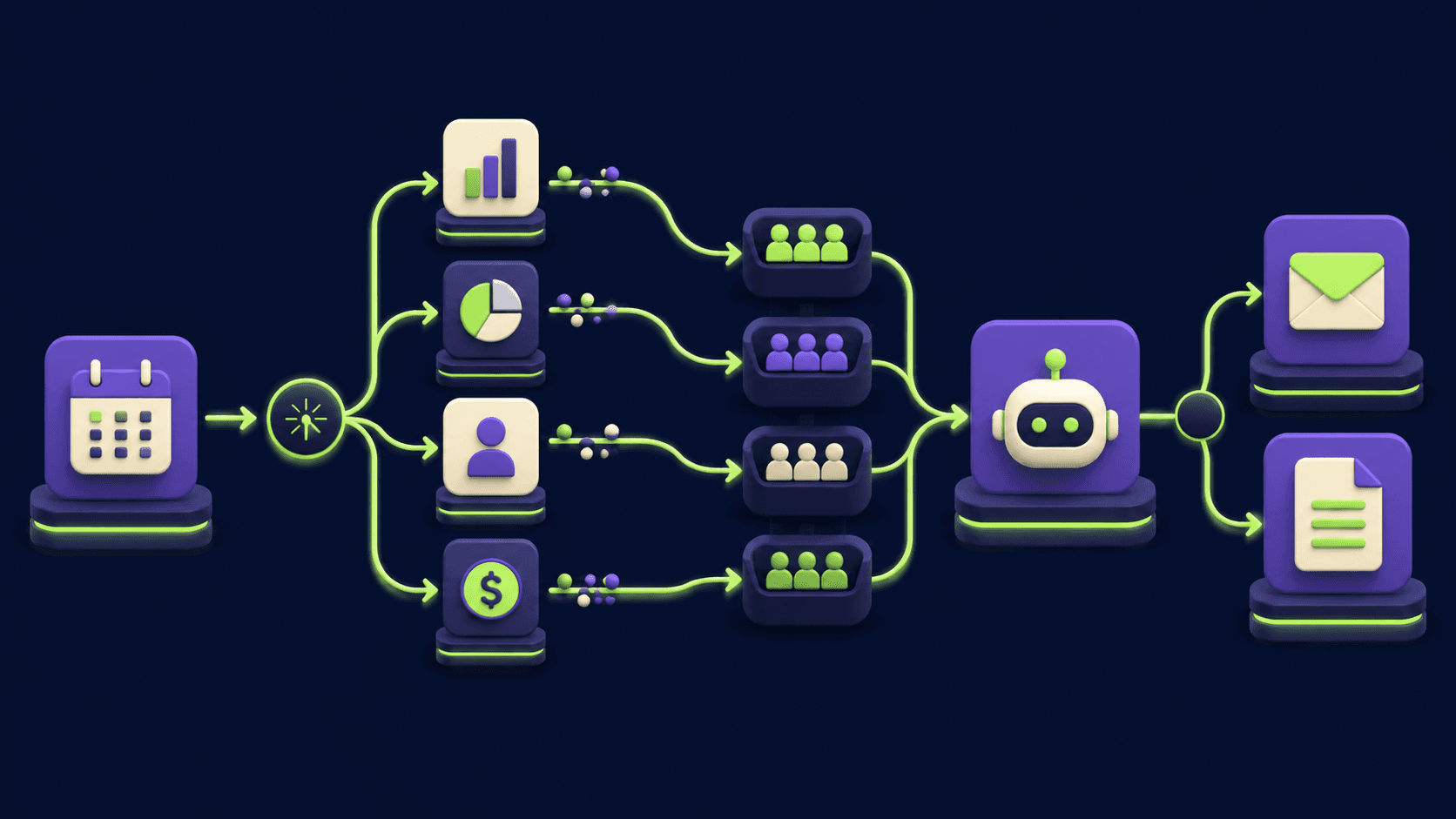
Auto-Build Weekly Client Status Reports From Slack, Asana, GitHub & Stripe (2026)

15 AI Agent n8n Workflows You Can Build This Weekend (2026)

Replace 6 SaaS Subscriptions With 4 n8n AI Agents (2026)
AI Agents for Business: What They Actually Are and 12 Things You Can Automate Today