
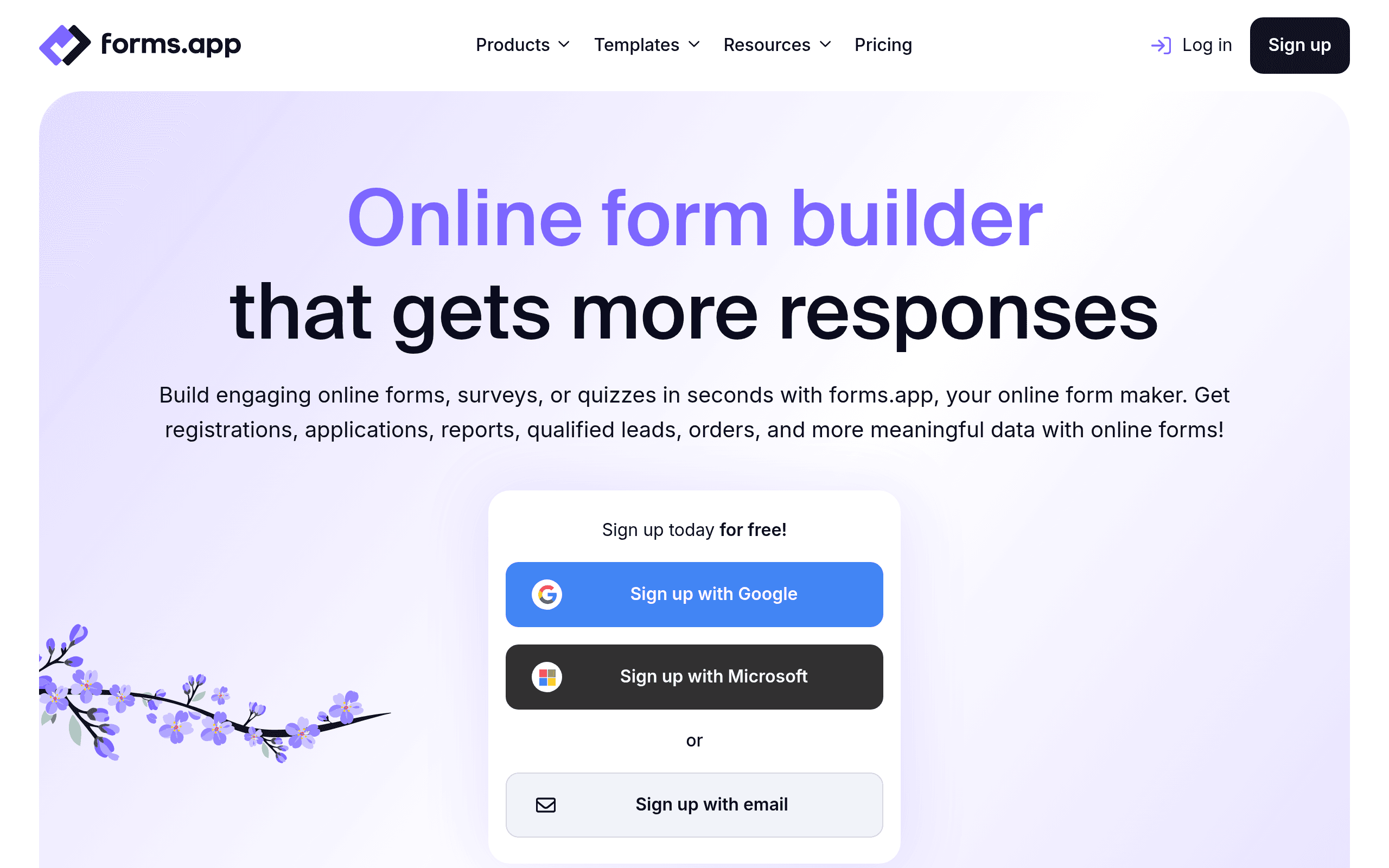

forms.app is an AI-powered form builder designed for small businesses and solo creators. It generates complete surveys and payment forms from simple text prompts. While the mobile-first design makes creation easy, low submission limits on the free tier force high-volume users to upgrade.
What is forms.app?
Most users expect AI form builders to write a simple list of questions. forms.app builds the entire logic structure and layout based on a single text prompt. You type a request for a customer satisfaction survey, and the tool generates the rating scales and conditional follow-up questions.
Developed by Formsapp Yazılım ve Pazarlama A.Ş., this platform targets small business owners and solo creators who need to collect data or payments. It removes the technical friction of building complex forms. However, high-volume users will hit the free tier submission limits fast.
- Primary Use Case: Generating conditional logic surveys and payment forms via AI text prompts.
- Ideal For: Small business owners and solo creators.
- Pricing: Starts at $29 per month (Freemium). The free tier includes advanced features but restricts submission volume.
Key Features and How forms.app Works
AI Form Generation
- Prompt-to-Form Builder: Type a description of your desired form, and the AI creates the fields, questions, and layout. Limit: AI generation is available on the free tier, but total form views are capped.
- Template Library: Access over 1,000 pre-made designs categorized by industry. Limit: Some premium templates require a paid subscription.
Payment and E-commerce Tools
- Native Payment Gateways: Connect Stripe, PayPal, Iyzico, or Razorpay directly to your form. Limit: Transaction fees apply based on your payment processor (though forms.app does not take an extra cut).
- Product Basket: Add a shopping cart feature for simple e-commerce orders. Limit: Managing large inventories is difficult without a dedicated e-commerce platform.
Logic and Calculations
- Conditional Logic: Show or hide specific fields based on previous user answers. Limit: Complex logic trees become difficult to manage on smaller mobile screens.
- Calculator Tool: Assign numerical values to answers to calculate scores or prices in real time. Limit: Advanced mathematical functions are restricted to the Pro plan.
forms.app Pros and Cons
Pros
- The mobile-first design allows users to build and manage forms on a smartphone.
- AI generation cuts setup time by drafting relevant questions from a single descriptive prompt.
- The free tier includes access to advanced features like conditional logic and payment integrations.
- A clean user interface requires zero coding knowledge to set up complex calculation logic.
Cons
- Submission limits on the free and basic plans are low compared to Google Forms.
- The prominent branding requires a paid subscription to remove.
- Advanced data visualization tools are weaker than those found in specialized survey platforms.
Who Should Use forms.app?
- Mobile Creators: Users who run their business from a smartphone will appreciate the fully functional mobile app.
- Small E-commerce Sellers: Solo vendors can collect payments via Stripe or PayPal without building a full website.
- Enterprise Data Teams: This tool is not a good fit for large organizations that require advanced reporting and massive submission volumes.
forms.app Pricing and Plans
The platform uses a freemium model.
The Free Plan costs $0 per month and includes AI form generation, but limits you to 100 responses per month.
The Basic Plan costs $29 per month. It increases your response limit and unlocks mobile design customization.
The Pro Plan costs $19 per month (pricing varies based on promotional billing cycles). This tier adds complex calculations, payment integrations, and higher submission caps.
How forms.app Compares to Alternatives
Similar to Typeform, forms.app focuses on design and user experience. Typeform forces a one-question-at-a-time layout, which increases engagement but frustrates some users. forms.app offers more layout flexibility, allowing standard scrolling forms alongside interactive quizzes.
Unlike Jotform, this tool prioritizes mobile creation and AI generation. Jotform offers a massive ecosystem of widgets and enterprise compliance features. forms.app keeps the interface simpler, making it better for beginners but less capable for complex enterprise workflows.
The Best AI Form Builder for Mobile-First Creators
forms.app delivers excellent value for solo business owners who need to build payment forms.
The AI generator works well.
Large organizations needing advanced analytics should look elsewhere. SurveyMonkey remains a better choice for complex data visualization.
User Reviews
No reviews yet. Be the first to share your experience!
Sign in to write a review.
Related articles
Guides and articles related to Forms.app.

After-Hours Inquiry Capture for Local Businesses: AI Form + Voice Fallback (2026)

How to Sell AI Chatbots to Local Businesses ($1K-$5K Retainers, 2026)

AI Agents for Business: What They Actually Are and 12 Things You Can Automate Today

Lead Form to Qualified Call: The 5-Node Automation That Stops the Leak (2026)

What Are AI Agents? Complete Beginner’s Guide (2025)
