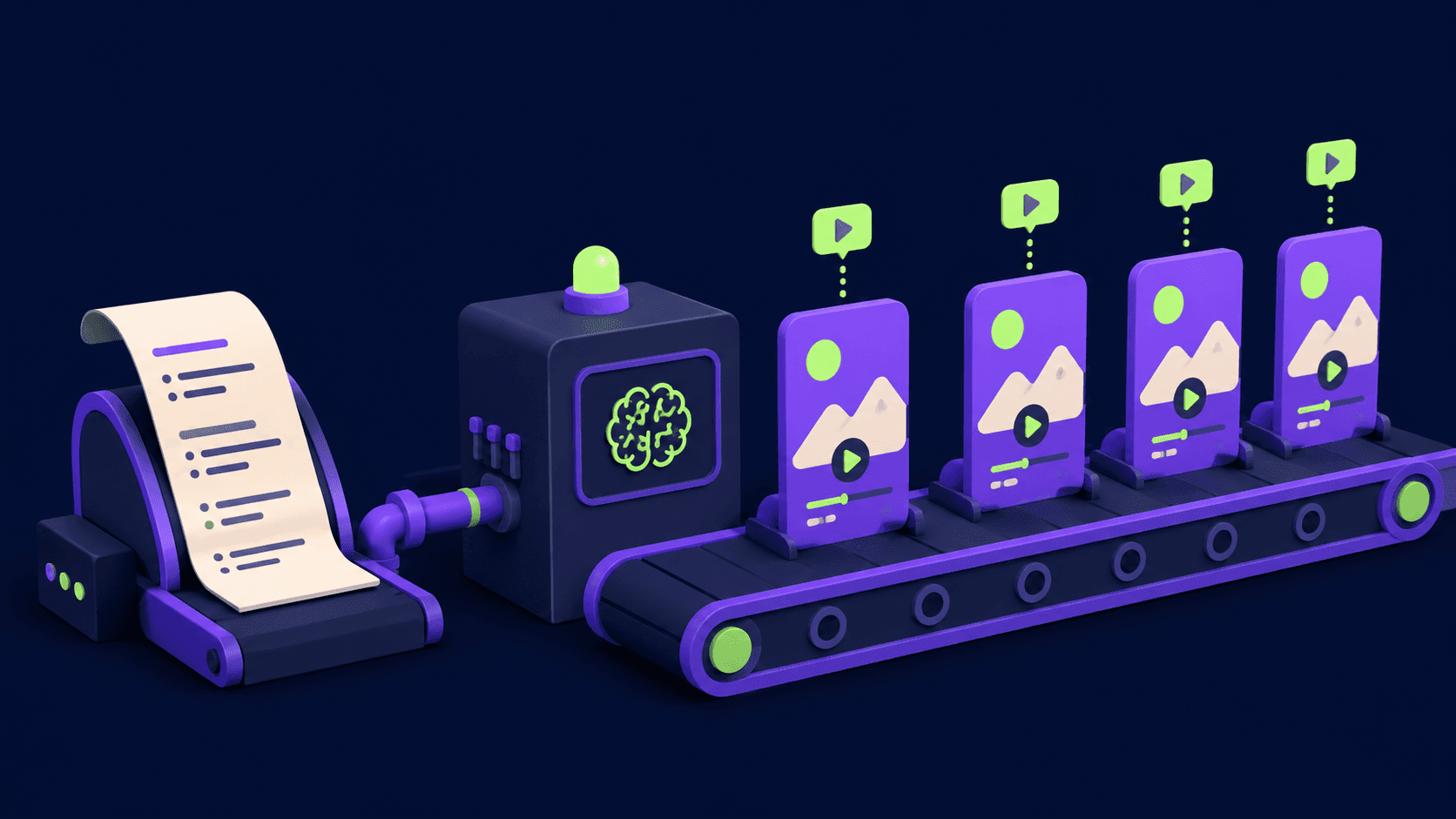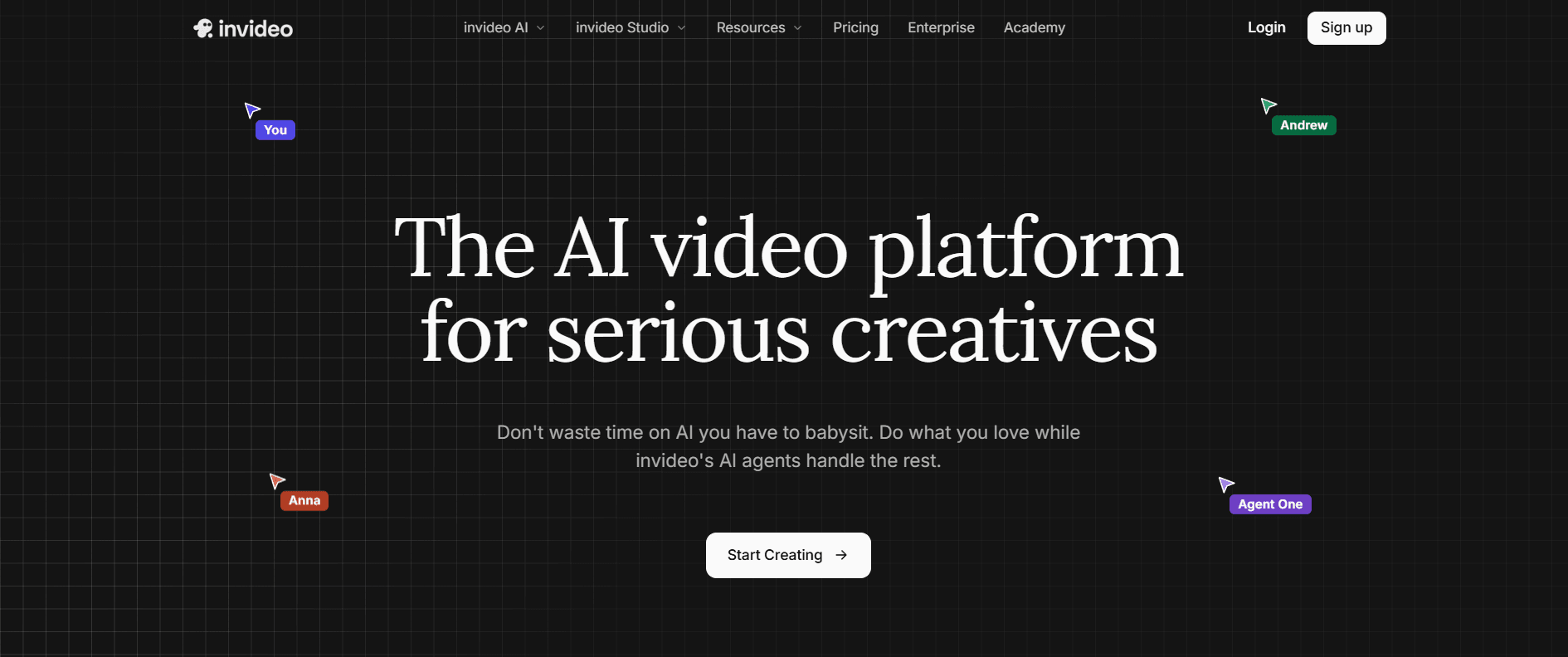

Invideo is an all-in-one AI video platform led by Invideo Agent, a conversational agent that turns a single prompt into a finished video by auto-selecting the right model per shot from 200+ options (Veo 3.1, Sora 2, Kling 3.0, Seedance 2.0). It also includes AI avatars, voice cloning, licensed stock, a timeline editor, and unlimited watermark-free exports on paid plans.
What Is Invideo?
Invideo is a complete AI video platform, not a template tool. At its center is Invideo Agent, which takes a plain-language brief and turns it into a finished video: writing the script, planning shots, choosing the best generative model for each one, producing the footage, and adding voiceover, music, and captions. Around Invideo Agent sits a full production suite, including a timeline editor, AI avatars, voice cloning, a 200-plus model library, and built-in stock, so a project can go from idea to export without switching tools.
Invideo has grown into a complete AI filmmaking workspace used for social clips, long-form video, performance ads, and UGC-style creative. Rather than making users choose between models like Veo, Sora, Kling, or Seedance themselves, Invideo Agent picks the right one shot by shot, while the manual editor stays available for frame-level control whenever needed.
- Primary use case: Generating complete, editable videos, short or long-form, from a single prompt, with Invideo Agent handling model selection.
- Ideal for: Content creators, filmmakers, marketers, and teams who want a finished video without juggling separate model tools.
- Pricing: Credit-based, with paid plans starting at $17/month billed annually and a free plan available with a watermark.
Invideo Agent: What It Does
Invideo Agent is what lets Invideo compete with dedicated video models rather than template editors.
- Automatic model selection: Routes each shot to the strongest available model, so there is no need to compare tools or move footage between them.
- Single-prompt production: One brief produces a full sequence: script, scenes, voiceover, music, and captions, up to around 30 minutes of finished video.
- Iterative direction: Refinement happens through conversation. Invideo Agent retains tone, vision, and brand context across the exchange and sharpens results with each round.
- AI workflows and trends: Prebuilt workflows and trending formats help produce on-brief content quickly.
Key Features
Generation and Models
- Text-to-Video and Image-to-Video: Generate scenes from prompts or animate stills, with Invideo Agent choosing the strongest model per shot.
- 200-plus model library: Access to image, video, audio, and music models in one subscription.
Avatars, Voice, and Audio
- AI Avatars: Digital presenters with lip-sync, scaling from a handful of avatars on entry plans up to 200 on the top tier.
- Voice Cloning and Voiceovers: Multi-language voices and voice clones matched to the script.
Media and Stock
- Licensed Stock: Built-in stock footage, images, and music, with monthly asset allowances that scale by plan.
- Auto-Captions: Automatically generated, synced subtitles for social platforms.
Editing and Customization
- Prompt-Based Editing: Adjust music, swap clips, or change pacing by describing the edit in chat.
- Timeline Editor (Invideo Studio): A full manual editor for frame-level control after generation.
- Brand Kits: Store logos, colors, and fonts for consistent output.
- Unlimited watermark-free exports: Available on every paid plan, with resolution up to 4K on higher tiers.
Invideo Pros and Cons
Pros
- Invideo Agent removes the hardest part of AI video: choosing and coordinating the right model for each shot.
- A genuine all-in-one: agent, timeline editor, avatars, voice cloning, stock, and 200-plus models under one subscription.
- One prompt produces a complete, editable long-form draft with script, voice, music, and captions.
- Unlimited exports with no watermark on every paid plan.
Cons
- Premium models and stock draw credits, so heavy use pushes users toward higher plans.
- Monthly credits reset and do not roll over.
- Clearer, more detailed briefs produce stronger results from Invideo Agent; vague prompts still yield generic output.
- Lower tiers have limited concurrency, so large batches render faster on higher plans.
Who Should Use Invideo?
- Solo creators and filmmakers: Produce narrative and faceless videos without stitching together separate model tools.
- Marketing and social teams: Generate ads, UGC-style creative, and social cuts at volume from briefs, using avatars and voice clones for spokesperson content.
- Founders and educators: Turn scripts, docs, or ideas into polished video without editing skills.
- Editors who want both: Get agent speed for a first cut, with a manual timeline available for precise control.
Invideo Pricing and Plans
Invideo uses a credit-based model. Credits are spent on generation and premium models, reset each month, and do not roll over. Every paid plan includes all AI models (Seedance 2.0, Veo 3.1, Kling 3), all AI workflows, AI video trends, and unlimited exports without a watermark. The prices below are the monthly cost on annual billing.
- Free: $0. Try Invideo Agent with a watermark on exports.
- Plus: $17/mo billed annually ($200/year). 75 credits/mo, 4 AI avatars and voice clones, 20 GB storage, 100 iStock assets, limited concurrency, unlimited watermark-free exports.
- Max: $85/mo billed annually ($1,000/year). 390 credits/mo, 16 AI avatars and voice clones, 2x the concurrency of Plus, 100 GB storage, 200 iStock assets, unlimited watermark-free exports. Invideo's most popular plan.
- Generative: $170/mo billed annually ($2,000/year). 800 credits/mo, 40 AI avatars and voice clones, 10x concurrency, 2 TB storage, 1,000 iStock assets, unlimited watermark-free exports. Best value for daily use.
- Elite: $900/mo billed annually ($10,800/year). 4,250 credits/mo, 200 AI avatars and voice clones, 20x concurrency, 10 TB storage, 5,000 iStock assets, unlimited watermark-free exports. For power creators and studios.
- Team and Enterprise: Custom pricing with more seats, higher concurrency, and admin controls. Contact Invideo for a quote.
How Invideo Compares
Unlike single-model tools, Invideo does not require picking a model or moving footage between apps. Invideo Agent orchestrates all of them behind one prompt, and the platform adds avatars, voice cloning, stock, and a timeline editor on top, positioning it closer to an AI production studio than a single generator.
If the priority is raw output from one specific model or granular VFX control, a dedicated tool may edge it out on that axis. If the priority is going from idea to finished, editable video with the least manual model juggling, Invideo is one of the most complete options available.
The Bottom Line
Invideo pairs Invideo Agent with a full production suite. For creators and teams who want finished videos from a brief, with the option to fine-tune in a real editor, it is one of the strongest all-in-one options in its category.
User Reviews
No reviews yet. Be the first to share your experience!
Sign in to write a review.
How Invideo compares
Side-by-side breakdowns against other tools.
Featured in collections
Curated lists that include Invideo.
Related articles
Guides and articles related to Invideo.

AI Video Generator Prompting: The Filmmaker's Real Workflow

The Personal AI Productivity Stack (2026): One Tool Per Job, Nothing Extra
Sell AI-Generated Short Films on TikTok Shop, Instagram & YouTube (2026)

How to Make Money Selling AI UGC Content for Brands (2026)
One Product Photo, Full Fashion Campaign: AI Images and Video That Sell (2026)