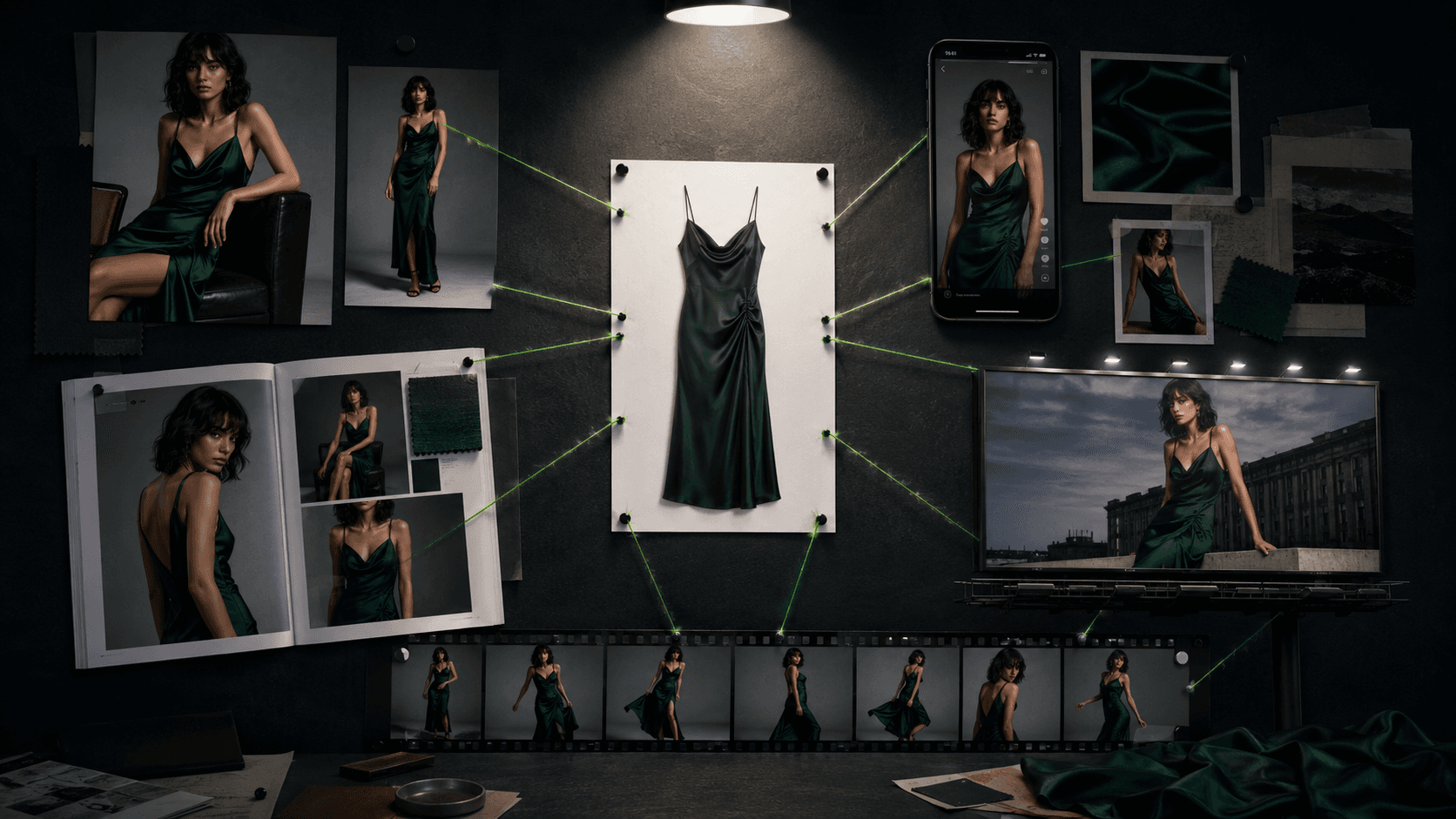

Google Gemini Omni is an omnimodal video generation and editing model launched at Google I/O 2026. It accepts any combination of text, image, video, and audio as input, then generates or edits video conversationally. No other top-tier model currently matches that workflow.
Google Gemini Omni is a video generation and editing model built by Google DeepMind, launched on May 19, 2026 at Google I/O. The first model, Gemini Omni Flash, shipped same-day via the Gemini app and Google Flow. Its defining trait is true omnimodal input: feed it a text prompt, an image, an existing clip, an audio track, or any combination, and receive a generated or edited video in return. Google DeepMind positioned it as "more than a Veo update," signaling that Gemini Omni is an attempt to build iterative, conversational filmmaking directly into the Gemini product line.
Core capabilities include style transfer (realistic footage to claymation, anime, or line art), background replacement, object removal, multi-turn editing with consistent characters and lighting, physics-aware effects, and educational explainer generation. Text rendering is a confirmed strength: Gemini Omni accurately rendered sin(x) + cos(x) = 1 on a moving chalkboard in independent testing where Seedance 2.0 failed the same prompt. Clips are capped at 10 seconds at launch, confirmed as a deployment decision rather than a model constraint. Voice and speech editing (changing dialogue in existing footage) was deliberately withheld pending safety testing.
What Gemini Omni outputs in May 2026
Gemini Omni Flash generates video clips up to 10 seconds long. Resolution and exact frame rate are not publicly disclosed. Audio generation and synchronization are supported natively: you can input a reference audio track and prompt Omni to sync visual events to it (lights turning on when a beat drops, a leaf rustling when a harp note plays). The model supports multi-turn editing, meaning each follow-up prompt refines the last output rather than regenerating from scratch. This is the feature most clearly absent from every competing model at launch.
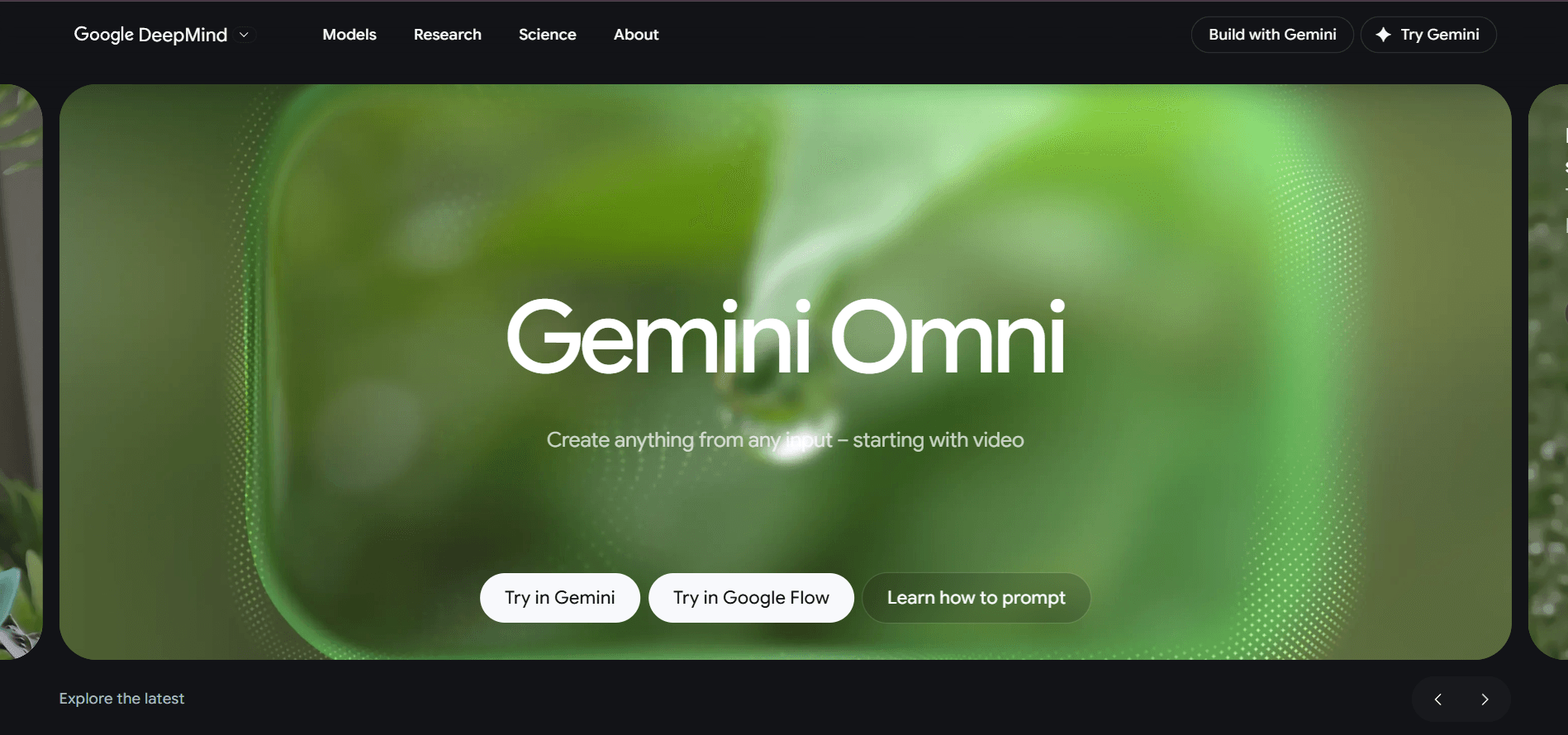
The supported input combinations include text alone, image alone, video alone, image plus text, video plus text, video plus reference image, and video plus audio plus text together. The product page tagline captures it directly: "Create anything from any input." Generation categories include full text-to-video, image-to-video style transfer, video-to-video transformation (changing aesthetics while preserving motion), object and character swapping in existing footage, background editing, and camera angle adjustment. Style presets demonstrated at launch: claymation, monochrome line art, anime, watercolor, and photorealistic physics edits. The model applies real-world physics reasoning rather than pixel-level blending, which is why the architecture change works for effects like fluid mirror ripple or synchronized audio-visual triggering.
Where Gemini Omni sits versus Veo 3 and Seedance 2.0
The clearest competitor inside Google's own catalog is Veo 3. Veo 3 is a specialized, generation-focused video model that produces clips up to 8 seconds with native audio synthesis (sound effects, ambience, music generated alongside the video in a single pass). Its outputs consistently land in the "cinematic" category: sharp, emotionally credible footage that works for short films and high-end social content. What Veo 3 cannot do is accept multi-type inputs simultaneously or perform multi-turn in-chat editing. You give it a prompt, it returns a clip, and that is the interaction. Gemini Omni is the opposite trade: the conversational editing pipeline and omnimodal input are its core reasons to exist, and it sacrifices some of Veo 3's raw cinematic polish to get there. For filmmakers who want the single best-looking eight-second clip, Veo 3 is still the better choice. For creators who need to iterate a scene across ten edits without re-prompting the entire context, Omni is structurally more capable.
The external benchmark leader is Seedance 2.0 from ByteDance. Seedance renders fabric, hair, water, and human movement with what reviewers consistently call "cinematic weight," a credibility of motion physics that trained eyes notice immediately. In a direct comparison test by ReviewsTown (May 2026), Seedance 2.0 outperformed Omni on food physics and human motion continuity. The YouTube creator covering the I/O 2026 launch put it plainly in their first-look coverage:
"This isn't too impressive to me. We already have other omnimodal video models capable of doing similar things like Kling Free as well as Seedance 2.0. And at least from my initial testing, Gemini Omni doesn't seem to be as good as Seedance 2.0 in terms of anatomy and high action scenes. At least that is my initial impression." - YouTube creator (I/O 2026 launch coverage), YouTube, May 2026
Seedance 2.0 also costs less per clip: third-party API access runs approximately $0.06 to $0.15 per second of generated video versus Omni's quota-gated subscription model. Omni's clear lead over Seedance is in-chat editing (Seedance 2.0 has no iterative editing capability at all) and text/equation rendering inside video. These are documentable advantages that do not close the cinematic quality gap, but they carve out real use cases. Creators pairing Omni with Runway or Kling AI for heavier motion shots are finding a workable division of labor.
The real cost of generating with Gemini Omni
Gemini Omni is a FREEMIUM product. Free access exists only on YouTube Shorts and the YouTube Create app, limited to those surfaces. For access via the Gemini app or Google Flow, a paid Google AI subscription is required. The three tiers that include Gemini Omni are AI Plus at $7.99/month, AI Pro at $19.99/month, and AI Ultra starting at $99.99/month (cut from the previous $249.99 entry point at I/O 2026).
The usage reality is restrictive. Independent testing documented two video generations consuming approximately 86 percent of a single day's AI Pro allowance. That means fewer than three video clips per day on the $19.99/month plan before quota runs out, and that quota is shared with text, code, and image tasks. Flow Omni credits are tiered by plan: 200 credits on AI Plus, 1,000 on AI Pro, and between 10,000 and 25,000 on AI Ultra. Google moved away from fixed monthly prompt caps to a compute-based usage model at I/O 2026, which caused frustration among existing AI Pro subscribers who had relied on the predictable 1,000 monthly credit bundle that was removed as part of the plan reshuffle. Reddit and social media saw criticism that the new system makes limits "less predictable" for budgeting purposes.
For creators running more than a handful of clips per week, AI Ultra at $99.99/month is the realistic production tier. The developer API is not priced at launch ("coming within weeks" per Google's announcement). Compared to Pika or WAN where per-generation credits are predictable, Gemini Omni's compute-based quota introduces planning uncertainty at every tier below Ultra.
Where Gemini Omni consistently breaks
The anatomy and high-action gap is the most documented limitation. Multiple independent reviewers, from the YouTube creator covering the launch event to iGeekPhone's comparison article, confirm that complex human motion (dance, sports, high-action sequences), physically demanding anatomy (hands, mouths, eating physics), and scenes requiring weight and momentum all trail Seedance 2.0 and Kling V3.0 at launch. In the ReviewsTown pasta-eating test, pasta appeared and disappeared inconsistently across frames where Seedance maintained physical continuity. Kling V3.0 remains the category leader for human movement including hand gestures, dance, and sport.
Visual tone is a separate recurring complaint. Multiple reviewers describe Omni's output as "like a Google product: clean, powerful, and slightly corporate." The X/Twitter critic @shlomifruchter called outputs "too polished/template-like," and @teortaxesTex (TextOrtaxes) described the visual style as resembling a "B-tier video game interface." This is a real creative limitation: the model produces technically correct footage that lacks the emotional credibility and cinematic "feel" that Seedance 2.0 outputs at their best.
"Too polished/template-like" - @shlomifruchter, X/Twitter, May 2026
Three other consistent failure modes: (1) Google's content safety filters block prompts referencing real public figures by name, requiring workarounds that add friction to creative workflows. (2) The voice and speech editing feature is absent from the launch build, which limits Omni's utility for dubbing, lip-sync, or dialogue replacement. (3) The 10-second clip cap is a hard ceiling. At launch, creators working on anything longer than a short social clip or product demo hit that wall immediately. Character consistency across multiple shots, described by one analysis as "AI video's open wound," also affects Omni alongside every other model in the category.
How to prompt Gemini Omni for best results
Google's official prompt guide identifies five dimensions for reliable outputs: shot framing and motion, visual style, lighting, location, and action. The core principle: "the more detail you add, the more control you'll have over the final output." The model uses Gemini's reasoning to fill in realistic context, so avoid over-specifying minor elements while being precise on those five dimensions.
For shot framing, use cinematography terminology: shot types ("static," "locked off," "oner"), movements ("push in," "dolly zoom"), and camera styles ("film camera," "webcam style," "natural smartphone zoom"). For style, name the aesthetic directly: "cinematic," "claymation," "anime," "watercolor." For lighting, specify source and quality: "warm late-afternoon sun," "crisp overhead fluorescents." For action, describe what is happening frame by frame rather than implying it. For multi-input workflows, include visual references such as storyboards or character images to maintain consistency across edits. For audio sync, be explicit about the trigger: "lights turn on when the bass note drops" outperforms "lights respond to music." For multi-turn editing, each follow-up prompt refines the existing output without requiring a full re-prompt of the entire scene.
Best use cases versus skip-this scenarios
Gemini Omni is the right tool when iterative editing is the point. No other top model lets you change a background, remove an object, and swap a character across multiple turns while maintaining visual consistency. Educational content is a strong fit: protein-folding claymation, chalkboard equations, and alphabet-to-object explainers all performed well in early testing. Style transfer for social creators (realistic footage to illustrated or animated aesthetic) is another genuine use case. Users in the Google ecosystem gain Flow, YouTube, and Workspace integration that tools like Luma AI, Hailuo, or Pixverse cannot replicate.
Skip Gemini Omni for high-action footage, complex human movement, or anatomy-demanding scenes. Sora and Seedance 2.0 are stronger for advertising-grade or short-film work. Skip it for high-volume pipelines where predictable per-clip costs matter; Kling or Seedance via API are more cost-efficient below the Ultra tier. Skip it if voice/speech editing is needed in production (that feature is not yet live) and for any clip over 10 seconds. The AI Plus tier at $7.99/mo is worth testing for exploration, but production volume on Pro requires accepting that video generation burns most of your daily quota. Gemini Omni earns a 4.5: the pipeline is genuinely novel and unique, but quota constraints, the cinematic gap versus Seedance 2.0, and the absent speech-editing feature keep it from the top tier.
User Reviews
No reviews yet. Be the first to share your experience!
Sign in to write a review.
Featured in collections
Curated lists that include Gemini Omni.
Related articles
Guides and articles related to Gemini Omni.

AI Video Generator Prompting: The Filmmaker's Real Workflow

AI Fashion Prompts That Stay Consistent: The Working Formula (2026)

Sell AI-Generated Short Films on TikTok Shop, Instagram & YouTube (2026)
Freepik AI Is Now Magnific: What Changed, What It Costs, and Whether to Stay (2026)

Best AI Fashion Model Generators for Clothing Brands (2026)