
LocalAI is a free, open-source AI engine by Ettore Di Giacinto that runs any model locally with a drop-in OpenAI-compatible API. No cloud, no GPU required, and no data leaves your hardware.
LocalAI is a free, self-hosted AI inference engine built by Ettore Di Giacinto (GitHub: mudler) that gives you a drop-in replacement for the OpenAI API running entirely on your own hardware. Released in 2023 and MIT licensed, it has accumulated nearly 46,000 GitHub stars as of April 2026. The core promise is straightforward: point any app or SDK that speaks the OpenAI API format at your LocalAI instance instead, and your models run locally with zero data leaving your network. No subscription, no GPU requirement, no usage cap.
LocalAI supports 36+ inference backends including llama.cpp, whisper.cpp, vLLM, Transformers, diffusers, Bark, and ExLlama2. Model format coverage is the widest in the self-hosted category: GGUF, GGML, Safetensors, PyTorch, GPTQ, and AWQ all work natively. Beyond text, a single LocalAI instance can serve LLMs, Stable Diffusion image generation, Whisper speech transcription, TTS synthesis, CLIP embeddings, and video generation from one unified API endpoint. The v4.0.0 release in March 2025 added native agentic orchestration, MCP protocol support, a rewritten React UI with Canvas mode, and WebRTC realtime audio, transforming LocalAI from an inference server into a full self-hosted AI platform.
What LocalAI actually does in April 2026
At its foundation, LocalAI is an HTTP server written in Go that translates OpenAI-compatible API requests into inference calls against whichever backend a given model needs. Install it via Docker, binary, or Kubernetes, load a model from the gallery with one click, and your existing OpenAI SDK code works without modification, just with a different base URL.
The model gallery covers hundreds of preconfigured models: Llama 3, Mixtral, Phi, Gemma, Qwen, Mistral, DeepSeek, and many others, each with a ready-made YAML config that sets the correct backend, prompt template, context window, and quantization. For models outside the gallery, you write a YAML config file yourself, which is flexible but adds setup friction compared to tools like Ollama.
As of v4.1.3 (April 6, 2026), the feature set includes: text generation with function calling and tool use, image generation via Stable Diffusion and FLUX, speech-to-text via Whisper and Moonshine, TTS via Bark, Piper, Kokoro, and Pocket-TTS, embeddings and reranking for RAG pipelines, face recognition via InsightFace, video generation via LTX-2, distributed clustering across multiple nodes, multi-user OIDC authentication with per-user quotas, request tracing, and a built-in agent framework (LocalAGI) with MCP server integration.
Hardware support spans NVIDIA CUDA, AMD ROCm, Apple Silicon Metal, Intel Arc, Vulkan for integrated GPUs, and CPU-only for any machine without a dedicated graphics card. A Raspberry Pi can run small models. A multi-GPU server can run large distributed ones.
Where LocalAI sits versus Ollama and vLLM
Three tools dominate the self-hosted LLM runtime category: LocalAI, Ollama, and vLLM. They are not interchangeable, and choosing wrongly creates real pain.
LocalAI vs. Ollama: Ollama uses llama.cpp as its sole inference backend and GGUF as its primary model format. Setup takes under 60 seconds from a single CLI command. Ollama does not natively support image generation, TTS, STT, or diffusion workloads: it is a single-modality LLM server optimized for simplicity. It also lacks streaming tool calls and the tool_choice parameter as of April 2026. LocalAI supports all of those scenarios, plus six model formats vs Ollama's one, but requires significantly more configuration to reach a working state. The community verdict (from the homelab and r/selfhosted space) is blunt: "LocalAI was great for compatibility. Ollama is better for everything else." That is accurate if you only need text models. If you need Whisper + Stable Diffusion + an LLM from one endpoint, LocalAI is the only open-source option that does all three natively.
LocalAI vs. vLLM: vLLM is a production inference server that uses PagedAttention, a virtual memory management system for GPU KV cache that eliminates memory fragmentation. Under 50+ concurrent users, vLLM achieves roughly 793 tokens per second vs Ollama's 41 tokens per second; P99 latency at peak is 80ms (vLLM) vs 673ms (Ollama). LocalAI is not benchmarked in that league and was not designed for that use case. vLLM requires a dedicated NVIDIA or ROCm GPU, CUDA/ROCm drivers, a Python environment, and patience with dependency resolution. It does not support GGUF models at all, and has no image, audio, or video generation capability. LocalAI runs CPU-only on a $50 board; vLLM needs an A100 to shine. They serve different masters.
"LocalAI is recommended when you need vision or audio agents, running Whisper, CLIP, and Stable Diffusion locally with a single YAML." - glukhov.org, Local LLM Hosting Complete 2025 Guide, November 2025
What the self-hosted API reality looks like
The typical LocalAI workflow starts with Docker. Pull the image, run it with a volume mount for your models directory, and the web UI appears on port 8080. From there, the Model Gallery lets you install curated models in one click: a preconfigured YAML is dropped into your models folder and the download begins in the background. For gallery models, this is nearly as smooth as Ollama.
Outside the gallery, you configure models by dropping YAML files into the models directory. A typical LLM config specifies: the model filename, the backend (e.g. llama-cpp), the prompt template (ChatML, Alpaca, Vicuna, etc.), context window size, GPU layers to offload, and default temperature. This is more work than Ollama's zero-config approach, but it gives you precise control over every inference parameter. Image generation models require similar YAML configs pointing to a diffusers pipeline or SD .ckpt file.
The v4.0 React UI added a Canvas mode for viewing code artifacts, an Agenthub for importing community-shared agents, and MCP app management so you can wire tool servers directly into the chat interface. For users who previously ran LocalAI purely via API with no UI, the v4.x UI is a substantial upgrade. For CLI-first workflows, the OpenAI-compatible API remains unchanged.
"Using this daily. Fast, reliable, and does not spy on you." - anonymous user review, noizz.io, January 22, 2026
Frustrations are real and documented in GitHub issues. Docker on Windows has persistent problems: CPU underutilization, startup hangs related to WSL vs Docker engine path mismatches, and containers that take minutes to start while Ollama starts in seconds. Backend installation can fail silently with no clear error, leaving users with a working API server but no inference capability. Docker updates have wiped saved configurations in at least one well-documented issue (#6924). MLX model imports from Hugging Face have crashed instances requiring restarts. These are solvable problems, but they are real friction points for users expecting the smoothness of Ollama.
Who LocalAI is built for
LocalAI is the right choice for three specific situations. First, developers integrating local AI into apps or internal tools who already speak the OpenAI API and want zero code changes when switching to local inference. The drop-in compatibility means pointing the SDK base URL elsewhere is the entire migration. Second, homelab and self-hosted infrastructure operators who want a single service handling LLM, image, audio, and embedding workloads without running separate Ollama, ComfyUI, and Whisper services. Third, privacy-first teams in regulated industries (healthcare, legal, finance) where data sovereignty is a hard requirement. The v4.1 addition of OIDC auth and per-user quotas makes a proper multi-user deployment feasible without a complex reverse proxy setup.
LocalAI is also a strong fit for users with mixed or older hardware. The CPU-only option is not a marketing footnote: quantized GGUF models at Q4_K_M run adequately on machines with 16GB RAM and no discrete GPU. Apple Silicon users benefit from Metal acceleration via the MLX and llama.cpp backends added in August 2025.
What LocalAI is not
If your goal is to chat with a local model with minimal setup, use Ollama or LM Studio. Both have smoother onboarding, better Windows experiences, and dedicated GUI apps. Ollama's one-command model pull beats LocalAI's YAML configuration for anyone who is not building an integration.
If your goal is production serving under hundreds of concurrent users, use vLLM. Its PagedAttention architecture produces 5-20x the throughput of any llama.cpp-based runtime at scale, and LocalAI does not compete in that category by design.
LocalAI also requires Linux or macOS comfort. It runs on Windows via WSL or Docker Desktop, but GitHub issues document enough Windows-specific friction that it is not the recommended path for Windows-first users. If you are running a GUI-first desktop workflow on Windows, LM Studio is a better fit.
Finally, LocalAI is not a managed service. There is no vendor support, no SLA, no hosted fallback. The community is active and the GitHub issues are responsive, but if you hit a blocking bug on a Friday afternoon, you are on your own until the next maintainer response.
User Reviews
No reviews yet. Be the first to share your experience!
Sign in to write a review.
Featured in collections
Curated lists that include LocalAI.
Related articles
Guides and articles related to LocalAI.
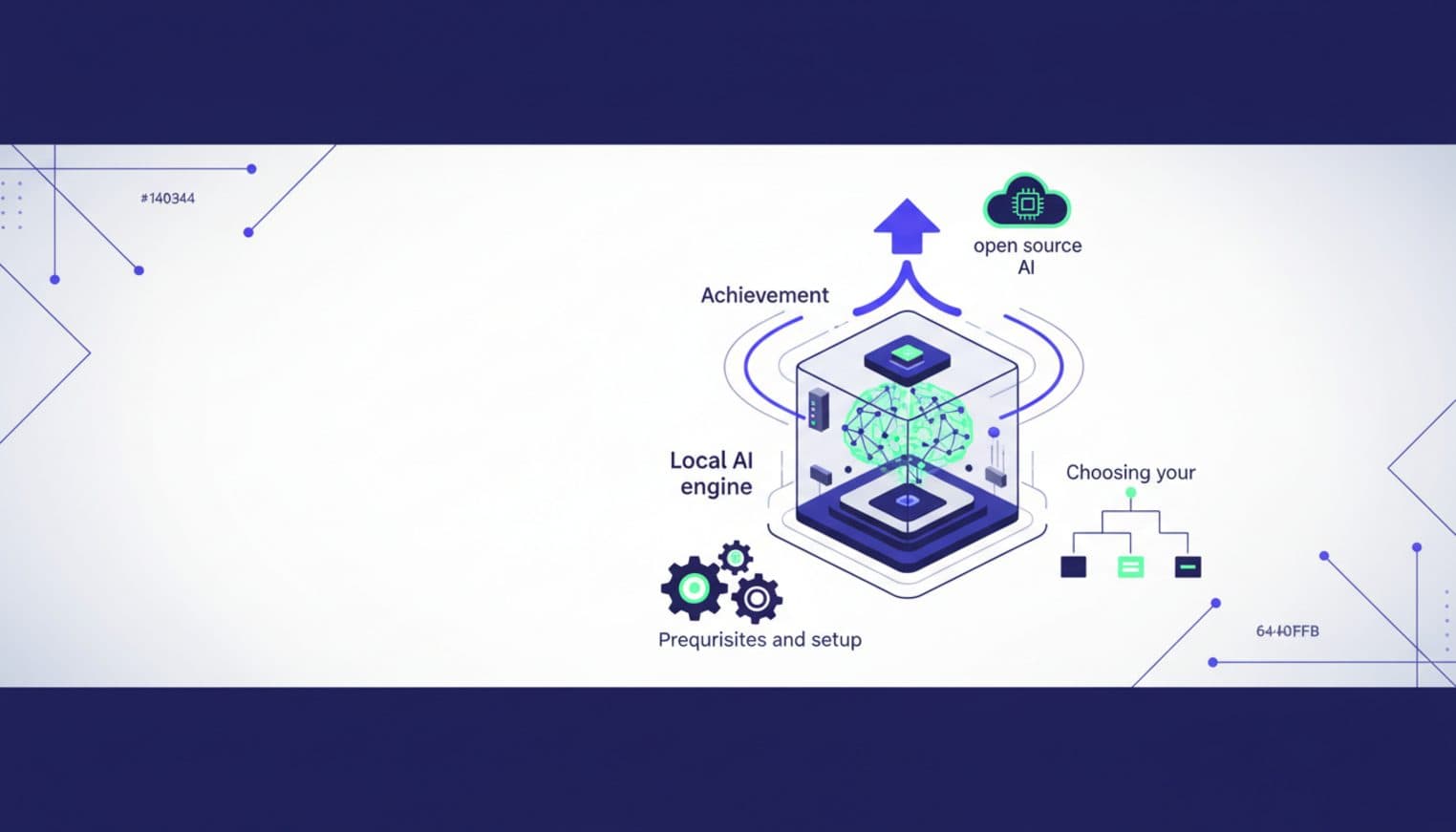
Run Open Source AI Models Locally: Battle-Tested Guide
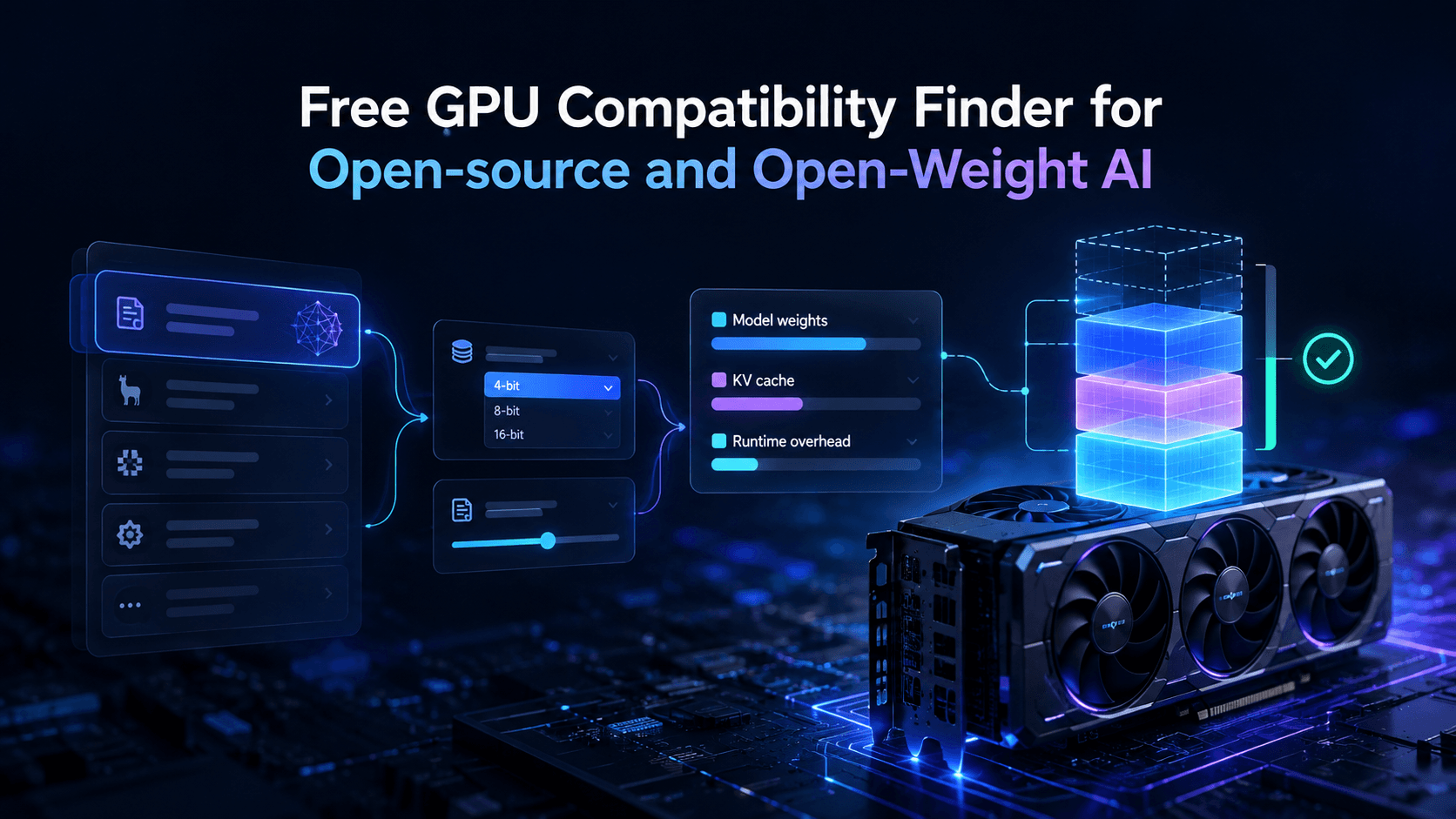
Vantaige Launches the LLM VRAM Calculator: A Free GPU Compatibility Finder for Open-source and Open-Weight AI
Grok 4.3 API for Agents (May 2026): Pricing, Benchmarks, Migration
OpenAI GPT-Realtime-2 (May 2026): Pricing, Latency & 30-Min Voice Agent
Replace 6 SaaS Subscriptions With 4 n8n AI Agents (2026)
