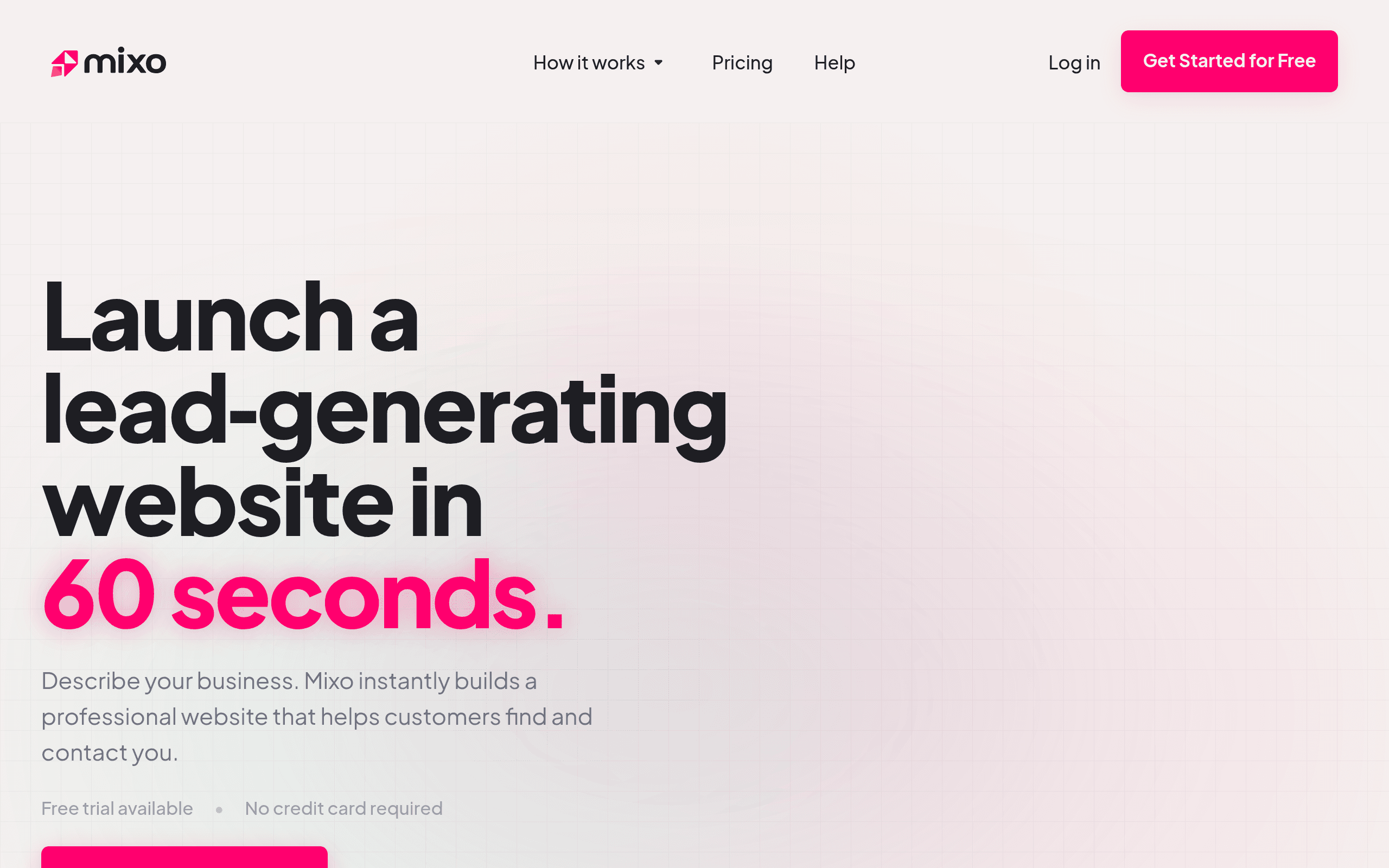

Mixo generates complete landing pages from a single text prompt in under 60 seconds. Built for non-technical founders, it includes integrated waitlist forms to test market demand fast. Users get rapid idea validation, but the rigid grid layouts prevent custom design adjustments.
What is Mixo?
The fastest way to kill a bad business idea is to ask people for their email address. Mixo builds an entire landing page around this exact premise.
You type a single sentence.
The AI returns a live website with a functional waitlist form in under 60 seconds. Mixo.io developed this AI landing page generator to help entrepreneurs validate concepts before writing code. The tool targets solo founders who need to test market demand fast. It handles the copy, images, and lead capture mechanics without manual input.
- Primary Use Case: Validating startup ideas with waitlist landing pages.
- Ideal For: Non-technical solo founders.
- Pricing: Starts at $9 (paid) – Includes one page and custom domain support.
Key Features and How Mixo Works
AI Site Generation and Editing
- Text to Website: Generates copy and layouts from a prompt in 60 seconds, but locks users into rigid grid structures.
- Image Library: Pulls stock photography direct from Unsplash, but lacks an AI image generator for custom graphics.
- SEO Management: Allows manual edits to meta titles and descriptions, but ignores advanced schema markup.
Lead Capture and Analytics
- Integrated Waitlist: Collects visitor emails via built-in forms, but offers no native CRM syncing.
- Subscriber Export: Downloads collected leads as a CSV file, but forces manual data transfers.
- Google Analytics: Connects tracking IDs to monitor traffic, but does not track custom button clicks.
Hosting and Infrastructure
- Custom Domains: Links external URLs to your site, but requires manual DNS record updates.
- SSL Certificates: Secures all hosted pages by default, but restricts custom certificate uploads.
Mixo Pros and Cons
Pros
- Builds a complete, functional landing page in under 60 seconds.
- Eliminates the need for external hosting by bundling it into the $9 monthly fee.
- Captures and stores email leads without requiring third-party form software.
- Allows non-technical users to publish sites using zero code.
Cons
- Restricts design freedom with locked layout grids.
- Lacks direct API integrations with popular email marketing platforms.
- Requires a paid subscription to publish, offering only a trial for generation.
Who Should Use Mixo?
- Solo Entrepreneurs: You need to test five different business ideas this weekend without spending $100 on hosting.
- Non-technical Founders: You want to collect waitlist emails but do not know how to configure web forms.
- Not for Design Agencies: You require pixel-perfect control over layouts and custom animations. Mixo will frustrate you.
Mixo Pricing and Plans
Mixo offers a free trial to generate and preview a site, but you cannot publish it for free. The Basic plan costs $9 per month. It includes a single-page website, custom domain support, and an SSL certificate. The Growth plan costs $19 per month. It expands your site to five pages and allows AI page publishing. The Premium plan costs $39 per month. It supports up to 50 pages and unlocks custom JavaScript and CSS styling.
How Mixo Compares to Alternatives
Similar to Durable, Mixo generates sites in seconds using AI. But Durable focuses on local service businesses like plumbers or landscapers. Durable includes invoicing and CRM tools built for service providers. Mixo targets tech startups and digital product creators who just need a waitlist.
Unlike 10Web, Mixo does not use WordPress. 10Web generates WordPress sites that you can export and host anywhere. Mixo forces you to stay on their proprietary hosting platform. 10Web gives advanced users full database access, while Mixo keeps the backend hidden.
The Final Verdict for Idea Validation
Mixo serves a very specific purpose.
It helps solo founders find out if anyone wants their product. You pay $9, launch a page, and see if people give you their email. If they do, you build the product. If they do not, you cancel the subscription.
But the design limitations become obvious fast. (I tried to move a text block to the left and hit an invisible wall). You cannot drag and drop elements. If you need a customized brand experience, look at Framer AI instead. Framer offers complex animation and layout control. Mixo remains the fastest way to get a simple waitlist online.
User Reviews
No reviews yet. Be the first to share your experience!
Sign in to write a review.
Related articles
Guides and articles related to Mixo.

Wix Logo Maker Review (2026): Real Costs, the Edit Catch, and AI Alternatives

The AI Content Automation Stack: 7 Tools That Run a Full Blog Without a Team

The Personal AI Productivity Stack (2026): One Tool Per Job, Nothing Extra

Perplexity AI Tutorial: Maximize Your Research Workflows

AI User Testing in 2026: The Tools That Test Your Product While You Sleep