
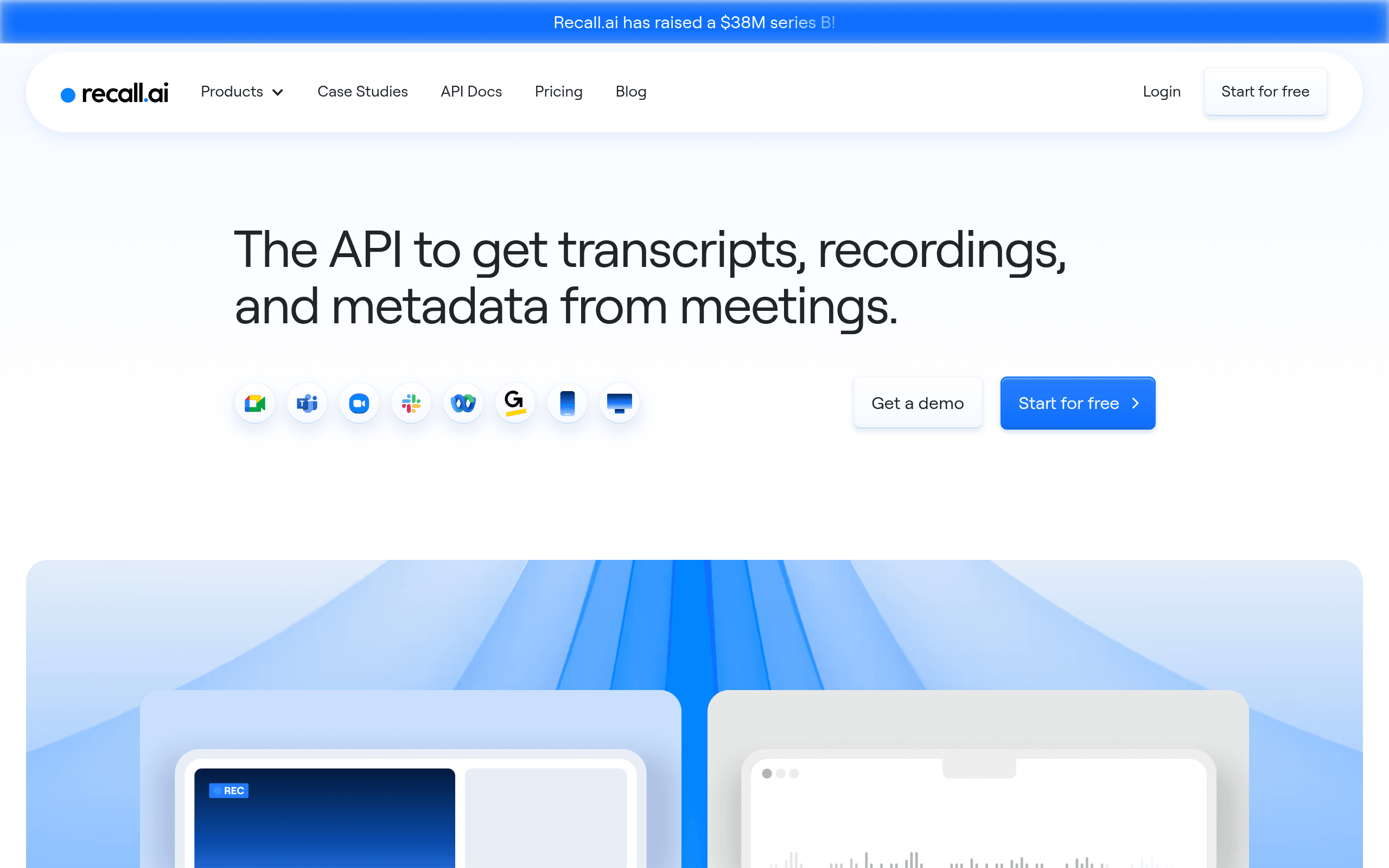

Recall.ai provides developers with a unified API to build bots that record and transcribe meetings across Zoom, Google Meet, and Microsoft Teams. It extracts real-time audio and video streams for AI applications. But the base plan restricts recordings to two hours, limiting its use for long webinars.
What is Recall.ai?
Recall.ai is an infrastructure layer that lets developers deploy meeting bots across multiple video conferencing platforms through a single API. You send an API request, and a virtual bot joins a Zoom or Google Meet call to capture audio and video. The system handles the complex browser orchestration required to record these streams.
Developer Recall.ai, Inc. built this tool to eliminate the technical debt of managing separate SDKs for Zoom, Microsoft Teams, and Webex. Software teams building sales coaching tools or AI note-takers use this API to extract real-time transcripts.
The platform manages the server scaling.
- Primary Use Case: Building AI meeting assistants that join and record video calls.
- Ideal For: Software developers creating transcription or sales coaching applications.
- Pricing: Starts at $0.50/hr (Pay As You Go). You pay for the exact hours your bots spend in meetings.
Key Features and How Recall.ai Works
Media Extraction and Transcription
- Real-time Transcription: Delivers a live text stream with speaker identification. Latency stays under one second.
- Raw Media Access: Provides raw MP4 or MP3 files for custom AI model training. The base plan deletes these files after seven days.
- Metadata Capture: Extracts participant lists and join timestamps. It captures standard metadata exposed by the host platform.
Bot Management and Interaction
- Unified API: Connects to Zoom, Google Meet, Teams, Webex, and Slack Huddles through one integration point. Platform-specific features require custom logic.
- Bot Customization: Configures bot names and profile pictures for brand consistency. Host platforms can block custom avatars.
- Meeting Interaction: Sends chat messages or mutes participants via API commands. The bot cannot bypass host permissions.
Infrastructure and Security
- Global Infrastructure: Operates low-latency recording servers across multiple global regions. Base plan users cannot select specific server locations.
- Webhook System: Sends real-time event notifications for recording starts and stops. Webhooks fail if your receiving server goes offline.
Recall.ai Pros and Cons
Pros
- The unified API eliminates the technical debt of managing separate SDKs for every major video conferencing platform.
- Real-time media access enables developers to build low-latency applications like live coaching or instant translation.
- Recall.ai handles all infrastructure management, removing the need for developers to scale virtual browsers or servers.
- Detailed documentation and SDKs allow a developer to deploy a functional bot in under 60 minutes.
- SOC2 Type II compliance provides the necessary security validation required by enterprise-level customers.
Cons
- The two-hour recording limit on the Pay As You Go plan prevents the capture of long-form webinars or workshops.
- A short seven-day storage window necessitates immediate implementation of external S3 or cloud storage export logic.
- The hourly pricing model causes unpredictable monthly costs for startups with highly variable meeting volumes.
Who Should Use Recall.ai?
- AI Application Developers: Teams building sales coaching or automated note-taking tools get immediate access to raw meeting data.
- Enterprise Development Teams: Large organizations benefit from the SOC2 Type II compliance and custom infrastructure options.
- Solo Founders: The Pay As You Go model allows single developers to prototype meeting bots without high upfront costs.
- Not for Non-Technical Users: This is a developer API, not a consumer application. Business users looking for an out-of-the-box meeting recorder should look elsewhere.
Recall.ai Pricing and Plans
Recall.ai uses a freemium model with a usage-based pricing structure. The platform offers a free trial to test the API before committing to a paid tier.
The Pay As You Go plan costs $0.50 per hour of bot meeting time. This tier imposes a 500-hour monthly limit and restricts individual recordings to two hours. Media files remain on their servers for seven days before deletion. This short storage window forces developers to build immediate export pipelines (a common friction point for small teams).
The Launch plan requires custom pricing. It removes the monthly recording limit and offers volume discounts. Users on this tier receive shared Slack support for faster troubleshooting.
The Enterprise plan also uses custom pricing. It adds white-glove security, dedicated support, and custom infrastructure options for large-scale deployments.
How Recall.ai Compares to Alternatives
Similar to Symbl.ai, Recall.ai provides real-time transcription and meeting intelligence capabilities. But Symbl.ai focuses on providing pre-built conversation analytics and sentiment analysis out of the box. Recall.ai acts more like a pure infrastructure layer. It gives you the raw audio and video streams to process with your own AI models. Developers who want complete control over the AI analysis prefer Recall.ai.
Unlike Daily.co, this tool specializes in joining existing third-party meetings rather than hosting them. Daily.co provides WebRTC video infrastructure to build custom video calling applications from scratch. Recall.ai sends bots into Zoom or Google Meet calls that your users scheduled in advance. If you need to build a native video chat app, Daily.co works better. If you need to extract data from external platforms, Recall.ai is the correct choice.
The Best API for AI Meeting Assistants
Recall.ai delivers massive value to software teams building AI meeting tools. It solves the specific, painful problem of managing headless browsers to record Zoom and Teams calls. Startups building sales coaching platforms or automated note-takers should use this API to accelerate their time to market.
Non-technical users should avoid this tool.
If you just want a meeting assistant for your own calls, buy a consumer product like Otter.ai.
This API will dominate the meeting bot infrastructure space over the next 12 months.
As more companies build AI agents that interact in real-time, reliable media extraction will become a mandatory foundation.
User Reviews
No reviews yet. Be the first to share your experience!
Sign in to write a review.
Related articles
Guides and articles related to Recall.ai.
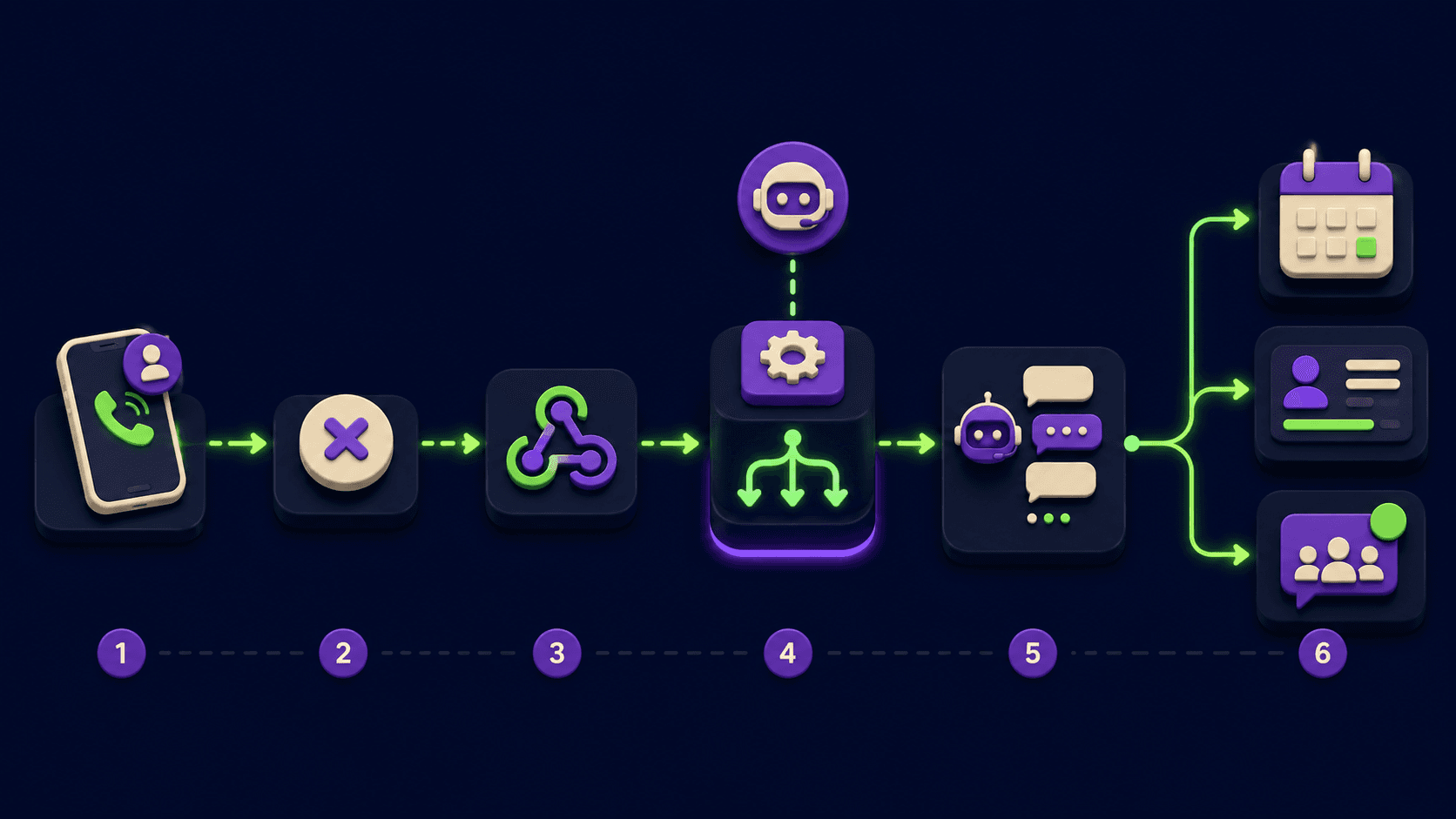
Voice Agent for Missed Calls: Every Service Business Is Bleeding Leads After Hours (2026)
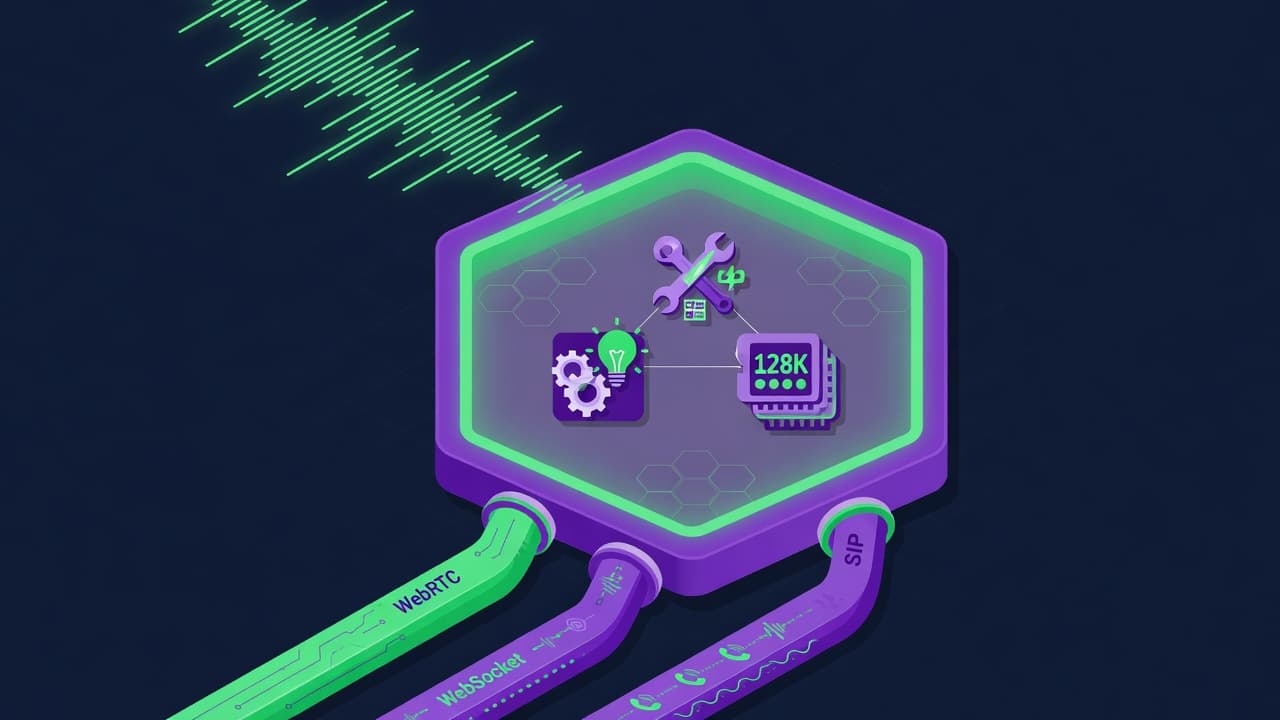
OpenAI GPT-Realtime-2 (May 2026): Pricing, Latency & 30-Min Voice Agent

The Personal AI Productivity Stack (2026): One Tool Per Job, Nothing Extra
Build a 70-Language Live Voice Agent With GPT-Realtime-Translate (2026)

AI Receptionist for Solo Professionals: Replace the Answering Service (2026)
