
Gladia provides an enterprise-grade audio intelligence API for developers requiring real-time and asynchronous speech-to-text processing. It identifies up to 12 distinct speakers in a single audio stream. The catch: non-technical users will struggle, as the platform lacks a visual interface completely.
What is Gladia?
Unlike standard transcription tools that struggle with live audio, this API processes real-time speech with latency under 300 milliseconds. Gladia SAS developed Gladia as an audio intelligence API to solve high-latency bottlenecks in speech-to-text applications. Developers use this platform to integrate speaker diarization and sentiment analysis across 100 languages into their own software.
- Primary Use Case: Transcribing multi-speaker corporate meetings with precise speaker diarization for CRM record-keeping.
- Ideal For: Developers building live captioning or call center analytics platforms.
- Pricing: Starts at $0.61/hr (Pay-as-you-go) – The generous 10-hour free tier makes initial testing highly accessible compared to category averages.
Key Features and How Gladia Works
Real-Time Processing and Transcription
- Real-time Transcription: Delivers live text with latency under 300ms for immediate feedback.
- WebSocket Integration: Supports persistent connections for continuous real-time audio streaming.
- Word-level Timestamps: Provides exact start and end times for every word in the transcript.
Speaker Identification and Language Support
- Speaker Diarization: Identifies and labels up to 12 distinct speakers in a single audio stream.
- Multilingual Support: Processes over 100 languages with automatic language detection capabilities.
- Custom Vocabulary: Allows users to upload specific terminology to improve recognition of technical jargon.
Audio Intelligence and Data Security
- Audio Intelligence: Extracts sentiment, summaries, and key chapters from processed audio files.
- PII Redaction: Automatically identifies and masks sensitive personal information in transcripts.
- Asynchronous API: Handles large batch processing of audio files with high-speed throughput.
Gladia Pros and Cons
Pros
- Exceptional latency performance with real-time transcription reaching sub-300ms speeds for live use.
- High accuracy in noisy environments due to optimized Whisper-based architecture and proprietary enhancements.
- Generous free tier providing 10 hours of transcription monthly, allowing thorough developer testing.
- Simplified integration process with complete documentation and SDKs for major programming languages.
- High scalability with concurrency limits that accommodate enterprise-level traffic spikes.
Cons
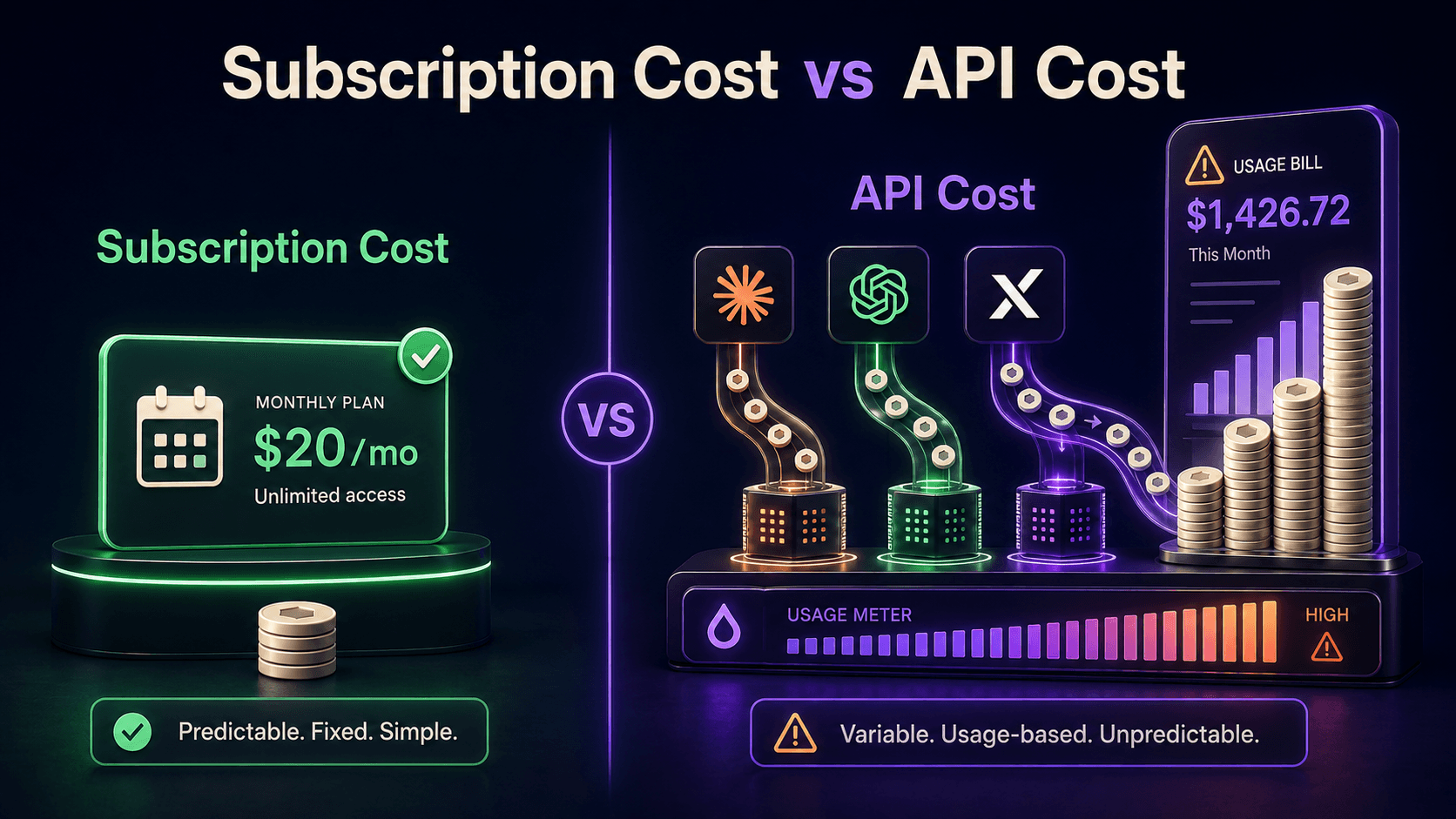
- Pay-as-you-go costs escalate quickly for high-volume users without transitioning to a Growth plan.
- Real-time transcription accuracy occasionally drops below the asynchronous processing model baseline.
- Lacks a visual interface for non-technical users, making it strictly an API-first tool.
- Support response times for users on the free tier lag behind paid tiers.
Who Should Use Gladia?
- Software Developers: Teams building live captioning tools need the sub-300ms latency and WebSocket integration.
- Call Center Managers: Operations processing high volumes of recordings benefit from the asynchronous API and sentiment analysis.
- Global Event Platforms: Webinar hosts require the automatic language detection across 100 languages for international audiences.
- Corporate IT Teams: Enterprises integrating multi-speaker meeting transcripts into CRM systems rely on the 12-speaker diarization.
- Media Distributors: Video content creators use the word-level timestamps to generate accurate subtitles for international distribution.
- NOT FOR: Non-Technical Users: Solo podcasters or journalists looking for a drag-and-drop web interface will find this tool unusable.
Gladia Pricing and Plans
The free tier is genuinely useful rather than a disguised trial. Users get 10 hours of transcription per month at $0. They can run 3 concurrent asynchronous requests and 1 concurrent real-time request. This allows developers to test the API thoroughly before committing (the 10-hour monthly allowance is unusually generous for this category).
Which brings us to the paid options. The Starter plan operates on a pay-as-you-go model. Asynchronous processing costs $0.61 per hour of audio. Real-time processing costs $0.75 per hour. This tier bumps concurrency limits to 25-30 requests and includes diarization across 100 languages.
Here is where it gets interesting. High-volume users can negotiate a Growth plan starting at $0.20 per hour for asynchronous processing. Real-time drops to $0.25 per hour. This tier offers flexible concurrency limits and volume-based discounts. The catch: pay-as-you-go costs escalate rapidly if you process thousands of hours without securing this Growth rate.
Enterprise users require custom pricing.
This top tier unlocks unlimited concurrency, custom models, dedicated infrastructure, and service level agreements.
How Gladia Compares to Alternatives
Similar to Deepgram, Gladia targets developers needing low-latency audio processing. Deepgram often highlights its custom speech models for specific industries. But Gladia competes aggressively on price and out-of-the-box multilingual support. Gladia handles 100 languages natively, while Deepgram requires specific model selection for non-English audio.
AssemblyAI is another direct competitor in the audio intelligence space. AssemblyAI provides excellent sentiment analysis and PII redaction features. Still, Gladia pushes the boundary on real-time latency, consistently hitting sub-300ms speeds. AssemblyAI tends to focus more heavily on its asynchronous processing capabilities for complex audio analysis.
Unlike Rev.ai, Gladia relies entirely on automated AI models rather than offering a human-in-the-loop fallback. Rev.ai provides an API but also connects to a massive network of human transcriptionists for guaranteed accuracy. So, users needing absolute perfection for legal compliance often lean toward Rev.ai. Gladia wins on raw speed and cost for automated processing.
Is Gladia Worth It for Software Developers?
Gladia delivers immense value for development teams building live audio applications. The sub-300ms latency and 10-hour free tier make it highly accessible. Plus, the ability to identify 12 distinct speakers simplifies complex meeting transcriptions (handling 12 speakers accurately in a single stream is notoriously difficult for standard models). On the flip side, non-technical users should look elsewhere immediately. Without a visual interface, solo creators cannot upload files easily.
If you need a drag-and-drop transcription dashboard, Rev is the better call.
If you are a developer requiring ultra-fast real-time transcription with built-in multilingual support, Gladia is the pick.
User Reviews
No reviews yet. Be the first to share your experience!
Sign in to write a review.
Related articles
Guides and articles related to Gladia.
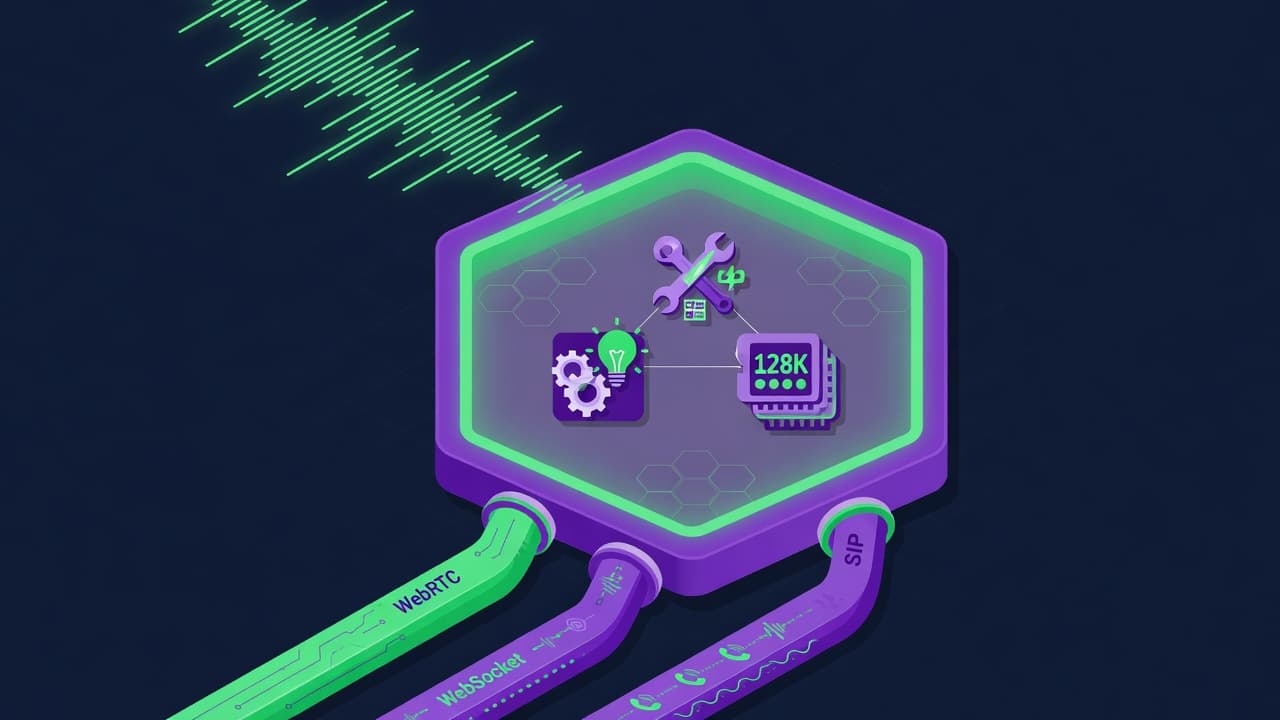
OpenAI GPT-Realtime-2 (May 2026): Pricing, Latency & 30-Min Voice Agent
Build a 70-Language Live Voice Agent With GPT-Realtime-Translate (2026)

The Personal AI Productivity Stack (2026): One Tool Per Job, Nothing Extra
Grok 4.3 API for Agents (May 2026): Pricing, Benchmarks, Migration

Google Vision AI Explained (2026): Pricing Per 1,000 Units, Free Tier, and Alternatives