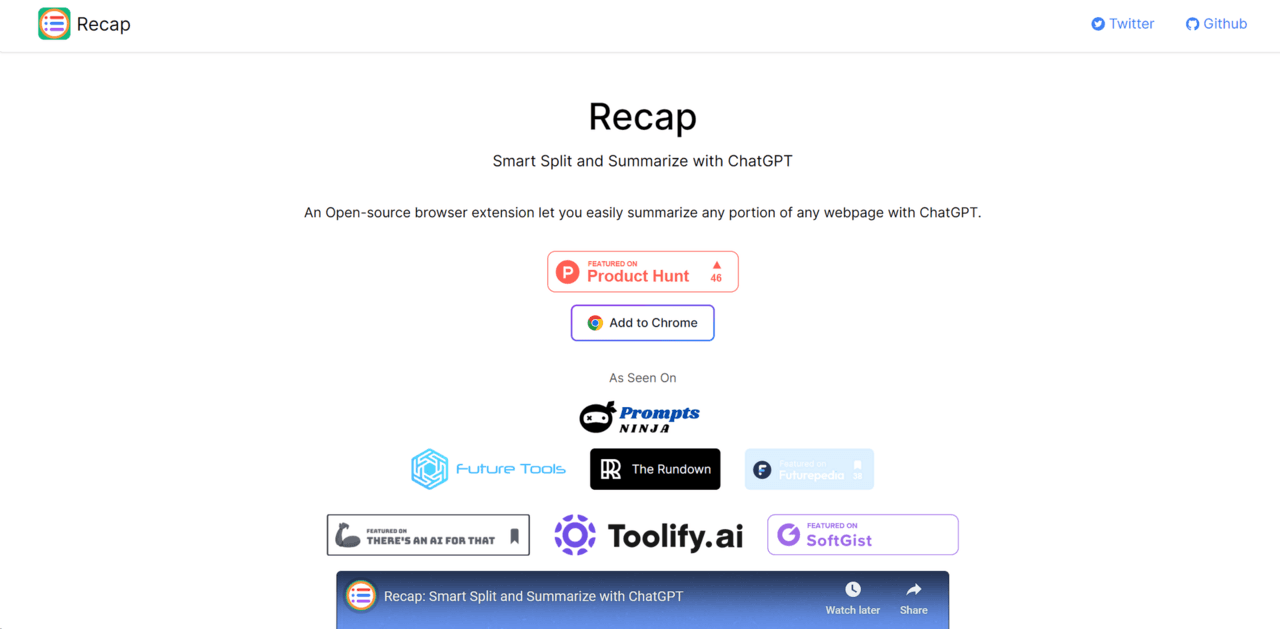

Recapext is an AI browser extension that summarizes web pages, documents, and 4-hour YouTube videos. It costs $12 per month and offers no free tier access.
What is Recapext?
Recapext summarizes YouTube videos up to four hours long by extracting timestamped transcripts and converting them into readable notes. Developed by Recapext, this AI browser extension functions as a summarizer for professionals who consume dense information. The software operates strictly on a paid model starting at $10 per month. Users install it on Chrome, Edge, or Brave to process web articles, local 50MB PDF files, and video content.
Like a decathlete transitioning between different events, the extension switches from basic text summarization to generating Mermaid.js mind maps depending on the source material. The primary audience includes researchers, analysts, and students who need structured data extraction rather than simple overviews. The tradeoff: casual users often balk at the lack of a free tier.
- Primary Use Case: Summarizing two-hour YouTube lectures into five-minute reads with timestamped key points.
- Ideal For: Academic researchers and business analysts processing long-form audio and text.
- Pricing: Starts at $12 per month for 1,000 credits.
Key Features and How Recapext Works
Video and Text Summarization
- The tool extracts transcripts from YouTube videos and generates timestamped notes. It handles videos up to four hours long but occasionally misses nuanced context in highly technical lectures. (I found the ‘Ask AI’ feature particularly helpful for locating specific quotes within a two-hour conference panel).
- Users process web pages and local PDFs up to 50MB. Multi-language support covers 30 languages including Spanish, French, and Chinese.
Visual Knowledge Generation
- Recapext builds mind maps automatically from any processed text. The system uses Mermaid.js syntax to create visual diagrams of connected concepts. What actually happens: highly dense information creates cluttered layouts that require manual reorganization.
- Custom prompts give users control over the output structure. You set specific instructions dictating how the AI categorizes the source material.
Exporting and Privacy Controls
- The extension exports directly to Notion, Obsidian, and Logseq with one click. This moves raw notes into existing databases without manual copying.
- Paid plans include a private generation mode. This setting guarantees user data bypasses the model training process for sensitive corporate documents.
Recapext Pros and Cons
Pros
- Generates visual mind maps from raw text using automated Mermaid.js syntax.
- Exports timestamped summaries directly to Notion, Obsidian, and Logseq.
- Processes YouTube videos up to four hours long while maintaining high transcript accuracy.
- Includes a private generation mode to protect sensitive 50MB PDF uploads.
Cons
- Requires a minimum $12 monthly subscription with no free tier.
- Produces unreadable mind map layouts when processing complex data.
- Obscures exact credit consumption rates on long video submissions.
- Functions primarily as a desktop browser extension with limited mobile utility.
Who Should Use Recapext?
- Academic Researchers: The tool extracts data from large PDFs and formats it into specific database structures.
- Knowledge Workers: Professionals save time by converting multi-hour video meetings into organized notes.
- Casual Consumers: This tool is not a good fit for people who just want quick article recaps. Competitors offer free versions for basic tasks.
Recapext Pricing and Plans
Recapext requires a paid subscription.
The software offers no free tier and no trial period. The Basic plan costs $12 per month. This tier provides 1,000 monthly credits and includes private generation rights. The Pro plan starts at $20 per month. Users receive between 2,000 and 16,000 credits depending on specific volume needs.
The Teams plan costs $22 per month per user. It adds shared custom styles, single sign-on capabilities, and priority support. Large organizations negotiate custom pricing under the Enterprise tier. Practically speaking, the entry-level cost locks out casual readers entirely.
How Recapext Compares to Alternatives
Glasp offers a similar browser extension for highlighting and summarizing web content. Glasp includes a highly capable free version that appeals to casual users. The gap shows up when handling visual data. Recapext generates structural mind maps, whereas Glasp focuses strictly on text and social sharing. Glasp is better for community learning, but Recapext provides superior privacy controls.
Eightify specializes heavily in YouTube summarization. Eightify processes video transcripts efficiently and offers a limited free tier. Then again, Recapext handles a much wider variety of file types including 50MB PDFs and complex web articles. Eightify wins on video-specific interface design, but Recapext serves as a more versatile general research tool.
The Right Pick for Heavy Researchers Requiring Visual Data
Recapext processes massive text inputs and outputs highly structured data. The tool turns dense videos and PDFs into readable notes and visual mind maps.
Analysts and researchers extract precise value from the direct Notion and Obsidian exports. Step back and look at the cost. The lack of a free tier makes this a strictly professional purchase.
Casual readers should skip this subscription.
Those looking for basic video recaps should install Eightify instead.
User Reviews
No reviews yet. Be the first to share your experience!
Sign in to write a review.
Related articles
Guides and articles related to Recapext.

The Personal AI Productivity Stack (2026): One Tool Per Job, Nothing Extra

Perplexity AI Tutorial: Maximize Your Research Workflows

Undetectable AI Review (2026): What It Does, What It Costs, and 7 Alternatives

Wix Logo Maker Review (2026): Real Costs, the Edit Catch, and AI Alternatives

TAM SAM SOM Market Sizing With Perplexity: The Sourcing Pattern That Survives Pushback (2026)