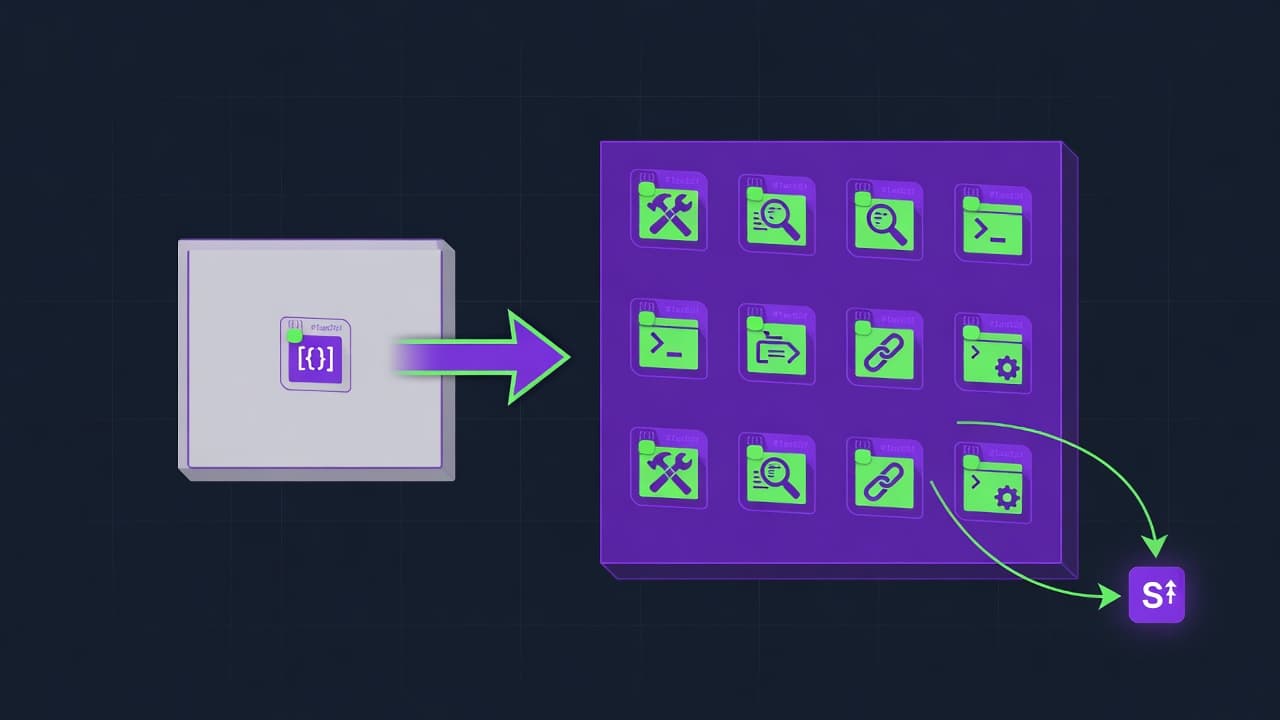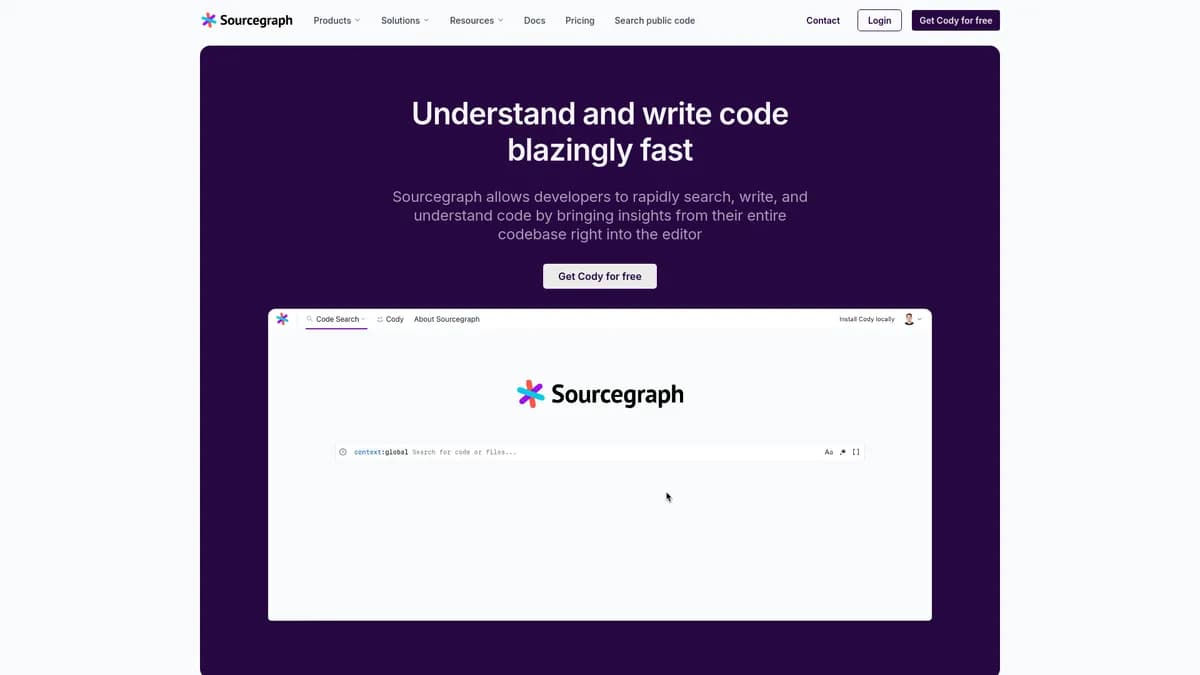

Sourcegraph is an AI code intelligence platform built for enterprise developers managing massive codebases. It searches across millions of repositories using regex and symbol support. Self-hosting requires significant server resources, making it less practical for small teams with limited infrastructure budgets.
What is Sourcegraph?
Most AI coding assistants only read the files you have open in your editor. Sourcegraph indexes your entire codebase before it attempts to answer a question.
Sourcegraph, Inc. built this code intelligence platform to solve context fragmentation for enterprise developers. The tool combines universal code search with Cody, an AI assistant that understands multi-repository environments. It helps engineers search, write, and fix code across thousands of internal repositories. Developers use the platform to track API deprecations and automate library version upgrades across 50+ microservices using Batch Changes.
- Primary Use Case: Searching for specific API usage patterns across thousands of internal repositories.
- Ideal For: Enterprise engineering teams managing large monorepos or complex microservice architectures.
- Pricing: Starts at $9 (freemium). Cody Pro offers unlimited autocompletions and chats with advanced LLM access.
Key Features and How Sourcegraph Works
Universal Code Search and Navigation
- Universal Code Search: Searches across 1M+ repositories with regex support, limited by the indexing speed of complex repository structures.
- Precise Code Navigation: Provides cross-repo ‘Go to Definition’ using LSIF data, requiring pre-configured indexers for specific languages.
- Repository Indexing: Supports local and remote indexing for GitHub and GitLab, requiring significant RAM for large codebases.
Cody AI Assistant
- Cody AI Chat: Context-aware chat using the entire codebase as a reference, limited to 20 chats per month on the free tier.
- Cody Autocomplete: Real-time code suggestions in VS Code and JetBrains, capped at 500 autocompletions monthly for free users.
- Custom Commands: Defines reusable AI prompts for unit test generation, restricted to the context window of the selected LLM.
Enterprise Code Management
- Batch Changes: Creates and tracks PRs across multiple repositories from a single spec, requiring enterprise licensing for full deployment.
- Code Insights: Tracks migrations with visual dashboards, limited by the historical data available in the indexed repositories.
- Security Scanning: Identifies secrets and vulnerabilities across the codebase, limited to the patterns defined in the search queries.
- Notebooks: Creates interactive documentation embedding live code search results, restricted to users with active Sourcegraph accounts.
Sourcegraph Pros and Cons
Pros
- Superior context awareness by indexing the entire repository rather than just open files.
- Universal search handles massive monorepos with sub-second latency.
- Flexible LLM choice allows users to switch between Claude 3.5, GPT-4o, and Gemini models.
- Batch changes reduce the time required for large library migrations across 50+ microservices.
- Self-hosting options provide high security for enterprises with strict data privacy requirements.
Cons
- Self-hosting requires significant RAM and CPU resources for indexing large codebases.
- Structural search syntax is complex and requires time to master for effective use.
- Indexing large codebases can take several hours or fail on complex repository structures.
- Occasional latency issues with Cody AI responses compared to local-first models.
Who Should Use Sourcegraph?
- Enterprise engineering teams: Teams managing dozens of microservices need universal search to track API deprecations across all repositories.
- Security engineers: Security professionals use the platform to monitor the codebase for accidental commits of API keys.
- Solo developers (Not Recommended): Individual developers working on single repositories will find the indexing infrastructure overkill.
Sourcegraph Pricing and Plans
The Cody Free plan costs $0 per month and provides 500 autocompletions alongside 20 chats. Users get access to basic context features and standard LLM models.
This tier functions as a strict trial rather than a complete daily driver.
Cody Pro costs $9 per month. It removes usage caps, offering unlimited autocompletions and chats with advanced LLM access. Users can switch between Claude 3.5, GPT-4o, and Gemini models. The Enterprise plan uses custom pricing. It adds self-hosting capabilities, SSO integration, and unlimited multi-repo context. Enterprise users also get access to advanced repository indexing and dedicated support channels.
How Sourcegraph Compares to Alternatives
Similar to GitHub Copilot, Sourcegraph offers inline code completion inside your IDE. GitHub Copilot relies on the files open in your editor to build its context window. Sourcegraph feeds its Cody assistant data from your entire indexed repository. Copilot integrates into the GitHub ecosystem, making it easier to deploy for teams using GitHub Enterprise. GitHub charges $10 per month for individual users, placing it in the same price bracket as Cody Pro.
Unlike Cursor, which operates as a standalone fork of VS Code, Sourcegraph functions as a plugin for your existing editor. Cursor provides an optimized local editing experience with fast AI response times. Sourcegraph focuses on enterprise code intelligence across thousands of repositories (we noticed indexing a 2GB monorepo took three hours). Cursor limits users to its specific editor environment, forcing developers to abandon their customized IDE setups.
Sourcegraph supports VS Code, JetBrains, and Neovim.
The Verdict for Enterprise Engineering Teams
Large organizations managing complex microservice architectures get the most value from Sourcegraph. The ability to execute batch changes across 50 repositories justifies the enterprise investment. Security teams benefit from the universal search capabilities to find hardcoded secrets. Small teams and solo developers should look elsewhere. The heavy indexing requirements create unnecessary friction for simple projects. If you just want fast autocomplete in a dedicated AI editor, choose Cursor instead. Cursor provides a faster setup process for individual developers.
User Reviews
No reviews yet. Be the first to share your experience!
Sign in to write a review.
Featured in collections
Curated lists that include Sourcegraph.
Related articles
Guides and articles related to Sourcegraph.

Claude Code vs Cursor vs Codex vs Devin vs Replit Agent 3: 2026 Scorecard

Replit Pricing Explained (2026): Core vs Pro and Effort-Based Agent Billing
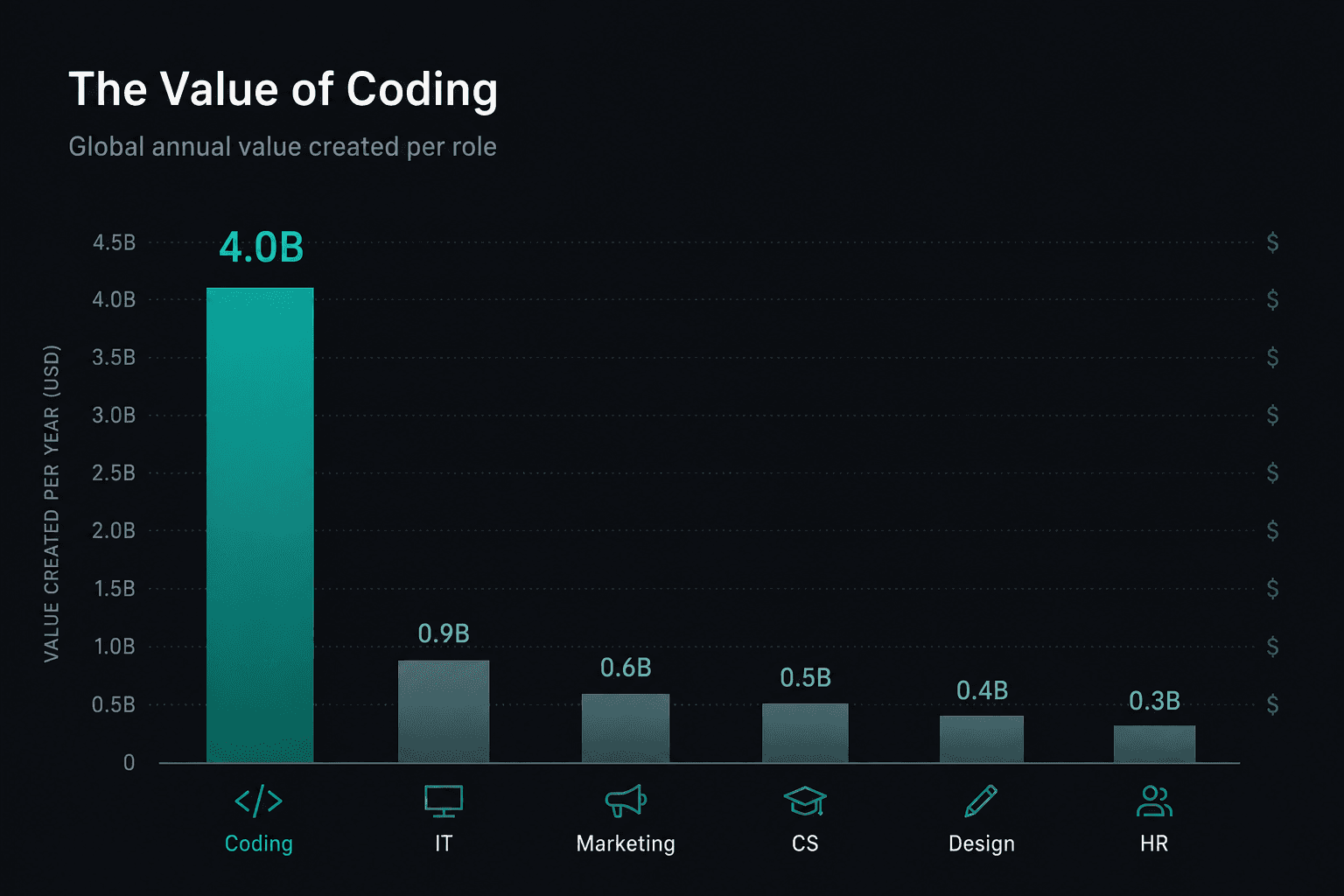
Coding Ate Enterprise AI (2026): The $4B Use Case, Anthropic’s Share, and Seat vs API Math

Run a Company With AI Agents: The Open-Source Orchestration Setup (2026)
DeepSeek V4 Pro vs Claude Opus 4.7: 5-PR Refactor Test (2026)