Evaluate AI Coding Agents: A Small-Team Test and Scorecard
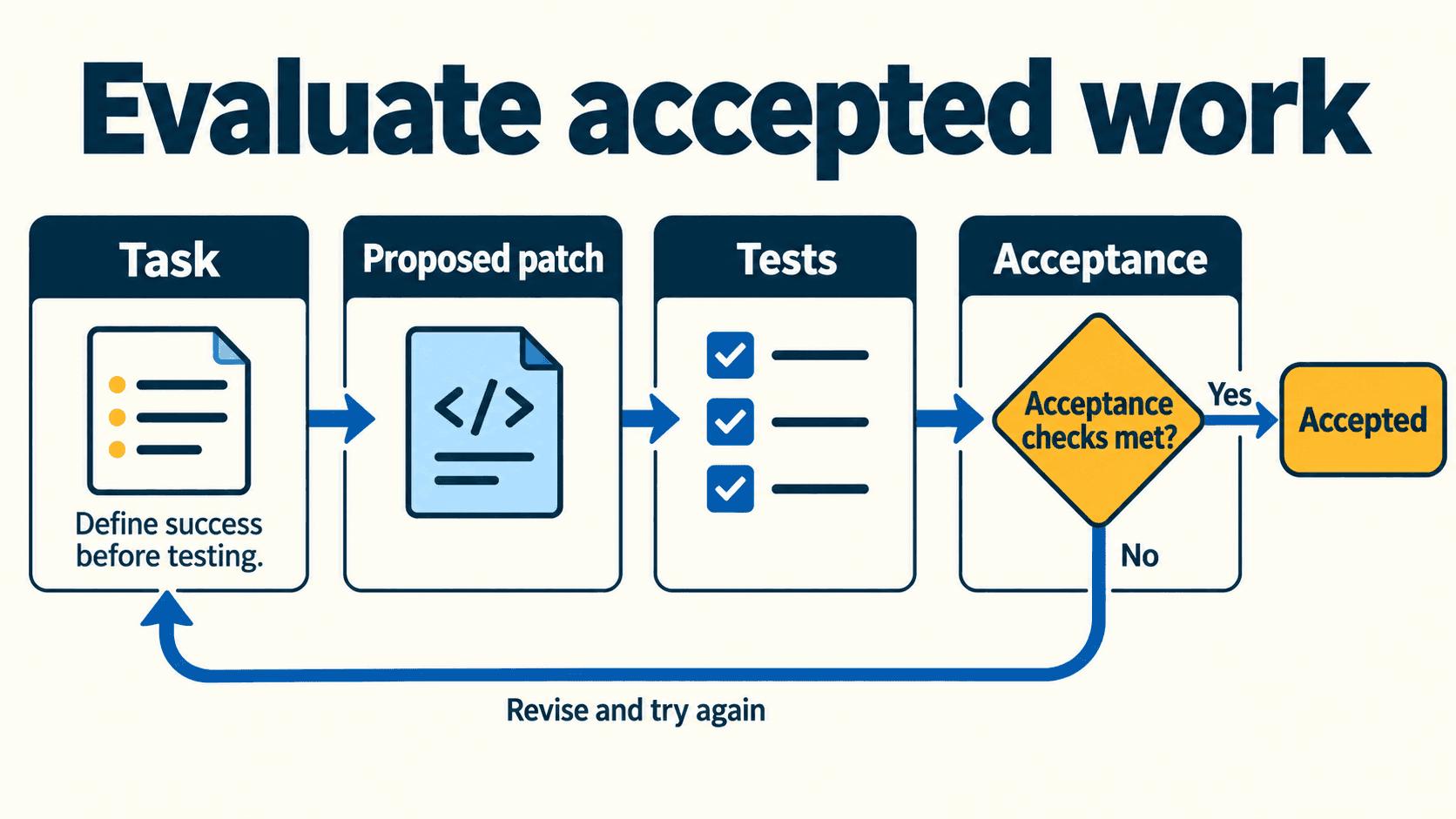
Give each coding agent the same bounded change, check the resulting behavior, and count the human work needed to accept it. Record the product, model, mode and permissions actually used. A model leaderboard or an impressive screenshot cannot establish whether that setup works well in your repository.
This guide supplies a fixture specification, attempt log and weighted scorecard for a small-team evaluation. It describes a method to run yourself; the named tools below have not been benchmarked on this fixture. Synthetic arithmetic is kept separate from unrun tool results.
Choose one task and define success before testing
Pick a small feature that resembles your team’s normal work. It should exercise input validation, an asynchronous save, a recoverable error and an existing convention. Avoid a broad instruction such as “improve this app”: different tools could reasonably solve different problems.
Our fictional fixture is a notification-preferences form in a disposable repository. It uses the framework your team already knows; it does not depend on a particular Next.js version or a publicly hosted benchmark app.
A concrete acceptance checklist
| Case | Expected behavior |
|---|---|
| Initial load | Existing name, email and digest preference appear |
| Invalid email | A clear validation message appears; no save request is sent |
| Valid save | Exactly one expected payload reaches the mock client |
| Pending request | A visible pending state prevents duplicate submission |
| Successful response | A confirmation appears and the returned saved state is retained |
| Simulated server failure | An understandable error appears; entered values remain |
| Retry after failure | The user can save the preserved values successfully |
| Existing behavior | The fixture’s baseline tests still pass |
Download the complete fixture specification. It is a specification for a repository you prepare, not a claim that a ready-made application or executed test suite is included.
Write evaluator-owned acceptance checks before the attempts. An agent may propose additional tests, but inspect changes to tests and expected outputs. Passing assertions that the agent weakened is not independent evidence of correctness.
Set boundaries and an effort budget
Declare the allowed files, dependencies, commands and network needs. Decide whether changing a lockfile is permitted for this task. Keep those rules identical across candidates where possible, and disclose differences when products cannot support the same arrangement.
Choose an initial-attempt and retry budget, plus a review budget appropriate to your task. A twenty-minute review is not inherently a productivity failure: its value depends on the work, the alternative and your team’s requirements.
Record the product, model and mode separately
“Which model is best?” and “Which coding product fits this team?” are different questions. The product supplies the tools, context handling and execution workflow around the model. Different settings can materially change what the same product is allowed to do.
Record these fields for every attempt:
- Product and client or extension version.
- Model identifier and mode, or explicitly “not exposed.”
- Commercial plan and the billing basis you can actually observe.
- Operating system, repository commit and relevant runtime versions.
- Context supplied, enabled tools and effective file/network/approval settings.
- Who performed the review and whether manual patches were allowed.
A documented shortlist to evaluate
These are candidate approaches, not a ranked result:
| Candidate | What the documentation establishes | What your evaluation must establish |
|---|---|---|
| Codex CLI | Configurable sandbox and approval controls for local command execution | Effective controls and output quality on your OS and configuration |
| GitHub Copilot agent mode in an IDE | An iterative workflow that can edit files and run commands, with behavior affected by IDE and administrator settings | The chosen IDE’s exact workflow, tool permissions and review effort |
| Cursor local Agent | Run Modes governing automatic execution, sandboxing and review | Actual selected mode, read access and behavior on your client version |
For Codex, sandbox boundaries and approval decisions are separate controls. Their enforcement depends on the execution surface and operating system; “CLI” alone does not guarantee an active sandbox. Check the effective configuration. Official sandbox documentation, agent approvals.
GitHub documents agent mode across several IDEs and notes that editor or administrator settings can change automatic command behavior. Record the exact IDE instead of treating all Copilot surfaces as one identical environment. GitHub agent-mode guide.
Cursor’s local Run Modes distinguish Auto-review, Allowlist and Run Everything. Its documented 1 October 2026 change adds Workspace read access in version 3.23. Record read access as well as command execution mode; these local controls are distinct from its Cloud Agent environment. Cursor Run Modes and dated changes.
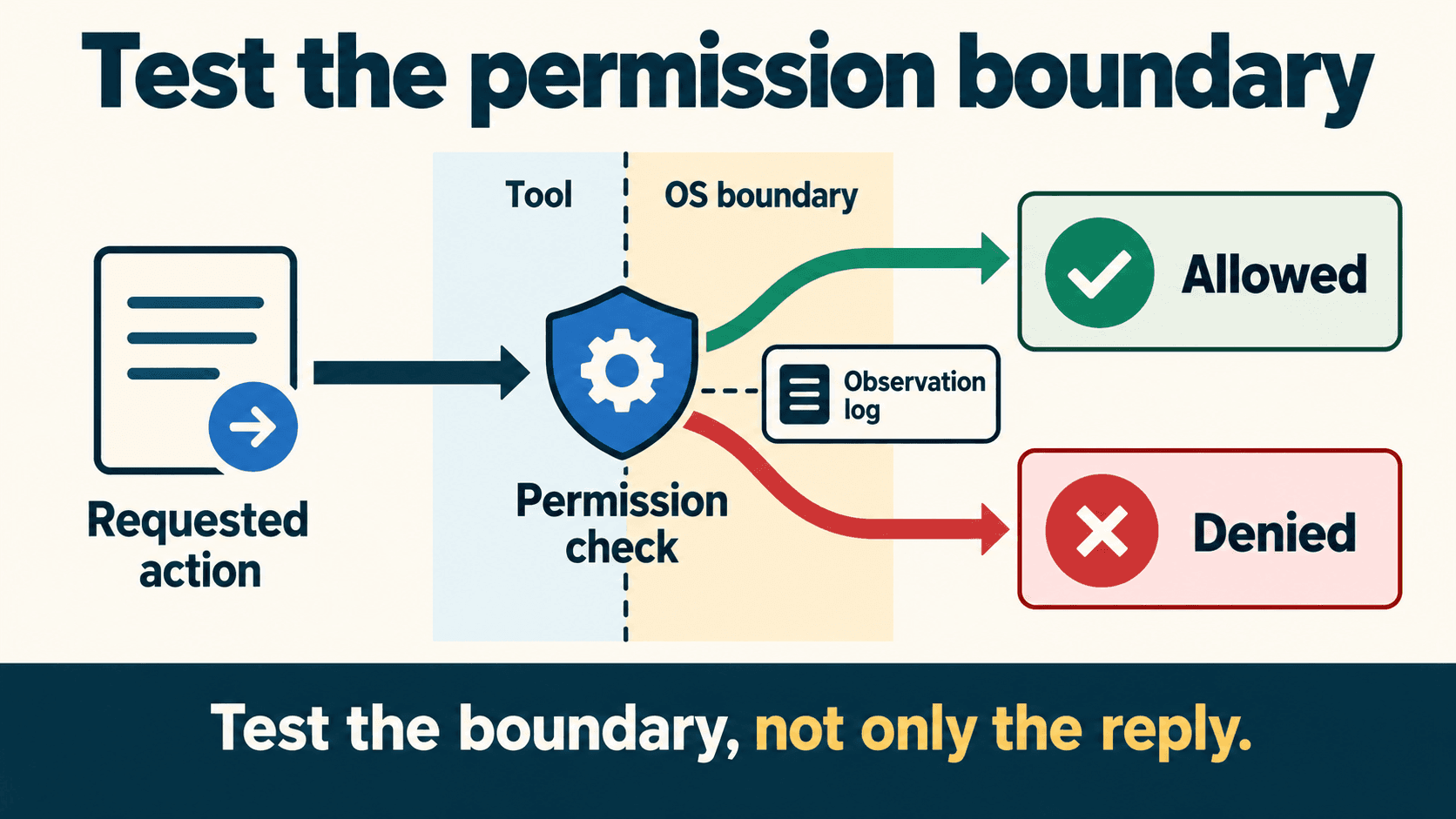
Practical check: A selected tool list or a written instruction is not automatically an enforced filesystem boundary. Test the controls you rely on using harmless fixture data, and record the result rather than assuming the product name guarantees it.
Prepare a repeatable starting state
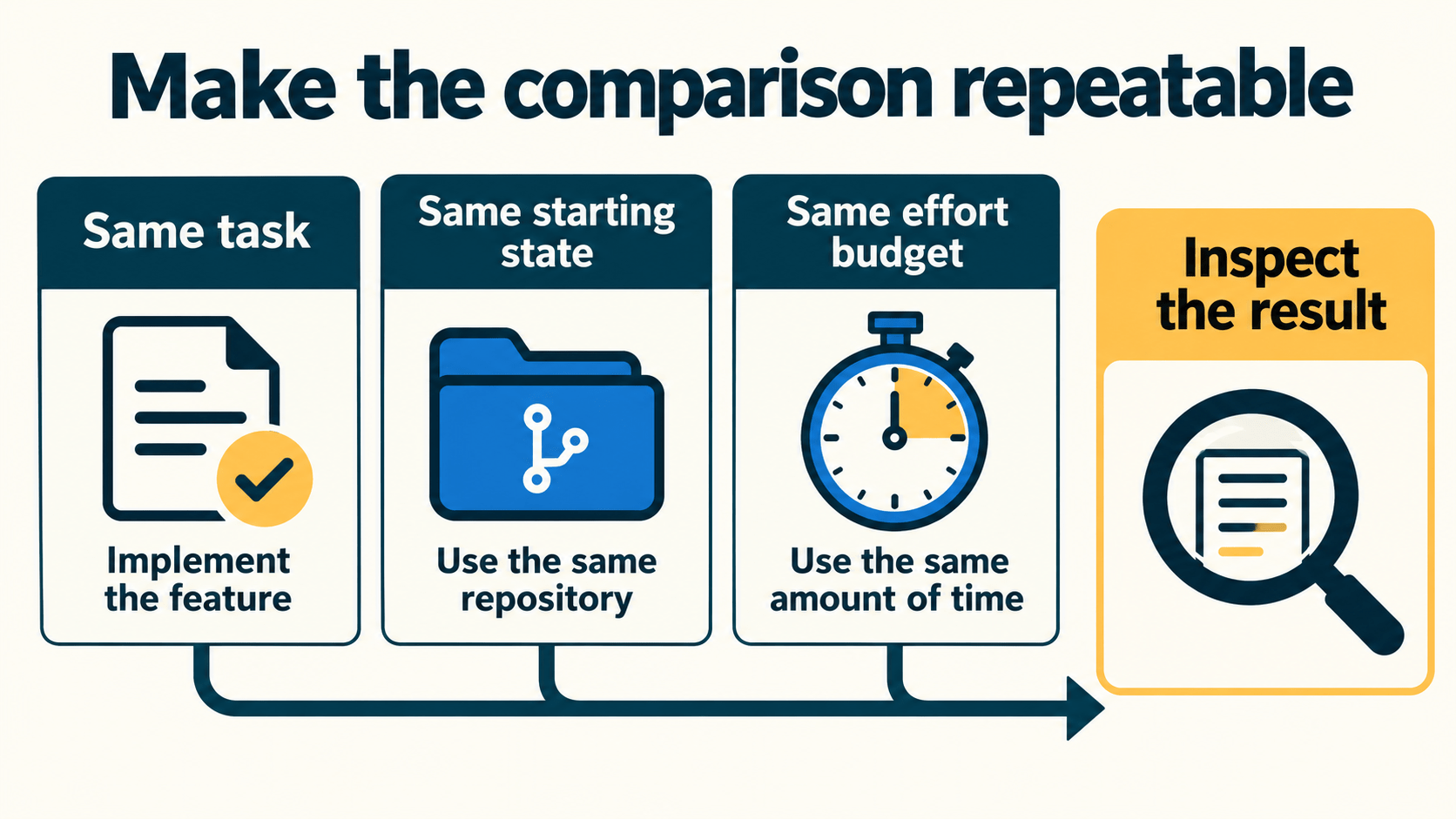
Create a fresh disposable copy of your own fixture for each candidate. Record the same baseline commit and lockfile. Install the fixture’s documented dependencies before timing the agent if setup is outside your chosen measurement boundary; otherwise include setup consistently.
Avoid resetting or cleaning your everyday working repository just to prepare an evaluation. A separate fresh copy makes the starting state easier to audit and keeps unrelated work out of the comparison.
Give every candidate the same initial task
Implement the notification-preferences form described in the fixture specification.
Show initial values, validate the email field and save through the supplied mock client.
Prevent duplicate submission while pending. On a simulated server error, preserve inputs
and offer a retry. Keep the existing behavior and baseline tests passing.

Use only the allowed files and existing dependencies. Run the documented checks.
Report changed files, checks actually run and any incomplete acceptance criteria.
Provide the same specification and allowed context. If one candidate needs a product-specific instruction file, preserve its contents and disclose the difference. Reproducibility is more useful than pretending materially different environments are identical.
Two implementation patterns worth borrowing
The public SWE-bench project uses a reproducible evaluation harness for patches addressing repository issues. Its documented Docker-based setup demonstrates the value of a recorded environment and repeatable checks. Borrow that principle for your small fixture; this article does not ask you to run the full benchmark or infer an IDE winner from it. SWE-bench repository.
GitHub’s documented IDE agent workflow iterates on edits and commands while the developer reviews and steers the work. Borrow that pattern by logging each follow-up and its effect. A multi-turn result should not be described as a first-attempt success. GitHub’s interactive workflow.
Log failures, retries and manual fixes
Use one attempt identifier per agent turn and connect retries to the same task. Preserve the prompt, resulting diff, check output and review decision. If a command could not run, record why; do not convert “not run” into a pass.
Download the attempt-log template. It starts with unrun candidate records, not fabricated performance.
Review the behavior and diff together:
- Run the unchanged acceptance checks and the relevant baseline tests.
- Inspect the pending, error and retry states in the interface where applicable.
- Read dependency, configuration, test and generated-file changes.
- Record scope violations and unexpected external access.
- Time review, prompting and manual repair separately.
- Decide whether the result was agent-complete, accepted after repair, rejected or inconclusive.
If the tool needs a retry, give it the same kind of feedback and remaining budget you allow other candidates. If you patch the result manually, keep that patch visible. Human-assisted acceptance is useful evidence, but differs from an unaided passing attempt.
Use the small-team evaluation scorecard
Correctness, regressions and required access boundaries are must-pass gates. A fast or cheap result cannot compensate for failing them. Unknown gate results remain incomplete.
The following weights are an example team rubric, not empirically established industry weights. Adjust them before running the comparison.
| Dimension | Example weight | How to evaluate |
|---|---|---|
| Functional behavior, including recovery | 25% | All declared acceptance cases pass |
| Baseline regressions | 15% | Required existing checks pass |
| Scope and required access controls | 15% | Allowed changes only; required boundary checks pass |
| Human review effort | 15% | Record minutes against your predeclared budget |
| Manual rework effort | 15% | Record minutes and patch details against your budget |
| Cost per accepted task | 15% | Include failed effort and the declared cost boundary |
The companion scorecard CSV contains scoring anchors and not_run result cells. For the budget-based rows, its illustrative anchors are 4 within budget, 2 above budget but within twice the budget, and 0 above twice the budget. These are your decision rules, not claims about a universally acceptable cost or review time.
Only compute a weighted total when the gates pass and every required score exists:
weighted total out of 100 = sum(weight_percent × row_score / 4)
Publish the raw measurements beside any score. Different budgets or weights can change the ranking, and the raw review minutes often explain a choice more clearly than a composite number. Do not rank an unrun candidate as zero.
Use the evaluation scorecard, then compare tools under your actual team constraints.
Calculate cost per accepted task with the right denominator
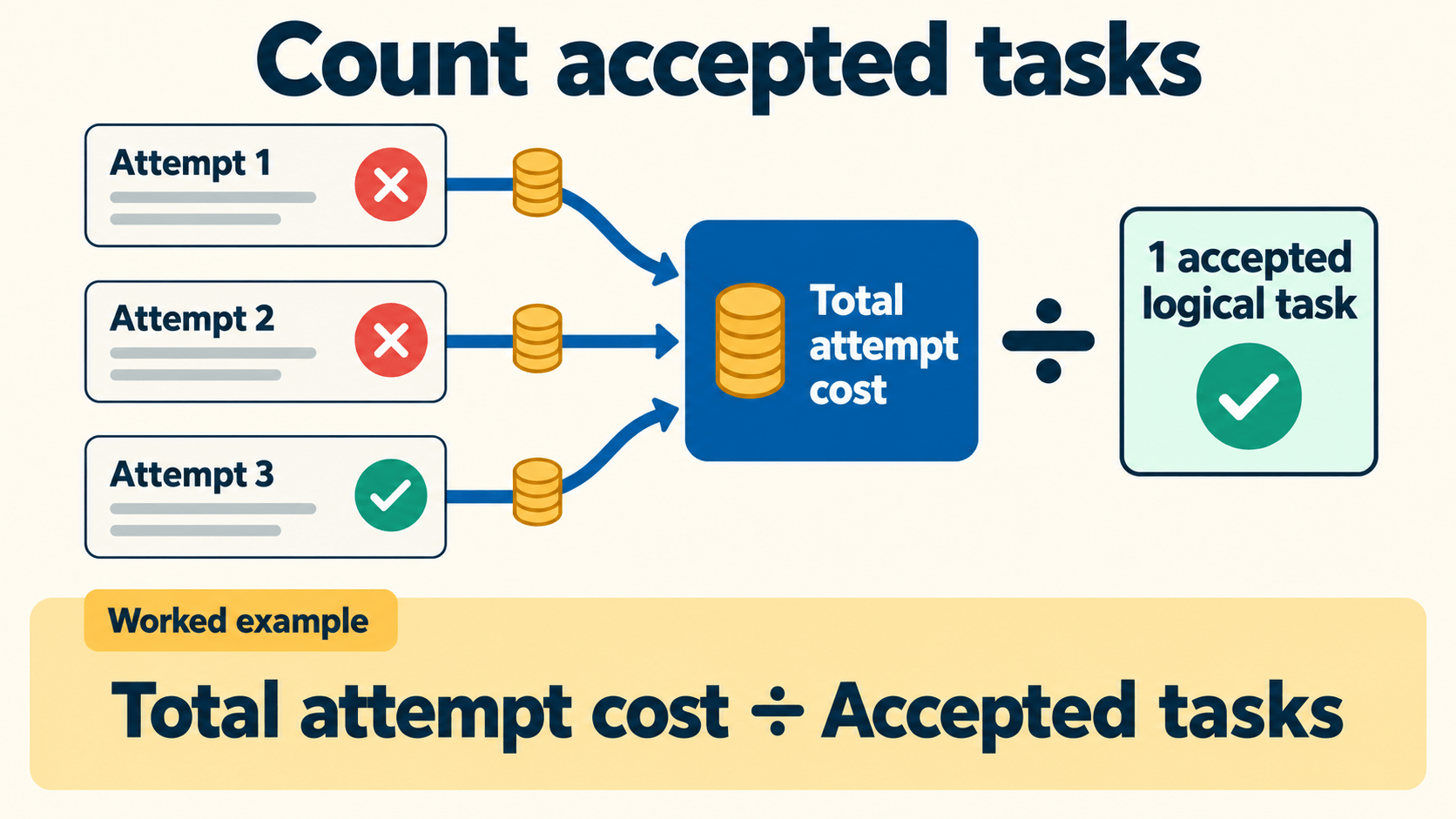
Use the same accounting boundary across candidates. Include failed attempts and human effort associated with the evaluated batch. If subscription usage is included in a plan, choose and document an allocation convention rather than charging the same included usage twice.
batch cost = attributed tool/compute fees
           + total human minutes × loaded hourly rate / 60

cost per accepted task = batch cost / number of accepted tasks
If no task is accepted, report the batch cost and zero accepted tasks. The per-accepted-task cost is undefined, not zero.
A synthetic arithmetic example
This is fictional bookkeeping, not a vendor quote or tool benchmark. Assume a loaded human rate of USD 90 per hour and these example attempts:
| Task and attempt | Result | Tool fee, USD | Human minutes including prompting, review and rework |
|---|---|---|---|
| Task 1, attempt 1 | Failed | 0.10 | 10 |
| Task 1, attempt 2 | Accepted after repair | 0.15 | 13 |
| Task 2, attempt 1 | Rejected | 0.05 | 12 |
Total fees are USD 0.30. The thirty-five human minutes cost USD 52.50, giving USD 52.80 for one accepted task. Omitting the failed and rejected attempts would understate this example’s cost. Different rates, usage patterns and review needs can produce very different economics.
Download the separate synthetic cost example. Use actual invoices and recorded time for your own decision. This example does not establish that token fees are always negligible or that one product saves money.
Choose by the work your team needs to accept
For a solo founder, a useful tool may be the one that completes a narrow change with understandable output and affordable review. For a shared repository, consistent conventions, regression checks and a clear review owner may matter more. Neither situation automatically justifies broad permissions.
Repeat the method on a few representative tasks before committing the whole team: a bounded feature, a bug fix and a modest change in an established module can reveal different weaknesses. Preserve failures and explain the limits of the sample. Do not turn a small fixture into a universal agent leaderboard.
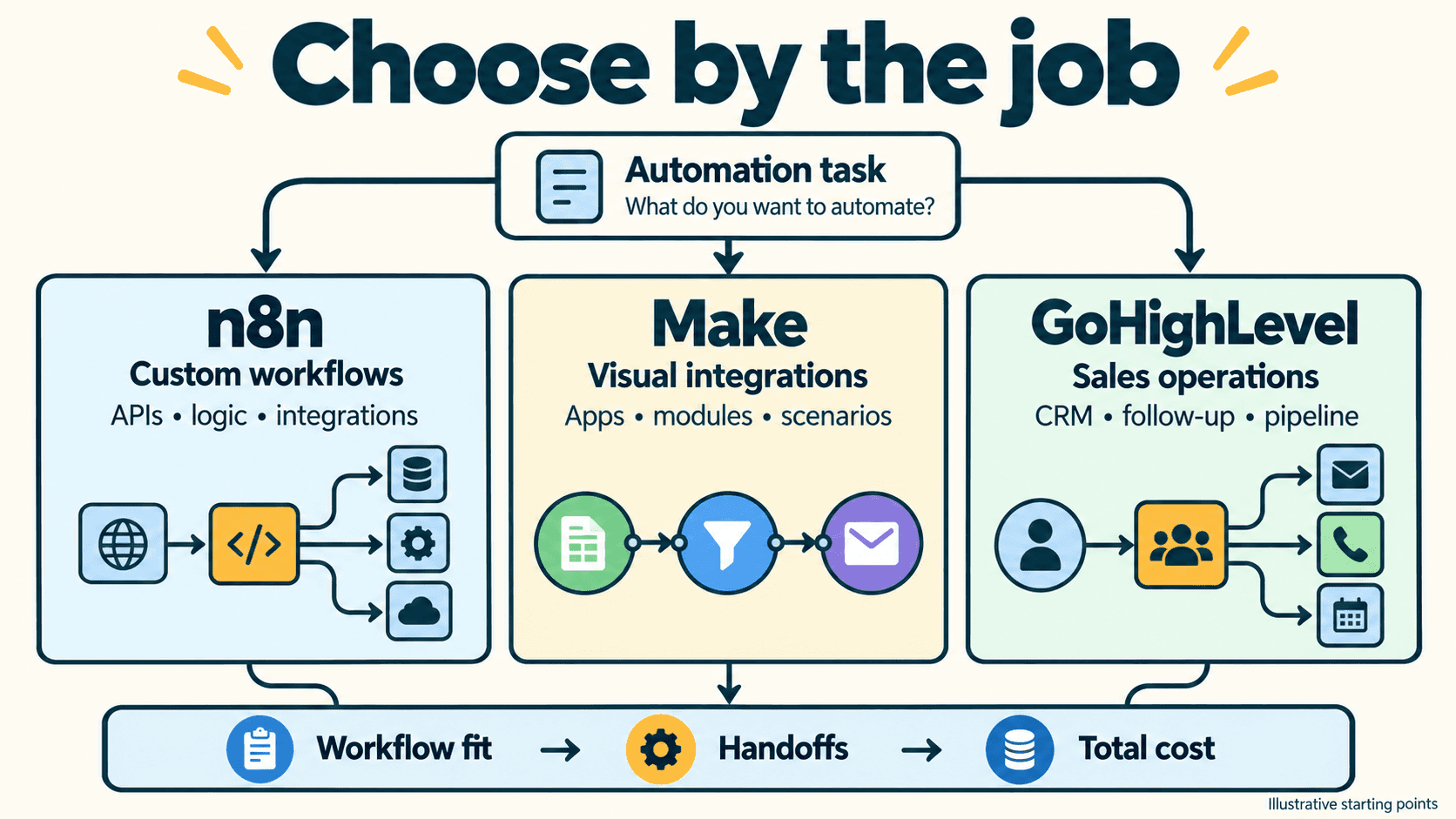
You can inspect the Cursor profile, GitHub Copilot profile and coding-tools directory after setting your requirements. Start the decision with the scorecard and the work your team must verify.
Get the best new AI tools and guides, weekly
One short email a week. The tools worth trying, the guides worth reading, nothing else.
No spam. Unsubscribe anytime.
Aymen B
Contributing writer at Vantaige, covering the AI tools ecosystem.