AI Security Tools for Small Teams (2026): The Stack That Doesn't Need a SOC
AI Security Tools for Small Teams (2026): The Stack That Doesn't Need a SOC
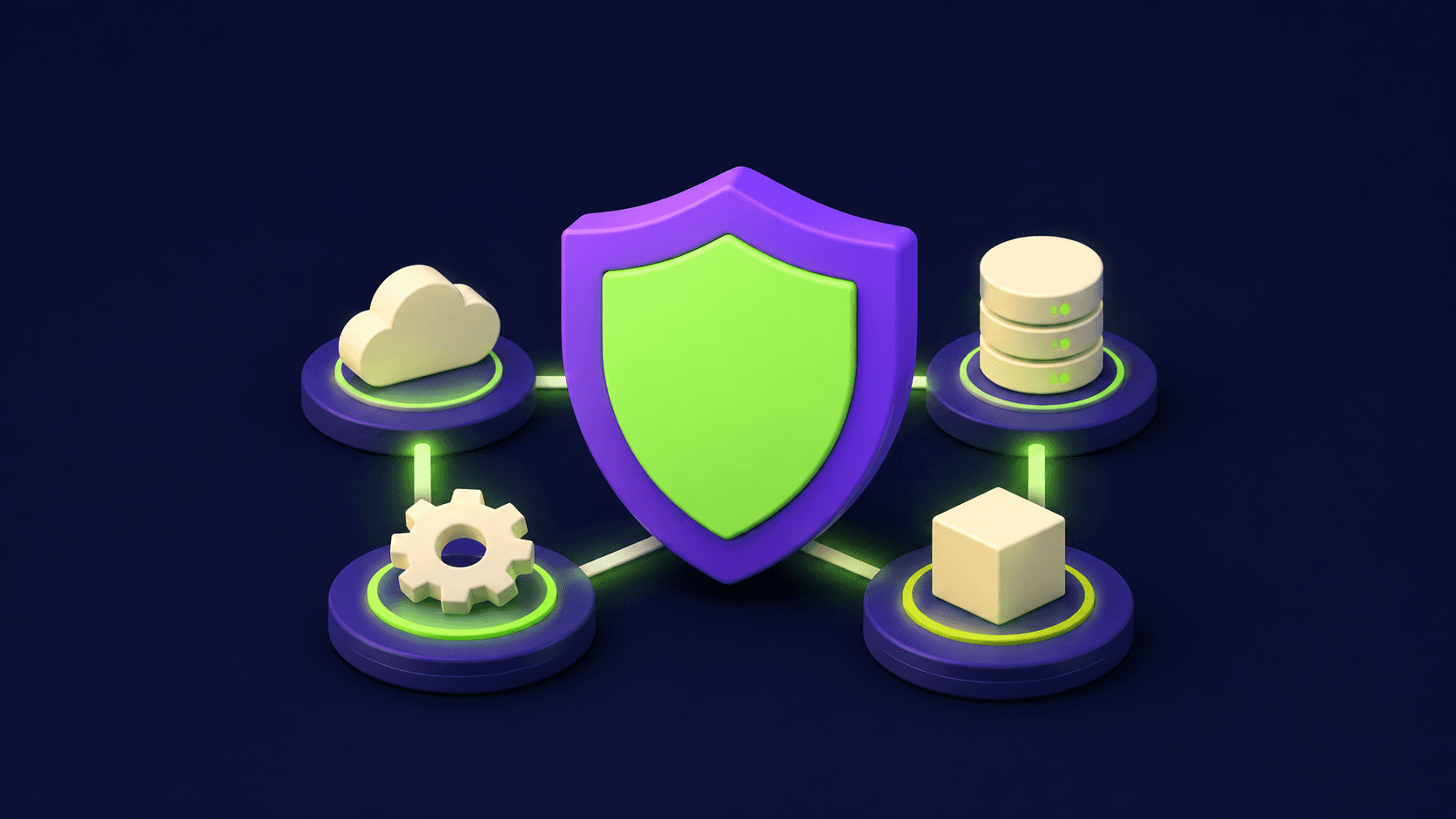
Most "AI security tools" lists are written for enterprises with a security operations center and a seven-figure budget. This one is for the five-to-fifty-person team that ships software with AI in it and needs four questions answered: is this file malicious, what is actually in our supply chain, is our LLM app leaking or injectable, and can we use AI privately. One tool per question, plus the checks that cost nothing but configuration.
TL;DR
Small teams need four AI-security jobs covered, not a SOC
Intezer automates malware and alert triage like a virtual analyst
Syft generates the SBOM your supply chain answers come from
LLM apps add prompt injection and data-leak surface
MCP servers are the newest unaudited attack surface
What counts as an AI security tool in 2026?
An AI security tool is one of two things: security tooling that uses AI to do analyst work (triage, malware analysis, anomaly detection), or tooling that secures your AI systems (LLM apps, agents, model supply chains). Most lists blur them; your budget should not.
The split mirrors the user-testing one: AI-for-security buys you analyst hours back, while security-for-AI covers attack surface that did not exist before you shipped an LLM feature. A small team usually needs a little of both, and the four-job framing below keeps you from buying overlapping platforms.
Job 1: Is this file or alert malicious?
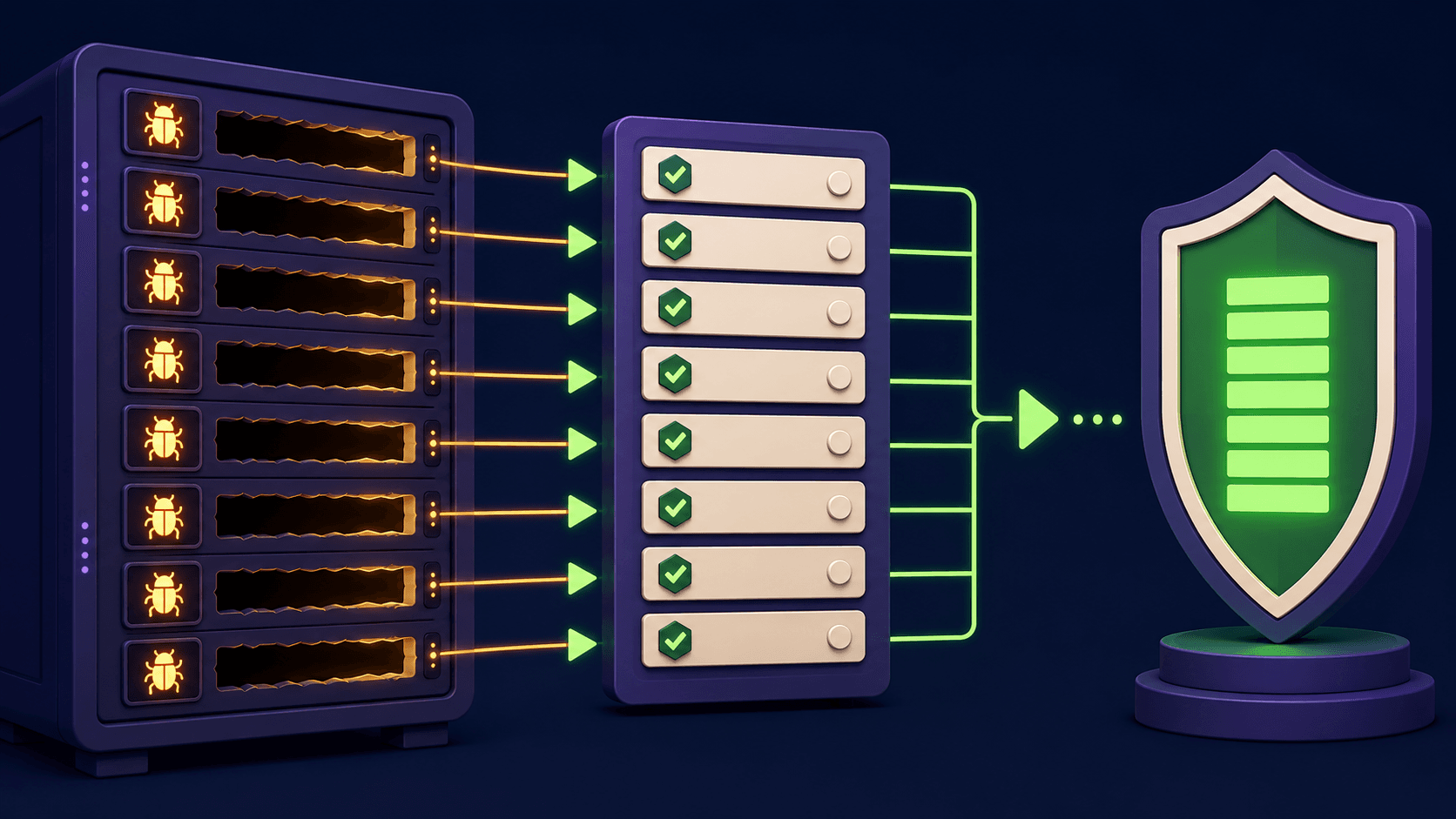
Intezer answers this with automated alert triage and malware analysis: it ingests suspicious files, endpoint alerts, and phishing reports, analyzes them the way a tier-1 analyst would, and returns verdicts with evidence. For a team with no dedicated security hire, it is the closest thing to an analyst on call.
The honest scope: it triages and explains, it does not patch or respond for you. Pair it with a clear runbook for what happens after a "malicious" verdict, even if that runbook is "isolate the machine and call your MSP." Triage without response is just faster anxiety.
Job 2: What is actually in our software supply chain?
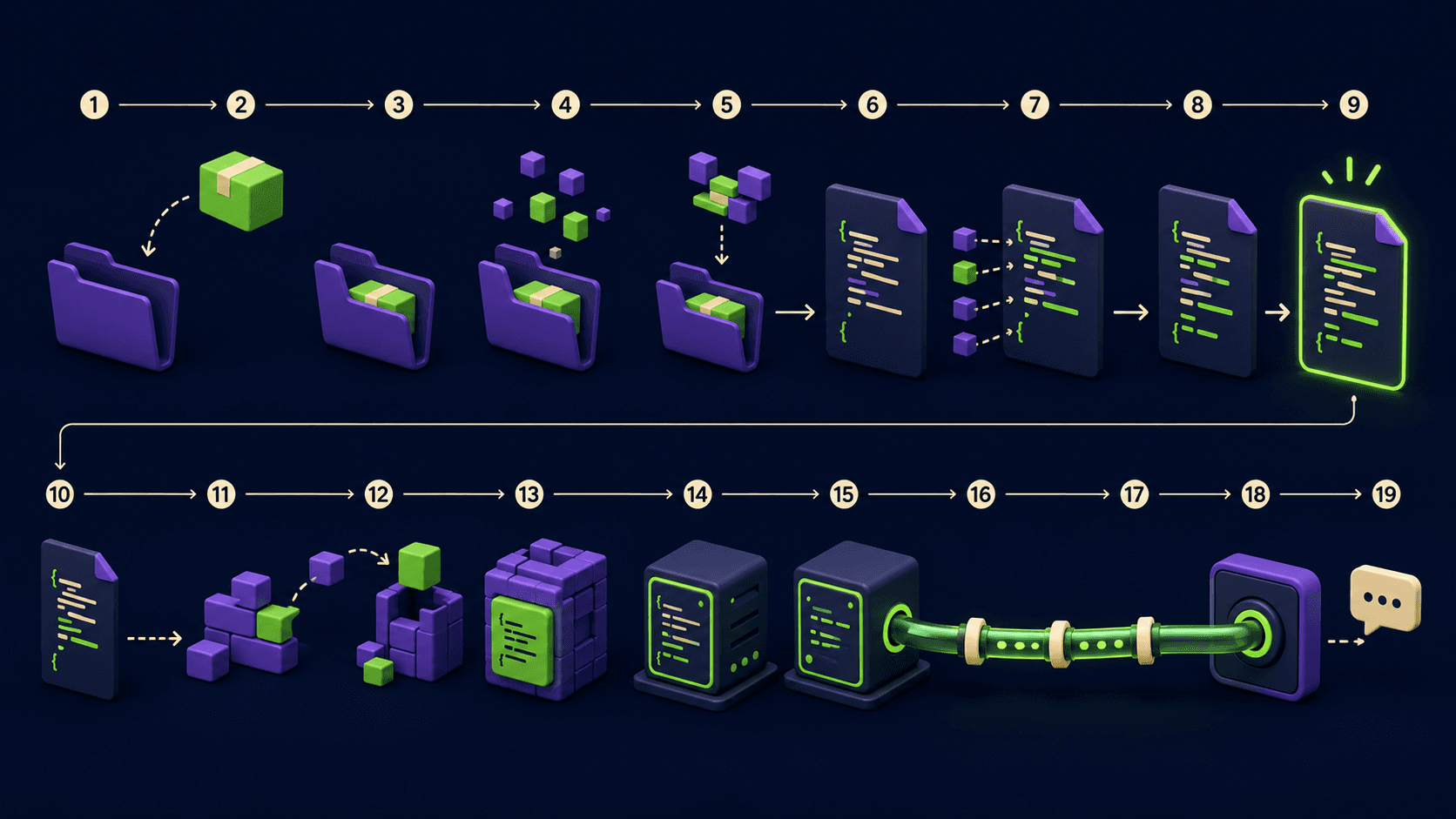
Syft generates a software bill of materials (SBOM) from your containers and codebases: every package, version, and license, machine-readable. It is open source, runs in CI, and is the prerequisite for answering "are we exposed?" within minutes instead of days when the next major CVE drops.
This matters double for AI stacks because model-adjacent dependencies move fast and pull in heavy native code. An SBOM per image, generated on every build and diffed on every release, plus a scanner over it, is the highest-value security automation a small team can ship this quarter. It costs configuration time, not license fees.
Job 3: Is our LLM app injectable or leaking?
If you shipped an LLM feature, you shipped new attack surface: prompt injection through any text the model reads, data exfiltration through what it is allowed to output, and tool misuse through whatever you let it call. The OWASP Top 10 for LLM Applications is the canonical map of these risks, and it should drive your review checklist before any tooling purchase.
The configuration-level controls that cover most small-team risk: strip or sandbox untrusted content before it reaches system prompts, allowlist the tools and domains agents can touch, log every tool call with arguments, and cap output destinations so a hijacked agent cannot mail your database anywhere. Observability platforms like Helicone give you the request-level logging and anomaly visibility that make injection attempts findable instead of invisible.
Job 4: Can we use AI without sending data away?
For teams whose contracts or compliance posture forbid sending data to model APIs, local AI is the security control. Sanctum runs open-weight models fully on-device with encrypted local storage, which converts "can we trust the vendor's retention policy" into "the data never left."
The trade is capability: local models trail frontier APIs on the hardest tasks. The pattern that works is routing by sensitivity: local models for anything touching client data, API models for generic tasks. Our local agentic coding guide covers the hardware math for exactly this setup.
The new surface: are your MCP servers audited?
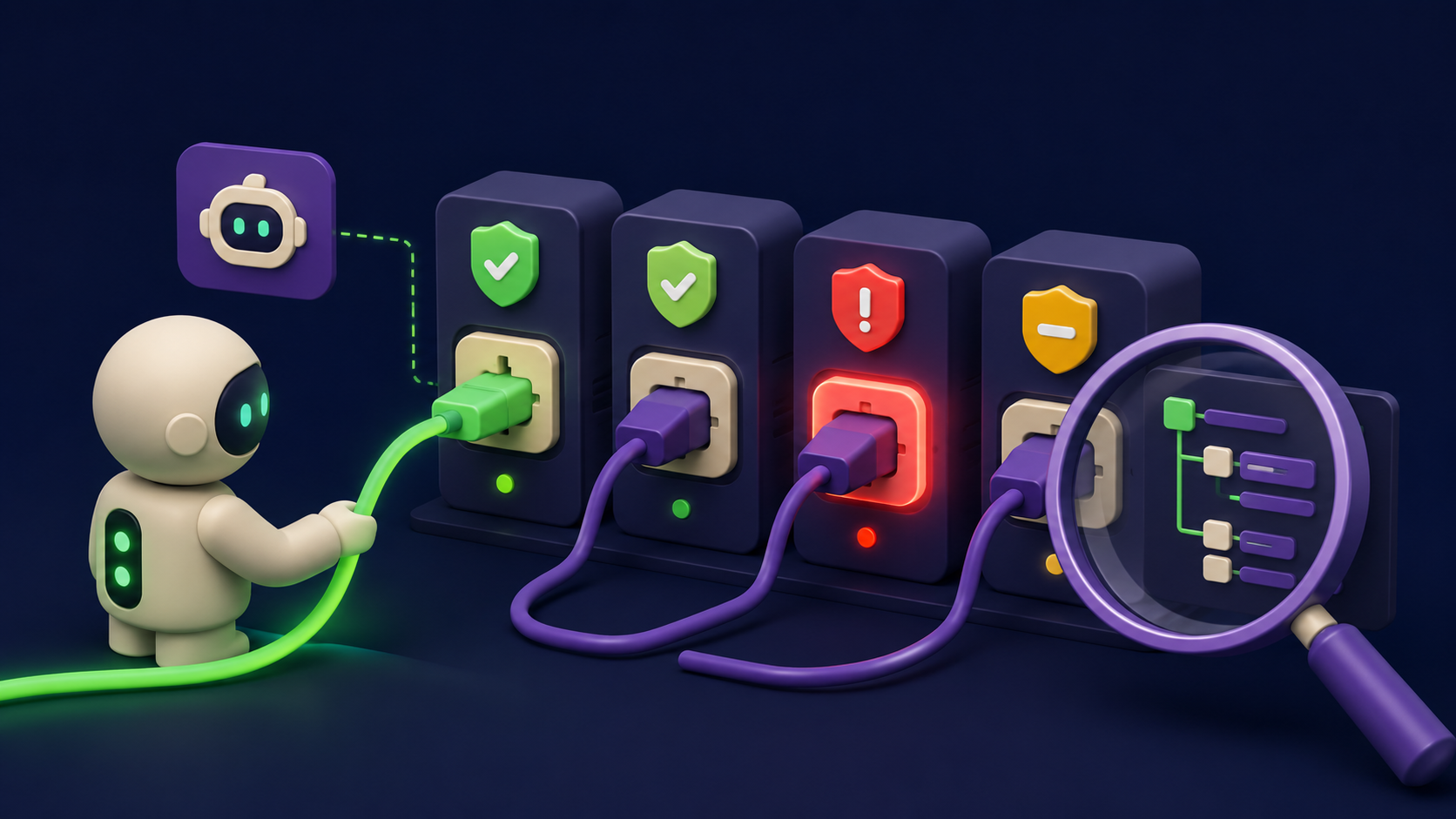
Agent tooling added a fresh attack surface most teams have not inventoried: MCP servers. Every server your agents connect to is third-party code with tool-level permissions, and the public registry crossing ten thousand servers means provenance varies wildly. Treat MCP servers like browser extensions with shell access.
The minimum controls: pin versions instead of tracking latest, read the tool schemas you grant, run servers with least-privilege credentials, and log their calls. We published the full checklist in the MCP server security checklist, and the model-level vulnerability work happening in Project Glasswing shows where vendor attention is heading: the tooling layer, not just the model.
What does the minimal stack look like?
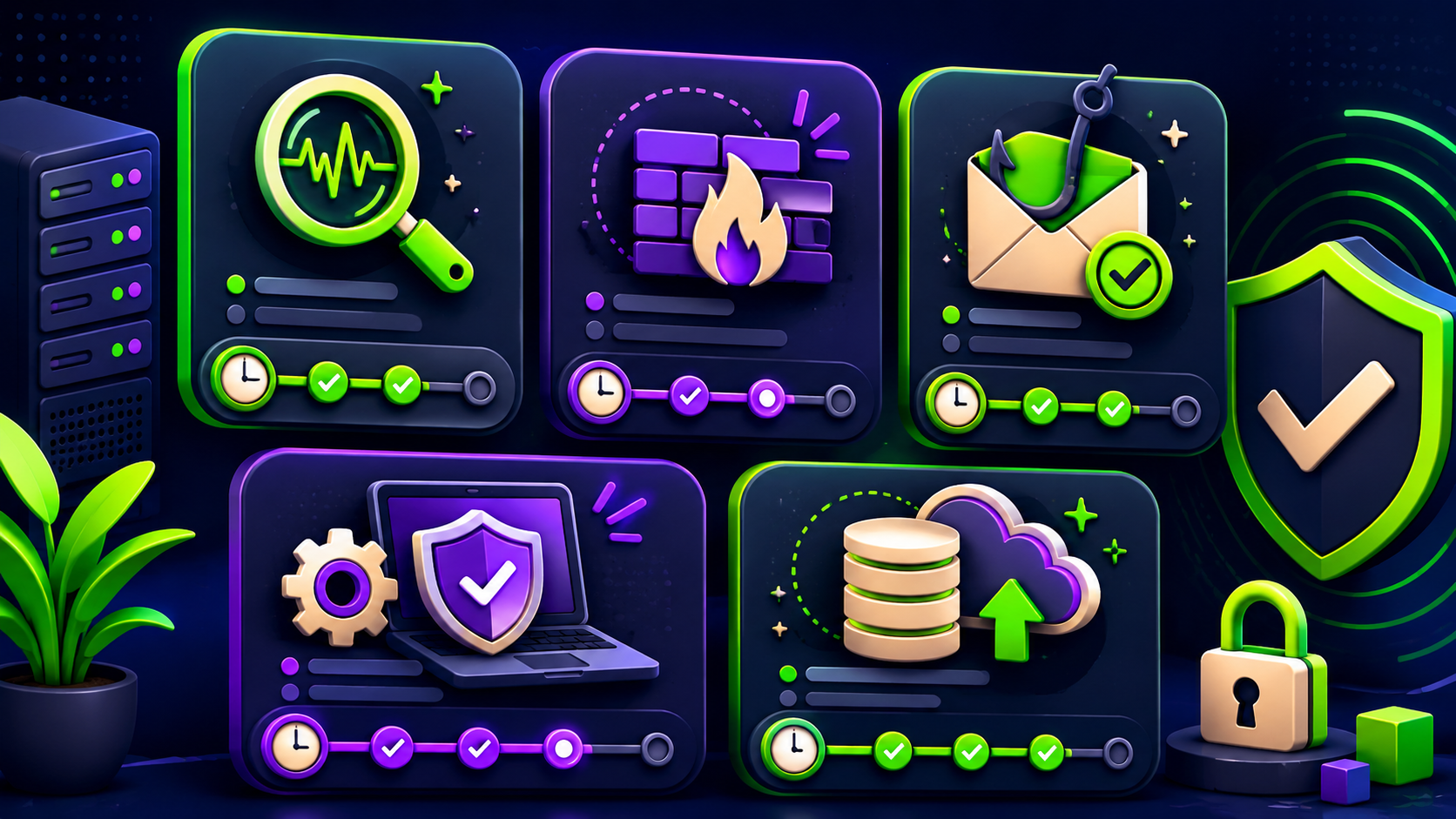
Job | Tool | Cost shape | Time to value |
|---|---|---|---|
Malware and alert triage | SaaS subscription | Days | |
Supply chain visibility | Syft + scanner | Open source, CI time | One sprint |
LLM app monitoring | Helicone + OWASP checklist | Free tier then usage | Days |
Private AI for sensitive data | Sanctum or self-hosted | Free to run, hardware | Days |
MCP and agent hygiene | Checklist + logging | Configuration only | One afternoon |
FAQ
Do small teams really need AI security tools?
You need the four jobs covered, not a product category. Two of the five rows above are free plus configuration. The moment you ship an LLM feature or let agents touch production, the surface exists whether you tool for it or not.
What is the single highest-value first step?
SBOM generation in CI with Syft plus a vulnerability scanner over it. It is free, takes a sprint, and converts every future CVE panic into a five-minute query.
How do we defend against prompt injection?
Assume any text the model reads can carry instructions. Sandbox untrusted content, allowlist tools and destinations, require human confirmation for irreversible actions, and log everything. Detection is unreliable; containment is what works.
Is local AI actually more secure?
For data-exposure risk, yes by construction: the data never leaves. You still own endpoint security and model-supply-chain checks (download weights from verified sources). It trades capability for control, which is the right trade for regulated data.
Who should we call when something is actually bad?
Decide before the incident: an MSP retainer, a regional incident-response firm, or your cyber-insurance hotline. Tools triage; humans respond. Write the one-page runbook now.
Compare these tools side by side
Vantaige tracks 540+ AI tools with pricing, use cases, and alternatives. Browse the directory and create a free account to save tools to a shortlist and compare security options before you commit.
Related from Vantaige
References
OWASP, "Top 10 for Large Language Model Applications." owasp.org
Anchore, Syft documentation. github.com/anchore/syft
Intezer, product documentation. intezer.com
CISA, Software Bill of Materials resources. cisa.gov/sbom
Helicone, LLM observability documentation. docs.helicone.ai
Get the best new AI tools and guides, weekly
One short email a week. The tools worth trying, the guides worth reading, nothing else.
No spam. Unsubscribe anytime.
Aymen B
Contributing writer at Vantaige, covering the AI tools ecosystem.