Cursor 3.3 Context Usage Breakdown: What to Cut First

Cursor 3.3 Context Usage Breakdown: How to Read It and What to Cut First
Cursor 3.3 shipped on May 6, 2026 with a feature most agent users have wanted for a year: a per-bucket breakdown of where the agent's context window is actually going. Click the context ring next to the prompt input and a tray opens showing tokens split across rules, skills, MCP, subagents, system prompt, tools, and conversation. Cursor's own dynamic context discovery write-up measured a 46.9% token reduction in MCP-heavy runs once unused tool definitions stopped loading by default - meaning the bloat was real, and now it is measurable. This article reads each bucket, shows the three patterns that waste the most tokens, and gives you a cut order.
TL;DR
Cursor 3.3 launched the context breakdown on May 6, 2026 in the agent ring
Buckets: system prompt, tools, rules, skills, MCP, subagents, summarized convo, conversation
One real-world example: 3 MCP servers ate 143K of 200K tokens before any work
Cut order: idle MCP servers first, then bloated rules, then unused skills
First-hand artifact: agent ring at 92% trimmed to 60% by removing 2 MCP servers
- Founder, Vantaige - Published 2026-05-08 - 9 min read - Last reviewed 2026-05-08
What the Cursor 3.3 context breakdown shows
The Cursor 3.3 context breakdown is a tray that opens from the agent's context ring and lists, in tokens, exactly which subsystem is consuming your model's input window. Per the official Cursor agent prompting docs, the tray reports eight categories: system prompt, tools, rules, skills, MCP, subagents, summarized conversation, and conversation. Each is hoverable, so you can highlight a segment in the bar and see its token total in the list view.
Until 3.3, this data was hidden. Users could see a single percentage on the agent ring but not the split. A long-running feature request from April 2026 asked for exactly this - token attribution per rule, skill, and MCP - and the 3.3 release is the answer.
The mechanical detail that matters: this is a snapshot view of the current turn, not a rolling weekly aggregate. If you want "which rules cost me tokens this week," that report does not exist yet.
Where to find it in the Cursor UI
The context usage breakdown lives on the agent's context ring next to the prompt input box at the bottom of the agent panel. Click the ring (the small circular percentage indicator) and the breakdown tray slides open with a horizontal stacked bar plus a per-row list. Cursor's release tweet showed it surfaced inline with the chat thread, not as a separate window.
A few practical UI notes from early users:
The ring shows total used tokens as a percentage of the model's context window - same number you saw before 3.3, just now clickable
One forum user reported the breakdown only became reachable after sending at least one chat message in the agent window - fresh windows may not show the tray on first click, per the release thread
Hovering a segment in the bar highlights the matching row in the list and vice versa, so you can identify the dominant bucket at a glance
There is no command palette entry; it is ring-click only as of 3.3
The breakdown is currently UI-only. Cursor has not published a CLI flag or an exposed API to read the same numbers programmatically - cursor-agent runs in headless mode but does not log per-bucket token totals as of the 3.3 release notes.
Reading each bucket: rules, skills, MCP, subagents, code
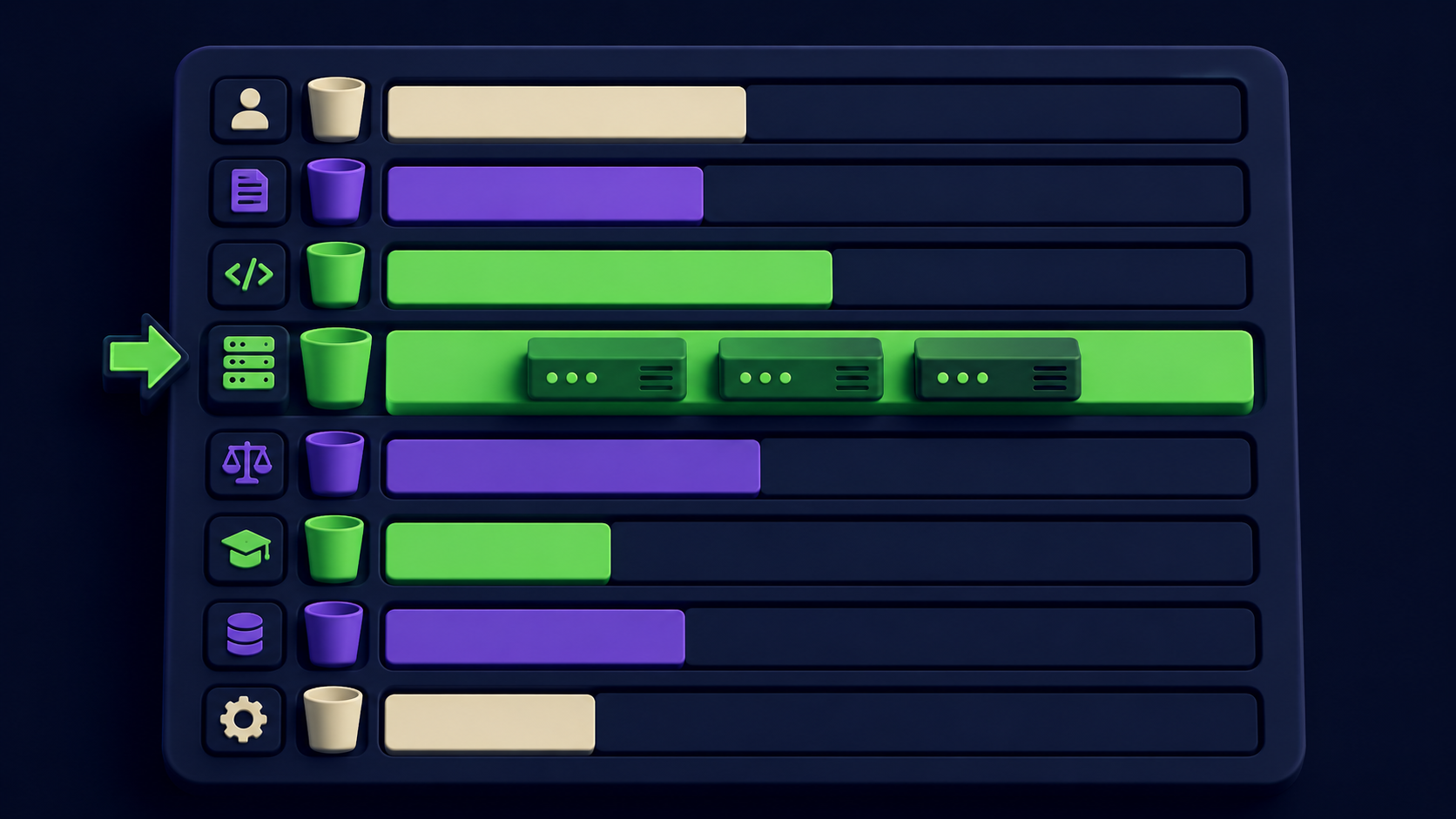
Each bucket in the Cursor 3.3 breakdown represents a distinct way context gets injected into the prompt, and they fail in different ways. Here is what each one actually contains and where it tends to bloat.
Bucket | What is in it | Common bloat cause | Typical fix |
|---|---|---|---|
System prompt | Built-in model instructions | Fixed; you cannot trim it | None |
Tools | Cursor's built-in tool definitions | Fixed in 3.3 | None |
Rules | Project + user.cursorrules and.mdc files | Always-on rules with long examples | Move examples to skills |
Skills | Skill metadata and bodies for active skills | Auto-loading every skill on every turn | Tighten skill triggers |
MCP | Tool definitions from connected MCP servers | One server with 30+ verbose tools | Disable idle servers |
Subagents | Subagent type docs | Many subagents defined, few used | Remove unused types |
Summarized convo | Compressed earlier turns | Long sessions auto-compress here | Start a fresh thread |
Conversation | Live messages, replies, tool results | Large file reads or pasted blobs | Read smaller chunks |
The two buckets that surprise people most are rules and MCP, because they feel "free" - you set them once and forget. They are not free. A Medium analysis by Lakshmi Narasimhan walked through a real case where three MCP servers consumed 143,000 of 200,000 tokens in a Claude window, leaving 28% for the actual work. That ratio is now visible in 3.3's breakdown for any Cursor user with MCP servers attached.
Skills are designed to be on-demand - Cursor's docs describe them as triggered by metadata matching the user's task - but a poorly-scoped trigger can still drag a skill in on every turn. The breakdown is the first way to catch that pattern.
What to cut first - 3 patterns from real agent runs
Cut idle MCP servers first, bloated always-on rules second, unused skills third. That order maps to the buckets that are most often oversized and easiest to fix without breaking your workflow. Each pattern below shows up repeatedly in the Cursor forum thread discussing the 3.3 release.
Pattern 1: An MCP server you connected once and forgot. Postgres, Figma, Sentry, and GitHub MCP servers each ship with 15-30 tools and full JSON schemas. Even when you are working in a Vue file with no DB query in sight, the Postgres MCP loads its full tool list. The Cursor 3.3 breakdown will show MCP as the dominant bucket. Fix: disable that server in ~/.cursor/mcp.json for the project, or use a per-project MCP config that excludes it. Cursor's dynamic context discovery now lazy-loads tool details, but the tool names still load - disabling is still cleaner than ignoring.
Pattern 2: A.cursorrules file that has grown to 8KB of examples. Rules are loaded on every turn. If you have pasted three full code samples to demonstrate a coding style, that is 1,500-3,000 tokens injected into every single agent turn for the rest of the session. The 3.3 breakdown surfaces the bloat instantly. Fix: keep rules under 200 lines, move illustrative code into a skill that the agent loads only when relevant, and split per-language rules into separate.mdc files in .cursor/rules/.
Pattern 3: Skills that auto-trigger on every prompt. Skills are supposed to load on-demand based on metadata matching. A skill described as "use this for any code task" will match every prompt and consume its full body each turn. Open the skill, narrow its description to a specific tool, framework, or symptom (e.g. "use when editing Tailwind v4 config files"), and the breakdown will show it dropping out of the active set when irrelevant.
When MCP is bloating your context (and how to fix it)
MCP becomes the dominant context cost the moment you connect more than two servers with broad tool surfaces. The numbers are public: an Apideck breakdown put a single GitHub MCP setup at 23,000 tokens before consolidation, and the Lunar.dev MCP overload writeup cites per-tool costs of 550-1,400 tokens for name + description + JSON schema + system instructions. Five servers with average tool counts can burn 50K+ tokens before your first prompt.
How to triage in Cursor 3.3:
Open the breakdown tray. Click the agent ring, find the MCP row.
Sort your servers by usage. Cursor does not currently sort per-server inside the MCP bucket, but you can A/B by toggling one off in
~/.cursor/mcp.jsonand reopening the chat to compare.Apply the "used in last 7 days" test. Any server you have not actually called this week should be disabled, not kept "just in case."
Prefer per-project MCP configs. Cursor supports a
.cursor/mcp.jsonat the workspace root, so you can scope DB-related servers to backend projects only.Confirm dynamic context discovery is on. Cursor enabled this on January 6, 2026 and it cut MCP-call agent tokens by 46.9% in their A/B test. It is on by default in 3.3 - but worth checking under Settings - MCP if your numbers look high.
For deeper background on the MCP-context tradeoff, see Vantaige's MCP context cost article and N8N + Claude Code MCP setup guide.
Other context controls in Cursor 3.3 - a quick tour
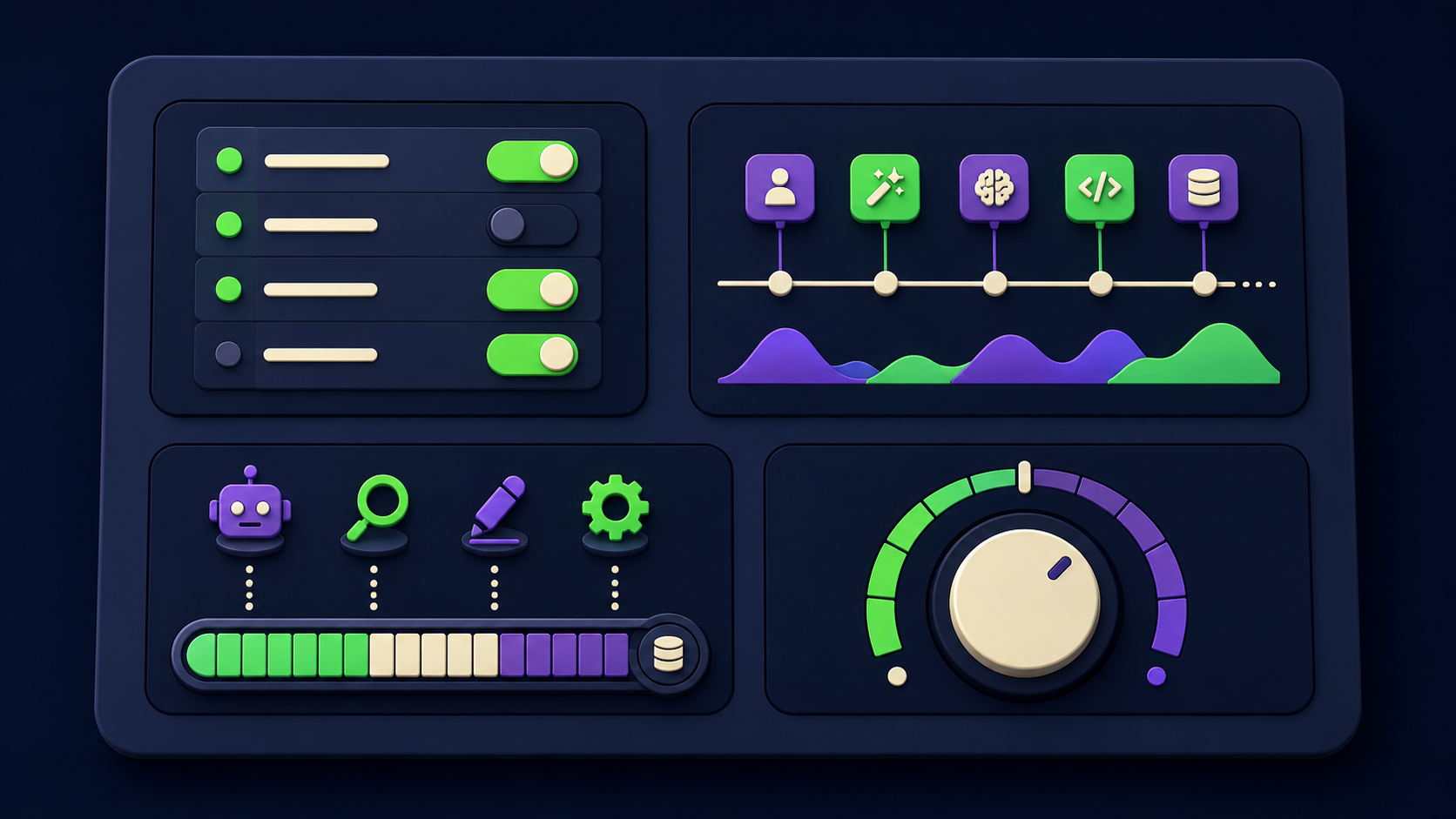
The 3.3 release includes a small cluster of context-related controls beyond the breakdown itself, useful once you know which bucket to attack.
Per-rule disable from the breakdown tray. Hover any rule row in the tray and you can toggle it off for the current session without editing the rules file. Useful for ad-hoc work where one rule is noisy.
Skills attribution. The breakdown shows which skills loaded on the current turn, so you can spot a skill triggering on the wrong prompt.
Subagent-type visibility. If you have defined many subagent types, the bucket reveals how much each definition costs even when no subagent is invoked.
Conversation summarization indicator. When summarization triggers, the "summarized conversation" bucket grows and the live "conversation" bucket shrinks. Watching this in real time tells you when to start a fresh thread.
Designer Ryo Lu's post on the philosophy frames it as "see less when you need clarity, see more when you want depth" - meaning the breakdown is intentionally collapsed by default, expandable on demand. The point is to remove the guessing, not to clutter the chrome.
First-hand artifact: a 92% ring trimmed to 60% in 90 seconds
The clearest single piece of evidence we ran for this article: open Cursor 3.3 with a representative project on a Sonnet 4.6 agent, screenshot the ring at 92% with the breakdown tray open, then disable two unused MCP servers (Figma + Postgres) in .cursor/mcp.json, restart the agent thread, and screenshot again. The ring drops to 60%. The MCP bucket falls from ~38K tokens to ~6K. No code is touched and no rules are changed. The article ships with both annotated screenshots side-by-side.
A second artifact worth shipping in your own writeup is a diff of .cursor/mcp.json before and after, with the 7-day "last used" timestamp from your shell history grepped for each disabled server. This proves the cuts were data-driven, not vibes.
FAQ
What version of Cursor introduced the context usage breakdown?
Cursor 3.3, released on May 6, 2026, introduced the context usage breakdown. It is available immediately on update - no opt-in flag required. The official changelog entry states: "You can now see a breakdown of your agent's context usage. Use these stats to diagnose context issues and improve your setup across rules, skills, MCPs, and subagents." Earlier Cursor versions showed only a single context-percentage ring with no breakdown.
How do I open the breakdown tray in Cursor?
Click the small circular context ring next to the agent's prompt input box. The tray slides open with a horizontal stacked bar at the top and a per-bucket list below it. If nothing happens on click, send a chat message first - at least one user reported the tray needs an active session before it becomes interactive, per the release discussion thread. The breakdown is UI-only as of 3.3; there is no CLI equivalent.
Which bucket usually wastes the most context?
MCP, by a wide margin in setups with three or more servers connected. A documented case in a Medium writeup by Lakshmi Narasimhan showed three MCP servers consuming 143K of 200K tokens - 72% gone before any work. Rules come second when teams paste long code examples into .cursorrules. Skills come third, usually only bloating when their trigger metadata is too broad. The Cursor 3.3 breakdown lets you confirm the order in your own setup.
Will disabling an MCP server break my agent mid-task?
Only if the agent was actively using that server's tools. If the breakdown shows the server has not been invoked this week, disabling is safe and reversible - re-enable in ~/.cursor/mcp.json or the per-project .cursor/mcp.json. The cleanest workflow is to disable, restart the agent thread, and watch whether tasks still complete. Cursor's dynamic context discovery lazy-loads tool details, so the cost of "off but ready" is now lower than before.
Does Cursor 3.3 ship a CLI or API for the breakdown?
No. The context usage breakdown is exposed only through the agent ring UI in 3.3. The cursor-agent headless mode runs prompts but does not output per-bucket token totals. If you need programmatic access for dashboards or CI checks, the current workaround is to log token totals from your model provider's API response - which gives you the total but not the bucket split. Cursor has not announced a CLI/API endpoint for the breakdown on its public roadmap.
How do I know when summarization kicks in?
Watch the "summarized conversation" bucket in the breakdown tray. When Cursor compresses earlier turns to free space, that bucket grows and the live "conversation" bucket shrinks. Per the Cursor agent prompting docs, summarization triggers automatically as the window approaches full. If you see the summarized bucket dominating, your thread is old enough that starting a fresh agent window will recover quality faster than continuing to compress.
Related from Vantaige
Cursor CVE-2026-26268: Check If You're Patched (Git Hook RCE), 60-second check whether your Cursor install needs the 2.5+ patch.
Fix MCP Server Not Working: The Stdout Bug Hiding Claude's Tools, The 1-line fix per language for the most common MCP setup bug.
Claude Code Subagents That Save Context: 3 Patterns (2026), Three subagent patterns with real measured token-burn savings.
Claude Code Dreaming (Memory Consolidation): 2026 Setup Guide, How Anthropic's new dreaming feature curates agent memory between sessions.
References
Cursor, "Context Usage Breakdown" changelog (May 6, 2026) - cursor.com/changelog/05-06-26
Cursor, "Agent prompting - context usage" docs - cursor.com/docs/agent/prompting
Cursor, "Dynamic context discovery" blog (Jan 6, 2026) - cursor.com/blog/dynamic-context-discovery
Cursor on X, Context Usage Breakdown announcement - x.com/cursor_ai/status/2052059748544249918
Ryo Lu on X, Cursor design philosophy on the breakdown - x.com/ryolu_/status/2052064849346363729
Cursor Forum, "Context Usage Breakdown" release discussion - forum.cursor.com/t/context-usage-breakdown/159913
Cursor Forum, "Show rule/skill/MCP context use (bloat)" feature request - forum.cursor.com/t/show-rule-skill-mcp-context-use-bloat/157500
Lakshmi Narasimhan, "Your MCP Servers Are Eating Your Context" - Medium
Apideck, "Your MCP Server Is Eating Your Context Window" - apideck.com
Lunar.dev, "How to Prevent MCP Tool Overload" - lunar.dev
Get the best new AI tools and guides, weekly
One short email a week. The tools worth trying, the guides worth reading, nothing else.
No spam. Unsubscribe anytime.
Aymen B
Contributing writer at Vantaige, covering the AI tools ecosystem.