Project Planning With Claude: Dependency Math and the Critical Path (2026)
Project Planning With Claude: Dependency Math and the Critical Path (2026)
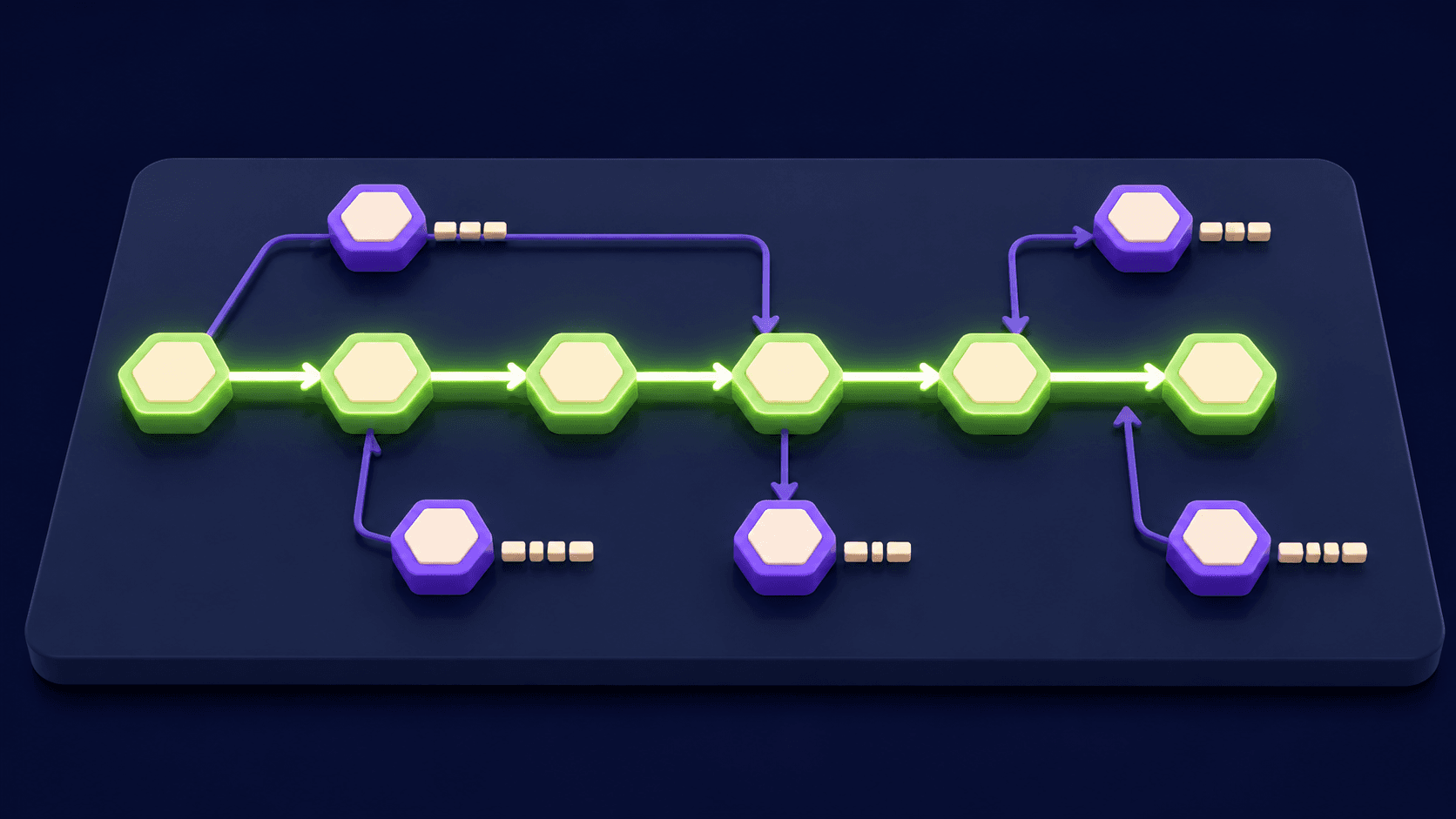
Your project plan looks clean until a PMO or a client asks one question: "What's the critical path?" Most AI-generated plans cannot answer that. They hand back a pretty task list with made-up dates and no dependency math. The critical path, the longest chain of dependent tasks that determines your real finish date, is what makes a plan defensible. This guide shows you the exact method: what inputs to give Claude, the prompt that surfaces earliest/latest starts and slack, and how to verify the math before you walk into the room.
TL;DR
Claude can compute critical path math when you give it a structured dependency graph
You need five inputs: task list, owners, effort, working-hour caps, and dependency links
Ask for earliest start, latest start, slack, and the longest dependent chain, not just a sorted list
Sanity-check three nodes by hand before you present any plan to a client
The real payoff: Claude often flags a hidden dependency your team missed entirely
What inputs does Claude actually need?
Claude cannot invent your project structure. Give it five specific inputs and it produces a schedule that holds up under scrutiny. Leave any of them out and the output is a guess dressed as a plan. The table below shows each input, the format that works cleanly in a single prompt, and why omitting it breaks the math downstream.
Input | Format | Why it matters |
|---|---|---|
Task list | Numbered list, one task per line, unique ID (T1, T2...) | IDs are how Claude tracks dependencies without ambiguity |
Owners | Name or role assigned to each task ID | Lets Claude detect when one person is overloaded across parallel tasks |
Effort estimates | Hours or days per task (e.g., "T3: 3 days") | Duration feeds the forward and backward pass calculations |
Working-hour caps per person | Daily available hours (e.g., "Ana: 6 hrs/day") | Without this, Claude assumes infinite capacity and the dates are fiction |
Dependency graph | "T3 requires T1 and T2 to be complete" per row | This is the critical-path input; without it you have a list, not a schedule |
Paste all five blocks into one message. Claude holds the full context and can reference every constraint in its forward pass. Splitting them across turns works but loses the cross-constraint check that catches overloads and hidden blockers.
The prompt that surfaces the critical path (not just a sorted list)
Most planners ask Claude to "create a project plan" and get a sorted task list with invented dates. That is not a critical path analysis. The prompt below asks for the specific outputs that make a plan defensible: earliest start (ES), latest start (LS), total slack, and the named longest dependent chain. Copy it exactly, fill in your five inputs, and Claude returns a table you can paste into ClickUp or Notion for execution.
Paste-ready planning prompt (fill in the bracketed sections):
"You are a project scheduler. I will give you a task list with IDs, effort estimates in working days, owners with daily-hour caps, and a dependency graph. Using the Critical Path Method: (1) run a forward pass to calculate Earliest Start and Earliest Finish for each task; (2) run a backward pass to calculate Latest Start and Latest Finish; (3) calculate Total Float (slack) for each task as LS minus ES; (4) identify the critical path as the chain of tasks with zero float; (5) return a table with columns: Task ID | Task Name | Owner | Duration (days) | ES | EF | LS | LF | Float | Critical. After the table, list the critical path explicitly as a chain (e.g., T1 > T3 > T6 > T9) and state the total project duration. Flag any task where the owner's daily-hour cap makes the stated duration impossible given parallel assignments. Here are my inputs: [PASTE TASK LIST] [PASTE OWNERS AND CAPS] [PASTE EFFORT ESTIMATES] [PASTE DEPENDENCY GRAPH]""
The reason this prompt works where generic ones fail: it specifies the exact algorithm (CPM forward and backward pass), names the output columns, and asks Claude to check resource constraints separately from the math. Claude models like Claude Sonnet 4.6 and Claude Opus 4.8 handle multi-step sequential reasoning well when you give them a structured procedure rather than an open-ended request. See the Anthropic documentation for guidance on prompting for structured output.
The cross-check: sanity-test the math by hand on 3 nodes
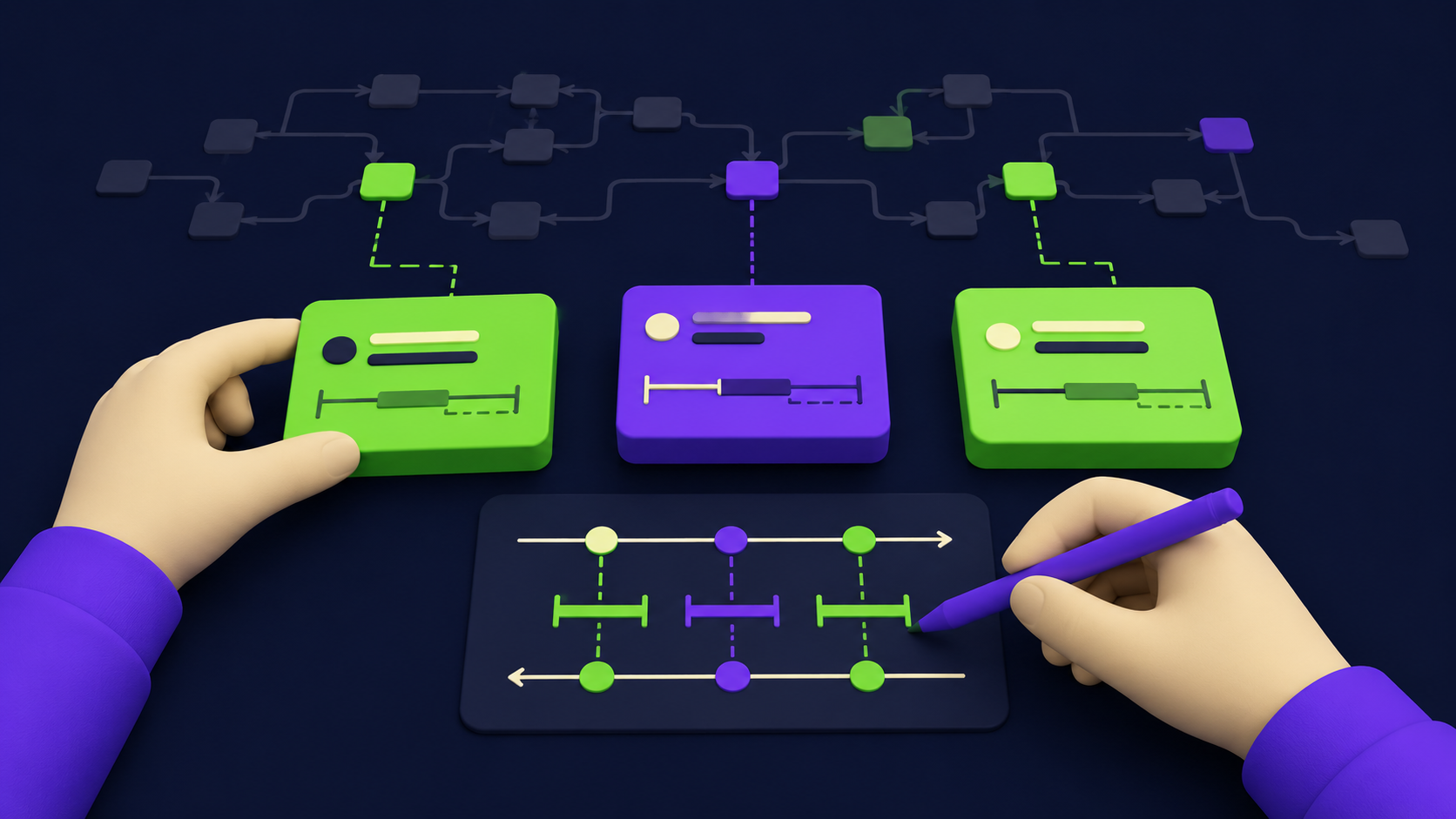
Trust the output structure, verify the numbers. The Critical Path Method (CPM) is deterministic: for any task, ES equals the maximum EF of all its predecessors, and float equals LS minus ES. Those two rules let you spot-check three nodes in under five minutes and catch any arithmetic Claude got wrong. The Project Management Institute defines CPM as the calculation of the longest path through a project network, where zero-float tasks form the critical chain (see pmi.org). Apply that definition to your three chosen nodes.
Pick one task with no predecessors (should have ES of day 0 and float that matches the gap between its EF and the project end), one task in the middle of a converging dependency (two predecessors feeding into it), and one task on the named critical path (should show zero float). For each, calculate ES, EF, and float manually using the two rules above. If Claude's numbers match on all three, the full table is almost certainly correct. If one is off, re-run with the dependency section reformatted as explicit rows: "T4 depends on: T2, T3" with no prose in between.
The Gantt fallback: render a Mermaid chart you can paste into Notion or a Markdown viewer
Once the CPM table is verified, ask Claude to render the schedule as a Mermaid gantt chart. Mermaid is a plain-text diagramming syntax supported natively in Notion, GitHub, and most Markdown viewers. No MS Project license, no export steps. You paste the block and it renders.
Here is a small worked example of the Mermaid output Claude produces for a six-task schedule with the critical path highlighted (T1, T3, T5 are critical):
gantt
    title Project Schedule (Critical Path: T1 > T3 > T5)
    dateFormat  YYYY-MM-DD
    axisFormat  %b %d

    section Critical Path
    T1 Kickoff and brief          :crit, t1, 2026-07-01, 2d
    T3 Creative production        :crit, t3, after t1, 5d
    T5 Client review and sign-off :crit, t5, after t3, 3d

    section Parallel
    T2 Legal review               :t2, 2026-07-01, 4d
    T4 Tech integration           :t4, after t1, 3d
    T6 Launch prep                :t6, after t4, 2d
The :crit keyword colours those bars red in most Mermaid renderers so the critical path is visually obvious. See mermaid.js.org for the full syntax reference. For teams moving the approved schedule into a task tool, the project management tool directory lists options that import Mermaid or support CSV-based task creation.
Worked examples: a product launch, a marketing campaign, a 30-day client onboarding
Three project types, each around six weeks, show how the same method produces a different critical path depending on where the real bottlenecks sit.
Product launch (6 weeks, 12 tasks). In a typical software launch, the critical path runs through: requirements finalization (T1, 3 days) > backend development (T4, 8 days) > QA testing (T8, 4 days) > staged rollout (T11, 2 days) > launch day (T12, 1 day). Total: 18 working days. Design, marketing copy, and legal review run parallel with float of 3 to 7 days each. The path that surprises teams: QA cannot start until backend finishes, so any backend slip hits the launch date one-for-one. Teams that schedule QA as a fixed calendar block discover this the hard way.
Marketing campaign (6 weeks, 10 tasks). The critical path here usually runs through strategy sign-off > creative brief > ad production > media buying > live date. The hidden chokepoint: media buying deadlines at most ad platforms are fixed calendar dates, not relative durations. When you include this as a constraint in the dependency graph, Claude correctly identifies that creative production has zero float because media buying has a hard deadline. Treat the media buy deadline as a milestone with no flex, and work backward from it.
30-day client onboarding (8 tasks). Onboarding critical paths almost always run through: contract execution (T1) > credentials and access handoff (T2) > technical setup (T3) > first training session (T6) > go-live sign-off (T8). The float sits in async review tasks like documentation review and stakeholder communication. The dependency that gets missed most: technical setup cannot start until credentials are handed over, and clients frequently treat the credentials step as low-priority. That assumption makes T2 the most common cause of onboarding slippage.
Worked dependency table for the onboarding example:
Task ID | Task Name | Duration (days) | Depends On | ES | EF | Float | Critical |
|---|---|---|---|---|---|---|---|
T1 | Contract execution | 1 | None | 0 | 1 | 0 | Yes |
T2 | Credentials handoff | 2 | T1 | 1 | 3 | 0 | Yes |
T3 | Technical setup | 4 | T2 | 3 | 7 | 0 | Yes |
T4 | Welcome call | 1 | T1 | 1 | 2 | 4 | No |
T5 | Documentation review | 3 | T1 | 1 | 4 | 3 | No |
T6 | First training session | 2 | T3 | 7 | 9 | 0 | Yes |
T7 | Stakeholder comms | 1 | T4, T5 | 4 | 5 | 4 | No |
T8 | Go-live sign-off | 1 | T6, T7 | 9 | 10 | 0 | Yes |
Critical path: T1 > T2 > T3 > T6 > T8 = 10 working days. The welcome call and documentation review can slip up to 4 days without affecting go-live. T2 is the most fragile task because it sits on the critical path and depends entirely on client action.
When the plan exposes a missing dependency
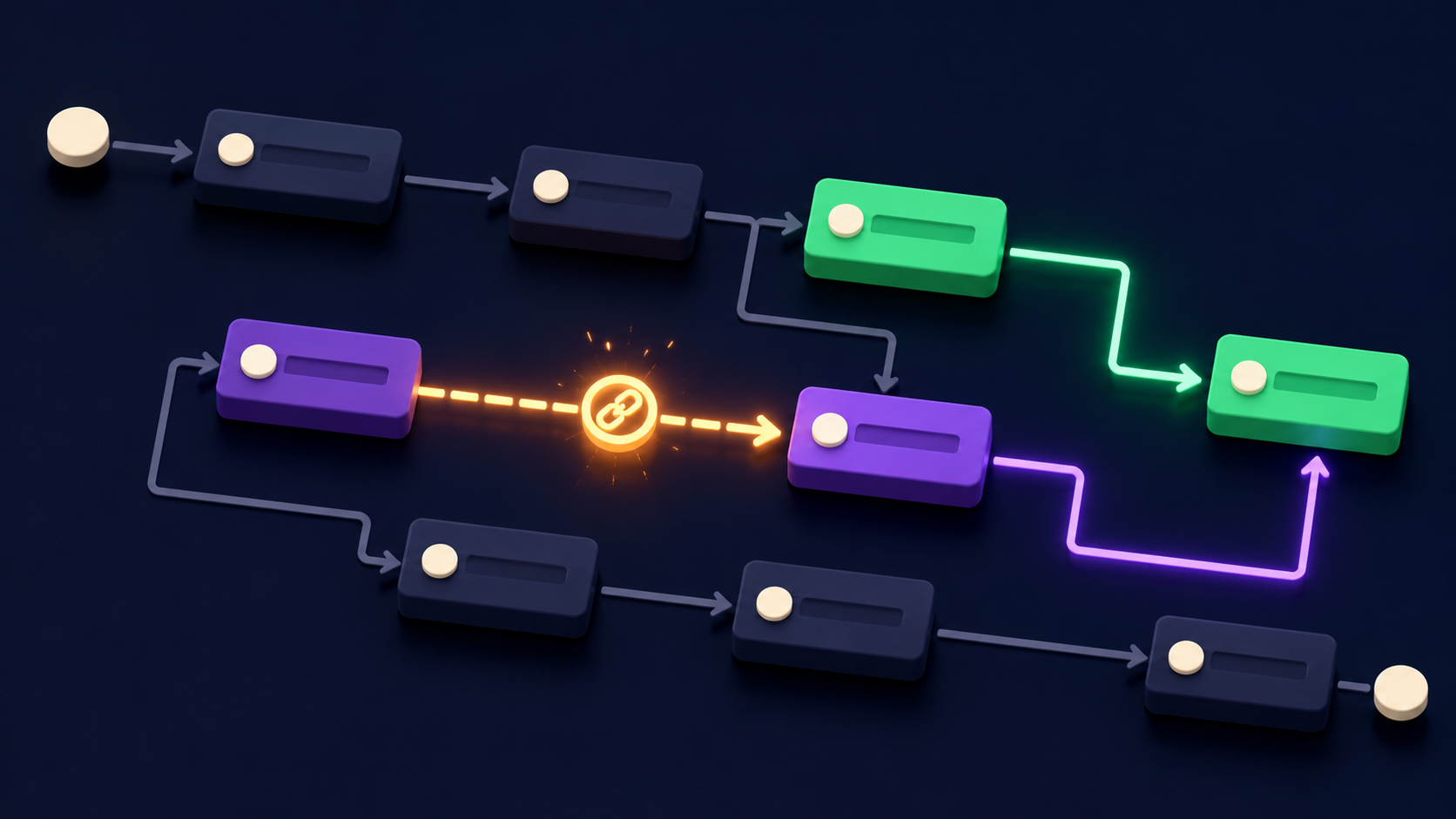
This is the real payoff of giving Claude a dependency graph instead of a task list. When you describe your dependencies explicitly, Claude runs the forward pass and occasionally returns something like: "Warning: T7 (go-live configuration) has T5 (security review) as a predecessor in your graph, but your input does not include a task for the security review approval to be communicated back to the config team. If that handoff takes time, T7's ES is later than listed."
That flag means a task exists in reality that you forgot to model. Teams that work from pretty Gantt charts instead of dependency graphs discover these missing links during execution, not planning. The discipline of writing out "T4 depends on T1 and T3" forces you to think about every handoff, and Claude's forward pass makes the gap visible before anyone misses a deadline.
When Claude flags a dependency gap, add the missing task, assign it an ID, give it a duration, and re-run the prompt. The second output is the one worth printing. If you manage projects at scale and want a purpose-built tool to hold the live version of your plan, ClickUp supports dependency linking and critical path views natively. Claude drafts the structure; ClickUp runs the live schedule. Our 2026 AI automation rate card covers what operators charge to build and maintain these hybrid planning setups.
Need a defensible project plan built for your team?
Vantaige builds AI-assisted planning and operations systems for project managers, ops leads, and founders who need plans that hold up to PMO scrutiny. We map your dependency graph, build the CPM schedule, and wire it into the tools your team already uses. Book a free automation audit and we will show you exactly where your current planning process breaks down.
FAQ
Can Claude actually do real critical-path math?
Yes, within limits. Claude can execute the CPM forward pass and backward pass correctly when you give it a structured dependency graph and numeric effort estimates. It handles projects with 20 to 40 tasks reliably in a single prompt. For 80-plus task schedules, break the project into phases and run each separately, then combine the phase-level dependencies in a summary pass. The math is deterministic; the risk is ambiguous input, not Claude's arithmetic.
How many tasks can Claude handle in one planning prompt?
In practice, 30 to 50 tasks in one message produces clean output with the structured prompt above. Beyond 50, context length is not the constraint; it is the complexity of the dependency graph that introduces errors. For large projects (50-plus tasks), run the CPM by phase: discovery phase, build phase, launch phase, each with its own prompt, then ask Claude to link the phase milestones in a final rollup pass.
Will the dates Claude produces be accurate?
They will be mathematically correct given your inputs. They will not reflect real-world risk buffers, weekend calendars, or holiday schedules unless you include those in your constraints. Tell Claude "exclude weekends and these five public holidays" and it adjusts. Accuracy in dates comes from the quality of your effort estimates, not Claude's output. Garbage-in, garbage-out applies to AI planners exactly as it applies to MS Project.
Does Claude replace a project manager or a tool like ClickUp?
No. Claude drafts and analyzes the plan. A tool like ClickUp holds the live version, tracks actuals, and sends reminders. A project manager reads the signals, manages stakeholders, and makes judgment calls when reality diverges from the plan. Claude handles the computation and structure that used to require manual spreadsheet work. The project management tool directory maps the full landscape of options that pair well with AI-drafted schedules.
How do I keep the plan updated as the project runs?
Re-run the prompt with updated actuals. When a task slips, change its duration estimate and re-run the CPM. Claude returns an updated critical path showing you which downstream tasks are now at risk. Keep a running document with your five input blocks and update the effort estimates as tasks complete. A five-minute re-run after each weekly check-in keeps the plan accurate throughout the project.
Is Mermaid good enough, or do I need a real Gantt tool?
Mermaid is sufficient for sharing and presenting a plan in Notion, GitHub, or a Markdown document. It does not track actuals, send notifications, or update dynamically. For a static planning artifact (a slide deck, a client-facing plan, a scope document), Mermaid works well. For live execution with status updates, move the verified plan into a purpose-built tool like ClickUp or a similar platform that supports dependency tracking.
What should I always verify by hand, even if Claude's output looks clean?
Three things: (1) check that every task on the stated critical path has zero float by computing LS minus ES manually; (2) verify that the total project duration matches the longest path's EF date; (3) confirm that any task with two or more predecessors has its ES set to the maximum EF of those predecessors, not the minimum. Those three checks take under ten minutes and catch the class of errors that appear most often when dependency graphs have converging paths.
What happens if two people share one critical-path task?
Tell Claude in the input: "T5 requires both Ana (4 hrs/day) and Ben (6 hrs/day); the task needs 20 person-hours total." Claude will calculate the effective duration based on the binding constraint (the person with fewer hours available per day) and flag if the shared-resource assumption changes the critical path. This is the resource leveling step and it matters more than any other constraint when teams are small.
Related from Vantaige
References
Anthropic, Claude model overview and prompting guidance. docs.anthropic.com
Project Management Institute, critical path method reference and scheduling standards. pmi.org
Mermaid, Gantt chart syntax and diagramming documentation. mermaid.js.org
Get the best new AI tools and guides, weekly
One short email a week. The tools worth trying, the guides worth reading, nothing else.
No spam. Unsubscribe anytime.
Aymen B
Contributing writer at Vantaige, covering the AI tools ecosystem.
Similar articles

Claude Plus Notion: Turn Meeting Transcripts Into Tasks Automatically (2026)

Convert a 30-Slide Board Deck Into a One-Page CFO Summary With Claude (2026)