Turn Any AI Agent Into a Superagent: The 12-Integration Stack (2026)

Turn Any AI Agent Into a Superagent: The 12-Integration Stack (2026)
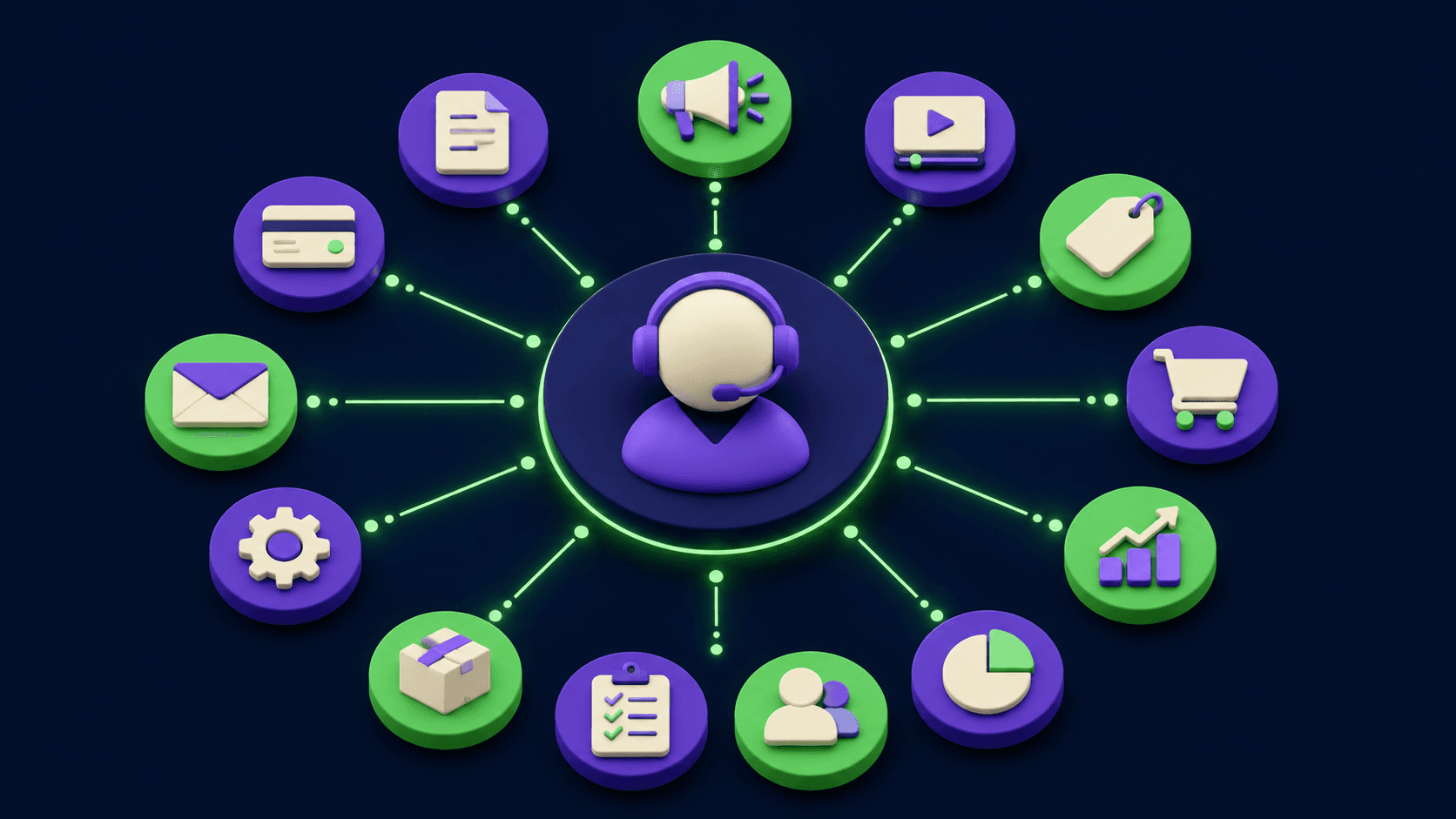
You wire up an agent. You give it a system prompt, point it at a model, send your first message. After an hour you think "this is just a chatbot with extra steps." You are not missing a better model. You are missing integrations. A model with no tools is a brain in a jar: it can reason, but it cannot read today's web, click a button, send an email, or remember last week. Integrations are the senses and limbs. This guide covers the 12 that matter, across four categories, with the exact agent capability each one enables and one concrete workflow per integration.
TL;DR
A model with no tools is a brain in a jar.
Integrations split into research, action, workspace, memory.
Twelve integrations, roughly three per category, cover most real work.
Each integration enables one new agent capability, not a feature.
Wire and test each tool alone before chaining them.
Published 2026-05-19 · 14 min read · Last reviewed 2026-05-19
What is an AI agent integration?
An AI agent integration is a tool the model can call to read or change something outside its own context window. The model decides when to call it, passes structured arguments, and reads the result back as text. Without integrations the model can only talk. With them it can research, act, run a workspace, and remember.
The runtime that exposes these tools varies: Claude Code talking to MCP servers, an MCP host like Claude Desktop, an n8n workflow driving an agent node, a self-hosted Hermes model with a tool parser, or a hosted agent product. The pattern is identical: the model emits a tool call, the runtime executes it, the result returns as an observation. This guide is runtime-agnostic. "Give the agent X" means "expose X to whatever runtime you run, usually as an MCP server, an n8n node, or a native function."
The mistake most people make is judging the model when the gap is the tool surface. A frontier model with no web access answers from a stale cutoff. The same model with one search tool answers from this morning. The delta is the integration, not the intelligence.
What are the four categories of agent integration?
Agent integrations split into four categories by what they let the agent do: research integrations bring outside information in, action integrations change the outside world, workspace integrations operate the tools you already work in, and memory integrations let the agent recall across sessions. A superagent has at least one working integration in each category.
Here is the full 12-integration matrix: each row names the integration, its category, the capability it enables, and a typical interface.
# | Integration | Category | Capability it enables | Typical interface |
|---|---|---|---|---|
1 | Web search for agents | Research | Answer from the live web, not a training cutoff | Search API or MCP server |
2 | Community and forum reading | Research | Pull real opinions and edge cases from Reddit, HN, forums | Read-only API or scraper MCP |
3 | Long-form transcript search | Research | Query hours of video and podcast content by meaning | Transcript index or MCP server |
4 | Authenticated browser automation | Action | Operate sites with no API while logged in | Playwright or browser MCP |
5 | Voice calling | Action | Place and handle phone calls with a script | Bland or Twilio class API |
6 | Payments | Action | Create charges, invoices, refunds with guardrails | Stripe API or MCP server |
7 | Google Workspace | Workspace | Read and write Gmail, Calendar, Drive, Docs, Sheets | Workspace API or MCP server |
8 | Team chat | Workspace | Read threads and post into Slack or Discord | Bot token API or MCP server |
9 | Code and issues | Workspace | Read repos, open issues, comment on pull requests | GitHub API or MCP server |
10 | Read-later and highlights | Memory | Recall everything you saved and highlighted | Readwise or Pocket class API |
11 | Meeting-transcript search | Memory | Recall what was decided in past meetings | Notetaker API or MCP server |
12 | Linked notes | Memory | Read and write your second brain with backlinks | Obsidian or Markdown vault MCP |
Which research integrations does an agent need first?
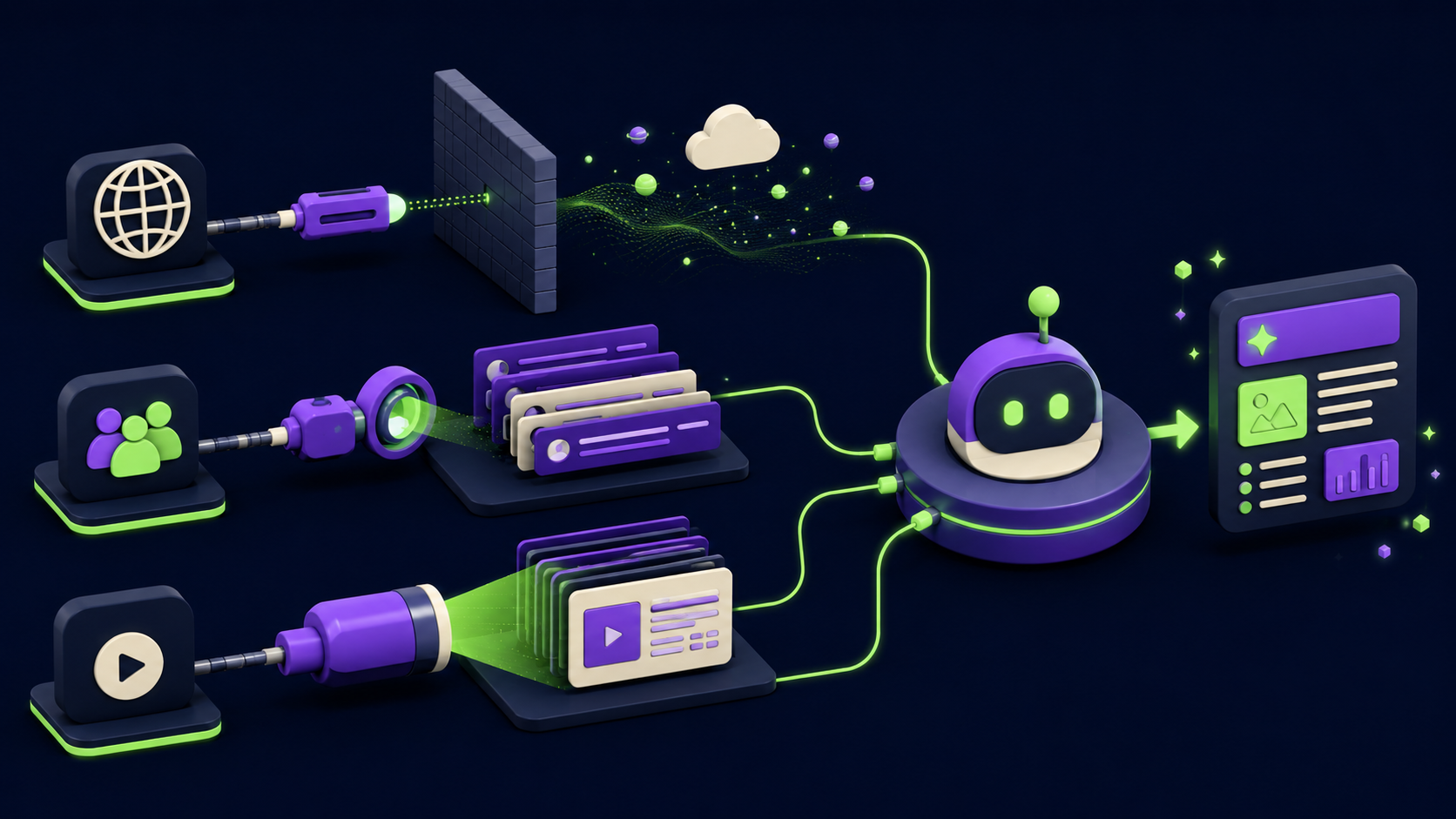
An agent needs three research integrations: a web search tool, a community reader, and a long-form transcript search. Web search ends the training-cutoff problem. Community reading surfaces real failure modes a marketing page hides. Transcript search makes hours of video and podcasts queryable. Together they cover almost every "go find out X" request.
1. Web search for agents
A web-search integration gives the model a tool that runs a query against a live index and returns ranked results plus extracted page text. It enables the agent to answer from the current web instead of its training data, which is the single most impactful tool you can add. Options include the Tavily, Exa, Brave, and Perplexity search APIs, all of which ship MCP servers or simple REST endpoints.
Example workflow: ask "what changed in the Stripe API this quarter and does it affect our checkout code." It searches the live web, reads the latest changelog entries, then cross-checks your repo. With no search tool the same question returns a confident, outdated guess.
2. Community and forum reading
A community-reading integration lets the agent fetch and parse threads from Reddit, Hacker News, Stack Overflow, and niche forums. It enables the agent to gather lived experience and edge cases rather than vendor copy, which is what you want when evaluating a tool or debugging a rare error. The interface is usually a read-only API or a scraping MCP server with rate limits.
Example workflow: "is anyone reporting data loss with this database version." The agent reads the relevant subreddit and GitHub issues, clusters the complaints by version, and reports that the problem appears on one specific patch. That is information no documentation page will give you.
3. Long-form transcript search
A transcript-search integration indexes video and podcast transcripts so the agent can query hours of spoken content by meaning, not keyword. It enables the agent to answer "what did this person say about pricing" without you scrubbing a three-hour stream. Tools here include YouTube transcript APIs, podcast transcript services, and self-hosted Whisper plus a vector index.
Example workflow: "pull every time this founder discussed hiring across the last 20 podcast appearances." The agent searches the transcript index, returns timestamped quotes with episode links, and summarizes the through-line. Browse research and learning tools for the transcript-indexing layer.
Which action integrations let an agent change the real world?
Three action integrations cover most real-world tasks: authenticated browser automation, voice calling, and payments. Browser automation handles any site with no API. Voice calling lets the agent reach humans by phone. Payments let it move money under strict guardrails. These are the integrations that turn a research assistant into something that does the work.
4. Authenticated browser automation
A browser-automation integration gives the agent a real, logged-in browser it can navigate, click, type into, and read. It enables the agent to operate the roughly 80 percent of business software that has no usable API, from internal dashboards to supplier portals. The common interface is a Playwright session or a browser MCP server with a stored authenticated profile.
Example workflow: "log into our ad platform, pull yesterday's spend by campaign, and paste it into the tracking sheet." The agent drives the authenticated browser through the dashboard, extracts the numbers, and writes them out. No API existed for that platform, so this is the only path.
5. Voice calling
A voice-calling integration connects the agent to a telephony layer that can dial a number, speak a generated script, listen, and branch on the response. It enables the agent to complete tasks that still require a phone call: confirming a reservation, chasing an overdue invoice, or running an outbound qualification call. Bland, Vapi, and a Twilio plus speech stack are the usual choices. See our GPT Realtime 2 voice agent setup for the realtime model side of this.
Example workflow: a lead fills a form, the agent calls them within 60 seconds, qualifies budget and timeline against a script, books a slot on the calendar, and posts the call summary to team chat. Three integrations chain here, with the voice call as the action.
6. Payments
A payments integration exposes a billing API like Stripe to the agent, scoped to specific operations with hard limits. It enables the agent to create invoices, issue refunds within a cap, or check subscription status as part of a larger flow. Always restrict it to a restricted API key and a maximum amount, because this is the integration where a hallucinated argument costs real money.
Example workflow: a support agent confirms a customer was double-charged, checks the charge in Stripe, issues a refund under a 200 dollar auto-approval ceiling, and logs anything above that for a human. Browse business tooling for the surrounding finance stack.
Which workspace integrations make an agent a real teammate?
Three workspace integrations make an agent operate where you already work: Google Workspace, team chat, and code and issues. Workspace covers email, calendar, and documents. Team chat is the agent's input and output channel. Code and issues plug it into your repository. Together they move the agent from a side tab into your actual workflow.
7. Google Workspace
A Google Workspace integration gives the agent scoped access to Gmail, Calendar, Drive, Docs, and Sheets. It enables the agent to triage email, schedule meetings, read a brief from a Doc, and write results into a Sheet, which is most of a knowledge worker's tool surface in one integration. The interface is the Workspace APIs or a Workspace MCP server with OAuth.
Example workflow: every morning the agent reads unread email, drafts replies to the routine ones, flags the three that need you, and adds two follow-ups to your calendar. You approve drafts instead of writing them. Browse productivity tools for adjacent options.
8. Team chat
A team-chat integration connects the agent to Slack or Discord through a bot token so it can read channels, follow threads, and post messages. It enables the agent to receive work and report back where your team already is, which removes the friction of a separate interface. The interface is the Slack or Discord bot API, or an MCP server wrapping it.
Example workflow: someone posts "can we afford another contractor this month" in a channel. The agent reads the thread, pulls the latest numbers from a Sheet, and replies in-thread with a figure and the assumptions behind it. The channel is both the trigger and the output.
9. Code and issues
A code-and-issues integration gives the agent access to a GitHub or GitLab account scoped to specific repositories. It enables the agent to read source, open issues, comment on pull requests, and check CI status as part of a workflow rather than as a coding session. Pair it with focused context strategies from our subagents context patterns guide. The interface is the GitHub API or the GitHub MCP server.
Example workflow: a customer reports a bug in team chat. The agent searches the repo for the relevant module, opens a well-formed issue with the stack trace and a suspected file, and links it back in the chat thread for an engineer to pick up.
Which memory integrations stop an agent forgetting everything?
Three memory integrations give an agent recall across sessions: a read-later and highlights store, meeting-transcript search, and a linked-notes vault. Read-later recalls what you saved. Meeting search recalls what was decided. Linked notes are a writable second brain. Without these the agent starts every session with amnesia.
10. Read-later and highlights consolidation
A read-later integration connects the agent to a highlights store such as Readwise, Pocket, or Instapaper. It enables the agent to ground answers in everything you have already read and marked as important, so its recommendations match your prior thinking instead of generic web consensus. The interface is the export API of the read-later service.
Example workflow: "draft my position on agent memory using only sources I have highlighted." The agent pulls your relevant highlights, synthesizes them into an argument, and cites each source you saved. The output sounds like you because it is built from what you chose to keep.
11. Meeting-transcript search
A meeting-transcript integration indexes recordings and transcripts from a notetaker like Fireflies, Otter, or Granola. It enables the agent to answer "what did we decide about the launch date" with the exact quote and meeting, which kills the recurring "wait, what did we agree" thread. The interface is the notetaker's transcript API or an MCP wrapper.
Example workflow: before a client call the agent searches the last three meetings with that client, summarizes open commitments and who owns each, and posts the brief to your team chat 15 minutes before the call. This is the consolidation pattern from our memory consolidation setup, applied to meetings.
12. Linked notes (Obsidian class)
A linked-notes integration gives the agent read and write access to a Markdown vault such as Obsidian, Logseq, or a plain repo of notes with backlinks. It enables the agent to use a persistent, structured second brain it can both query and extend, which is the closest thing to durable agent memory you fully control. The interface is a filesystem MCP server or an Obsidian local REST plugin.
Example workflow: after every research task the agent appends a dated note to the vault, links it to related concepts, and updates an index page. Three weeks later it answers a new question by first reading its own past notes, then the web. The memory compounds.
How do these integrations chain into real workflows?
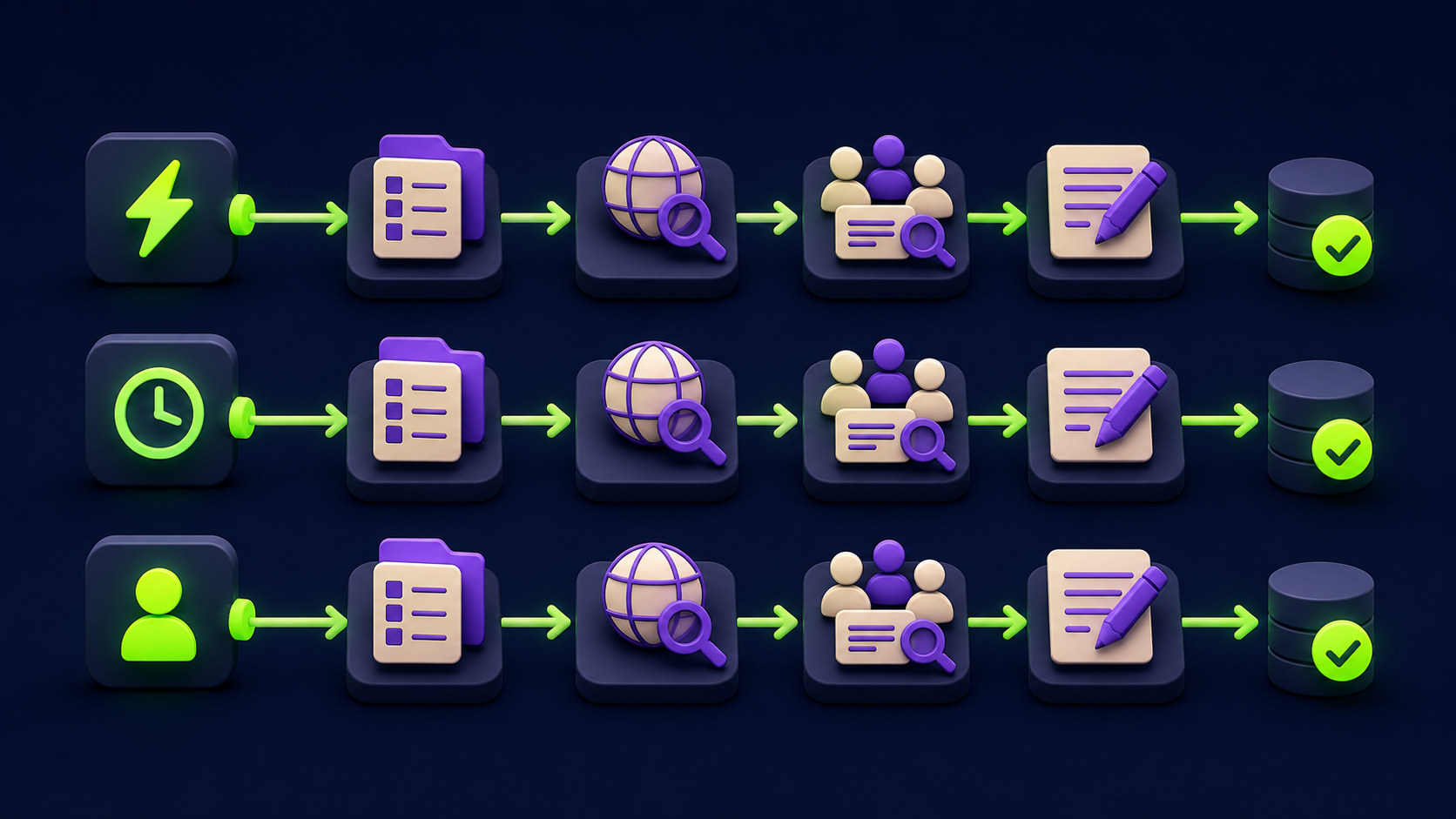
The point of a superagent is composition: a single request triggers a chain across categories. Below are three workflows that actually run in production-style setups, each naming the integrations that chain together. None of these is possible with a chatbot, because every one of them reads the live world, acts on it, and records the result.
Workflow A: automated sponsorship vetting
Trigger: a brand emails a sponsorship offer. The agent reads it from Google Workspace (7). It runs web search (1) on the company and product, reads community threads (2) for complaints or scam signals, and searches long-form transcripts (3) for any prior creator coverage. It cross-checks your stored stance in linked notes (12), writes a go or no-go memo into a Google Doc (7), and posts the verdict with a one-line rationale to team chat (8). Six integrations, one email trigger, a defensible decision in minutes instead of a half-day of manual research.
Workflow B: support triage and resolution
Trigger: a ticket lands in team chat (8). The agent reads the customer's history from Google Workspace (7), reproduces the issue against the codebase via code and issues (9), and checks billing state in payments (6). If it is a confirmed double charge under the cap, it issues the refund through payments (6). If it is a bug, it opens a GitHub issue via code and issues (9). Either way it drafts the customer reply in Gmail (7) and posts a summary back to team chat (8) for a human to send. Five integrations, with money movement hard-capped.
Workflow C: weekly business dashboard
Trigger: a Friday schedule. The agent logs into platforms with no API using authenticated browser automation (4), pulls spend and revenue, reads decisions from the week's meeting transcripts (11), summarizes what you read and saved via read-later highlights (10), writes the consolidated dashboard into a Google Sheet (7), and posts the three-line executive summary to team chat (8). Five integrations turn a recurring two-hour reporting chore into a notification you read with coffee.
How do you actually wire these integrations?
Wire and verify each integration in isolation before you chain any of them. The sequence is: pick a runtime, add one tool, prove the agent can call it correctly with a single instruction, then add the next. Stacking untested tools is the fastest way to a flow that fails silently and is impossible to debug.
The concrete steps:
Pick the runtime. Claude Code, an MCP host, or an n8n agent node are all proven. The n8n MCP and Claude Code setup guide walks the MCP wiring end to end.
Add one integration. Prefer an existing MCP server over a custom one. Most of the 12 above ship a maintained MCP server in 2026.
Test it alone. Give a single instruction that needs only that tool. Confirm it calls the tool, passes correct arguments, and reads the result. If the tool returns nothing the agent hallucinates around the gap, so verify the call, not just the answer.
Scope credentials tightly. Read-only where possible. For payments and browser automation, use restricted keys and hard amount or action limits before the agent ever sees them.
Then chain. Only after each tool works alone, give a request that needs two, then three. Add one category at a time: research first, then workspace, then memory, then action last because action has the real-world blast radius.
Keep context lean. Twelve tool schemas eat your context window. Use subagents or tool-scoping so each task only loads the tools it needs, per the subagents context patterns.
The order matters. Research integrations are low-risk and prove the loop works. Action integrations, especially payments and authenticated browser sessions, go last and behind the tightest guardrails, because a wrong tool call there has a cost no re-run can undo.
Common mistakes when adding agent integrations
Most failed superagent builds repeat the same five mistakes. Each has a direct fix.
Blaming the model for a missing tool. A wrong, confident answer usually means no live data, not a weak model. Fix: add the relevant research integration before swapping models.
Stacking all 12 at once. Twelve untested tools fail as one unreadable error. Fix: one tool, one test, then the next.
Unscoped credentials. A full-access key on a payments or browser tool is a real-money incident waiting to happen. Fix: restricted keys, hard caps, human approval above a threshold.
Ignoring the context cost. Loading all tool schemas every turn bloats context and degrades reasoning. Fix: scope tools per task with subagents.
No memory layer. An agent with research and action but no memory re-derives everything every session. Fix: add at least one memory integration so work compounds.
Frequently asked questions
What is the difference between an AI agent and a superagent?
An AI agent is a model in a loop that can call tools. A superagent is the same loop with integrations across all four categories: research, action, workspace, and memory. The difference is not the model. A superagent reads the live world, acts on it, operates inside the tools you already use, and remembers across sessions. Remove the integrations and a superagent collapses back into a chatbot.
Do I need MCP to add these integrations?
No, but MCP is the path of least resistance in 2026. Most of these 12 integrations ship a maintained Model Context Protocol server, so any MCP host (Claude Code, Claude Desktop, many IDEs) can use them with one config entry. An n8n agent node can use native nodes instead. The integration matters more than the protocol, and any of these tools also works as a plain function in a custom loop.
How many integrations does an agent actually need?
One working integration per category is enough to graduate from chatbot to superagent, so four well-chosen tools beat 12 half-wired ones. Start with web search, Google Workspace, a memory store, and one action tool that maps to your real work. Add the rest only when a concrete workflow demands it. An untested integration is worse than a missing one because the agent will hallucinate around the gap instead of failing loudly.
Which integration should I add first?
Add web search first. It is low-risk, needs no destructive permissions, and removes the single biggest failure mode of any agent: answering confidently from a stale training cutoff. Once the agent can search and you trust the loop, add a workspace integration so it operates where you work, then a memory store so work compounds, and an action tool last behind tight guardrails.
Are agent integrations safe to give a model?
Research and read-only workspace integrations are low-risk. Action integrations are not safe by default and must be scoped. Use restricted API keys, hard amount or action caps on payments, a stored profile rather than your main login for browser automation, and a human approval step above any threshold that matters. The risk is not the model going rogue, it is a hallucinated argument on a tool with real-world reach.
Can I run this stack with a self-hosted open model?
Yes. Integrations are runtime-level, not model-level, so any model with reliable function calling can drive them. A self-hosted model with a native tool parser handles all 12 categories the same way a closed model does. See the self-hosted Hermes setup for the open-weight side. The integration layer is identical; only the place the model runs changes.
Why does my agent still feel like a chatbot after adding tools?
Usually because the tools are not actually being called, or only research tools were added. Verify each tool fires with correct arguments on a single-tool instruction. Then check coverage: a research-only agent still feels passive because it cannot act or remember. Feeling like a teammate requires at least one action or workspace integration plus a memory layer, not more research tools.
Does adding 12 integrations slow the agent down?
It can, in two ways. Every tool schema loaded into context costs tokens and can dilute reasoning, and each call adds a round trip. The fix is tool scoping: load only the tools a task needs, using subagents or per-task tool sets. A 12-tool agent that loads three tools per task is faster and sharper than one that loads all 12 every turn.
Related from Vantaige
References
Anthropic, Model Context Protocol specification and server registry, modelcontextprotocol.io, 2026.
Anthropic, Claude Code documentation: MCP servers and tool use, docs.anthropic.com, 2026.
OpenAI, function calling and tool use guide, platform.openai.com, 2026.
Stripe, API reference and restricted API keys documentation, stripe.com/docs, 2026.
Google, Workspace APIs (Gmail, Calendar, Drive, Docs, Sheets) reference, developers.google.com, 2026.
GitHub, REST API and official MCP server, docs.github.com, 2026.
Microsoft Playwright, browser automation documentation, playwright.dev, 2026.
@itsolelehmann, "Turn Hermes into a Superagent with these 12 integrations," X article, 2026.
Get the best new AI tools and guides, weekly
One short email a week. The tools worth trying, the guides worth reading, nothing else.
No spam. Unsubscribe anytime.
Aymen B
Contributing writer at Vantaige, covering the AI tools ecosystem.