AI SOP Generator: Document Every Process in Your Business in a Weekend
AI SOP Generator: Document Every Process in Your Business in a Weekend
Nobody automates a process they have not written down, which is why most automation projects stall before they start: the knowledge lives in people's heads. This guide shows how to use AI to turn that tacit knowledge into clean standard operating procedures fast, the recording-to-SOP method, the template structure that makes them automatable, and why documenting first is the highest-return weekend a growing business can spend.
TL;DR
SOPs are the prerequisite to automating anything
AI turns a screen recording or transcript into a draft SOP
The right structure makes an SOP automation-ready
Document the highest-frequency processes first
A documented process is half-built automation
What is an AI SOP generator?
An AI SOP generator is a method, not one product: you capture how a task is done (a screen recording, a voice walkthrough, a rough bullet list) and an AI turns it into a structured standard operating procedure with steps, owners, tools, and decision points. It collapses the worst part of documentation, the blank page, into an editing job.
The reason this matters now is that documentation has always been the bottleneck before automation. Teams know AI could handle a task, but they cannot hand a machine a process that exists only as "ask Sarah, she knows." AI removes the friction of getting it out of Sarah's head and onto the page. Once written, the process becomes both a training asset and the spec for automation, which is the job of the tools on the automation directory.
How do you turn a task into an SOP with AI?
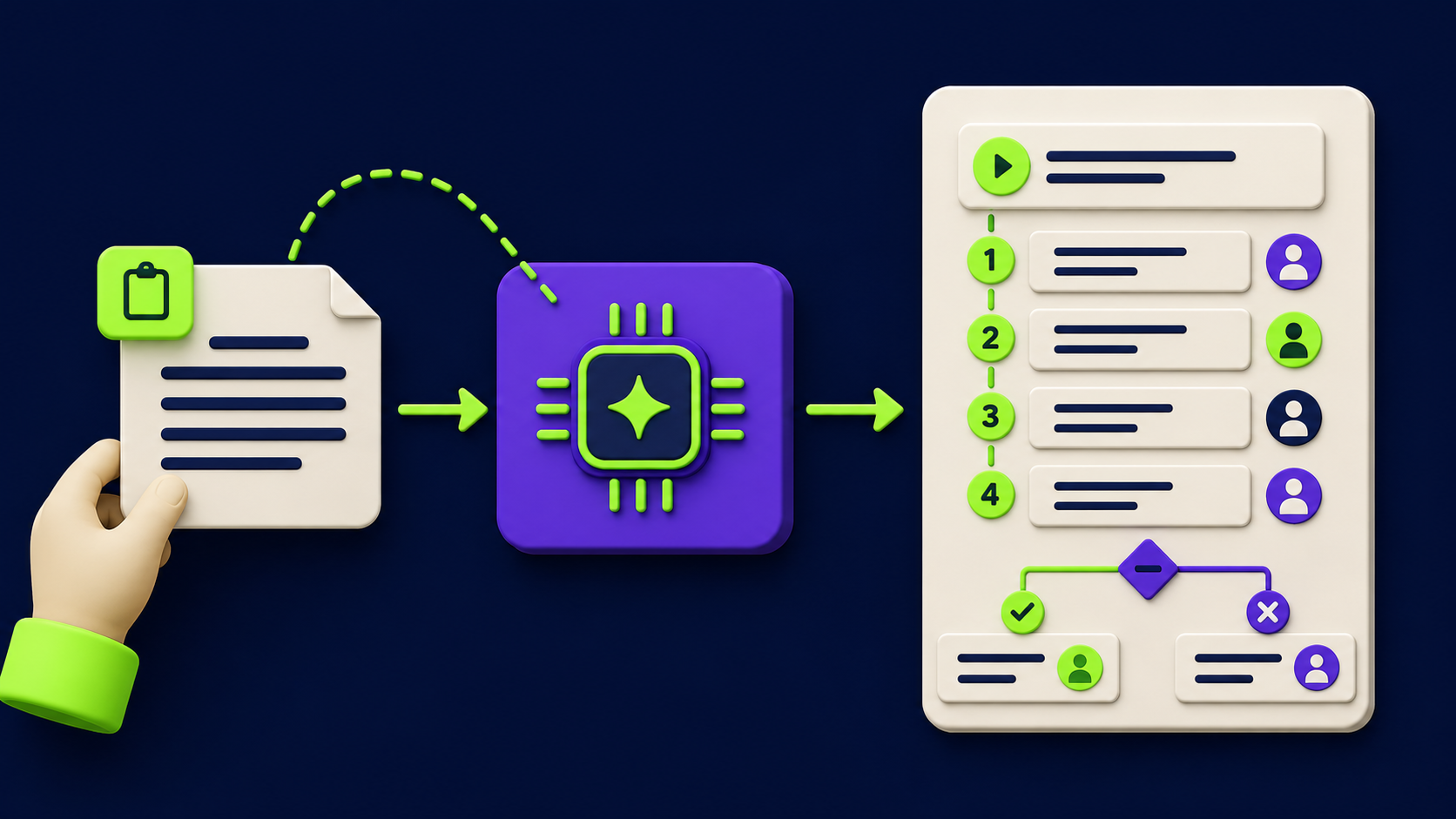
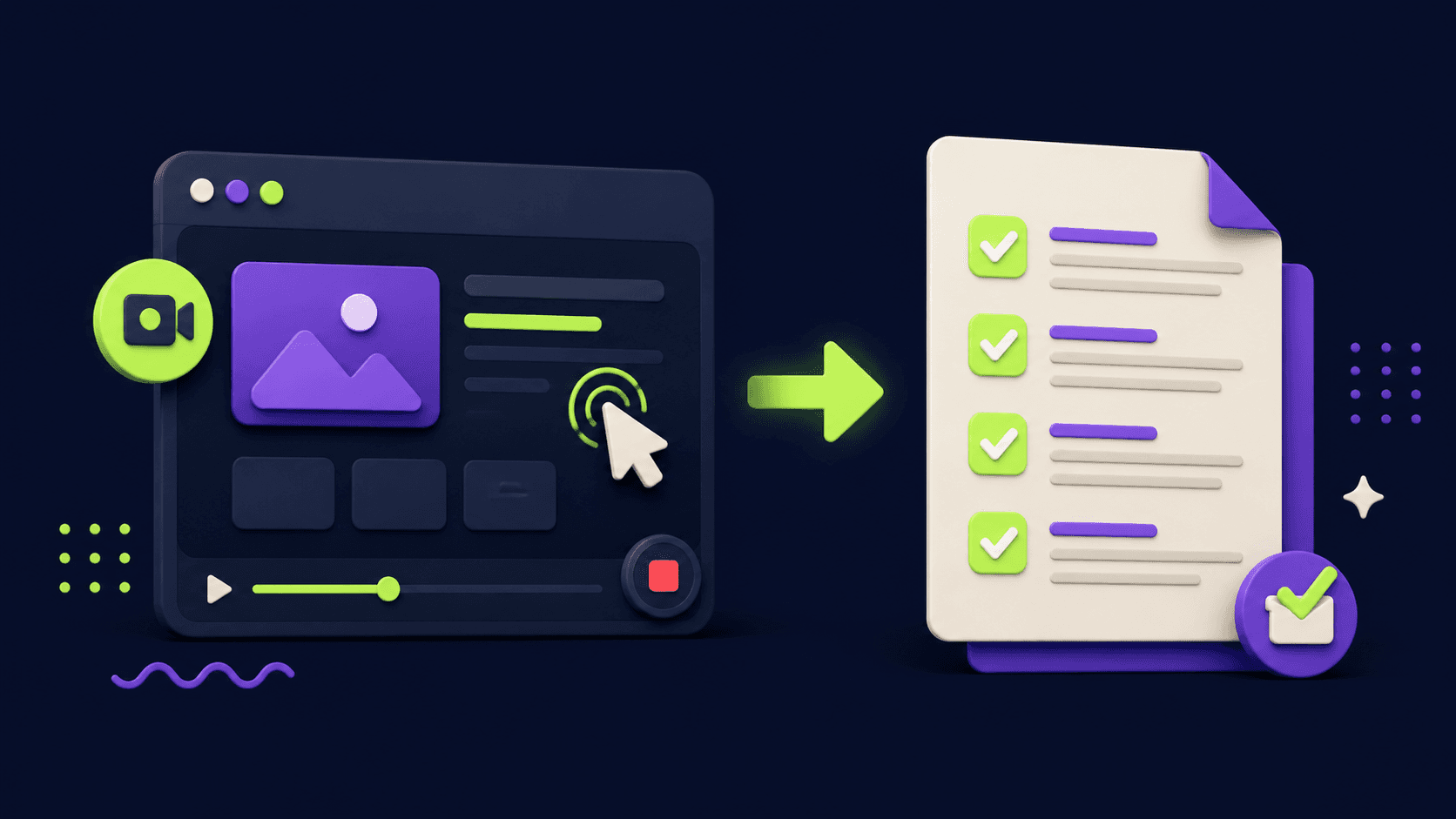
The fastest method is record-then-transcribe-then-structure: do the task once while narrating, feed the transcript or screen recording to an AI with an SOP template, and edit the structured draft it returns. You go from doing the task to a documented SOP in the time it takes to do the task plus a short edit, instead of the hour of dread that handwriting one takes.
The three inputs that work: a narrated screen recording (best for software tasks), a voice memo walking through the steps (best for physical or judgment tasks), or a messy bullet dump (fastest for simple ones). The AI's job is to impose structure, surface the decision points you skipped, and flag the steps that are ambiguous. Your job is to correct and approve. Keep the captured source: it is also training material for whoever runs the process next.
What structure makes an SOP actually useful?
A useful SOP has a fixed structure so every process reads the same way and so the document is automation-ready. The structure below is the one we use, because each field maps to something an automation will later need to know.
Section | What it captures | Why automation needs it |
|---|---|---|
Trigger | What starts the process | Becomes the automation's trigger event |
Inputs | Data and files needed | Defines what the workflow must receive |
Steps | Ordered actions, one verb each | Maps to workflow nodes |
Decisions | The if-this-then-that branches | Becomes conditional logic |
Tools | Apps touched at each step | Identifies the integrations required |
Output | The finished result and where it goes | Defines the success condition |
Owner | Who is accountable | Sets the human-in-the-loop point |
The detail that turns an SOP from documentation into a build spec is the decisions section. Most people write the happy path and skip the branches, but the branches are where automation lives or dies. Forcing every "it depends" into an explicit rule is the single most valuable thing the AI pass surfaces.
Which processes should you document first?
Document the highest-frequency, most-repeated processes first, because those are both the most painful to leave undocumented and the best automation candidates. The processes done daily by multiple people, onboarding a client, processing an order, handling a refund, publishing a post, are where documentation pays back immediately in consistency and where automation pays back biggest.
The prioritization mirrors our process automation audit: score by frequency and time first. A weekend spent documenting your ten most-run processes gives you a training manual, a quality baseline, and a ranked automation queue all at once. That is why documentation is the unglamorous first step of every engagement we run, not an optional extra.
How does a documented SOP become an automation?
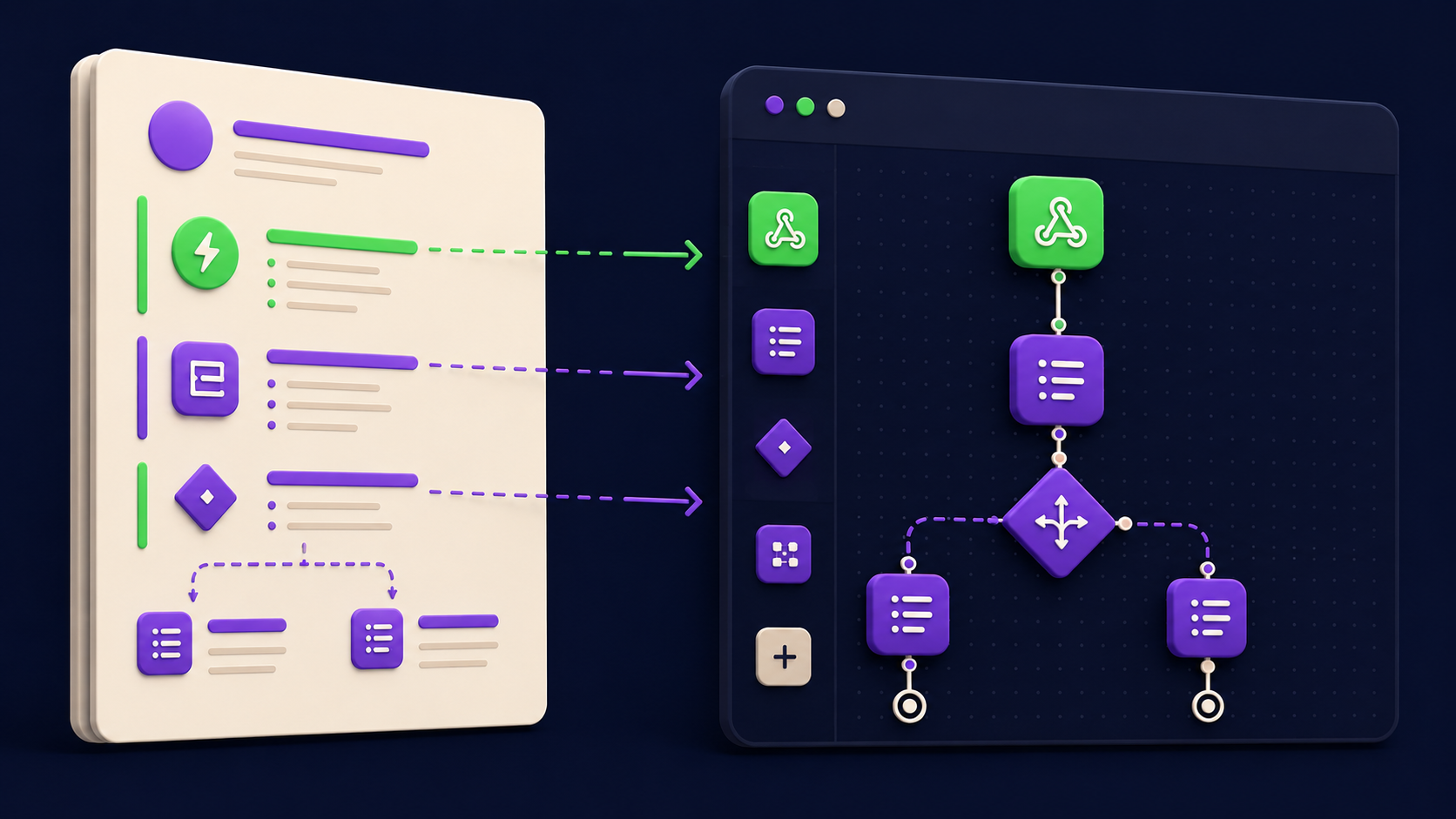
A well-structured SOP is roughly half of an automation already built, because its sections map directly onto a workflow. The trigger becomes the workflow trigger, the steps become nodes, the decisions become conditional branches, the tools become integrations, and the owner becomes the human approval point. Handing a clean SOP to an automation tool like n8n turns "figure out the process" into "wire up the known process."
Not every SOP should be fully automated, and that is fine. Some processes have too much judgment or too little frequency to justify a build; for those, the SOP itself is the win (consistency and training). For the high-frequency, rules-clear ones, the SOP is the blueprint, and the patterns in our 15 n8n workflows show what the built version looks like. Store your SOPs somewhere searchable, a tool like ClickUp works, so the documentation stays a living asset rather than a one-weekend artifact.
Want your back office automated for you?
Vantaige audits your operations, finds the hours bleeding into manual work, and builds the AI workflows that reclaim them. Book a free process automation audit and we will show you the first three workflows worth building.
FAQ
Can AI really write usable SOPs, or just rough drafts?
It writes strong drafts that need a human edit, which is the right division of labor. The AI imposes structure and catches missing steps; you correct the specifics and approve. That is far faster than writing from scratch, and the edit pass is non-negotiable for accuracy, exactly as it is for any AI-assisted output.
What is the best way to capture a process for the AI?
A narrated screen recording for software tasks, a voice memo for judgment or physical tasks. Narrate as you go, including the "if this happens, I do that" moments people normally skip. Those asides are the decision branches that make the SOP automation-ready, so do not edit them out.
How long does documenting a process actually take?
Roughly the time to do the task once while narrating, plus a short edit of the AI draft. A process that takes ten minutes to perform becomes a documented SOP in well under an hour, versus the much longer slog of writing one by hand, which is why a weekend can cover your core processes.
Do I need special software for this?
No. A screen recorder, a transcription step, and any capable AI with a good template will do it. Storing the finished SOPs somewhere searchable matters more than the generation tool. The method is what counts, not a specific product.
Should every SOP be automated?
No. Automate the high-frequency, rules-clear processes; keep the low-frequency or judgment-heavy ones as documentation only. The SOP is valuable either way: as a build spec for the automatable ones and as training and consistency for the rest. The audit tells you which is which.
How do I keep SOPs from going stale?
Assign each an owner and review them on a cadence, and update the SOP whenever the process changes. Storing them in a living system rather than scattered docs makes updates stick. A stale SOP is worse than none, so the ownership field in the structure is there for a reason.
Related from Vantaige
References
Atlassian, "How to write standard operating procedures." atlassian.com
n8n, workflow documentation. docs.n8n.io
ClickUp, process documentation features. clickup.com
Get the best new AI tools and guides, weekly
One short email a week. The tools worth trying, the guides worth reading, nothing else.
No spam. Unsubscribe anytime.
Aymen B
Contributing writer at Vantaige, covering the AI tools ecosystem.
Similar articles

The Free Process Automation Audit: Find the 10 Hours a Week Your Team Is Losing
The AI Automation Maturity Model: Where Is Your Business on the Curve?