The Free Process Automation Audit: Find the 10 Hours a Week Your Team Is Losing
The Free Process Automation Audit: Find the 10 Hours a Week Your Team Is Losing
Most teams lose a full day a week to work a machine should do: copying data between apps, chasing approvals, formatting reports, answering the same questions. This is the exact audit we run to find those hours, score each task for automation, and decide what to build first. Run it yourself with the worksheet below, or have us run it for you free. Either way you leave with a ranked list of what to automate and what it is worth.
TL;DR
Most teams lose 10-plus hours a week to automatable busywork
The audit lists every repetitive task, then scores it
Score on frequency, time, error risk, and ease
Build the high-frequency, high-time, low-risk tasks first
The audit is free and yours to keep, no commitment
What is a process automation audit?
A process automation audit is a structured review that lists every repetitive task your team does, measures the time each consumes, and scores which ones are worth automating first. It turns a vague feeling ("we waste so much time") into a ranked, costed list you can act on. It is the mandatory first step before building anything, because automating the wrong task is just faster waste.
The reason teams skip it and regret it: they automate whatever is annoying that week, not what actually drains the most hours. A real audit removes the guesswork by scoring tasks on the same axes, so the build queue is driven by impact, not by whoever complained loudest. Browse the tools that tend to do the building on the automation directory; the audit decides which ones you actually need.
How do you find the hidden hours?
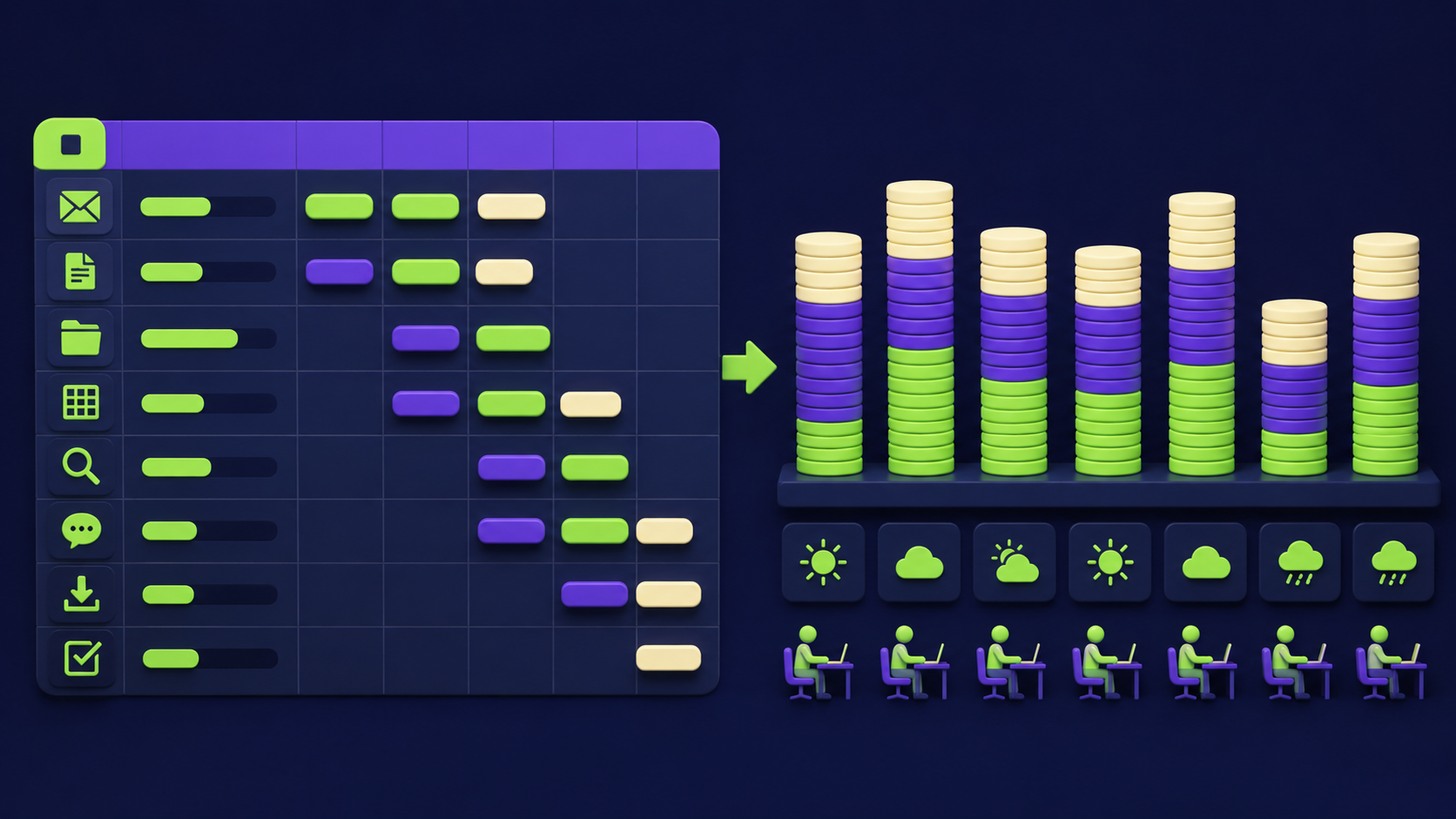
You find them by logging tasks at the verb level for one week: every time someone copies, pastes, formats, chases, looks up, or re-enters something, it goes on the list. The hidden hours hide in tasks too small to notice individually (two minutes here, five there) that sum to a day a week across a team.
Run it as a simple log: task, who does it, how often, minutes each time. Do not pre-judge what is automatable; capture everything first. The patterns appear once it is written down: the same data moved between the same two apps daily, the report rebuilt every Monday by hand, the questions answered identically over and over. Those repeated verbs are your automation targets, and they are usually invisible until logged.
How do you score each task?
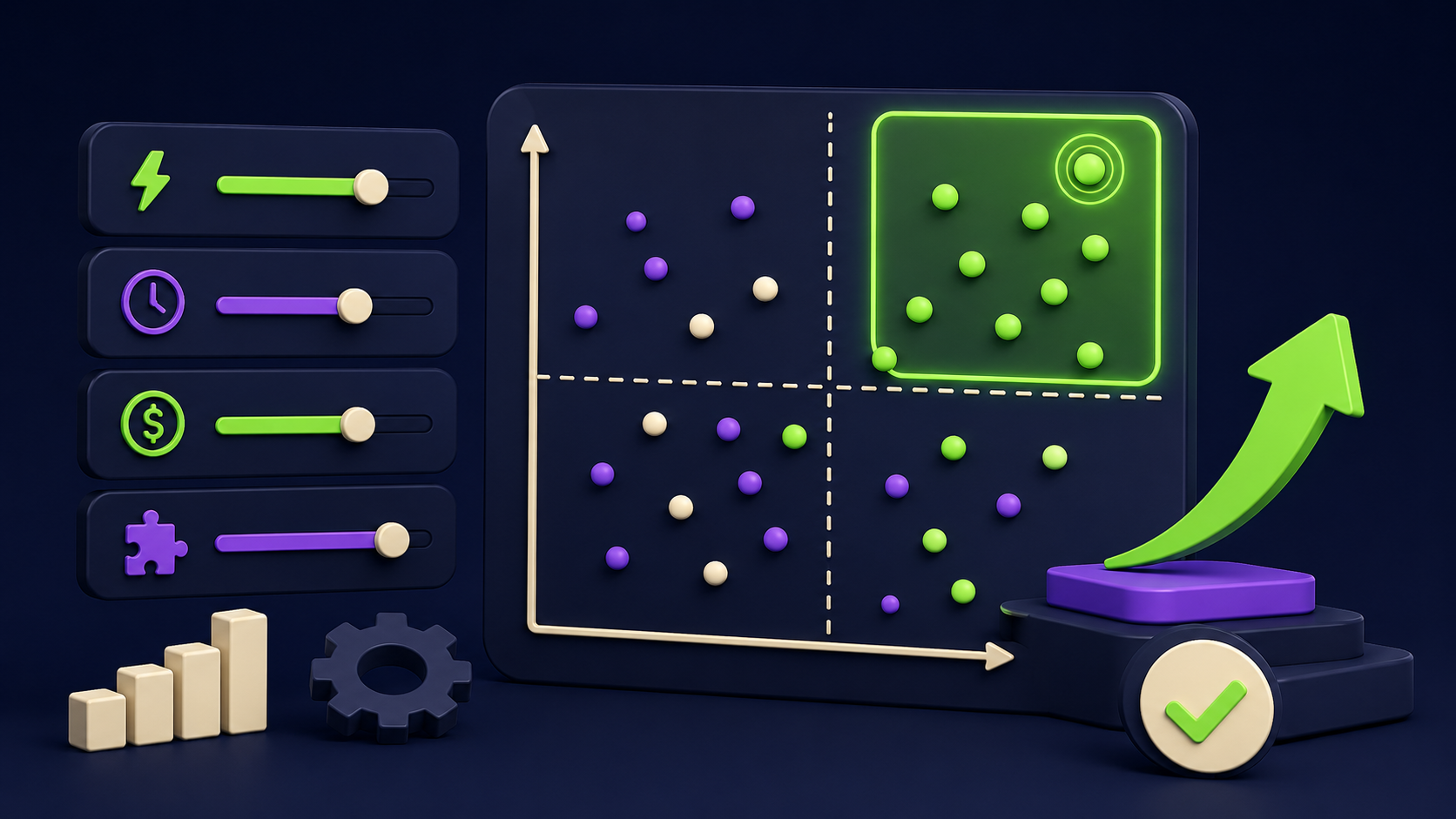
Score every logged task on four axes, then multiply impact by feasibility to get a priority order. The math is deliberately simple so the ranking is hard to argue with: high-frequency, high-time, high-error, easy-to-build tasks rise to the top on their own.
Axis | Question | Score 1 to 5 |
|---|---|---|
Frequency | How often does it happen? | 5 = many times daily |
Time | How long each time, summed weekly? | 5 = hours per week |
Error risk | What breaks when it goes wrong? | 5 = costly mistakes |
Ease | How clean are the inputs and rules? | 5 = clear, structured |
Priority equals (Frequency + Time + Error risk) multiplied by Ease. The first three are impact; ease is feasibility. A task that scores high on impact but low on ease (messy inputs, fuzzy rules) waits until you can clean it up. A task high on both is your first build. This is the same scoring we apply before quoting any engagement.
What do you actually build first?
You build the top two or three tasks from the ranked list, never the whole list at once. Early wins matter more than breadth: one reliable automation that saves real hours builds the trust and the habit to expand. Common first builds are inbox triage, data sync between two systems, and automated reporting, because they score high on frequency and ease.
The tooling depends on the task. Simple app-to-app moves often need only a workflow tool like n8n or Make; tasks needing judgment add an AI agent. We cover the ready-made patterns in 15 n8n workflows and the business-outcome versions in 10 SMB blueprints. The audit tells you which pattern fits which task.
What is the audit actually worth, even if you stop there?
Even if you never build a thing, the audit gives you a costed map of where your team's time goes, which is rare and valuable on its own. Most managers cannot name their top five time sinks with numbers attached; after the audit, you can. That clarity reshapes hiring decisions, tool purchases, and where you point your team.
The deeper value is that it converts "we should use AI" from a vague pressure into a concrete, prioritized plan with hours and dollars attached. You stop chasing shiny tools and start solving your actual bottlenecks in order. That is why we offer it free: a good audit is the honest start of any automation work, and it tells both of us whether there is a real project here.
Want your back office automated for you?
Vantaige audits your operations, finds the hours bleeding into manual work, and builds the AI workflows that reclaim them. Book a free process automation audit and we will show you the first three workflows worth building.
FAQ
How long does the audit take?
The logging week is on your side; the review and scoring take a focused session. When we run it, expect a short kickoff, a week of light logging by your team, and a readout with the ranked build queue. It is deliberately lightweight so it does not become its own busywork.
Do I need to log tasks for a whole week?
A week captures the weekly and daily rhythms that hide the most hours. A few days works in a pinch but misses the Monday-report and end-of-month tasks. The log is light: task, frequency, minutes, not a detailed time sheet, so it rarely adds real burden.
What if our processes are messy and undocumented?
That is the normal starting point, and it is fine. Messy processes score lower on ease, which simply means we document and tidy them before automating. Often the documentation itself is the first deliverable, because you cannot automate a process nobody has written down.
Will automation mean layoffs?
In practice it usually means redeploying people from busywork to higher-value work, not cutting headcount. The audit frees hours; what you do with them is a business choice. Most teams use the recovered time for work they never had capacity for, not to shrink the team.
How is this different from just buying Zapier?
A tool is not a plan. Buying automation software without an audit leads to a few random zaps and abandoned ideas. The audit gives you the prioritized list of what to build and why, so the tool you buy solves your biggest drains first instead of whatever you thought of on the spot.
What happens after the audit?
You get the ranked, costed build queue and a recommendation on the first two or three. From there you can build it yourself with our guides, or have us build it. There is no obligation; the audit stands on its own as a plan you own.
Related from Vantaige
References
McKinsey, research on automation potential of work activities. mckinsey.com
n8n, workflow automation documentation. docs.n8n.io
Make, automation scenarios documentation. make.com
Get the best new AI tools and guides, weekly
One short email a week. The tools worth trying, the guides worth reading, nothing else.
No spam. Unsubscribe anytime.
Aymen B
Contributing writer at Vantaige, covering the AI tools ecosystem.