Which Workflow Automation Platform Fits Your Business: n8n vs Zapier vs Make
Which Workflow Automation Platform Fits Your Business: n8n vs Zapier vs Make (2026 Decision Guide)
Once you have decided to automate, the next question stalls most teams: which platform. Zapier, Make, and n8n each win for a different kind of business, and picking by popularity instead of fit is how teams outgrow a tool in six months or drown in complexity they did not need. This guide matches each platform to a business profile, so you choose once and choose right. For the pure cost math, we have a separate companion piece.
TL;DR
Zapier fits non-technical teams wanting the simplest path
Make fits ops teams wanting visual depth at moderate cost
n8n fits teams wanting control, AI agents, and self-hosting
Match the platform to your team, not to the hype
Switching later is costly, so choose by fit now
How should you choose a workflow automation platform?
Choose by who will own the automations and how complex they will get, not by which name you have heard most. The three platforms sit on a spectrum from simplest (Zapier) to most powerful (n8n), and the right pick is the one that matches your team's technical comfort and your workflows' complexity. Pick too simple and you hit walls; pick too powerful and you drown in setup.
This guide is the selection half of the decision. The cost half (per-task pricing, where each gets expensive, the migration math) lives in our companion piece, n8n vs Zapier vs Make: the migration math, and the live n8n vs Make comparison goes deeper on those two. Read this to find your fit, then that to price it. Browse all options on the automation directory.
What does each platform actually do best?
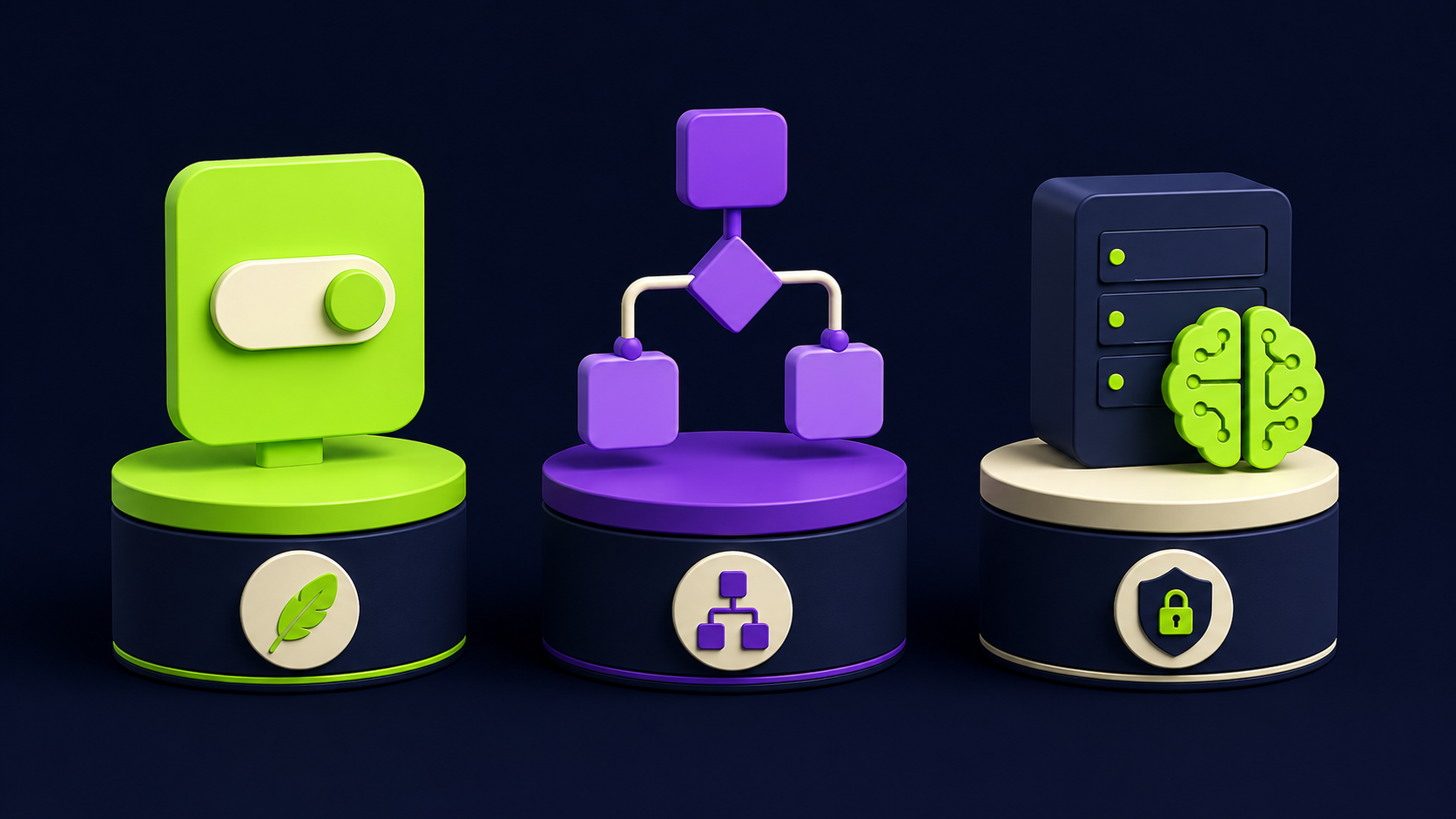
Each platform optimizes for a different priority: Zapier for ease, Make for visual flexibility, n8n for control and AI. The table maps them to the business they fit, so you can find your row before reading the detail.
Platform | Best for | Strength | Watch out for |
|---|---|---|---|
Non-technical SMBs | Largest app library, easiest setup | Cost climbs fast at volume | |
Ops teams, moderate complexity | Visual builder, cheaper per operation | Steeper learning curve than Zapier | |
Technical teams, AI-heavy workflows | Self-hostable, code nodes, AI agents | Needs ownership and some technical comfort |
When is Zapier the right choice?
Zapier is right when no one on the team wants to think about automation plumbing and the workflows are straightforward connections between popular apps. Its app library is the largest, the setup is the most forgiving, and a non-technical owner can build a useful zap in minutes. For a small business connecting a form to a CRM to a Slack alert, it is often the fastest path to value.
The tradeoff is cost and ceiling. Zapier prices by task, so high-volume workflows get expensive, and complex multi-step logic is harder to express than in the other two. If your automations stay simple and your volume stays moderate, that tradeoff never bites. If you expect to scale volume or complexity, read the cost companion before committing, because this is the most common tool teams outgrow.
When is Make the right choice?
Make is right when you have someone willing to learn a visual builder and your workflows have real branching, loops, and data manipulation. Its canvas makes complex scenarios visible and debuggable, and its per-operation pricing is usually gentler than Zapier's at volume. It is the sweet spot for an ops person who is not a developer but is comfortable with logic.
The tradeoff is a steeper learning curve than Zapier and a ceiling below n8n for code-level customization and self-hosting. For most operations teams running moderately complex automations on a budget, Make hits the balance of power and accessibility better than either neighbor. The live n8n vs Make comparison details where it edges out n8n and where it does not.
When is n8n the right choice?
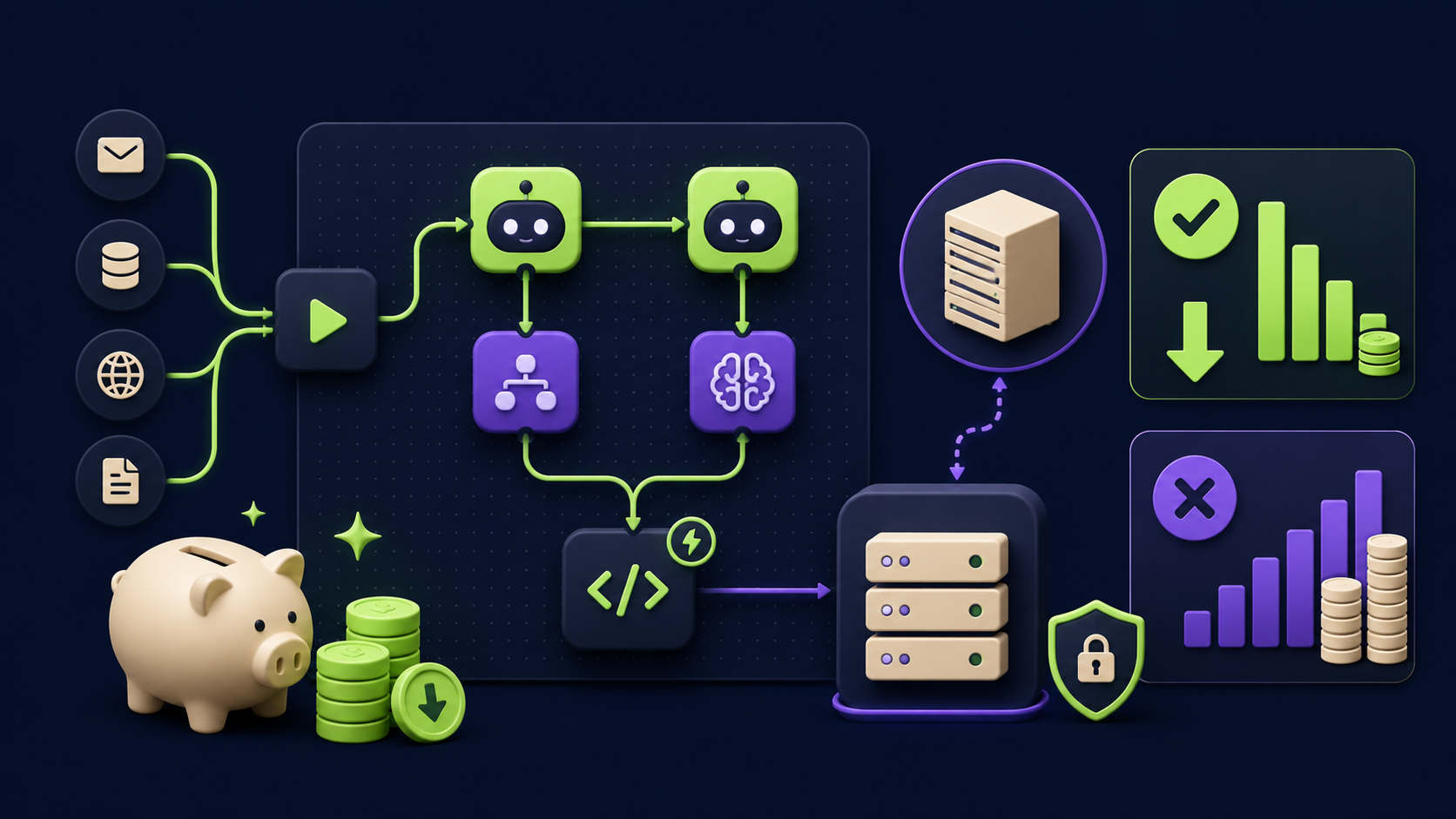
n8n is right when you want control, AI agents in your workflows, data privacy through self-hosting, or costs that do not scale with task volume. It is open source, runs on your own server, includes code nodes for anything the visual builder cannot express, and has native AI-agent capabilities that make it the strongest base for agentic automation in 2026.
The tradeoff is ownership: someone has to run it (self-hosted) or manage the cloud instance, and it rewards a bit of technical comfort. For teams building AI-heavy systems, handling sensitive data, or running enough volume that per-task pricing hurts, n8n wins clearly. It is the platform behind most of our client builds, from the patterns in 15 n8n workflows to the SaaS-replacement systems in replacing SaaS with n8n agents.
Can you start on one and move later?
You can, but switching costs real time, so it is better to choose by fit now than to migrate later. Every workflow you build encodes logic into a platform; moving it means rebuilding, retesting, and re-training. Teams that start on the simplest tool and outgrow it pay that tax exactly when they are busiest.
The pragmatic path: if you are clearly non-technical and simple, start on Zapier and accept you may migrate if you scale. If you can see complexity or AI in your future, start on Make or n8n even though the first build is harder, because you will not have to move. When the choice is genuinely unclear, that ambiguity is itself a sign to get an outside read before you commit, which is what our audit provides.
Want your back office automated for you?
Vantaige audits your operations, finds the hours bleeding into manual work, and builds the AI workflows that reclaim them. Book a free process automation audit and we will show you the first three workflows worth building.
FAQ
Is n8n hard to use for non-technical people?
It is the most powerful and therefore the least beginner-friendly of the three, but managed n8n cloud removes the hosting burden, and a non-developer can learn it. If no one on your team wants to invest that learning, Make or Zapier fits better, or a done-for-you build removes the question entirely.
Which is cheapest?
It depends on volume and complexity, which is why we have a dedicated cost companion. Broadly, n8n self-hosted is cheapest at high volume, Make is gentle in the middle, and Zapier is easiest but climbs fastest with task count. The migration-math piece runs the real numbers.
Can all three use AI and agents?
All three have added AI features, but n8n has the deepest native AI-agent support in 2026, which matters if agents are central to your plans. Zapier and Make can call AI, but n8n is built to orchestrate it. For AI-heavy roadmaps, that gap is the deciding factor.
What if I already use Zapier and it is getting expensive?
That is the classic migration trigger. If task-based pricing is biting, Make or self-hosted n8n usually cuts cost at your volume. Weigh the migration effort against the monthly savings; the cost companion piece helps you run that exact comparison before you move.
Do I need all three?
No. Pick one as your primary platform. Some teams keep Zapier for a few simple connections while running real workflows on n8n, but most are better served standardizing on one tool the whole team understands. One platform well-run beats three half-used.
How do I decide if I am still unsure?
Map your five most painful repetitive tasks and their complexity, then match to the rows above. If the workflows are simple and the team is non-technical, Zapier. If there is logic and an ops owner, Make. If there is AI, scale, or privacy, n8n. A short audit settles it quickly when the call is close.
Related from Vantaige
References
n8n, platform documentation. docs.n8n.io
Make, pricing and scenarios documentation. make.com
Zapier, pricing and platform overview. zapier.com
Get the best new AI tools and guides, weekly
One short email a week. The tools worth trying, the guides worth reading, nothing else.
No spam. Unsubscribe anytime.
Aymen B
Contributing writer at Vantaige, covering the AI tools ecosystem.