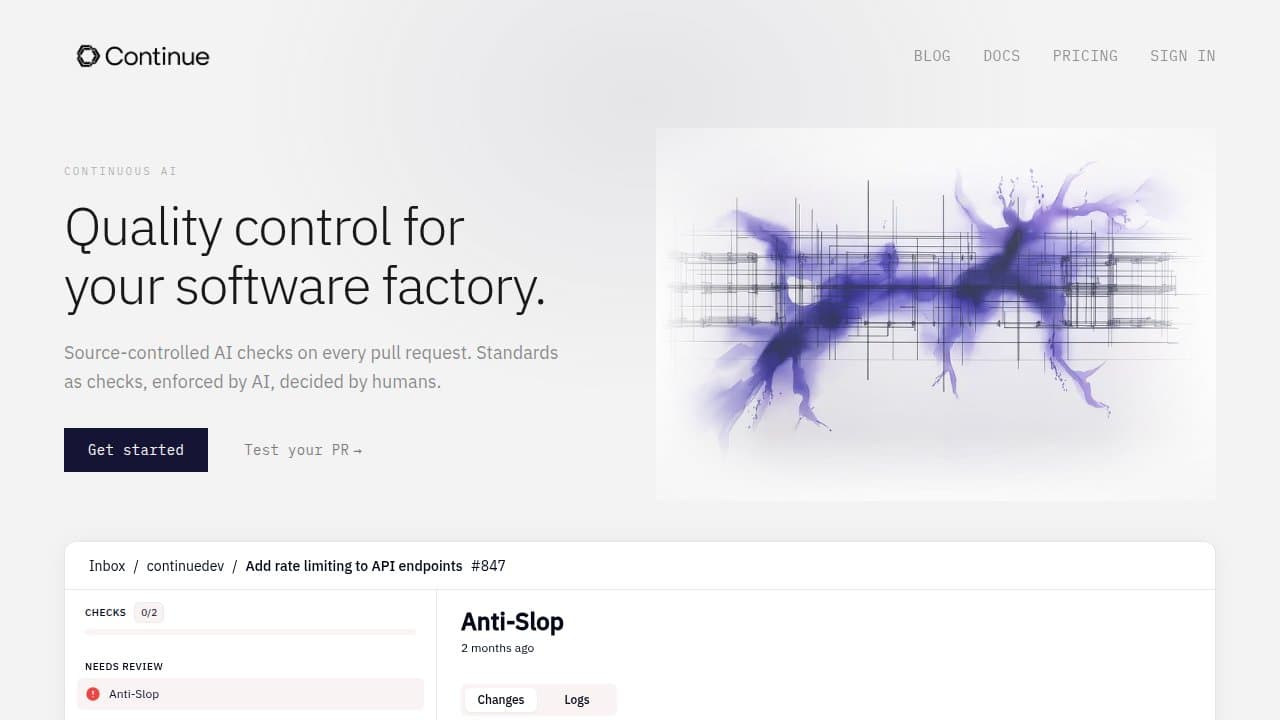

Continue is a free, open-source AI coding assistant that plugs into VS Code and JetBrains. Founded by YC W23 alums Ty Dunn and Nate Sesti, it lets developers bring any LLM including local models via Ollama, making it the most flexible alternative to Cursor or GitHub Copilot.
Continue is an open-source AI coding assistant built as a plugin for VS Code and JetBrains IDEs. Founded by Ty Dunn and Nate Sesti, the project emerged from Y Combinator's Winter 2023 batch with a clear thesis: developers should own their AI coding stack, not be locked into a single vendor's closed IDE or subscription model. The entire codebase is Apache 2.0 licensed and publicly available on GitHub at continuedev/continue, where it has accumulated tens of thousands of stars. A Series A funding round in late 2024 gave the company runway to build Continue Hub, a marketplace for sharing and distributing custom assistants.
The core feature set covers inline autocomplete, a chat sidebar, slash commands, and a growing agent loop that can read and edit files across a codebase. What sets Continue apart is model flexibility: it natively integrates with OpenAI, Anthropic, Google Gemini, Mistral, and local models via Ollama or LM Studio. Developers configure their preferred backend in a config.json file, swap models per task, and can even run the whole stack entirely offline. Continue Hub, launched in 2024, extends this with a catalog of community-built and team-built assistants that can be imported in one click.
What Continue actually does in April 2026
Continue ships two primary interaction modes. The chat panel operates like a sidebar conversation where you highlight code, attach files, and ask questions or request edits, with the model's response optionally applied as a diff. The autocomplete layer runs as you type, offering line-level and block-level completions using any model you've configured, including small, fast local models that keep latency low.
Beyond chat and completion, Continue has shipped an agent mode that can browse your codebase, run terminal commands with permission, and execute multi-step refactors. The config.json setup means you can define context providers, custom slash commands, and model routing rules so that, for example, your chat queries go to Claude 3.5 Sonnet while your autocomplete runs against a local Qwen code model to save on API costs.
Continue Hub, launched publicly in 2024 as part of the company's post-Series-A product push, provides a catalog where teams can publish and consume packaged assistants, each bundling a model configuration, context providers, and slash commands tuned for a particular stack or workflow. This moves Continue from a personal developer tool toward something closer to a shared AI coding infrastructure layer for engineering teams.
"I've been using Continue with a local Qwen2.5-Coder model through Ollama and the autocomplete is genuinely competitive with Copilot for boilerplate. Zero API cost, zero data leaving my machine." -- u/throwaway_llm_dev, r/LocalLLaMA, January 2026
Where Continue sits versus Cursor and Cline
The two most-cited comparisons are Cursor and Cline. The mechanical differences matter.
Continue vs. Cursor: Cursor is a closed-source fork of VS Code packaged as its own IDE. It ships with a proprietary AI layer and charges a subscription starting at $20/month, with no option to bring your own model on the free tier. Cursor's agent mode ("Composer") runs inside its own editor, meaning JetBrains users are excluded entirely. Continue, by contrast, is a plugin that runs inside the IDE you already use. You pay zero subscription; you pay only for whatever API calls your chosen model provider charges. If you run Ollama locally, your cost is zero. The extensibility gap is also significant: Cursor's model selection is limited to its approved list, while Continue accepts any OpenAI-compatible endpoint.
Continue vs. Cline: Cline is also open-source and VS Code-only. Both tools support bring-your-own-LLM setups, but Cline has leaned harder into agentic workflows, with a more aggressive autonomous execution loop that can spin up browsers, call APIs, and chain tool calls without manual approval at each step. Continue's agent mode is more conservative by default, which reduces footguns but also means it covers less ground autonomously. The other mechanical split is IDE support: Continue works in JetBrains (IntelliJ, PyCharm, GoLand, etc.) in addition to VS Code, while Cline is VS Code-only. For teams standardized on JetBrains, Continue is currently the only serious open-source option.
"Switched from Cline to Continue for the JetBrains support alone. Our backend team is on IntelliJ and they were excluded from every open-source assistant until Continue added it properly." -- u/infraengineer_mk, r/ExperiencedDevs, November 2025
What the daily workflow reality looks like
Setup takes roughly 10-15 minutes for a standard OpenAI or Anthropic backend. You install the VS Code extension from the marketplace or the JetBrains plugin from JetBrains Marketplace, then edit ~/.continue/config.json to add your API key and preferred models. For local models, you install Ollama separately, pull a model, and point Continue at localhost:11434.
The daily loop is: write code, press Cmd+I (or Ctrl+I) to open the inline edit prompt or Cmd+L to open the sidebar chat. Attach context by selecting files or using the @codebase context provider, which runs a vector search over your repo. Slash commands let you trigger predefined prompts: /edit, /comment, /test, and any custom commands you've written.
The friction points that come up repeatedly in forums: the config file is powerful but verbose, and there's no GUI for model management. First-time users frequently misconfigure the context length, causing truncated responses from models that actually support longer windows. Autocomplete latency with cloud models can be noticeable on slow connections, which is why the r/LocalLLaMA community gravitates toward Continue more than most: they already have Ollama running and the local-model path removes that lag entirely.
Continue Hub adds a layer for teams where an admin publishes a packaged assistant with locked-down model choices and approved context providers. Individual developers install it with a single command rather than hand-editing JSON. This is the product direction Continue is betting on for commercial revenue, even as the core extension stays free and Apache 2.0.
Who Continue is built for
Continue is the strongest fit for developers who have a specific reason to stay out of Cursor's closed ecosystem. That includes teams with strict data residency requirements who need air-gapped or self-hosted LLM infrastructure, engineers already running Ollama or vLLM locally who want to leverage that investment inside their IDE, JetBrains users locked out of Cline, and anyone who wants to customize their AI coding workflow at the configuration level without paying a vendor subscription.
The open-source community is its own constituency. Because the codebase is Apache 2.0, engineering teams can fork Continue, build internal assistants on top of it, and integrate it into proprietary toolchains without licensing concerns. Several companies have done this quietly, using Continue as the foundation for custom internal developer portals.
Individual hobbyists who want free AI coding assistance but don't want to pay Cursor's $20/month also land here, especially if they're comfortable enough with JSON config files to set up a backend. The GitHub Copilot free tier competes directly in this segment, but Copilot's model selection is fixed and there's no local-model option.
What Continue is not
Continue is not a GUI-first, zero-configuration tool. Users who want to install a plugin and have it "just work" with no setup will find the config-file-first approach friction-heavy compared to Cursor or GitHub Copilot. There's no billing dashboard, no model picker UI, and no credit system: you bring your own API key and manage your own costs.
It is not a full IDE replacement. Cursor users who rely on Cursor's proprietary Composer for large-scale codebase refactors will find Continue's agent mode functional but less polished as of early 2026. The agent loop in Continue doesn't yet match the depth of Cursor's Composer or Cline's most aggressive autonomous workflows for multi-file structural changes.
Continue Hub's team features are still maturing. The marketplace launched in 2024 and the tooling for managing team-wide assistant deployments, access control, and version pinning is more limited than what mature developer platform products offer. Teams evaluating it as an enterprise-grade internal tool should test the Hub features carefully against their actual requirements before committing.
Finally, Continue is not a solution for developers who need built-in web search, live documentation crawling, or a conversational interface outside of an IDE context. It lives entirely inside VS Code or JetBrains. If your workflow requires hopping between browser research and code, you'll still need a separate chat tool alongside it.
User Reviews
No reviews yet. Be the first to share your experience!
Sign in to write a review.
Featured in collections
Curated lists that include Continue.dev.
Related articles
Guides and articles related to Continue.dev.

Replit Pricing Explained (2026): Core vs Pro and Effort-Based Agent Billing
Cursor 3.3 Build-in-Parallel Setup: Real-World Refactor Guide

Claude Code vs Cursor vs Codex vs Devin vs Replit Agent 3: 2026 Scorecard
Cursor 3.3 Context Usage Breakdown: What to Cut First
Run a Company With AI Agents: The Open-Source Orchestration Setup (2026)