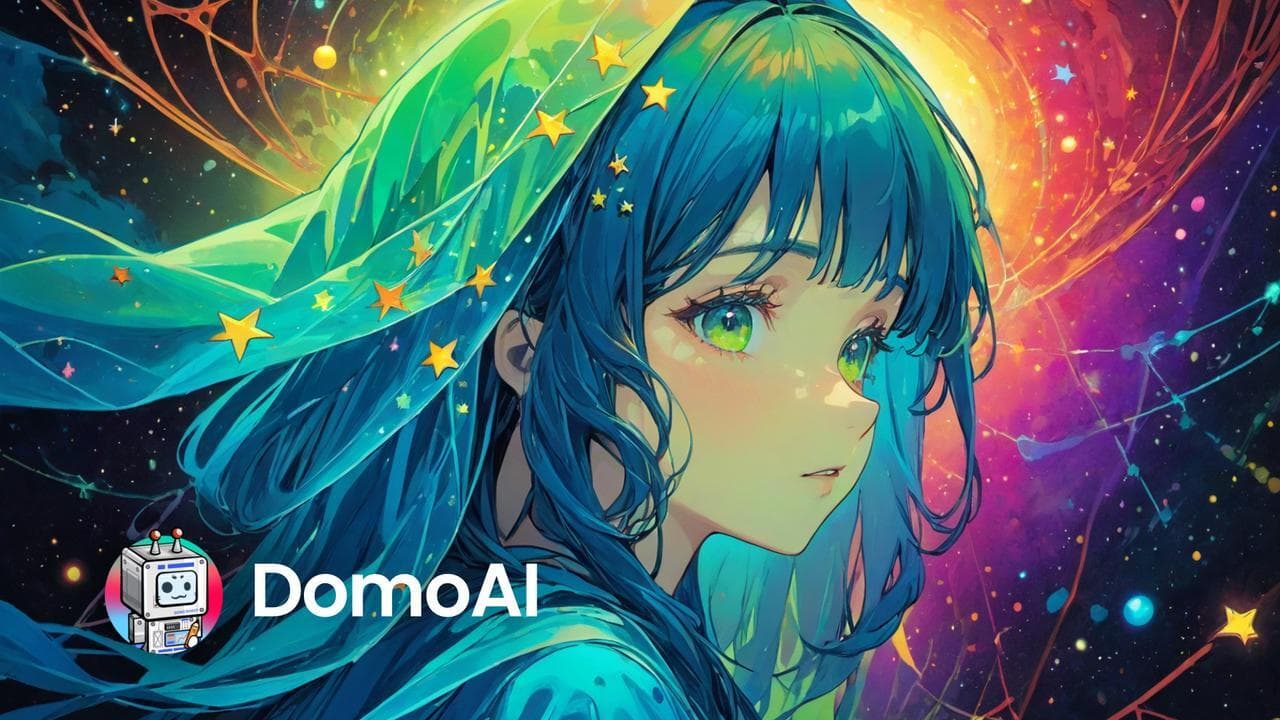

DomoAI converts videos, images, and text prompts into anime and stylized animations using 70+ AI models. Built for content creators, it excels at character consistency and TikTok-ready output, with a 4M+ user base and plans starting at $9.90/mo.
DomoAI is a Singapore-based AI animation platform that converts videos, images, and text into stylized animated content. Built by DOMOAI PTE. LTD. and launched in 2023 as a Discord-only video-to-anime bot, the platform expanded to a standalone web app in February 2024 and now ships iOS and Android apps alongside a developer API. The core problem it solves is straightforward: turning existing footage or static illustrations into polished animated clips without requiring 3D software, motion capture gear, or local GPU hardware.
The platform covers text-to-video, image-to-video, video-to-video style transfer, character animation, AI talking avatars with lip sync, frames-to-video sequencing, face swap, background removal, photo restoration, and upscaling up to 6K resolution. Its defining feature is a library of 70+ AI video models with 30+ named style presets including Japanese Anime 3.0, Ghibli-adjacent illustration, clay cartoon, 2.5D illustration, ukiyo-e, and cyberpunk. For short-form content creators building anime or stylized social media clips, it is the most purpose-built tool on the market. Users who need photorealistic cinematic video should look elsewhere, at Runway or Pika.
What DomoAI outputs in April 2026
As of April 2026, DomoAI generates clips in the following pipeline modes:
Text to Video: Generate short animated clips from a text prompt, choosing from 70+ style models at generation time.
Image to Video: Animate a static image, anchoring character identity across frames with a fixed latent consistency mechanism. The result preserves facial structure and color palette across motion, which is its clearest technical edge over generalist competitors.
Video to Video: Restyle an existing video clip into any of the 30+ preset styles. Motion from the source video is preserved; style is fully replaced. This is the feature that originally made DomoAI go viral, with creators uploading live-action dance videos and getting back synchronized anime-style animations.
Character to Video (Pro tier only): Upload a character reference image and generate up to 20- or 30-second clips in Fast Mode. Designed for consistent character animation across longer segments.
Frames to Video: Upload 2-8 images and generate smooth video transitions between them. Used for storyboard animation and illustration-to-video pipelines.
AI Talking Avatar: Combine a character image with audio input to generate a lip-synced animated talking head. Supports multiple anime and cartoon styles.
Lip Sync Auto-Match (launched May 22, 2024): Automatically synchronizes mouth movements to dialogue audio in animated clips. On launch, four models supported it: Ukiyo-e, Japanese Anime 3.0, Clay Cartoon 3.0, and 3D Cartoon.
Output resolution starts at 720p standard and scales to 4K with the built-in Video Upscaler, or up to 6K with additional upscaling passes. Generation times average 20-40 seconds per clip with no local setup. The Discord App Directory integration, made official March 4, 2026, allows users to restyle images directly within any Discord server using the bot, generating up to 4 stylized images simultaneously for 2 credits.
Where DomoAI sits versus PixVerse and Higgsfield
DomoAI vs. PixVerse. PixVerse V6 (launched March 30, 2026) targets a much broader use case: 15-second 1080p clips with 20+ cinematic lens controls, native audio synthesis, a multi-shot engine, and R1, its real-time world model that generates video as a live interactive stream using autoregressive modeling with memory-augmented attention. PixVerse has 100M+ users versus DomoAI's 4M+, which reflects a fundamentally different positioning: PixVerse is a generalist video generation platform with viral consumer effects (AI Hug, AI Kiss, AI Muscle) built for broad appeal. DomoAI's architecture optimizes for stylized-domain consistency, anchoring character identity with a latent identity vector specifically tuned for illustrated and anime-style content. That latency tuning makes DomoAI better for anime character consistency across frames; it makes it weaker for photorealistic scenes, complex camera choreography, and multi-step action sequences. Put differently: PixVerse excels at making photorealistic video look cinematic; DomoAI excels at making illustrated content look animated.
DomoAI vs. Higgsfield. Higgsfield launched March 31, 2025 as an explicitly camera-first cinematic platform. Its Cinema Studio stacks up to 3 simultaneous camera movements chosen from 50+ presets, including crash zooms, crane shots, FPV drone, and Snorricam, while simulating real optical physics with virtual camera body and focal length selection. Higgsfield also integrates multiple frontier model backends (Kling 3.0, WAN 2.5, Google Veo 3, Seedance) switchable within a single interface. DomoAI runs a proprietary closed model stack with no multi-model switching. The audience gap is sharp: Higgsfield is aimed at directors and cinematographers who want precise motion control over cinematic scenes; DomoAI serves content creators and animators who want fast, style-consistent short clips for social media. Higgsfield has no dedicated anime style suite. DomoAI has no stacked camera movement feature.
"DomoAI is the best anime video generator. Its motion-to-style transformation is unmatched." - Jun Pham, AI Tools Strategist, aibrainjet.com, November 2025
For broader video generation comparisons, DomoAI also sits adjacent to Krea in the stylized-image space, though Krea focuses on image generation and real-time canvas work rather than video-to-video pipelines. For music-reactive animation, Kaiber is the closer competitor; DomoAI does not have music-reactive generation built in.
The real cost of generating video with DomoAI
DomoAI's credit economics are the most important thing to understand before subscribing. All pricing below is verified from domoai.app/pricing as of April 2026.
Basic: $9.99/mo (monthly billing) or $6.99/mo (annual billing). Includes 500 Fast Mode credits/month, 3 parallel fast lanes, no watermark, access to all style models. At approximately $0.014 per credit, 500 credits produces roughly 30-50 short video clips depending on length and complexity. This plan runs dry quickly for active creators.
Standard: $27.99/mo (monthly) or $19.59/mo (annual). Includes 1,500 Fast Mode credits plus unlimited generations in Relax Mode (slower queue, uses Nano Banana Pro and GPT Image 2 backends). The unlimited Relax Mode substantially changes the economics for high-volume creators who can tolerate longer wait times.
Pro: $69.99/mo (monthly) or $48.99/mo (annual). Includes 4,000 Fast Mode credits, 6 parallel fast lanes, Character to Video (20s/30s in Fast Mode), Talking Avatar, and Upscale features. Per-credit rate drops to ~$0.012.
Free tier: A small credit allotment on signup for testing. Not unlimited; does not include commercial rights on the free allotment.
Credit top-ups are available on all paid plans without requiring an upgrade. Commercial rights apply to all generated content on paid plans.
"The app doesn't really do anything but ask for more payments. Every turn is a prompt for 'not enough credits, buy more.'" - Thomas Lyle, Trustpilot, September 2025
The honest math: a Basic plan user generating 5 short clips a day will exhaust their monthly 500 credits in under 4 days. Standard's Relax Mode unlimited access is the real value unlock for anyone planning consistent daily use. Pro's 4K credits are appropriate for studio-volume output or teams.
Where DomoAI consistently breaks
DomoAI's limitations cluster into a few consistent failure modes that appear repeatedly across independent reviews:
Multi-step action logic fails. The model handles subject description and style selection well but struggles to execute sequential instructions like "pick up the object, turn left, then run." The latent consistency mechanism that keeps characters on-model across frames does not extend to complex choreographed motion. Users who need characters to perform precise multi-step actions typically have to generate and cut multiple clips.
No timeline or shot assembly. DomoAI generates individual clips; there is no internal stitching tool, timeline editor, or per-frame guidance interface. Multi-scene storytelling requires exporting to an external NLE (DaVinci Resolve, Premiere, CapCut). This is a significant gap for creators making content longer than a few seconds.
Limited camera control. The tool has no 3D-aware latent representation or camera choreography features. Users who want dolly moves, crane shots, or programmatic camera paths need Higgsfield, Runway, or a tool built for cinematic motion.
Physics modeling absent. Secondary motion (cloth behavior, hair physics, liquid simulation, gravity-affected objects) is inconsistent. Illustrated styles partially mask this, but it becomes visible in longer clips or action-heavy scenes.
Billing and refund friction. DomoAI's Trustpilot score sits at 3.1/5, driven largely by billing disputes. The stated policy does not allow refunds on spent credits. Annual subscribers who signed up incorrectly have reported difficulty getting support. At least one reviewer reported watermarks persisting despite having an active paid subscription. These are product and customer service issues, not generation quality issues, but they affect the overall user experience for a meaningful portion of the user base.
Best use cases versus skip-this scenarios
DomoAI is the right tool when:
You are creating anime or stylized short-form video for TikTok, YouTube Shorts, or Instagram Reels and need consistent character appearance across frames.
You want to animate your own illustrations or character art without learning 3D software or rigging.
You need a talking avatar or lip-synced animated character in a stylized aesthetic, for a YouTube persona, vtuber content, or explainer video.
You want a web-first tool with no local install or GPU: upload, generate, download in under a minute.
You are a small marketing team needing animated brand characters or mascots at social media scale. See also Leonardo AI for the image generation side of that workflow.
Skip DomoAI when:
You are making photorealistic cinematic content for film, TV, or commercial video production. Runway, Kling, or Google Veo will serve that use case better.
You need precise camera control, multi-shot sequencing, or stacked motion effects. Higgsfield is purpose-built for that workflow.
You are a developer who needs seed parity, node-graph compositing, or ComfyUI-level control. DomoAI's closed pipeline does not expose those controls.
Your monthly volume is high and you are on a tight budget. The Basic plan runs out in days; the Standard plan at $27.99/mo is effectively the minimum viable subscription for active daily use.
You are building long-form narrative content that requires multi-scene shot stitching inside the tool. There is no timeline editor; all assembly happens outside DomoAI.
User Reviews
No reviews yet. Be the first to share your experience!
Sign in to write a review.
Related articles
Guides and articles related to DomoAI.
AI Video Generator Prompting: The Filmmaker's Real Workflow
Sell AI-Generated Short Films on TikTok Shop, Instagram & YouTube (2026)

Freepik AI Is Now Magnific: What Changed, What It Costs, and Whether to Stay (2026)

How to Make Money Selling AI UGC Content for Brands (2026)

AI Instagram Reels Factory: 30 Reels/Day on Autopilot (2026)