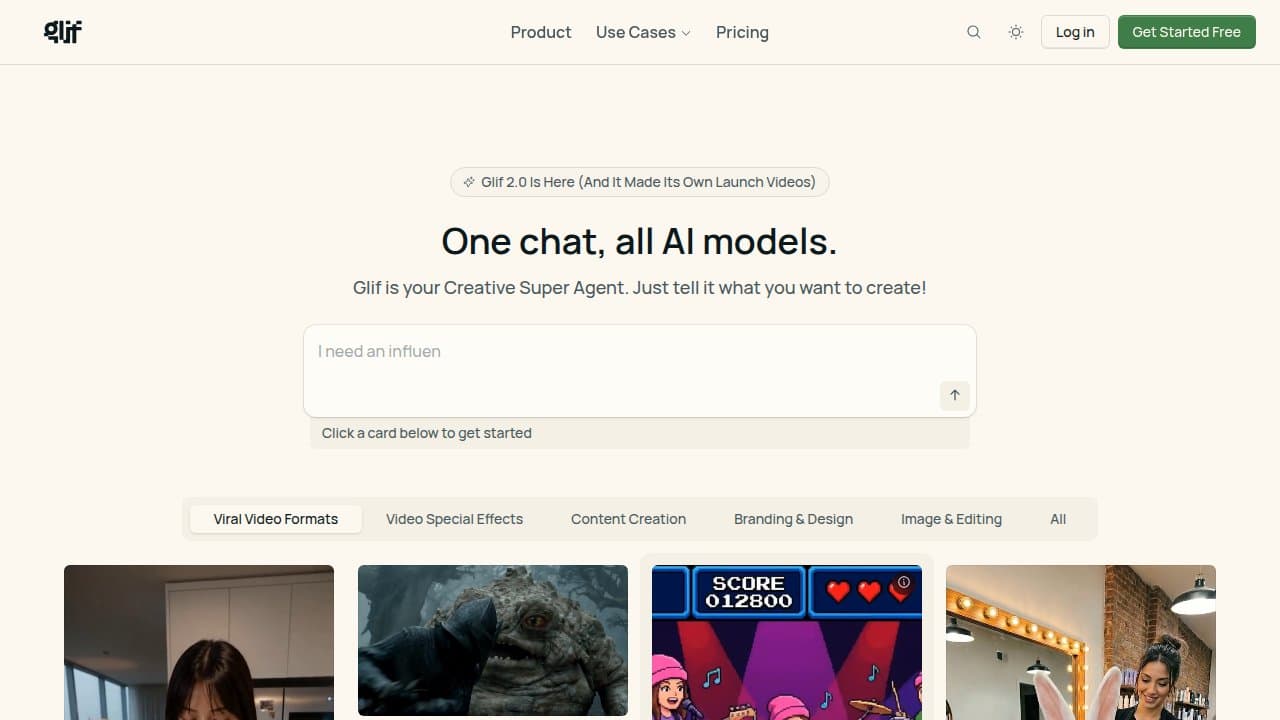

Glif is a browser-based, no-code AI workflow builder where you chain image, video, audio, and text AI models into reusable mini-apps called Glifs. Back by a16z, it hosts a community gallery of remixable creative pipelines.
Glif is a cloud-based, no-code workflow builder that lets creators chain together AI models into reusable mini-apps. Founded in 2022 by Fabian Stelzer (former CEO of visual-AI company EyeQuant) and Jamie Wilkinson (co-founder of Know Your Meme, Emmy winner for Star Wars Uncut), Glif launched publicly in October 2023 as a community platform for shareable AI creative pipelines. In April 2026, the company announced a seed round led by Andreessen Horowitz and rebranded around a "Creative Super Agent" positioning: one interface, virtually every major AI model, with a library of pre-built creative recipes built from millions of past runs.
The platform supports image generation via FLUX (Ultra, Dev, Schnell) and Stable Diffusion, video generation via Runway and Kling (including Kling 4K), voice synthesis via ElevenLabs, and text via GPT-4, Claude 3.5, and Google Gemini. Users build workflows by stacking visual blocks, including a ComfyUI integration for importing full node graphs, a Web Fetcher block, JSON manipulation, canvas compositing, and audio generation. Every Glif you build is public and remixable by default, and the community gallery contains hundreds of ready-to-fork creative pipelines.
What Glif generates in April 2026
Glif's block library covers four output types: images, video, audio, and text, which can be chained in any order within a single workflow. On the image side, the platform runs FLUX Schnell for fast low-credit generations and FLUX Ultra for higher quality, with a full ComfyUI block that accepts imported workflow JSON files supporting ControlNet, AnimateDiff, IP-Adapter, LoRAs, and upscalers. Video generation runs Runway and Kling 4K, with Kling 3.0 available for shorter clips, and a Seedance 2.0 node for cinematic sequences. Audio blocks connect to ElevenLabs for voice synthesis and can be combined with video frames for lipsync workflows.
The workflow execution model is sequential: each block receives the output of the previous block as input. A typical image workflow feeds a text input into an LLM block that rewrites the prompt, passes it to FLUX, then routes the result through a Canvas block that composites the image with a template. Multi-step video chains, where an LLM generates a script, a text-to-image block creates a frame, and a video generator animates it, are possible but will frequently hit the platform's 2-minute execution ceiling on more complex sequences.
The Skills system, introduced with the a16z-backed v2, is a library of pre-built Glifs assembled from the most-repeated patterns across the platform's millions of runs. Skills cover short-form video, AI influencer content, infographics, music video lipsync, and meme formats. Rather than building a workflow from scratch, users can start from a Skill and modify inputs.
"just built a fully automated Wojak meme generator in Glif in 5 min: Claude 3.5 block generates the meme as JSON, ComfyUI block uses a Wojak Lora to generate a fitting image, JSON extractor + Canvas Block ties it all together" - fabianstelzer (@fabianstelzer), X, June 24, 2024
Where Glif sits versus ComfyUI and Krea
The two most common comparisons are ComfyUI, for image/video generation workflows, and Krea, for AI-assisted visual creation.
ComfyUI is self-hosted, open-source, and runs on your own GPU or rented cloud hardware. It supports thousands of community nodes, unlimited generations at hardware cost only, and granular control over every parameter in the diffusion process. Its node graph is more complex than Glif's block interface and requires understanding of diffusion architecture to use effectively. Glif's ComfyUI block lets users import ComfyUI workflow JSON into a Glif, essentially adding a ComfyUI node inside a larger multi-model chain, but it does not expose the full node depth that standalone ComfyUI does. The practical difference: ComfyUI is for users who want complete pixel-level control and do not mind managing dependencies; Glif is for users who want ComfyUI-style composability without local hardware, plus the ability to chain in LLMs and audio models.
Krea operates on a fundamentally different workflow model. Its core feature is real-time, sub-50ms canvas generation: you draw or type and the image updates live, making it a live creative direction tool rather than a batch pipeline. Krea is optimized for iterative exploration, where you refine a visual in real time. Glif is optimized for repeatable pipelines, where a fixed workflow produces a consistent output type from variable inputs. Krea does not have a public community remixing system; Glif's community gallery is central to the product. Krea wins for concept sketching and live iteration; Glif wins for any workflow you need to run repeatedly on different inputs.
Real cost of running Glif
Glif's credit system is consumption-based, not subscription-based. Credits are purchased in packs: $1.99 for 200 credits (Tinkerer), $9.99 for 1,000 (Creator), $100 for 10,500 (Builder, includes a 5% bonus), and $1,000 for 110,000 (Studio, includes a 10% bonus). A free tier provides 10 daily credits that reset every 24 hours and do not roll over.
Credit consumption scales sharply with workflow complexity. Simple text or basic image generations cost 1-5 credits. A multi-step infographic workflow runs roughly 17 credits. Video generation ranges from 50 to 100+ credits per run depending on the model and clip length. A Creator pack ($9.99) supports roughly 10 complex video generations or around 200 simple image generations. This makes Glif cost-competitive with per-image pricing on dedicated image tools for low volumes, but expensive at scale for video-heavy use cases.
Monthly subscription plans have been noted as "coming soon" in platform documentation as of early 2026, but had not launched as of this writing. The credit pack model means there is no predictable monthly cost: heavy users pay more, and multi-model chains can consume credits 10 times faster than single-model runs.
"The bottleneck to creative production is no longer talent or budget. It's navigating the chaos." - Justine Moore, Andreessen Horowitz, a16z investment announcement, April 23, 2026
Where Glif reliably fails
The 2-minute execution cap is the most commonly cited hard limitation. All Glif runs terminate after 2 minutes of compute time, regardless of workflow complexity. Complex video chains, high-resolution ComfyUI imports, or workflows with multiple video generation steps regularly hit this ceiling and fail, consuming credits without producing output. Glif's documentation acknowledges this limit but does not offer a workaround beyond simplifying workflows.
The credit system creates unpredictable costs for new users. Because each block in a multi-model chain charges separately, a workflow that looks simple at the surface can easily consume 30-50 credits. Users unfamiliar with the credit rates for each model frequently run down a day's free credits in a single test run. Free-tier credits (10/day) are insufficient for any workflow involving video generation.
Mobile use is effectively read-only. The block editor does not function on phones. Mobile users can run existing Glifs but cannot build or edit workflows. For creators who work primarily on mobile devices, this is a complete barrier to the platform's workflow-building features.
The no-code positioning understates the learning curve. The ComfyUI block and multi-model parameter tuning require understanding of model inputs, output types, and variable passing between blocks. Most reviewers report a 2-3 hour ramp-up before building consistent, working workflows beyond the gallery templates. Beginners who arrive expecting drag-and-drop simplicity frequently report confusion during their first session.
Finally, there is no persistent asset storage and no workflow scheduling. Users must re-upload reference images on each session. Workflows cannot be triggered automatically; every run is manual or initiated through the API.
Who Glif is for, and who should pick something else
Glif is a strong fit for content creators who produce at volume: social channels, newsletter operators, marketing teams, and YouTube creators who need repeatable visual pipelines. The community gallery provides a fast ramp-up path, the remix model shortens the time from "I have an idea" to "I have a working Glif," and the multi-model chain structure handles cross-modal content (image + caption + voiceover) in a single workflow. The Skills library from v2 accelerates this further for common content formats.
Developers and technical users benefit from the API access, which allows running any Glif programmatically with named input parameters. Teams building content automation tools can expose Glifs as internal tools without writing model integration code.
Skip Glif when you need automated, trigger-based workflow execution. There is no scheduling, no webhook triggers, and no event-driven execution. For automation pipelines that need to run without human intervention, n8n or Make.com are better fits. Skip it when you need maximum control over image generation parameters and do not mind managing local hardware; ComfyUI in full standalone form gives you more nodes, more LoRA support, and unlimited generations. Skip it when your primary use is video-heavy content at scale; the 2-minute cap and credit cost make video generation expensive compared to Runway or Kling accessed directly. And skip it if you work on mobile, where the workflow builder simply does not function.
User Reviews
No reviews yet. Be the first to share your experience!
Sign in to write a review.
Related articles
Guides and articles related to Glif.

15 AI Agent n8n Workflows You Can Build This Weekend (2026)

AI Video Generator Prompting: The Filmmaker's Real Workflow
AI Instagram Reels Factory: 30 Reels/Day on Autopilot (2026)
Sell AI-Generated Short Films on TikTok Shop, Instagram & YouTube (2026)
Auto-Build Weekly Client Status Reports From Slack, Asana, GitHub & Stripe (2026)