

Uwear is an AI model generator for clothing brands: upload one flat-lay and it creates studio-style photos of your garment on a lifelike AI model, with batches up to 10,000 items and pay-as-you-go credits. Strong for catalog scale, though small logos and fine print still render poorly.
Uwear is an AI model generator built for clothing brands: you upload a single flat-lay photo of a garment, pick a model, and it returns a studio-style image of that piece worn by a lifelike AI model in under a minute. It was built in 2023 by Reda Mjahed and Axel Havard, a two-person founding team in Montreal, and has stayed small and bootstrapped while dozens of competitors chase the same problem. The pitch is narrow and practical: skip the photographer, the studio, and the booked model, and still ship on-model product photos.
For a fashion brand owner, a DTC seller, or a marketing agency producing catalog imagery, the appeal is speed and volume. There are two products under one Uwear login. The one most brands touch daily is Uwear Studio, a credit-based generator built on the company's own Drape engine, which regenerates the whole image rather than pasting clothing onto a stock body. Studio handles flat-lay-to-model conversion, a diverse AI model library across body types, ethnicities, and ages, 4K upscaling, short video clips, and CSV batches of up to 10,000 items. The second is a shopper-facing Virtual Try-On widget for storefronts, priced for much larger retailers. This review focuses on Studio, the AI model generator a working brand actually buys.
What Uwear's AI model generator makes in June 2026
Studio's core job is on-model product photography. Feed it a flat-lay and it returns a photo of a model wearing the item, with control over the model's ethnicity, body type, age, pose, and background. Base output is 704x1024 pixels, with optional 4K upscaling through a SeedVR2 pass that costs one credit. The model menu spans several backends, and the tool will also generate 5 to 10 second video clips using Seedance and Kling models, useful when a fashion brand needs motion for Reels, TikTok, or an Amazon brand store. Video is the expensive part of the menu, so most brands use it sparingly for hero pieces rather than the whole catalog.
Two facts mark this as a serious catalog tool rather than a toy. Uwear shipped a developer REST API in March 2025, with an async job queue and webhooks, so a brand or agency can wire AI model generation straight into a product pipeline. And in August 2025 the company open-sourced its original Drape1 model on Hugging Face, an SDXL-based garment-rendering adapter, a rare move that tells you something real about how the rendering works under the hood. The headline capability, though, is batch: one CSV can drive up to 10,000 items in a single run, which is genuinely unusual in this category and the main reason high-volume sellers pick it over a click-by-click editor.
Create AI models for your clothing brand: the Drape engine on a real garment
The thing that separates Uwear from overlay-based try-on tools is that Drape regenerates the entire frame. Instead of warping a cutout of your garment onto a fixed mannequin, it renders a new scene with the clothing on a model, which is why lighting, shadows, and fabric folds tend to sit together coherently. Hand it a flat-lay of a plain or lightly patterned cotton dress and the result is usually convincing enough to publish with little cleanup: the drape reads naturally, the model looks like a model, and the background is clean studio. Uwear markets 95% fabric accuracy and 98% pattern preservation, though those are the company's own numbers and have not been independently tested.
Now hand it a logo tee or an embroidered jacket and the cracks show. Small logos, printed wordmarks, and fine text routinely come back garbled, a limitation Uwear's own Drape1 model card acknowledges for complex garment and text combinations. Hands and faces sometimes arrive with artifacts, which is why the product ships a dedicated Enhance tool to repair them, an extra step and an extra credit. One independent reviewer summed up the trade cleanly:
"The output was polished enough to make my client nod approvingly, which is no small feat." The same reviewer noted small logos came back as "a blurry smudge." (bestaitools.com review, 2025)
The practical read for anyone trying to create AI models of their own pieces: Uwear is strong on solid colors, weaves, and simple prints, and weak on branded apparel where a crisp logo or slogan is the whole point of the shot. Generate a few test images of your hardest SKU before you trust it with a season.
AI models for ecommerce: which brands Uwear actually fits
Uwear is squarely an AI model tool for ecommerce, and it suits some sellers far better than others. It earns its keep for:
- Clothing brand owners and DTC sellers with 50 or more SKUs who cannot justify regular photoshoots and need on-model shots fast.
- Shopify, WooCommerce, and Amazon apparel merchants who want a consistent catalog look across a season without rebooking the same model.
- Fashion marketing and ad agencies producing creative for multiple clothing clients, where model variety and turnaround matter more than a single hero frame.
- Jewelry and accessories designers who want lifestyle shots on a model rather than flat product cards. Uwear handles clothing best, so pair it with a dedicated product-photo tool for tight close-ups.
- Saree, kurta, and ethnic-wear sellers who need diverse model representation for different markets, with the honest caveat that complex drape is hard for every AI tool, Uwear included.
- UGC and performance-marketing teams A/B testing the same garment on different model demographics before committing to a real shoot.
What ties these together is volume and ecommerce intent. If you are a fashion designer looking for a creative ideation tool, a sketch-to-render or fabric-simulation product, Uwear is not that. It is an output engine for photos you can list, advertise, and sell against.
Uwear vs Botika vs FASHN.ai
These tools get shortlisted together, but they solve the problem from different directions. Uwear is flat-lay in, model out: you give it a garment and it generates the model and the scene, at batch scale. Botika also creates AI clothing models, but its distribution is a native Shopify app and its premium tiers add a human review layer that retouches weak outputs, which appeals to merchants who want a quality backstop inside their store. FASHN.ai is a virtual try-on engine: it re-dresses an existing model photo with your garment using a pixel-space diffusion model trained on millions of try-on pairs, and it exposes a cheap public API, so it wins for developers and for pure garment-fidelity work when you already have model imagery.
The decision is mechanical. Pick Uwear when your input is flat-lays and your problem is volume, because nothing here matches the 10,000-item CSV batch. Pick Botika when Shopify-native convenience and human QA are worth a higher per-image price. Pick FASHN when you have model shots and need the cleanest re-dressing or an API to build on. If you want a built-in shopper try-on or in-app video and ghost mannequin in one workspace, WearView covers more of the catalog pipeline. And if you mostly need to clean up existing product shots rather than generate models from scratch, a photo-enhancement suite like Claid.ai is the better fit.
Uwear pricing: is there a free AI model plan?
Uwear Studio has no subscription. You buy credits at $0.10 each, they never expire, and most still images cost between 1 and 10 credits depending on the model, so roughly $0.10 to $1.00 per image. A 200-product run at two credits each lands near $40, which is the comparison that sells the tool: the same shoot through a studio would cost thousands. Video runs the meter harder, from about $0.60 to over $20 per clip depending on length, resolution, and sound, so budget it separately from your photo spend.
Is there a free AI model plan? Sort of. New users get a small number of free starter credits with no credit card, but the exact count is undisclosed and it is generally too thin to evaluate a real batch workflow, which is the most common early complaint. Credits are also non-refundable once spent, and because not every generation is usable, you pay for some throwaway frames. On the plus side, the terms are clear that you own the generated images and may use them for any legal commercial purpose. The shopper-facing Virtual Try-On widget is a separate, enterprise-priced product, billed by monthly store visitors from around $500 per month and climbing, with a 7-day trial; small sellers should ignore it and stick to Studio.
Where Uwear breaks
Beyond the logo and text problem, a few frictions recur. The thin free credits leave some first-time users feeling baited. Model description prompts are capped at 80 characters, which limits fine control over pose and styling. And independent reviews are genuinely scarce: at the time of writing Uwear had just two Trustpilot reviews and almost no Reddit footprint, so outside validation is hard to come by. The one blunt negative review captures the free-tier gripe:
"So you're just gonna generate me 3 inaccurate mediocre images and then left me hangin in a paywall.. Nah, I hate it." (Trustpilot reviewer, December 2024)
None of this is disqualifying for a brand that tests its own garments first, but it is a reason to spend a few dollars validating your specific products before committing to a large batch, and to keep the Enhance step in your budget rather than treating raw output as final.
Getting sharper AI model photos from Uwear
A few habits separate usable Uwear output from wasted credits. Start with clean inputs: a flat, evenly lit, wrinkle-free garment photo on a plain background gives Drape the best chance at accurate drape and color, and a straight-on front shot beats one taken at an angle. For anything with a logo, a slogan, or fine print, accept up front that you may need to retouch that detail by hand or shoot the SKU traditionally. Do not fight the model on text; it is the one thing it consistently loses.
Lean on the model presets rather than the 80-character description field, which is too short for real nuance. Build one model profile you like and reuse it across a collection so the catalog stays consistent. Generate two or three variations per garment and keep the best, then run the keeper through Enhance before upscaling to 4K, so you are not paying to upscale an image you will throw away. For repeatable, on-brand looks, the prompt and reference patterns in Vantaige's Prompt Vault are a faster starting point than trial and error, especially for the "AI model wearing my clothes" shots that need a specific mood.
A real workflow: an AI model wearing your clothes, at catalog scale
Here is how a Shopify clothing seller with a few hundred SKUs actually uses it. Shoot each garment as a clean, well-lit flat-lay. Build a CSV with one row per product, choose a consistent model profile and background so the catalog looks uniform, and trigger a batch overnight. In the morning, pull the outputs, run anything with hand or face artifacts through Enhance, upscale the hero shots to 4K, and push to your store. For a 200-item catalog you are looking at roughly $40 and a few hours of cleanup instead of a multi-thousand-dollar production day. The same flow extends to ad creative: generate one garment on five model demographics, then test which converts before you spend on a live shoot.
This is the clearest-return use case in AI fashion: an AI model wearing your clothes, generated for the cost of a coffee run. You own the product, and better imagery sells more of it. If you want the prompt patterns and reference-image recipes that make these shots look intentional rather than generic, Vantaige's Prompt Vault collects fashion and AI-model prompts you can adapt to your own SKUs. For sellers who only need to clean up existing product photos rather than generate models, Pebblely is a lighter, cheaper starting point.
Who should use Uwear, and who should skip it
Uwear is one of the few AI model generators that can take a folder of flat-lays and return a publishable catalog at real scale, which makes it a strong default for clothing brand owners, DTC and marketplace sellers, and agencies that live in volume. The pay-as-you-go model is a genuine advantage for seasonal sellers who generate in bursts and resent paying for an idle subscription the rest of the year.
Skip it if your products live or die on crisp logos, slogans, or intricate prints, since that is the documented failure mode. Skip it if you need only a handful of images, because the thin free tier makes evaluation hard and the per-image economics favor volume. And skip the Virtual Try-On widget unless you are a mid-size or larger retailer. For most fashion ecommerce sellers who just need an AI model wearing their clothes, at scale, without a studio bill, Uwear is built for exactly that.
User Reviews
No reviews yet. Be the first to share your experience!
Sign in to write a review.
How Uwear compares
Side-by-side breakdowns against other tools.
Related articles
Guides and articles related to Uwear.

Best AI Fashion Model Generators for Clothing Brands (2026)

How to Get an AI Model Wearing Your Clothes (Step by Step)

AI Fashion Prompts That Stay Consistent: The Working Formula (2026)
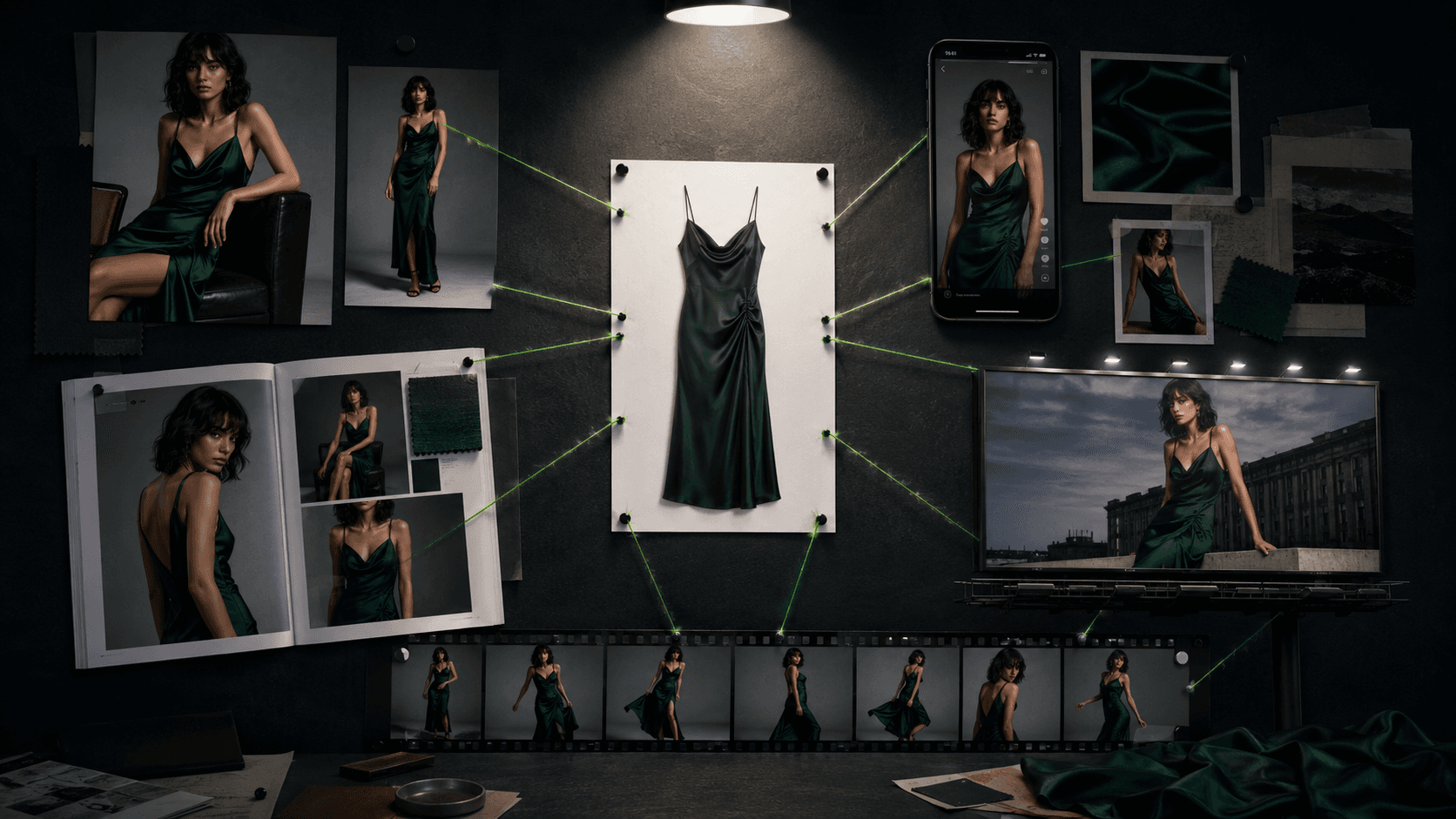
One Product Photo, Full Fashion Campaign: AI Images and Video That Sell (2026)
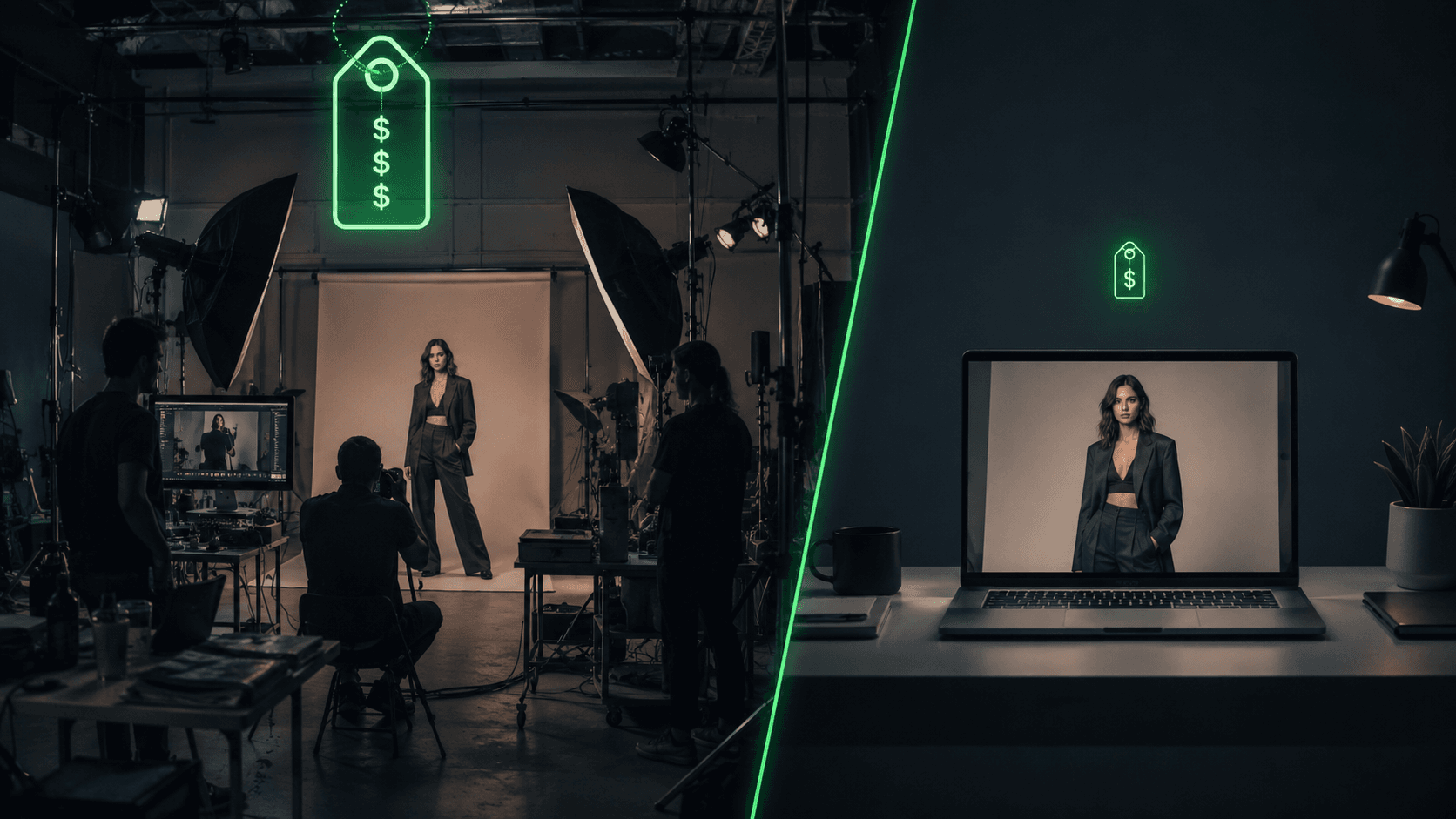
AI Clothing Photoshoot: What It Really Costs vs a Studio Shoot (2026)
