
WearView is an AI virtual try-on and on-model photography tool for fashion brands: upload a garment, dress 100+ diverse AI models, and generate catalog photos and short video. Strong on a consistent model identity across a collection, though ghost mannequin and video are gated to higher tiers.
WearView is an AI virtual try-on and on-model photography platform for fashion brands. You upload a garment photo, a flat-lay, a hanger shot, or a ghost-mannequin image, and WearView puts it on a choice of more than 100 diverse AI models to produce studio-grade catalog photos and short video clips, usually in under 15 seconds. It is a brand-side tool: the merchant generates the imagery, rather than a shopper-facing widget that customers click on a storefront. The company says more than 19,000 brands have used it to replace photoshoots that traditionally cost thousands of dollars and take weeks to schedule.
For a Shopify clothing brand owner, a jewelry designer, or a marketing agency, WearView's draw is breadth: it packs several jobs into one workspace. Beyond core virtual try-on and AI model generation, it does ghost mannequin (the hollow-garment effect), a consistent model identity that keeps the same AI face and body across an entire collection, pose control by text prompt, model swap, and an AI fashion video generator for social ads. That combination of on-model photography plus video plus ghost mannequin in a single product is rare in the category, and it is the reason WearView shows up on most short lists of AI product photography tools for ecommerce.
Virtual try-on and on-model photos: what WearView makes
WearView's flagship job is turning a garment photo into an on-model image. You upload the piece, pick a model from a library spanning ethnicities, ages, and body types, set a pose with a text prompt, and it renders the garment worn in a clean studio scene. Output runs from HD up to 4K, and the consistent model identity feature lets you lock the same face and body across a whole collection so your catalog looks like one coherent shoot rather than a patchwork. Generation is fast, typically cited at around 15 seconds per image.
Two features set it apart from single-trick generators. Ghost mannequin removes the mannequin from a structured garment shot to create the hollow, "invisible model" look that marketplaces expect, though it is gated to the Pro tier and above. And the AI fashion video generator animates a still into a 5 to 10 second clip for Reels, TikTok, or an Amazon brand store: 720p on Pro, 1080p on Advanced. One honest clarification on the "virtual try-on" label: WearView's try-on is a merchant workflow for creating catalog imagery, not a storefront widget shoppers use while browsing. If you need that shopper-facing experience, that is a different product category (Uwear, for example, sells a separate embeddable widget).
WearView on a real garment: where the AI try-on holds up
On everyday fabrics, jersey, cotton, basic knits, structured cotton dresses, WearView is reliably good. Drape reads naturally, the model looks convincing, and at 2K or 4K the fine details like stitching and print alignment hold together. The diverse model pool is a genuine strength: a brand selling to multiple markets can show the same garment on models with different skin tones and builds without a casting call. And the consistent model identity is the feature most brands end up valuing most, because it turns a pile of one-off generations into something that reads as a real, branded lookbook.
"I was hesitant about AI-generated fashion photos, but WearView proved me wrong. The models look authentic, the clothing details are preserved perfectly, and my customers can't tell the difference from traditional photography." (Trustpilot reviewer, 2025)
Where it strains is complex fabric and the occasional misfire. Silk sarees, intricate lace, and heavy embroidery are hard for every AI tool, WearView included, and fine motifs can soften or shift. The more cited problem is wasted credits: when a generation misrepresents the garment (wrong color, distorted pattern), the credit is still spent. WearView has publicly acknowledged this and said it is working on fairer safeguards around failed outputs, but as of mid-2026 it is still a live complaint, so factor a little waste into your credit math.
AI product photography for ecommerce: who WearView is for
WearView is an AI product photography tool aimed squarely at fashion ecommerce, and it fits some sellers much better than others. It is a strong fit for:
- Fashion brand owners on Shopify, WooCommerce, or Amazon with 50 to 500 SKUs who need professional on-model catalog images and want the same AI model across the collection. This is WearView's sweet spot.
- Jewelry designers and accessory brands who want lifestyle model shots of necklaces, earrings, and rings instead of flat product cards. WearView has a dedicated jewelry workflow.
- Fashion marketing and ad agencies producing on-model stills and short video for multiple clothing clients at modest scale.
- Fashion marketers who need motion: the built-in video generator turns product photos into Instagram Reels and TikTok ad clips without a shoot, which most rivals cannot do in the same app.
- Saree, kurta, and ethnic-wear sellers targeting Indian, South Asian, and international markets, who need diverse model representation, with the caveat that very complex draping is still a weak spot.
The common thread is mid-market catalog work where breadth and a consistent brand look matter more than raw batch volume or developer control. WearView does not offer design or sketch-to-render tools; it is an output engine for on-model photography and video, not a creative studio.
WearView vs FASHN.ai vs Uwear
WearView competes with a crowded field, and the mechanical differences are what should drive your choice. FASHN.ai is API-first: it offers a public REST API at roughly $0.075 per generation and focuses narrowly on garment-fidelity try-on, which makes it the pick for developers and for teams building automated pipelines. WearView, by contrast, has no public API below its custom Enterprise tier, so it locks out technical buyers, but it is broader in the UI, bundling model generation, ghost mannequin, and video together.
Uwear is the volume specialist: it processes up to 10,000 products in a single batch and sells a shopper-facing try-on widget, and its pay-as-you-go pricing at $0.10 per credit is a cheaper entry for seasonal or irregular use. WearView's edge over Uwear is the polished consistent-model feature and in-app video. Botika is the quality-guarantee option: on its higher tiers a human team reviews and retouches weak AI outputs, which WearView does not match. The short version: choose WearView for an all-in-one mid-market catalog workspace, FASHN for an API and garment fidelity, Uwear for batch scale and a storefront widget, and Botika for a human QA backstop. If you mainly need to enhance existing product shots, Claid.ai is a better tool than any of them.
WearView pricing: credits, video, and the ghost mannequin catch
WearView runs a credit system across three published tiers plus a custom Enterprise plan. Lite is $24 per month for 50 credits, roughly 25 HD images. Pro, the most popular tier, is $40 per month for 200 credits and unlocks ghost mannequin, 720p video, and up to four variations per generation. Advanced is $82 per month for 500 credits, adding 1080p video and unlimited credit rollover. Enterprise is custom and is the only tier with API access. A standard HD image costs 2 credits, a 4K image 5 credits, a 720p video 10 credits, and a 1080p video 20 credits, so video eats credits quickly.
"WearView is the best AI tool for my fashion business. Even though it's slightly more expensive, it's definitely worth the money." (G2 reviewer, 2025)
The catch worth flagging is gating. Ghost mannequin is a basic ecommerce need, and locking it behind the $40 Pro tier pushes small sellers up a level for one feature. Credit limits also feel tight for large catalogs: a 200-SKU brand needing two shots per item will blow through even the Pro allotment, and only Advanced rolls credits over. The free tier is just 10 credits (about five HD images) and the listings imply free or trial output may be watermarked, so treat it as a quick taste rather than a real evaluation. Paid plans include full commercial rights to your generated images.
Where WearView falls short
Three limitations matter before you commit. First, no public API below Enterprise rules out developers and agencies that want to automate a catalog pipeline; FASHN.ai or VModel are better there. Second, the tier jumps are abrupt, $24 to $40 to $82, and the most-wanted features (ghost mannequin, video) sit above the entry plan. Third, the wasted-credit problem on failed generations, while acknowledged by the company, is unresolved, so you will occasionally pay for an unusable image. There is also no human-retouching safety net of the kind Botika offers, so quality control is on you.
None of these sink the product for its target user, a mid-market fashion brand that lives in the UI and values breadth, but they are real reasons a developer-led team or a very high-volume seller should look elsewhere. As with any AI fashion tool, generate a handful of test images of your trickiest garment before you scale.
Jewelry, sarees, and accessories beyond apparel
WearView is clothing-first, but two adjacent niches are worth calling out because they map to strong, underserved buyer intent. The first is jewelry. WearView has a dedicated jewelry workflow, so a necklace, ring, or earring brand can produce lifestyle shots on a model instead of the flat lightbox product cards most small jewelers settle for. The model variety helps here too, letting a brand show the same piece on different skin tones and ages without booking an editorial shoot.
The second is ethnic and occasion wear. Saree, kurta, and lehenga sellers on Amazon, Etsy, and their own stores need on-model imagery across Indian, South Asian, and international markets, and WearView's 100-plus model pool covers that range. The honest caveat is fabric: heavy embroidery, sheer drape, and the complex fall of a silk saree are the hardest things for any AI fashion tool to render, so expect to cull more aggressively and reserve these for your best sellers. For straightforward kurtas and ready-to-wear, results are far more dependable, which makes WearView a practical option for ethnic-wear brands that lead with simpler cuts.
A real workflow: a virtual try-on clothes catalog without a photoshoot
Picture a DTC clothing brand launching a 100-piece seasonal collection. Instead of booking a studio, the team uploads flat-lay or ghost-mannequin shots, picks one consistent AI model so every product page matches, sets poses by prompt, and exports 4K on-model images straight to Shopify. At 5 credits per 4K image, 100 products lands around 500 credits, one month on the Advanced plan, with budget left for a few 720p video clips to run as Instagram and TikTok ads. A virtual try-on clothes catalog that used to take weeks and a five-figure shoot now ships in an afternoon.
The same flow works for a saree or jewelry seller who needs diverse models for different markets, or for an agency turning a client's product feed into on-model stills and short video. If you want the prompt and reference-image recipes that make these shots look art-directed rather than generic, Vantaige's Prompt Vault collects fashion, AI-model, and product-photography prompts you can adapt to your own SKUs. The buyer intent here is the sharpest in AI fashion: a seller with a real product and a real photoshoot bill, looking for an AI model wearing their clothes at a fraction of the cost.
Who should use WearView, and who should skip it
WearView is one of the most complete mid-market AI fashion tools available, and it is an easy recommendation for fashion brand owners, Shopify and marketplace sellers, jewelry designers, and marketing agencies that want on-model photography, ghost mannequin, and video in one place, with a consistent model across the catalog. The Lite plan at $24 makes it accessible enough to test on a real collection, and the breadth means you are not stitching three tools together.
Skip it if you are a developer or agency that needs an API to automate generation, since that is Enterprise-only and FASHN.ai serves you better. Skip it if you are a very high-volume seller pushing thousands of SKUs a month, where Uwear's batch pricing wins. Skip it if you want a creative design tool rather than a photography output engine, or if you need a human-retouching guarantee, where Botika is the only option in the category. For the mid-market fashion brand that wants professional virtual try-on and on-model imagery without a photoshoot, WearView is built for exactly that job.
Tags
User Reviews
No reviews yet. Be the first to share your experience!
Sign in to write a review.
How WearView compares
Side-by-side breakdowns against other tools.

Related articles
Guides and articles related to WearView.

Best AI Fashion Model Generators for Clothing Brands (2026)

How to Get an AI Model Wearing Your Clothes (Step by Step)

AI Fashion Prompts That Stay Consistent: The Working Formula (2026)
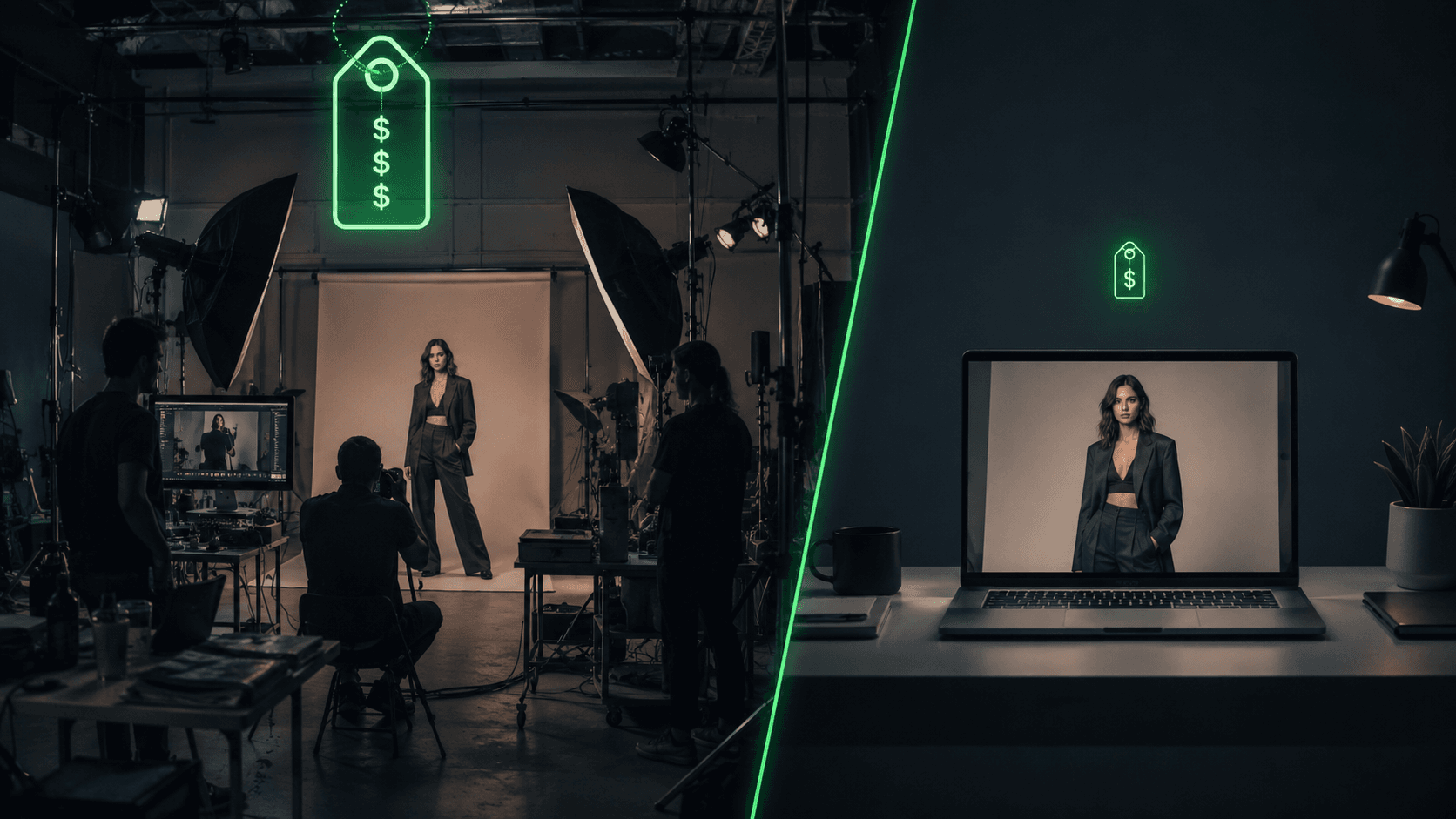
AI Clothing Photoshoot: What It Really Costs vs a Studio Shoot (2026)
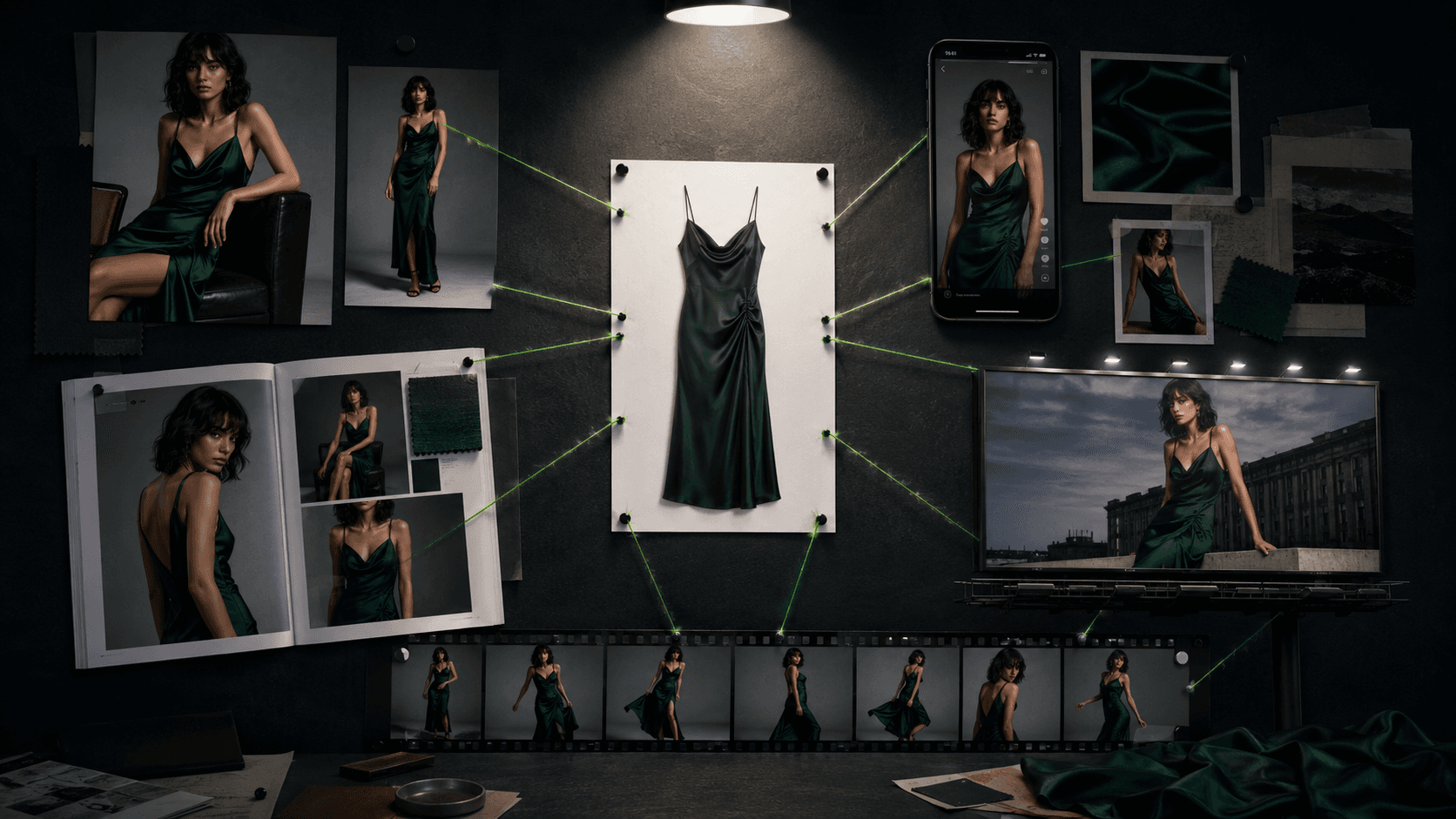
One Product Photo, Full Fashion Campaign: AI Images and Video That Sell (2026)
