
Lindy is a no-code AI agent platform that automates email triage, meeting scheduling, sales outreach, and customer support workflows. Built on Claude, GPT-4, and Gemini backends, it connects with 4,000+ apps and requires no programming to set up.
Lindy is a no-code AI agent platform founded in early 2023 by Flo Crivello, a former product manager at Uber who previously built Teamflow, a virtual-office tool. The company is based in San Francisco and has raised approximately $50M across multiple rounds backed by Battery Ventures, Menlo Ventures, and Coatue. Lindy's core premise: instead of building if-then automations, you describe what you want an agent to do in plain language, and Lindy builds it. The agents run continuously, triaging your inbox, scheduling meetings, prepping you for sales calls, routing support tickets, and updating your CRM without manual triggers.
The platform connects to 4,000+ apps including Gmail, Outlook, HubSpot, Salesforce, Slack, Notion, and Google Calendar. It supports multiple LLM backends: Claude, GPT-4, and Gemini, letting you choose the model per workflow. A library of 1,000+ pre-built templates covers the most common business use cases out of the box. Lindy 3.0, announced in mid-2025, added a natural-language Agent Builder (type what you want, Lindy builds the flow), Autopilot (agents working with cloud computers to automate apps that lack APIs), and Team Accounts for shared agent management. The platform is SOC 2 certified, GDPR and HIPAA compliant, and does not use your data to train models.
What Lindy actually is in April 2026
Lindy positions itself as "if Zapier and ChatGPT had a baby," a deliberate framing Flo Crivello adopted after his original "AI employee" pitch proved too abstract for early users. That repositioning turned out to be accurate. Lindy is an agent layer that sits on top of your existing tools: rather than designing a workflow step-by-step, you describe an outcome ("when a new lead emails me, research their LinkedIn and HubSpot record, draft a personalized reply, and log the conversation") and Lindy handles the reasoning between steps.
By April 2026, the platform handles four categories particularly well. Email automation: Lindy monitors your inbox, applies labels, archives newsletters, drafts replies in your voice, and escalates only what needs human judgment. Calendar and scheduling: agents find available slots, send invites, reschedule on conflict, and generate pre-meeting briefings pulled from LinkedIn and Crunchbase. Sales ops: SDR agents research prospects before each outreach, personalize messaging based on recent company news, and push notes back to your CRM after calls. Customer support: form submissions trigger auto-replies, ticket logging, Slack notifications, and human escalation when sentiment or keyword thresholds are crossed.
The June 2025 Lindy 3.0 release was the most significant product update since the May 2024 Lindy 2.0 launch that triggered the company's viral growth moment. YouTuber MattVidPro's review five days after the 2.0 release generated an inbound surge that overwhelmed servers and support capacity. That moment, combined with Flo's 5-6 month rebuild of the core architecture earlier that year, pushed Lindy to high seven-figure ARR with a 35-person team. The 3.0 Autopilot feature, which gives agents access to cloud computers for tasks beyond standard API calls, is the most technically ambitious capability in the current product.
"The simplicity is genuinely impressive, and those templates can save you tons of time.". Annika Helendi, Substack review, July 28, 2025
Where Lindy sits versus Zapier Agents and Make.com
The comparison with Zapier is architectural, not cosmetic. Zapier's core engine is deterministic: when X happens, do Y, with rule-based branching and fallback paths for every edge case. Zapier Agents (the AI layer added to Zapier's platform) are add-on modules bolted onto that deterministic foundation. Zapier connects 7,000+ apps, nearly double Lindy's count, and offers enterprise-grade reliability for high-volume, auditable workflows where every step needs to be predictable. The tradeoff: Zapier cannot handle unstructured inputs. Messy email attachments, irregular prospect notes, and conversational data that doesn't fit a predefined schema are where Zapier breaks. Lindy handles these natively because an LLM is doing the parsing, not a regex rule.
Make.com (formerly Integromat) occupies a different position. Its visual canvas builder lets power users design sophisticated multi-branch workflows with drag-and-drop module chains. Make treats AI services as pluggable components: you add an OpenAI or Anthropic module as a step inside an otherwise hand-designed flow. This gives you granular control and full debug visibility, which is genuinely valuable when automation complexity grows. Make's pricing starts around $10.59/mo, which is significantly cheaper than Lindy's $49.99/mo effective entry point. Reviewer Annika Helendi, after testing both, concluded she would keep Make.com for complex automations while using Lindy for simpler tasks, specifically because Lindy's loop debugging is nearly nonexistent when something breaks inside a multi-step agent run.
Lindy's structural advantages are Computer Use (the Autopilot feature for automating apps with no API), natural-language setup with no canvas required, and genuinely contextual decision-making across unstructured data. Its structural gaps are branching logic control, fallback path design, debug tooling, and cost predictability at scale. Compared to tools like Manus, which focuses on research and long-horizon agentic tasks, Lindy is more narrowly focused on business workflow automation with deep app connectivity. For businesses exploring no-code form-based workflows, Jotform AI Agents offers a form-native approach that pairs well with Lindy's email and calendar strengths.
How the agent system actually works inside Lindy
Each agent (called a "Lindy") is configured with a trigger, a set of instructions, an AI model selection, and connected tools. Triggers can be time-based (every morning at 8am), event-based (new email from a specific domain), or manual. Instructions are written in plain language: "When a new contact is added to HubSpot, search LinkedIn for their recent posts, write a 3-sentence summary of what they care about, and add it to the contact notes field."
The credit system funds execution. Each action costs credits based on complexity: a simple read-and-log costs 1 credit; an AI-intensive step using GPT-4 or Claude costs 5-10 credits. The 5,000 credits in the Pro plan can evaporate quickly for loop-based automations or high-email-volume users. This is not clearly communicated upfront, and it is one of the most consistent complaints in user reviews. Reviewers report mid-month lockouts after setting up seemingly modest automations.
The 1,000+ template library is genuinely useful for onboarding. Lindy's sales call prep template, for example, pulls from LinkedIn, Crunchbase, and web search 30 minutes before each calendar event and delivers a briefing. Annika Helendi got this running "in minutes." The gap between template-level simplicity and custom workflow complexity is real, however: once you move beyond templates into multi-step logic with conditional branching, you are effectively writing agent instructions without tooling designed to debug them.
"I found myself avoiding experimenting or having casual conversations with my AI agents". Annika Helendi, Substack review, July 28, 2025, describing credit anxiety after burning through her monthly allocation faster than expected
Friction and reliability concerns users keep raising
Lindy's Trustpilot score sits at 2.0-2.4 out of 5, rated "Poor," which stands in sharp contrast to its 4.9/5 on G2. The split is telling: G2 reviewers tend to be deliberate evaluators; Trustpilot captures a broader pool including users who hit billing problems or deployed agents that behaved unexpectedly.
The billing and cancellation pattern is the most serious recurring issue. Multiple independent reviewers report charges after cancellation, no self-serve cancel button in the UI (Lindy claims one exists in Settings), and support response times measured in weeks. One Trustpilot reviewer reported an unauthorized $350 charge. Another described an email agent that repeatedly messaged the same leads 2-3 times due to a loop error, costing them five clients and reputational damage in their local business community. These are not isolated incidents, they represent a consistent pattern across review platforms spanning 2024 and 2025.
Other recurring frustrations: a 20-30 second task initialization delay on each agent run, an overwhelming trigger-selection screen that undercuts the no-code promise for new users, and heavy Google-ecosystem dependency (broad OAuth permissions required before core features work, with noticeably worse behavior in Office 365 environments). Businesses pairing Lindy with voice or phone automation should look separately at Echowin, which handles inbound call automation natively. For sales teams layering on data enrichment alongside agent outreach, Clay integrates well with Lindy's SDR workflows.
Who Lindy is for
Lindy works best for solo founders, small teams of 2-20 people, and individual contributors inside larger organizations who want to delegate repetitive email, scheduling, and CRM tasks without hiring. The Google ecosystem fit is real: if your company runs on Gmail, Google Calendar, and Google Docs, Lindy's integrations are deep and largely friction-free. Sales teams doing outbound outreach benefit most from the prospect-research automation, which genuinely saves time before calls. Customer support teams with medium ticket volume (50-200 tickets/day) can use Lindy for first-response triage and routing without building a dedicated support tool.
Skip Lindy when: you need complex multi-branch automation with full debug visibility (Make.com or n8n are better fits); your organization is Office 365-first (Lindy will work but with more friction); you need predictable per-operation pricing at high volume (Zapier's task-based model is more auditable); or you need enterprise-grade workflow reliability with fallback paths and error handling baked in. The credit model also makes Lindy a poor fit for automations that trigger on every inbound event in high-volume environments. For document-heavy knowledge workflows with AI-native search, OpenClaw addresses a complementary use case worth evaluating alongside Lindy.
User Reviews
No reviews yet. Be the first to share your experience!
Sign in to write a review.
Featured in collections
Curated lists that include Lindy.
Related articles
Guides and articles related to Lindy.
AI Agents for Business: What They Actually Are and 12 Things You Can Automate Today
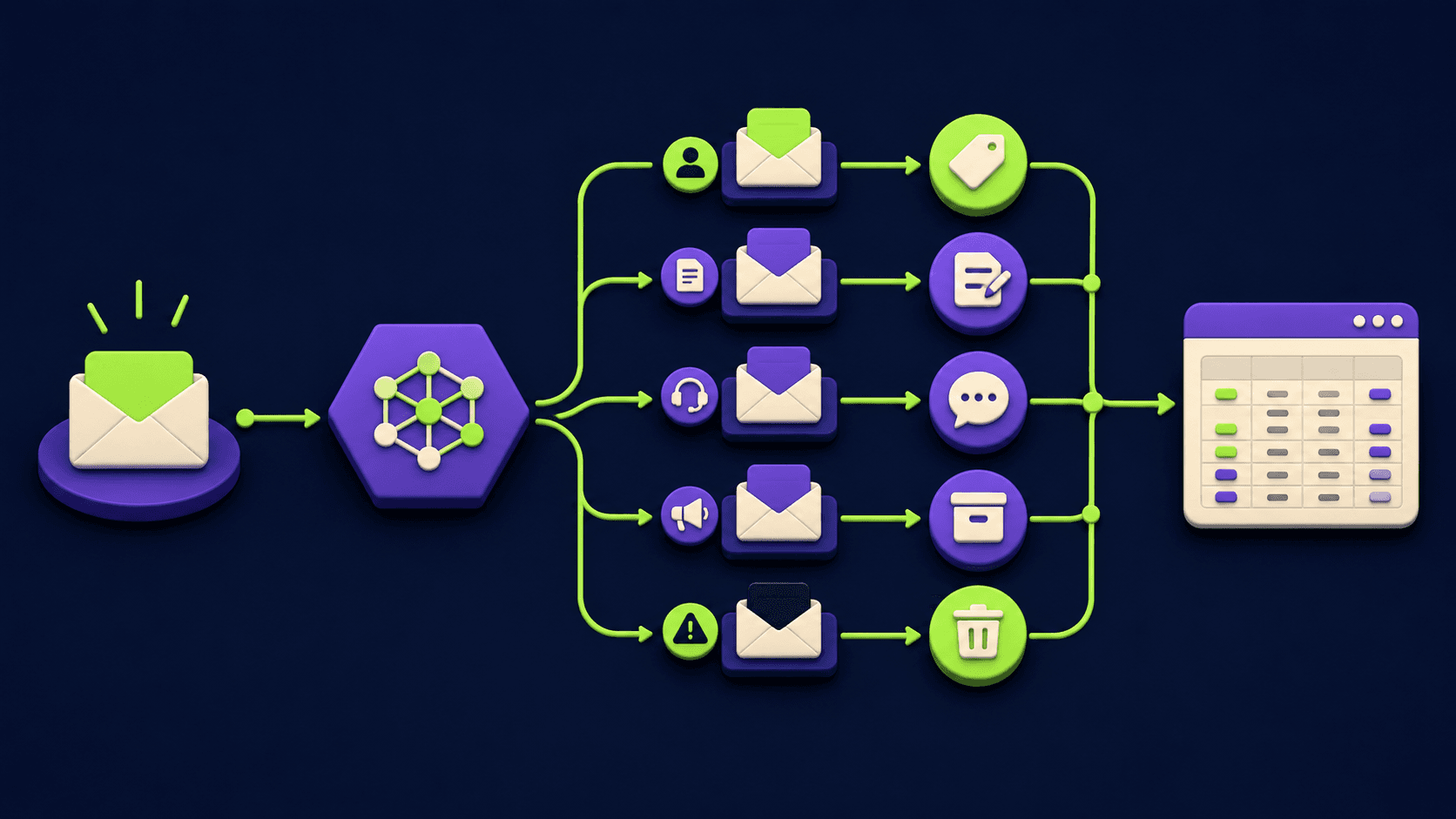
The AI Inbox Triage That Gives Owner-Operators 5 Hours Back a Week (2026)

15 AI Agent n8n Workflows You Can Build This Weekend (2026)

Build and Sell AI Automations as a Service: The Operator Playbook (2026)

Turn Any AI Agent Into a Superagent: The 12-Integration Stack (2026)