
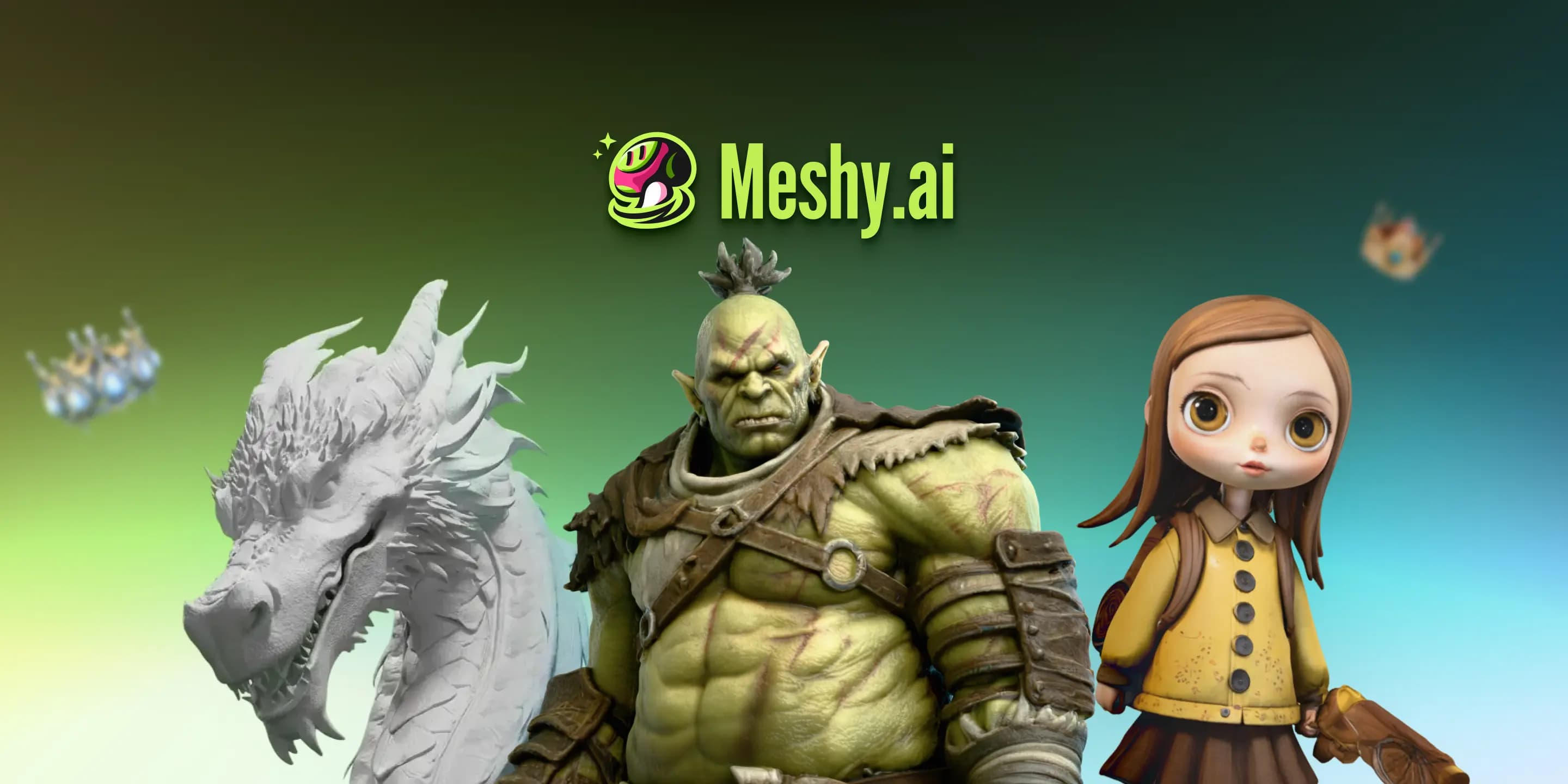

Meshy is an AI 3D model generator that converts text prompts and images into fully textured, export-ready assets in under a minute. Used by indie game devs, 3D printing enthusiasts, and XR creators across 5 million registered accounts worldwide.
Meshy is a browser-based AI platform that generates fully textured 3D models from text prompts or 2D images. Built by Ethan Hu, a PhD in computer graphics and AI from MIT whose doctoral research earned a SIGGRAPH 2022 honorable mention, Meshy launched in 2021 from Santa Clara, CA and has since grown into the largest-scale consumer 3D generation platform, claiming over 5 million creators and 40 million AI-generated models as of late 2025. The core problem it solves is the time and skill barrier in 3D asset creation: a prop that takes an experienced artist 90 minutes to model and texture can come out of Meshy in under three minutes.
The platform covers the full generative 3D pipeline: Text to 3D produces four untextured mesh variants from a prompt, the creator picks geometry, then textures are applied in a separate stage. Image to 3D converts concept art, photos, or sketches into meshes. AI Texturing applies PBR materials to any imported mesh via text prompt. The animation feature (introduced in Meshy 5) adds auto-rigging and a library of 500+ character animations. Exports cover OBJ, FBX, USDZ, GLB, STL, and BLEND formats with a full REST API for developers who want to embed generation into their own products. Art styles span Realistic, Cartoon, Sculpture, Anime, and Voxel.
What Meshy generates in 2026
The current model as of April 2026 is Meshy 6, previewed October 16, 2025. This release moved the platform from "rapid prototype" positioning to explicit "studio-grade mesh fidelity" territory, introducing sculpting-level surface detail that was not achievable in earlier versions. The Meshy 6 generation pipeline also added a 3D-to-Image/Video Workspace (transform models into cinematic stills or short videos using AI-controlled camera angles), a Batch Images to 3D mode for bulk-generating up to 10 assets from concept art in a single job, and a 3D printing enhancement layer that auto-generates support bases to reduce failed prints.
The Text to 3D workflow separates mesh generation from texturing, an architecture introduced with Meshy 4 in August 2024. Four raw geometry options are generated first at 10 credits each (20 for Meshy 6), the creator selects the best mesh, and texturing runs as a second pass. This two-stage design gives meaningfully more control than single-pass tools and lets creators reject bad geometry before spending texture credits. Image to 3D includes a Retry feature, a 15-second preview slideshow of alternate interpretations, with Pro users getting 4 free retries and Studio users getting 8 per task before additional credits are charged.
Resolution and geometry fidelity scale with the model generation chosen: Meshy 6 outputs higher-density meshes than earlier models, with noticeably cleaner hard surfaces and reduced surface artifacts. The Quad Remesher retopology tool, available on paid plans, converts raw AI-generated meshes to quad-dominant topology for cleaner downstream use in ZBrush or Blender.
"My current go-to for AI 3D model generation tool. The latest Meshy 4 generations have been a huge leap in terms of quality for both text and image to 3D." - Jon Draper (@aianimation), Product Hunt, 2024
Where Meshy sits versus Tripo AI and Luma Genie
The three platforms that appear most often in the same conversation are Meshy, Tripo AI, and Luma Genie. They share the same broad capability (text or image in, 3D out) but differ substantially in what they optimize for.
Tripo AI is purpose-built for game engine pipelines. Its output enforces controllable Quad/Triangle topology from generation, meaning meshes come out cleaner and more rig-ready without a retopology pass. Tripo also includes automatic character rigging with standardized joint hierarchies and skin weights, features Meshy's auto-rigging does not match. Where Tripo underperforms: art style range is narrower, PBR texturing library is less deep, and the free tier is more restricted. If a game studio's primary need is hard-surface mechanical props that go straight to engine without cleanup, Tripo is frequently the better choice. If the need is broader (varied styles, larger community, stronger texturing, 3D printing, AR exports), Meshy wins on coverage.
Luma Genie (Luma AI's 3D generation feature, available through the broader Luma AI platform) delivers impressive generation speed, producing meshes from text prompts in under ten seconds. That speed advantage matters for rapid ideation and concept-blocking during early production. The cost is topology: Luma Genie outputs irregular geometry that routinely requires substantial cleanup in Blender before rigging or animation, making it less suitable for anything beyond rough visualization. Genie is also one feature inside a multi-purpose tool rather than a dedicated 3D pipeline; it lacks Meshy's texturing depth, style control, and retopology support. Luma's Pro plan runs around $30/mo. Genie is useful as a quick-sketch layer; Meshy is the better production tool.
The key mechanical distinction: Meshy optimizes for texturing quality and generation breadth. Tripo optimizes for topology cleanliness and game-engine pipeline compatibility. Luma Genie optimizes for raw generation speed at the expense of output structure.
"The level of texture and ease of the UI are incredible and unmatched. I use way too many 3D tools and this sits at the top." - Tom Blake (@lunatom), Product Hunt, 2024
Real cost of running Meshy
The Free plan gives 100 credits per month, enough for 10 standard generations (10 credits each) or 5 Meshy 6 generations (20 credits each). Credits reset monthly and do not roll over. The Free plan carries a CC BY 4.0 non-commercial license, meaning outputs cannot be used in commercial projects, which eliminates it for indie game dev or client work.
Pro at $20/mo (or $192/yr at $16/mo equivalent) provides 1,000 credits, 10 concurrent tasks, private commercial license, API access, and 4 free retries per Image to 3D task. At 10 credits per generation, that is 100 standard generations per month, or 50 at Meshy 6 quality. For an indie developer iterating on 20-30 props per project, this covers one active project cycle without needing credit top-ups. For heavier iteration or teams, credit packs can be purchased separately.
Studio at $60/mo (or $720/yr) quadruples credits to 4,000 and adds team management and shared credit pools. The jump from Pro to Studio is significant; it primarily serves small studios running parallel generation workflows rather than solo creators.
One billing friction point worth noting: multiple user complaints document that free-to-paid conversion defaults to annual billing, which is not prominently surfaced in the UI. Trustpilot carries a pattern of refund complaints from users who expected monthly charges and received an annual charge instead. Check the billing toggle carefully before subscribing.
Where Meshy reliably fails
Four failure modes appear consistently across reviews, forum threads, and professional assessments:
Character and facial geometry: This is Meshy's most cited weak point. Face generation produces plausible-looking results in thumbnail view that frequently fall apart at close range: misaligned eyes, merged ear geometry, distorted nose topology. Limbs on humanoid characters can fuse or produce incorrect joint structures. For hero characters or NPCs, expect to use the output as a rough reference mesh rather than a production asset.
Auto-rigging limitations: The animation feature introduced in Meshy 5 gives access to a 500+ animation library and basic auto-rigging, but multiple reviewers describe the rigging as "very basic." Facial rigging is not supported. Complex character animation is not a reliable use case. An indie developer using Runway or a dedicated rigging pipeline will need to re-rig Meshy characters manually.
Mesh topology unpredictability: Even with the Quad Remesher available, raw Meshy outputs vary significantly in topology cleanliness. The same prompt can produce a well-structured mesh on one run and a geometry disaster on the next. Iteration cycles (and therefore credit burn) increase whenever precision geometry matters for downstream sculpting or physics calculations. Outputs work best as base meshes to sculpt over in ZBrush or Blender, not as final production assets.
Hard-surface mechanical objects: One Reddit user in r/unity summarized it as: "failed miserably because AI doesn't know what a hard surface is." Vehicles, weapons, architectural details with precision angles, and any object requiring structural accuracy tend to produce outputs with surface artifacts, incorrect proportions, or fused components. Tripo AI handles this use case more reliably.
Who Meshy is for, and who should pick something else
Meshy is the most practical choice for indie game developers who need volume asset generation for environmental props, vegetation, decorative objects, and creature designs at a speed that manual 3D modeling cannot match. One documented case: indie developer Omar generated 3,000+ unique spaceships for his infinite space game "Cosmicrafts Adventures" using Meshy, a scale of asset variety that would be economically impossible through traditional modeling. For this kind of pipeline, Meshy's credit economics and export format coverage are well-matched.
3D printing hobbyists and small manufacturers represent another strong fit. The STL export, Meshy 6's automated support-base generation, and the platform's ability to generate decorative, functional, and replacement parts from text descriptions all map directly to hobbyist printing workflows. Compare this to GET3D by Nvidia, which targets research pipelines rather than consumer printing workflows.
XR and AR developers benefit from Meshy's USDZ export for Apple AR workflows and the GLB/GLTF support for WebXR. The CSM (Common Sense Machines) platform covers similar territory for photorealistic 3D reconstruction from video; Meshy is the stronger choice when starting from text or 2D concept art rather than real-world captures.
Visual creators who pair 3D assets with 2D tooling may find Meshy useful alongside image tools like Krea for concept art generation before Image to 3D passes.
Skip Meshy when: the primary output is production-ready characters for cinematic-quality games or film. When precise mechanical geometry is non-negotiable. When the budget for iterative generation does not cover the credit costs of Meshy 6 quality. When facial animation or complex rigging is required at the output stage. For those use cases, Tripo AI's topology-first pipeline or traditional modeling tools with AI-assist layers are more reliable investments.
User Reviews
No reviews yet. Be the first to share your experience!
Sign in to write a review.
Related articles
Guides and articles related to Meshy AI.

AI Video Generator Prompting: The Filmmaker's Real Workflow

AI Fashion Prompts That Stay Consistent: The Working Formula (2026)

Best AI Fashion Model Generators for Clothing Brands (2026)

How to Get an AI Model Wearing Your Clothes (Step by Step)
One Product Photo, Full Fashion Campaign: AI Images and Video That Sell (2026)
