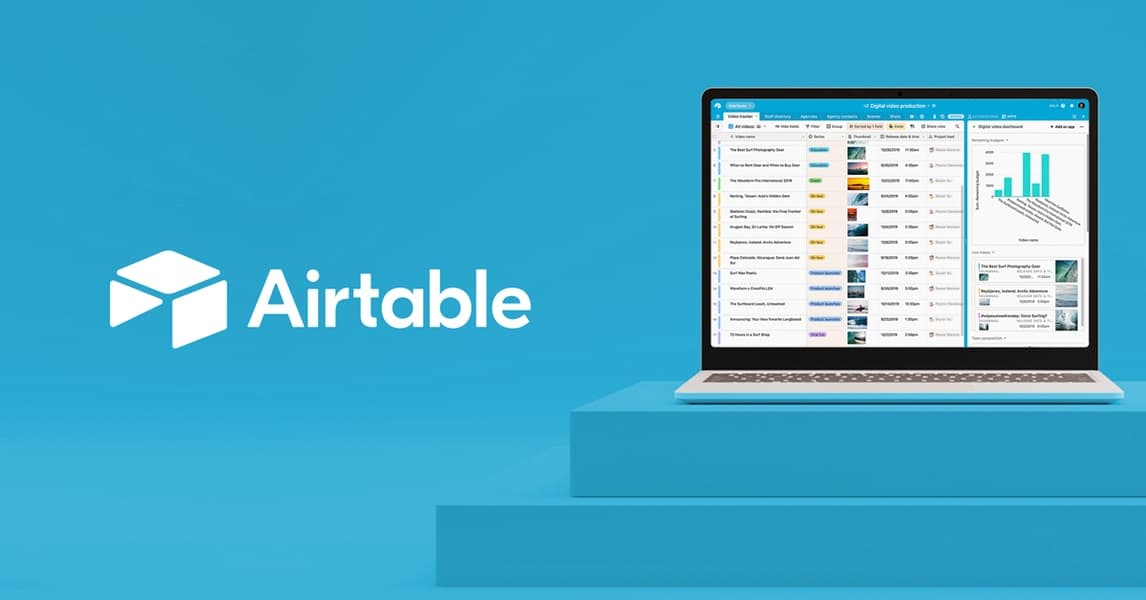
Airtable is a no-code platform that fuses spreadsheet, relational database, and AI app builder into one workspace. Used by over 500,000 organisations including OpenAI and Netflix. Team plan starts at $20/user/month billed annually.
Airtable is a cloud-based platform that combines relational database functionality with spreadsheet-style interfaces, drag-and-drop app builders, and AI-powered workflow automation. Founded in 2012 by Howie Liu, Andrew Ofstad, and Emmett Nicholas and launched publicly in 2015, Airtable has grown to serve over 500,000 organisations including OpenAI, Anthropic, Amazon, Netflix, and Airbnb. The company reached an $11 billion valuation in December 2021 after a $735 million Series F funding round. Its core proposition is letting non-developers build and manage structured data systems and custom internal tools without writing code.
The platform supports over 25 field types with strict data validation, linked records across tables for true relational structure, and multiple view types including grid, gallery, calendar, Kanban, and Gantt. AI capabilities include Cobuilder (natural-language app generation launched July 2024), AI Fields (auto-categorisation, summarisation, sentiment extraction that run on record creation), AI document analysis, AI web search enrichment, and multi-model support spanning OpenAI, Google Gemini, Meta Llama, and Anthropic. Automations trigger on field changes, form submissions, or schedules, and connect to Slack, Gmail, Zapier, and Make. Mobile apps are available for iOS and Android, and the API is well-documented for programmatic access.
What Airtable actually is in May 2026
Airtable's current positioning centres on enterprise-grade AI workflows. The product has moved well past its "fancy spreadsheet" reputation from 2015 to 2020. Today it markets itself around three pillars: AI app building, agents at scale across operations, and a HyperDB infrastructure tier that can handle hundreds of millions of records for enterprise deployments.
The base unit of Airtable is a "base," analogous to a database. Each base contains multiple tables. Each table has fields (typed columns) and records (rows). Where Airtable differs from a spreadsheet is that a currency field will reject non-numeric input, a phone number field validates format, and linked record fields create actual foreign-key relationships between tables. Rollup and lookup fields let you aggregate data across those relationships, which is the feature competitors consistently struggle to match.
The interface layer, called Interfaces, lets builders publish app-style views from their bases to teammates who don't need to see the underlying data structure. A product manager can expose a simple form and dashboard to a sales team while hiding the full relational schema. Cobuilder, launched in July 2024, pushes this further: describe an application in a sentence and AI generates the entire base structure, including tables, field types, sample data, and an interface, in seconds. Airtable called it their most rapidly adopted feature in company history, with the beta showing 9 out of 10 generated apps rated "useful and impactful."
The AI Fields layer lets builders embed AI directly into their data model. An AI field on a "feedback" table can auto-categorise each submitted response by topic, sentiment, or product area the moment the record is created. This runs continuously as new data flows in without any manual trigger needed. For teams processing high volumes of incoming records, such as customer support queues or content intake systems, this is the AI integration that gets the most daily use in practice.
Where Airtable sits versus Notion AI and ClickUp
The honest comparison starts with architecture. Airtable is a database first and a collaboration layer second. Notion is a document store first with databases as a secondary feature. ClickUp is a task management system first with database capabilities bolted on. Those aren't marketing distinctions: they show up in concrete technical limits.
Notion's 2025 Formula 2.0 update significantly improved its formula engine, but it still cannot reference properties across relation fields the way Airtable rollups can. If your work depends on aggregating data from related tables, such as summing order totals per customer or counting open issues per product feature, Airtable's relational model is materially stronger. Notion's AI (AI Q&A, AI summaries, AI autofill) operates on document content and page text rather than structured records. Its strength is knowledge management and documentation. Its pricing is also lower: Notion Plus runs $8/user/month vs. Airtable Team at $20/user/month, which is a real consideration for tight budgets. For teams whose primary need is documentation alongside a light project tracker, Notion beats Airtable on value. For teams who need real relational data, the equation flips.
ClickUp's gap from Airtable is on the data layer. ClickUp custom fields track task attributes but do not create referential relationships between different entity types. There is no equivalent to Airtable's linked records with rollups. On the other side, ClickUp offers native Gantt charts, Workload views, and time tracking that Airtable lacks for pure project management workflows. Many teams use both: ClickUp for execution and sprint tracking, Airtable for the underlying data operations and internal tooling. Airtable's Interfaces and Cobuilder also give it a genuine app-publishing capability that ClickUp has no equivalent for. Users who want to ship internal tools to non-technical teammates have a clear reason to stay in Airtable. For those who simply need task lists and project boards, ClickUp competes strongly at a lower price point. Users comparing tools should also consider Smartsheet for enterprise spreadsheet-database workflows and Retool if the goal is fully custom internal apps with a code-optional builder.
"One of Airtable's biggest strengths is that a non-developer like me could build all of this. It's a powerful product, but it still lets the people who actually understand the workflow design and run the system themselves." - anonymous reviewer, G2, 2025
How AI actually works inside Airtable
Airtable's AI layer as of mid-2026 covers five distinct mechanisms, and it is worth distinguishing them because they solve different problems.
AI Fields embed AI generation directly into the data schema. A long-text field set to AI generation mode will run a custom prompt against the record's other fields every time a new record is created or when manually triggered. Use cases include auto-generating email drafts from form data, categorising records by theme, extracting key data points from uploaded documents, or writing product descriptions from structured attribute fields.
AI automations work through the automation builder as an action type. You can pass a batch of records to an LLM on a schedule or trigger, receive structured output, and route that output into other fields, Slack messages, or emails.
Cobuilder is the app-generation layer. It uses a conversational interface to generate an entire base from a text prompt. It leverages context like company name and use case to produce personalised structures rather than generic templates.
AI document analysis allows processing of uploaded file attachments at scale, extracting text and structured data from PDFs and documents across thousands of records simultaneously.
AI web search is an enrichment tool that can trigger web lookups against record data, useful for research databases, lead enrichment, or competitor monitoring tables.
Multi-model support means teams can select the underlying LLM per use case. Airtable runs these models in its own AWS environment with a stated policy that customer data is not retained or used to train models.
For teams already on paid plans, AI was bundled as a free addition starting June 24, 2025, ending the separate per-seat AI add-on charge. This change made AI a first-class feature rather than an opt-in add-on for the first time. Builders who want to extend Airtable's capabilities programmatically will find the Box integration useful for document storage alongside Airtable's data layer.
The pricing and scaling friction users keep raising
Airtable's pricing underwent a significant restructuring in 2024 that created lasting resentment in parts of its user base. The Team plan rose from $12 to $20/user/month (a 67% increase) and Business rose from $24 to $45/user/month (an 87.5% increase). Both were announced with limited notice. Users who had built critical business workflows on Airtable found themselves facing substantially higher annual bills.
The scaling problem compounds the pricing one. The Team plan's 50,000 records per base limit sounds large until you are running an e-commerce business processing daily orders, a project management system with long history, or any data pipeline that accumulates records over time. The next step up is Business at $45/user/month, a 125% per-seat price increase, for access to 125,000 records per base.
"If we got to the automation run limit, and it's kind of difficult to know when you're going to hit it, we just couldn't get any new orders into the system. We were stuck until they renewed all of our automation runs for the next month. We couldn't run the business." - Harrison Azizi, founder of CornerUp, servalian.com, 2024
The automation run limits follow the same cliff pattern. Team plan includes 25,000 automation runs per month. For any business running automations on each new record, such as order confirmations, status updates, or notifications, hitting that ceiling shuts down all automations until the billing period resets. There is no burst capacity or pay-as-you-go option to bridge the gap.
The mobile apps have a separate performance issue: they become sluggish with bases above roughly 10,000 records, particularly when using lookup fields and rollups. Safari browser performance on desktop is also consistently flagged as inferior to Chrome.
For teams managing knowledge bases or documentation alongside their data, pairing Airtable with Notion AI for the document layer resolves the documentation gaps without replacing Airtable's relational data strengths. Teams managing complex work approval or project tracking alongside Airtable data sometimes run ClickUp in parallel for the task management layer.
Who Airtable is for
Airtable earns its subscription most clearly for operations and marketing teams that need to manage complex, multi-stage pipelines with structured data. A content team tracking pitches through assignment, draft, review, and publication stages, where each stage changes stakeholders and requires field validation, is Airtable's home territory. Product teams managing customer feedback linked to features linked to releases get the most from the relational model. HR teams managing applicant tracking, onboarding task sequences, and role definitions benefit from the structured field types and automation layer.
The new Cobuilder feature makes Airtable meaningfully more accessible for teams that know what they need to track but struggle to architect a relational database from scratch. A team lead can describe a content calendar, inventory tracker, or client project system in a sentence and have a working base in under a minute, then customise from there.
Skip Airtable when the primary need is freeform documentation. If your team writes long-form strategy documents, meeting notes, and knowledge base articles more than it tracks structured records, Notion AI is better suited and substantially cheaper. Skip it for pure project management with Gantt dependencies and time tracking, where ClickUp or Monday.com have a workflow advantage. Skip it for teams operating at small scale with tight budgets: at $20/user/month, a 10-person team on Team plan pays $2,400/year before hitting record limits that may force a Business upgrade.
For developers who want to build fully custom internal tools with more front-end control than Airtable Interfaces allows, Retool gives more flexibility. For large enterprises needing file management alongside data operations, the Box integration or native attachment storage should be evaluated against storage costs at scale.
User Reviews
No reviews yet. Be the first to share your experience!
Sign in to write a review.
Related articles
Guides and articles related to Airtable.
How to Automate Invoice and Document Processing With AI (End-to-End Build)

15 AI Agent n8n Workflows You Can Build This Weekend (2026)

Build and Sell AI Automations as a Service: The Operator Playbook (2026)

Replace 6 SaaS Subscriptions With 4 n8n AI Agents (2026)

Turn Any AI Agent Into a Superagent: The 12-Integration Stack (2026)