Discovery Call Prep With ChatGPT: The 4-Prompt Sequence That Wins (2026)
Discovery Call Prep With ChatGPT: The 4-Prompt Sequence That Wins (2026)
You have a discovery call in two hours. You either spend 90 minutes digging through LinkedIn, the company website, Crunchbase, and your CRM notes, or you spend 12 minutes running a structured prompt sequence and walk in with a single-page brief that covers everything that matters. Gong's research on top-performing reps consistently shows that prepared reps ask sharper questions and hold deals longer. The sequence below is not faster because it cuts corners; it is faster because each prompt feeds the next and eliminates the rabbit holes.
TL;DR
Four prompts, run in order, take roughly 12 minutes total
Each prompt outputs raw material the next prompt builds on
The output is one paste-ready brief you skim in 60 seconds pre-call
Never feed customer PII or confidential CRM data into a consumer chatbot
Verify any funding or news trigger ChatGPT surfaces before citing it on the call
Why is most discovery prep bad?
Most reps either skip prep entirely or turn it into a two-hour research spiral that ends with more tabs than clarity. Good prep is fast, specific, and source-checked: you know the company's current situation, the contact's role and recent activity, what signal fired to put this deal in motion, and your clearest hypothesis about where you fit. Anything beyond that is noise until the prospect talks.
The prep problem is not effort; it is structure. Without a repeatable sequence, every rep reinvents the process for each call and the quality varies wildly. A four-prompt sequence fixes the structure. You spend the same 12 minutes every time, and you walk in with the same five things ready: company context, contact context, a recent trigger, a fit hypothesis, and one open question you genuinely want the prospect to answer.
Research from Gong on discovery calls found that top-performing reps ask more questions per call and spend a higher share of talk time listening (Gong Labs, 2021). That pattern starts before the call: prepared reps arrive with better questions because they already know the basics.
The 4-prompt sequence
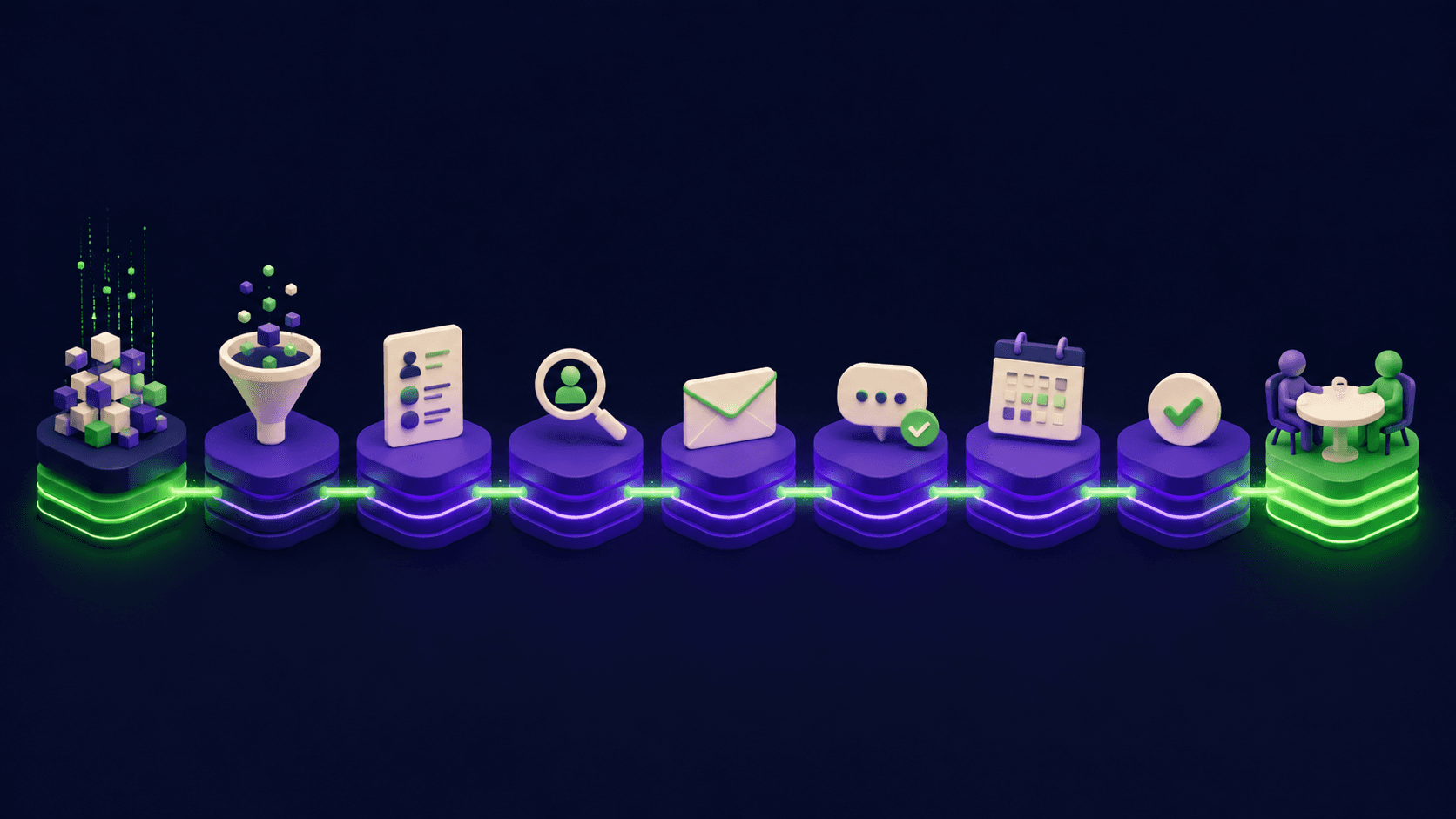
Run these four prompts in ChatGPT in order. Each one takes 2 to 3 minutes. Paste the output of the previous prompt as context into the next one. By prompt 4, you have a brief you can print or pull up on your phone.
Prompt | What you feed it | What it returns | Time |
|---|---|---|---|
1. Company snapshot | Company name, website, industry, headcount estimate | Business model in 3 sentences, top priorities for their stage, known competitors, likely pain points for their size | 3 min |
2. Contact snapshot | Contact name, title, LinkedIn URL or bio snippet you paste in | Role scope and likely KPIs, typical pain points for that title, 2 to 3 informed questions to ask them specifically | 3 min |
3. Recent triggers | Company name plus "last 6 months" instruction; paste any news you found | Summary of changes (funding, hiring, leadership, product launches) with a flag on anything unverified that needs a source check | 3 min |
4. Fit hypothesis | Outputs from prompts 1 through 3 plus a one-sentence description of your product and ICP | A plain-English paragraph: why this account fits your ICP right now, what the top-of-mind problem likely is, and one honest risk to the deal | 3 min |
The paste-ready version of each prompt is below. Replace the bracketed fields with your actual data before sending.
Prompt 1 (Company snapshot): "You are helping me prep for a B2B discovery call. Company: [COMPANY NAME]. Website: [URL]. Industry: [INDUSTRY]. Approximate headcount: [SIZE]. Give me: (1) their business model in 3 sentences, (2) the top 2 strategic priorities typical for a company at this stage and size, (3) their likely competitors, (4) the operational or growth pain points most common for a [INDUSTRY] company with [SIZE] employees. Be specific, not generic. Flag anything you are not confident about."
Prompt 2 (Contact snapshot): "Now help me understand the person I am meeting. Name: [CONTACT NAME]. Title: [TITLE]. Here is their LinkedIn bio or role description: [PASTE BIO OR DESCRIBE ROLE]. Give me: (1) the scope of this role and the KPIs they are likely measured on, (2) the top 2 to 3 pain points reps typically hear from this title, (3) two informed discovery questions I could ask them that go beyond the obvious. Do not invent facts about this specific person."
Prompt 3 (Recent triggers): "Here is what I know about [COMPANY NAME] from the past six months: [PASTE ANY NEWS YOU FOUND, OR WRITE 'I have not found any news yet']. Search your knowledge for recent events: funding rounds, leadership changes, product launches, hiring spikes, or public challenges. For each item, note whether it comes from your training data or is something I should verify before the call. Do not invent news."
Prompt 4 (Fit hypothesis): "Using the company snapshot, contact snapshot, and trigger summary above, write a fit hypothesis for this call. My product: [ONE SENTENCE PRODUCT DESCRIPTION]. My ICP: [ONE SENTENCE ICP]. Give me: (1) why this account fits my ICP right now, (2) the most likely top-of-mind problem I should probe for, (3) one honest deal risk I should watch for in the conversation. Keep it to one paragraph per item."
The 1-page call brief output
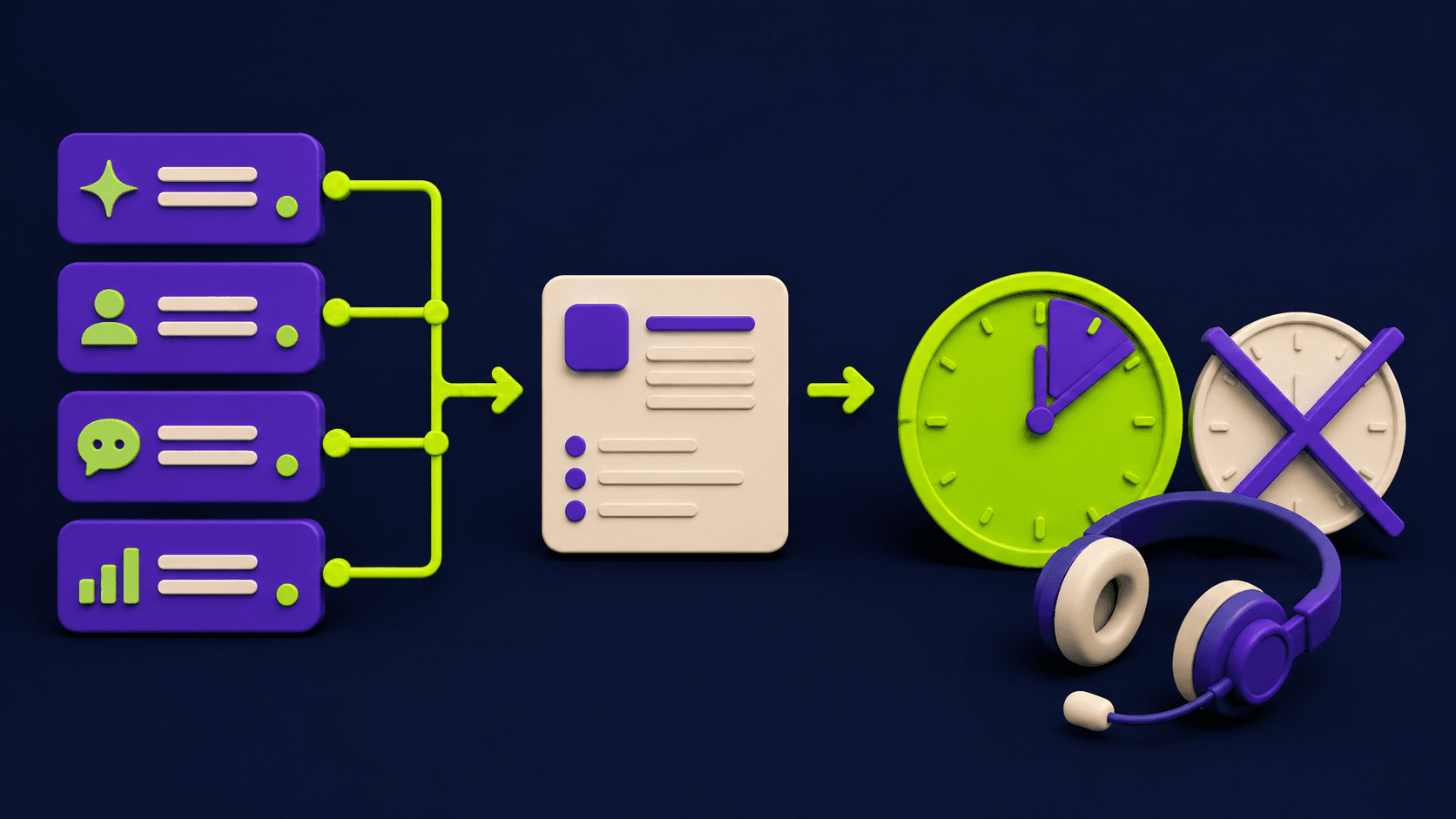
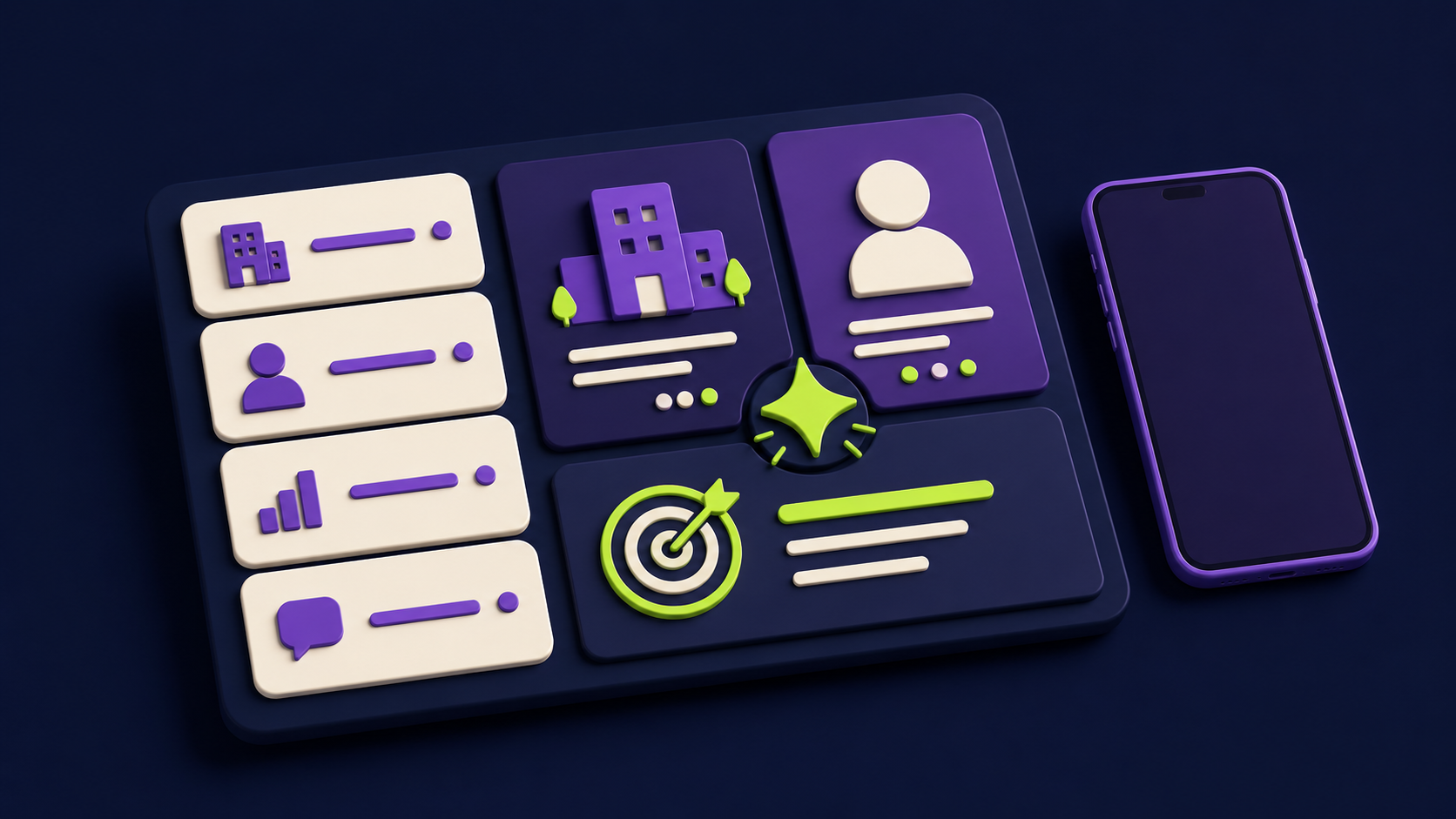
After prompt 4, ask ChatGPT to assemble all four outputs into a single formatted brief. A well-assembled brief has five sections you can skim in 60 seconds: Company at a glance, Contact and their KPIs, Recent triggers (with source flags), Fit hypothesis, and Your top three open questions. That is it. The brief is not a research document; it is a conversation primer.
The assembly prompt: "Take the four outputs above and format them as a one-page call brief with these five sections: Company at a Glance, Contact and Their KPIs, Recent Triggers (flag anything unverified), Fit Hypothesis, Top 3 Open Questions. Use plain bullet points. Keep each section to four lines maximum."
A sample brief output for a fictional call looks like this. Company: Series B HR-tech platform, 120 employees, recent expansion into the EU market (verify). Contact: VP of Sales, measured on quota attainment and ramp time. Triggers: hired two new AEs in London in Q1 2026 (LinkedIn, confirmed); reported friction with their current CRM in a podcast interview (source: verify before citing). Fit hypothesis: they are scaling a sales team in a new market, which is exactly when CRM noise becomes costly; risk is they may already be mid-evaluation with a competitor. Top questions: what does onboarding look like for the EU team right now, where does reporting break down most often, what would a win look like in the next 90 days.
The audio version for the commute
If your call is first thing in the morning or you are driving to an in-person meeting, copy the assembled brief into a text-to-speech tool and listen to it on the way. ChatGPT's built-in voice feature (available on mobile in 2026) can read the brief back to you directly: tap the headphone icon after the brief is assembled and it will read it aloud. You arrive having heard the context twice without looking at a screen.
A simpler option: copy the brief into your phone's Notes app and use your phone's native read-aloud feature (on iOS, Settings > Accessibility > Spoken Content > Speak Screen). The goal is passive review, not memorization. You want the key facts sitting in short-term memory when the prospect says their first sentence.
What NOT to put in the prompt
The rule is simple: do not paste customer data you did not gather from public sources into a consumer ChatGPT account. That means no deal amounts from your CRM, no internal notes about a prospect's budget conversations, no email threads, no names linked to health conditions, financial situations, or anything sensitive. Consumer ChatGPT (the free and Plus plans) can use your inputs to improve the model unless you disable chat history in settings. That is not a reason to avoid the tool; it is a reason to stay in the public lane.
If your company has a ChatGPT Enterprise or ChatGPT Edu workspace, your inputs are not used for training (OpenAI's enterprise privacy commitment, confirmed in their Enterprise Privacy documentation). For teams doing this at scale, that is the right setup. For a solo AE using the consumer product, the fix is to use company names and role descriptions but no personally identifying data beyond what is already public. The prompts above are designed to stay in that lane by default.
A related point: do not feed the prompts confidential information about your own product pricing, margin, or internal strategy. The brief is prep for the prospect-facing conversation, not a place to process proprietary data.
When ChatGPT misleads you and how to catch it
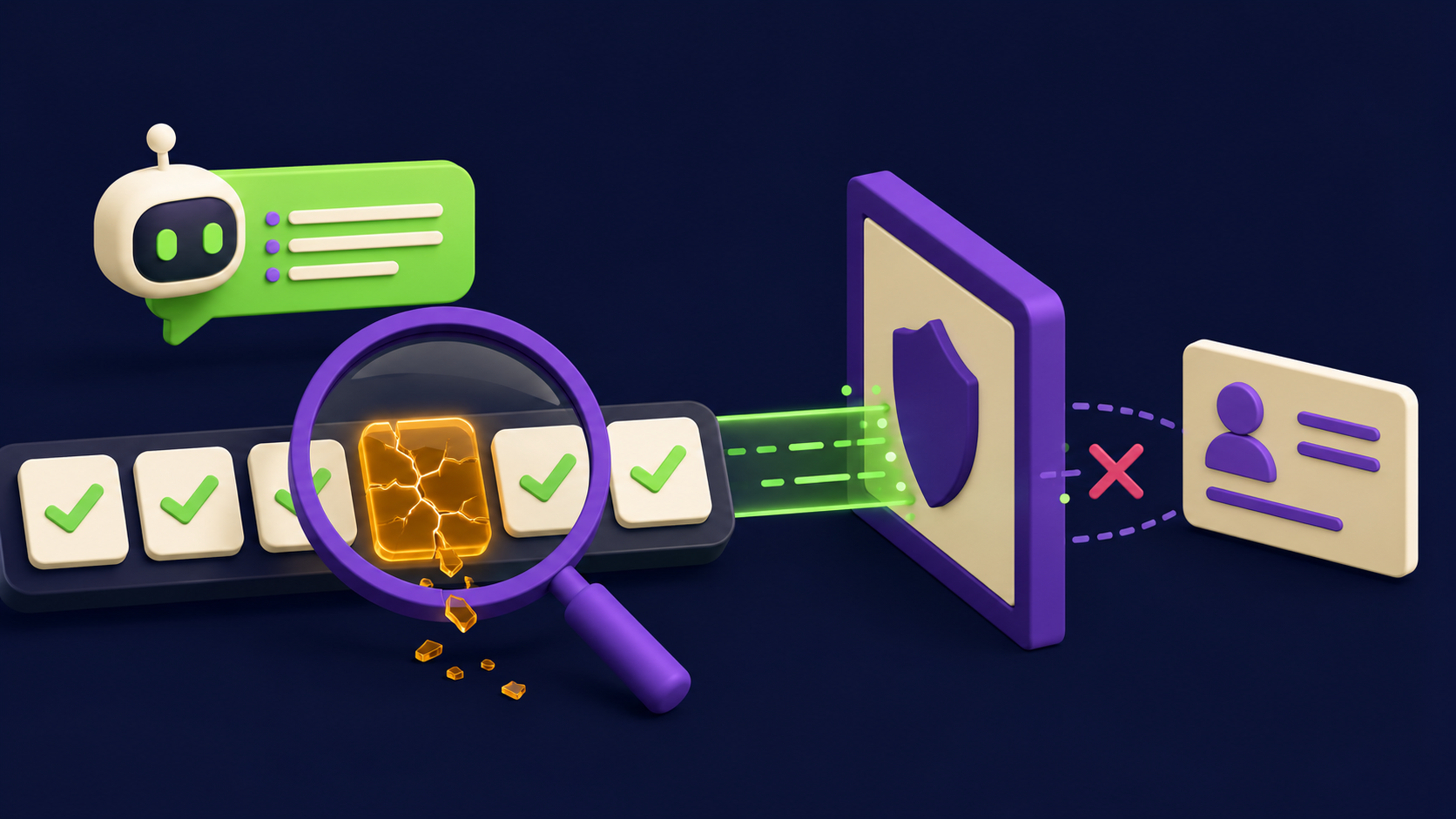
ChatGPT's training data has a knowledge cutoff, and even within that window it can confabulate specific facts: funding round amounts, the exact date of a leadership change, a product launch that did not happen. This is the single largest practical risk of using it for call prep. The failure mode is embarrassing and specific: you cite a funding round on the call, the prospect says "that's not right," and the conversation tilts.
The fix is built into prompt 3 above: you instruct ChatGPT to flag anything unverified, and you treat every trigger as unconfirmed until you have a second source. A second source means a press release, a LinkedIn post from the company, a Crunchbase entry, or a news article. For contact-specific facts, LinkedIn is the authoritative source. For funding, Crunchbase or a TechCrunch article. For product launches, the company's own blog. If you cannot find a second source in 90 seconds, drop the trigger from your brief rather than risk citing it.
Teams building enrichment pipelines for this kind of prep often route company and contact data through Clay first, which pulls from verified data providers before anything reaches the AI synthesis step. That approach is covered in the sales and outreach tool directory alongside the other tools in the modern sales stack.
The broader pattern: treat ChatGPT as a fast synthesizer of public information, not as a database. It is excellent at structuring what you already know and generating good questions. It is unreliable as a source of specific, recent, verifiable facts. Use it for the former; verify before citing the latter.
Want this built into a system your whole team runs?
Vantaige builds automated prep workflows that pull company and contact data, run enrichment through verified sources, and deliver a pre-formatted brief before every call, without a rep spending 12 minutes on it manually. If you want to see what that looks like for your team, book a free automation audit and we will walk through what your current prep process is costing per rep per week.
FAQ
How long does the 4-prompt sequence actually take?
About 12 minutes for a standard discovery call. Prompt 1 and 2 each take 2 to 3 minutes including your input time. Prompt 3 takes slightly longer if you have news to paste. Prompt 4 and the assembly step take about 3 minutes combined. Compare that to an unstructured prep session, which operators report typically runs 45 to 90 minutes with lower output quality.
Should I use ChatGPT 4o or a different model for this?
GPT-4o (the default model in ChatGPT as of 2026) handles these prompts well because the synthesis requires reading longer pasted inputs and generating structured output. The key is not the model version; it is whether you are using a workspace account (Enterprise/Edu) or a consumer account. Model choice matters less than data hygiene for this use case.
Can I use this sequence for renewal calls, not just first discovery?
Yes, with adjustments. For renewal or expansion calls, replace the company snapshot prompt with a prompt that summarizes the account's history with you (paste your CRM notes carefully, without PII). The trigger prompt becomes focused on what changed in the account since the last review. The fit hypothesis becomes a risk and opportunity hypothesis instead.
What if the company is small and there is almost no public information?
Prompt 1 still returns useful output: the business model inference, typical pain points for that company size and industry, and likely competitive context. ChatGPT can reason about a 15-person agency even without specific news coverage. The trigger prompt will return less, which is fine; it just means you rely more on the call itself to surface context rather than arriving with prior triggers.
Is this compliant with GDPR if my prospect is in the EU?
The prompts above use only publicly available information (company name, public job title, publicly visible LinkedIn bio). That is generally not personal data in the GDPR sense when processed for legitimate business purposes. The boundary that matters: do not paste private contact details, email addresses, or CRM-only notes into a consumer AI tool. If your company has a data processing policy, check it before extending this beyond public sources.
Can I automate this so the brief arrives before every call automatically?
Yes. The sequence maps cleanly to an n8n automation: a calendar trigger pulls the meeting details, enriches the company and contact via a data provider, feeds the structured data into an AI step running the same four-prompt logic, and delivers the formatted brief to Slack or email 30 minutes before the call. Our guide on 15 n8n AI agent workflows shows the building blocks for this kind of pre-call automation.
What if ChatGPT makes up a key fact I used in the call?
That is the risk, and it is managed by the verification step in prompt 3, not eliminated. If you cite an unverified trigger and it turns out to be wrong, acknowledge it directly ("I saw something about that online but I may have the details wrong; what is the actual situation?"). Prospects respond well to intellectual honesty. What harms credibility is doubling down on a fabricated fact. The brief is a starting point for questions, not a fact sheet to recite.
Related from Vantaige
References
Gong Labs, discovery call research and talk-time benchmarks. gong.io
OpenAI, ChatGPT Enterprise privacy and data controls documentation. openai.com
OpenAI, ChatGPT help center: managing your data and chat history. help.openai.com
Gong, The State of Sales report 2021 (win-rate and prep correlation). gong.io
Get the best new AI tools and guides, weekly
One short email a week. The tools worth trying, the guides worth reading, nothing else.
No spam. Unsubscribe anytime.
Aymen B
Contributing writer at Vantaige, covering the AI tools ecosystem.