How to Build an AI Outbound Stack From Scratch: The Complete 2026 Playbook
How to Build an AI Outbound Stack From Scratch: The Complete 2026 Playbook
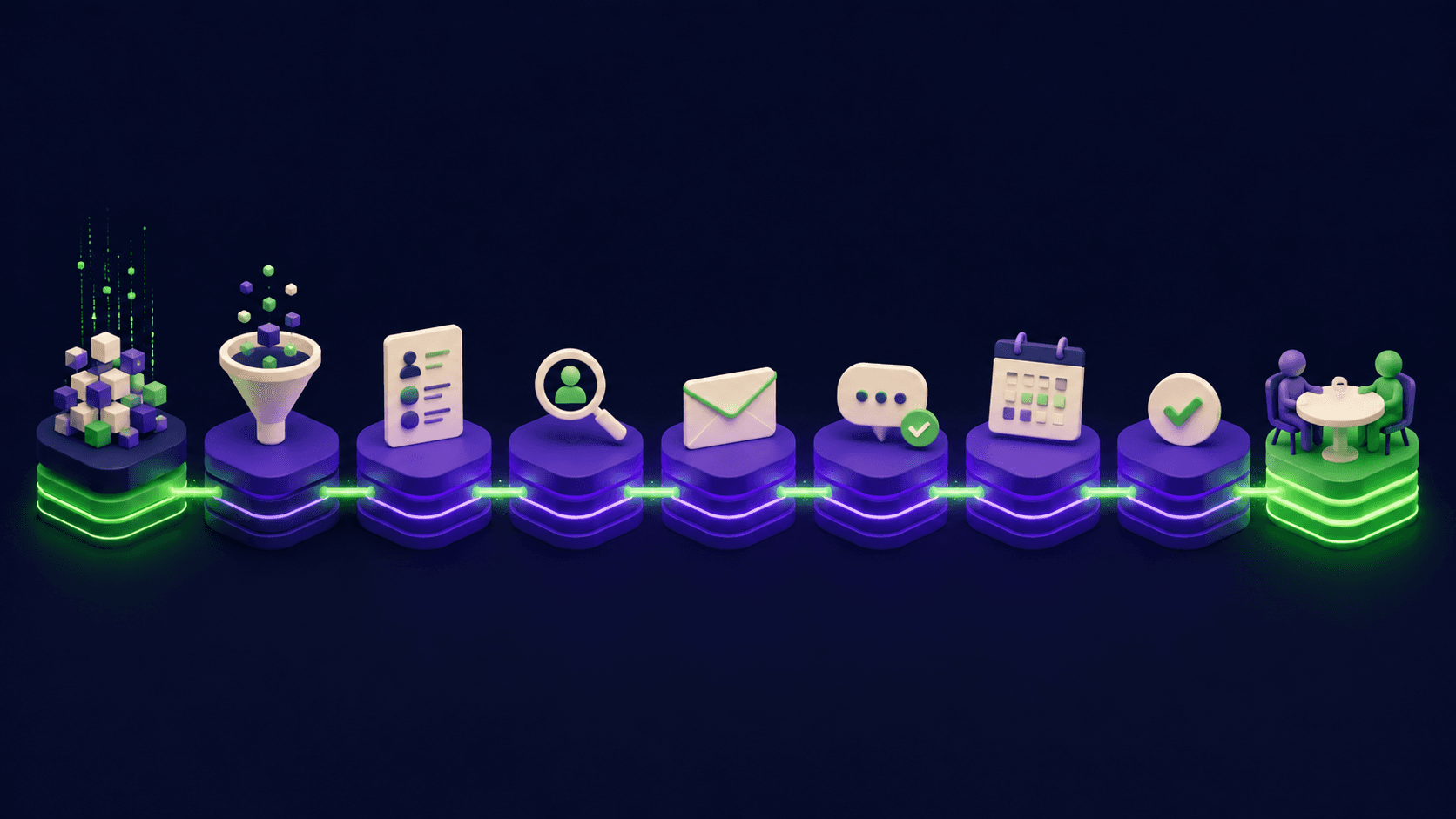
Most outbound advice sells you one tool. A working outbound system needs nine layers that hand off cleanly: data, enrichment, verification, personalization, sending infrastructure, sequencing, signals, CRM sync, and measurement. This is the exact stack we build for clients, explained layer by layer, with the real tools at each step and the mistakes that quietly kill reply rates. Read it as a blueprint you can build yourself, or a map of what a done-for-you system includes.
TL;DR
An outbound stack is nine layers, not one tool
Data and enrichment quality decide everything downstream
Sending infrastructure, not copy, causes most spam-folder failures
Personalization at scale needs enrichment data, not mail-merge
Signals beat volume: reach buyers when something changed
What is an AI outbound stack?
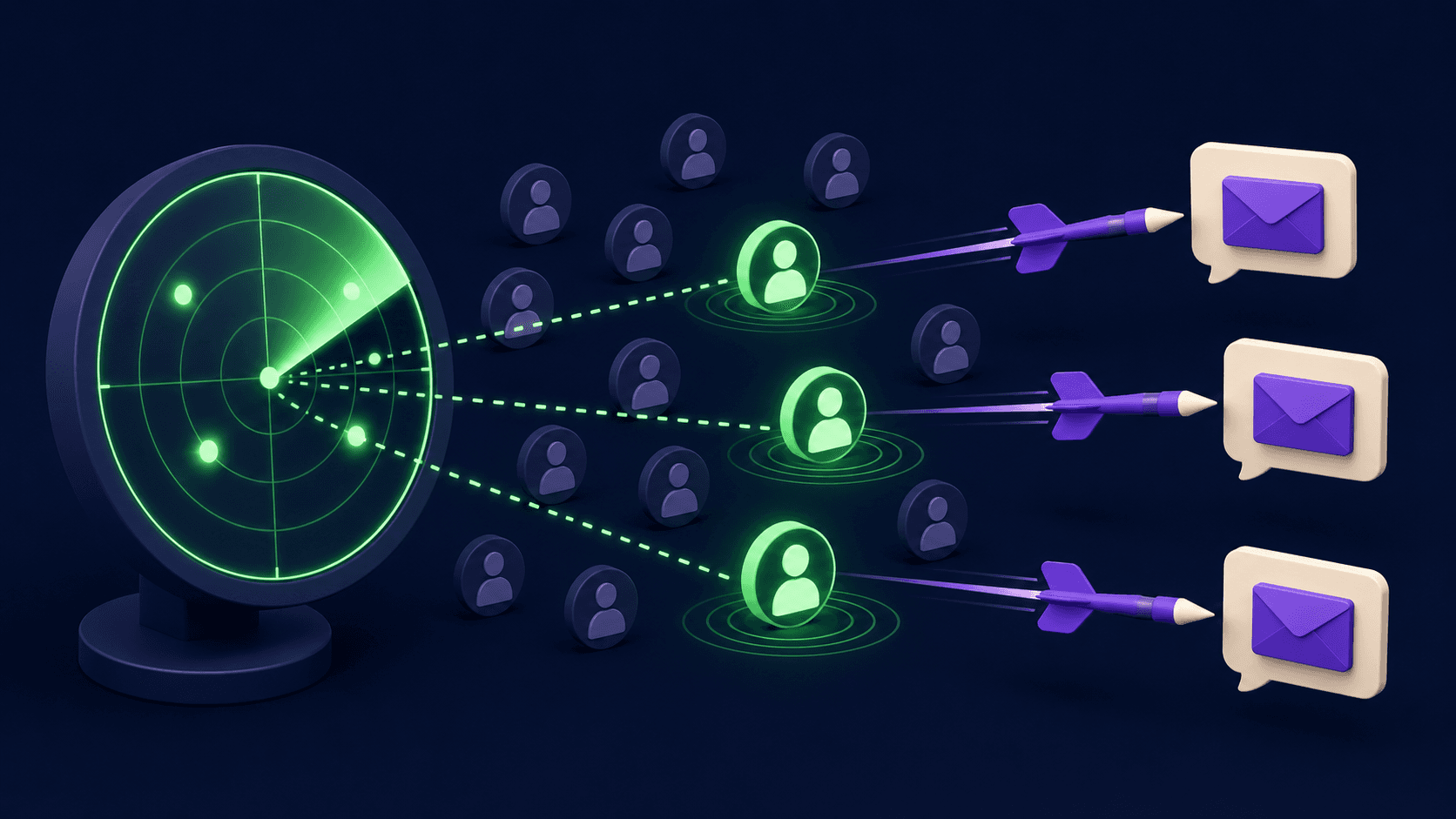
An AI outbound stack is the connected set of tools that takes you from "who should we contact" to "a booked meeting in the CRM" with AI doing the repetitive work at each step. It is a pipeline, not a product: data feeds enrichment, enrichment feeds personalization, personalization feeds sequencing, and signals decide timing. Buy one piece in isolation and the others starve.
The shift in 2026 is that each layer now has a capable AI option, and the bottleneck moved from "can we send at volume" to "can we send relevant messages at volume without burning domains." The stack below is ordered the way data actually flows. Skip a layer and you feel it two layers later, usually as a deliverability or reply-rate collapse you cannot explain. If you want the cost case for building this versus hiring, our AI SDR versus human SDR breakdown runs the numbers.
The nine layers, in the order data flows
Here is the full stack at a glance. Each row is a job to be done, not a brand loyalty test. The tools are examples that do the job well; the architecture is what matters.
Layer | Job | Tools that do it well |
|---|---|---|
1. Data and sourcing | Define ICP, build the raw contact list | Apollo, Clay sources, ZoomInfo |
2. Enrichment | Fill gaps, append firmographics and signals | Clay waterfall, Apollo |
3. Verification | Remove invalid emails before sending | NeverBounce, ZeroBounce (in-Clay) |
4. Personalization | Turn data into a relevant first line | |
5. Sending infrastructure | Domains, inboxes, warmup, rotation | |
6. Sequencing | Multichannel cadence and branching | |
7. Signals and intent | Trigger outreach when something changes | 6sense, Clay signals |
8. CRM and conversation intelligence | Log activity, capture call insight | |
9. Measurement | Attribute replies and meetings to source | CRM reporting, sequencer analytics |
You can browse the full set of options on the sales and outreach tool directory. The rest of this guide explains why each layer exists and how to set it up so the next layer works.
Layer 1 and 2: Why data and enrichment decide everything
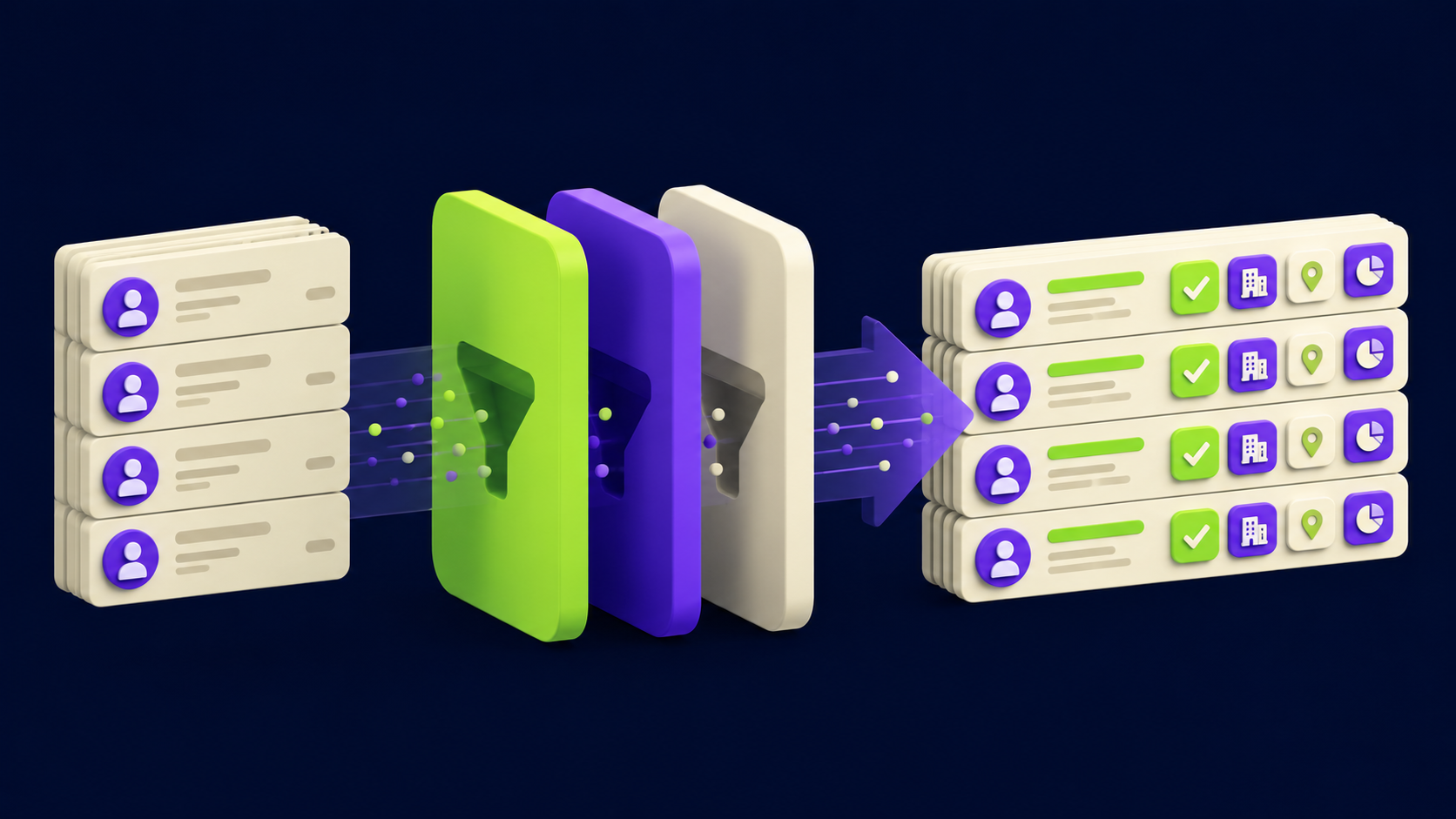
Data quality sets the ceiling for every other layer, because a perfect message to the wrong person is still a miss. Start by writing down your ideal customer profile in concrete filters: industry, headcount band, tech installed, role titles, region. Then build the raw list from a source like Apollo, and enrich it.
Enrichment is where 2026 outbound is won. Clay popularized waterfall enrichment: instead of trusting one data provider, you query several in sequence and take the first valid result, which pushes match rates far above any single vendor. The output is not just an email; it is the raw material for personalization (recent funding, job changes, tech stack, hiring signals). Thin data here means generic messages later, which is the single most common reason a technically clean campaign gets no replies.
Layer 3: Why verification is non-negotiable
Email verification removes invalid addresses before you send, and skipping it is how new senders torch their domain reputation in week one. Every bounce tells inbox providers you are sending to lists you did not clean, and that signal follows your domain. Run every address through verification (NeverBounce and ZeroBounce both plug into Clay) and drop anything risky.
The rule that saves accounts: verify, then warm, then send slowly. A verified list paired with a cold domain sending 200 emails on day one still fails. Verification protects you from your list; the next layer protects you from yourself.
Layer 5: Why sending infrastructure causes most failures
Sending infrastructure, not copy, is the reason most cold email lands in spam. You need separate sending domains (never your primary), multiple inboxes per domain, correct SPF, DKIM, and DMARC records, a warmup period before real sends, and volume ramped gradually with rotation across inboxes. Platforms like Smartlead and Instantly exist mostly to manage this rotation and warmup at scale.
Choosing between them is a real decision with real tradeoffs, which we break down in Smartlead versus Instantly. Whichever you pick, the infrastructure checklist is the same: buy domains weeks ahead, set DNS records correctly, warm every inbox, and ramp volume over weeks. Teams that treat this as an afterthought wonder why great copy gets zero opens. The copy was never the problem.
Layer 4 and 6: Personalization and sequencing that scale
Personalization at scale means turning enrichment data into a relevant opening line for each prospect, not pasting a first name into a template. The architecture: feed each enriched record (their funding news, a recent hire, a tech-stack signal) into an AI step that drafts one specific, true sentence. Done well, 1,000 emails each read like they were written for one person, and reply rates separate sharply from generic blasts. Lavender coaches the copy; Clay generates the variable lines.
Sequencing then delivers it across channels with timing and branching. A modern cadence is multichannel (email plus LinkedIn plus the occasional call), spaced over weeks, with branches that stop when someone replies and escalate when they open repeatedly. Tools like lemlist, Reply, Salesloft, and Outreach run the cadence; the quality of layers 1 through 5 decides whether the cadence has anything good to send.
Layer 7: Why signals beat raw volume in 2026
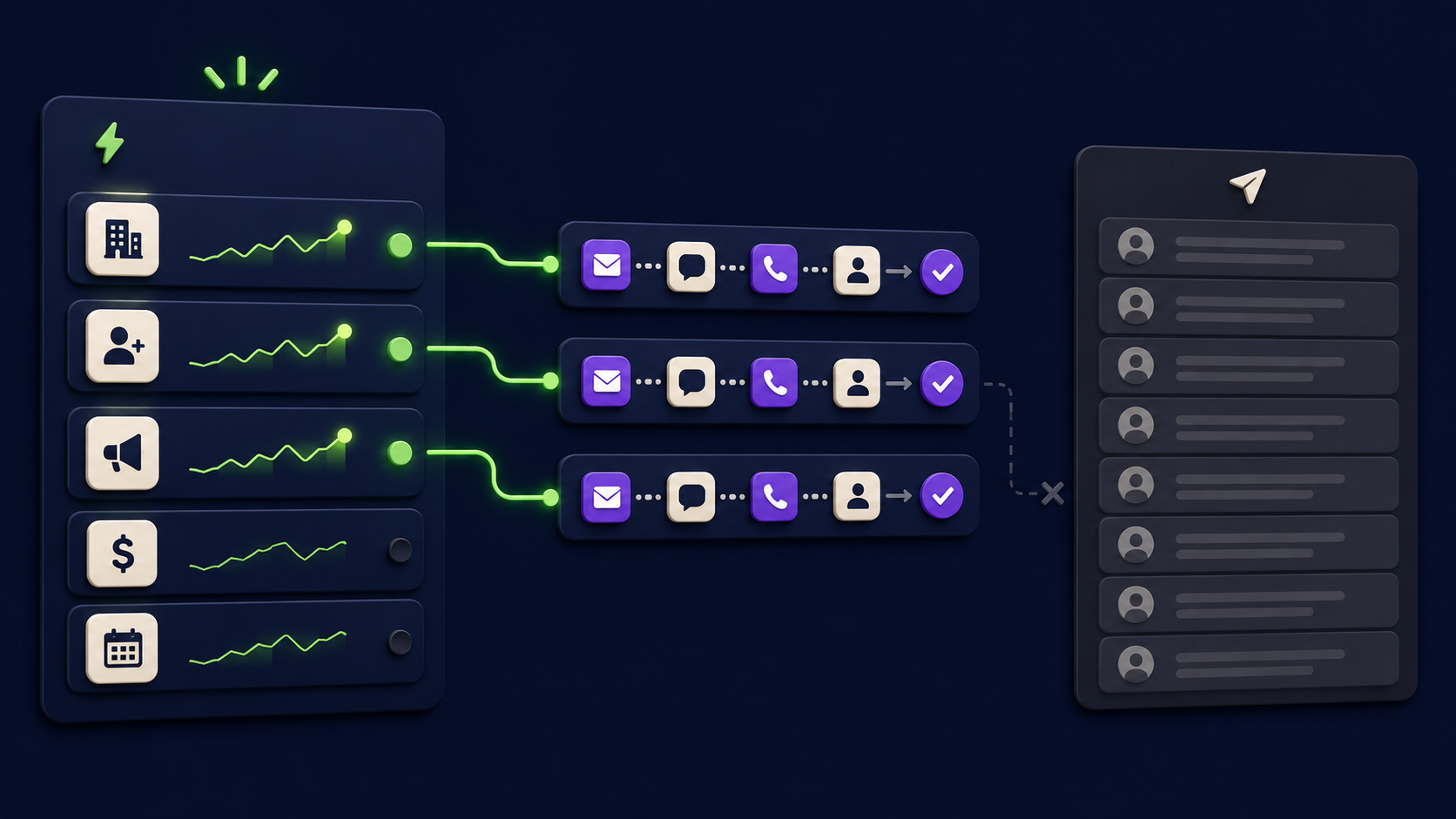
Signal-based outbound means contacting a prospect because something just changed (they raised funding, hired for a relevant role, installed a competitor's tool, or showed intent), and it consistently outperforms spraying a static list. The reason is timing: the same message lands very differently when it arrives the week a trigger fired versus a random Tuesday.
Build a trigger library: job changes, funding rounds, new tech installs, hiring spikes, and intent spikes from a platform like 6sense. Wire each trigger to a tailored sequence. This is the layer most teams skip and the one that separates a 2 percent reply rate from a double-digit one. Volume without signals is just noise that ages your domains.
Layer 8 and 9: CRM sync and measurement
The last two layers exist so the system compounds instead of leaking. Every reply, meeting, and call outcome must flow back into the CRM automatically, and conversation intelligence from a tool like Gong should capture what was said so the next touch is informed. Booked meetings route through Calendly straight onto the closer's calendar.
Measurement closes the loop: attribute every reply and meeting back to its source, sequence, and trigger, so you double down on what works and cut what does not. Without this, you optimize on vanity (opens) instead of outcomes (meetings). The orchestration tying these handoffs together is itself an automation project, the kind we cover in our n8n agent guide.
What does the full build actually cost and take?
Built in-house, expect a few weeks of setup (domains and warmup alone need two to three weeks before real sends) and a tooling budget that scales with volume, with most layers priced as monthly SaaS in market ranges you can model from our 2026 automation rate card. The expensive part is not the tools; it is the expertise to sequence the layers so they do not fight each other.
That is the honest case for done-for-you: the stack is knowable, but the order of operations and the deliverability discipline are where most self-builds stall. If you would rather operate a working system than debug DNS records, the layers above are exactly what we assemble and hand over.
Want your outbound system built for you?
Vantaige designs and builds done-for-you AI outbound: data, enrichment, personalization, sequencing, and CRM sync, wired into one system your reps actually use. Book a free outbound audit and we will find the revenue leaking from your pipeline.
FAQ
What is the minimum viable outbound stack?
Data plus enrichment (Apollo or Clay), verification, a sending platform with warmup (Smartlead or Instantly), and one sequencer. That covers layers 1 through 6. Add signals and conversation intelligence once the base is sending cleanly and booking meetings.
How long before a new stack books meetings?
Plan for three to four weeks before the first real send, because domains need buying and warming. Meetings typically follow within the first few weeks of live sending if data and personalization are strong. Anyone promising day-one results is skipping warmup, which ends in the spam folder.
Do I still need human SDRs with an AI stack?
Usually yes, in a hybrid model. AI handles sourcing, enrichment, personalization, and first touches; humans handle qualified replies, calls, and closing. The stack multiplies a small team rather than replacing it. Our AI-SDR-versus-human comparison details where each wins.
Why are my open rates fine but replies near zero?
That pattern points to weak personalization or poor targeting, not deliverability. Opens mean you reached the inbox; no replies mean the message was not relevant. Fix layers 1, 2, and 4 (data, enrichment, personalization) before touching anything else.
Is cold email still compliant in 2026?
It can be, with care. Follow CAN-SPAM, GDPR, and CASL rules: honor opt-outs, identify yourself, and have a lawful basis for contact in regulated regions. Compliance is a real layer of the build, not an afterthought, and it varies by where your prospects sit.
Can one platform do the whole stack?
Some bundle several layers, but the best results come from picking the strongest tool per layer and connecting them. All-in-one suites trade peak performance for convenience. The right answer depends on volume and team size, which is exactly what a stack audit determines.
Related from Vantaige
References
Clay, waterfall enrichment documentation. clay.com
Smartlead, deliverability and inbox rotation docs. smartlead.ai
Instantly, sending infrastructure and warmup docs. instantly.ai
6sense, intent data and buying signals overview. 6sense.com
U.S. FTC, CAN-SPAM Act compliance guide. ftc.gov
Get the best new AI tools and guides, weekly
One short email a week. The tools worth trying, the guides worth reading, nothing else.
No spam. Unsubscribe anytime.
Aymen B
Contributing writer at Vantaige, covering the AI tools ecosystem.
Similar articles
The Complete AI SDR Setup Guide: Deploy an Autonomous Outreach Agent in 30 Days
Cold Email Deliverability in 2026: The Technical Guide That Actually Explains It