NotebookLM Sales Call Prep: 5 Sources, 6 Questions, 60 Seconds (2026)
NotebookLM Sales Call Prep: 5 Sources, 6 Questions, 60 Seconds (2026)
You have 45 minutes of prep before a discovery call and a generic chatbot that invents facts about companies it does not know. Account executives who win the first ten minutes of a call walk in knowing exactly what changed at that account in the last 90 days. NotebookLM answers only from the sources you load, so it does not hallucinate market facts the way an open chatbot does. One notebook per account, refreshed weekly, collapses that 45-minute prep routine to under five minutes.
TL;DR
NotebookLM reads only YOUR sources, so answers are grounded and cited
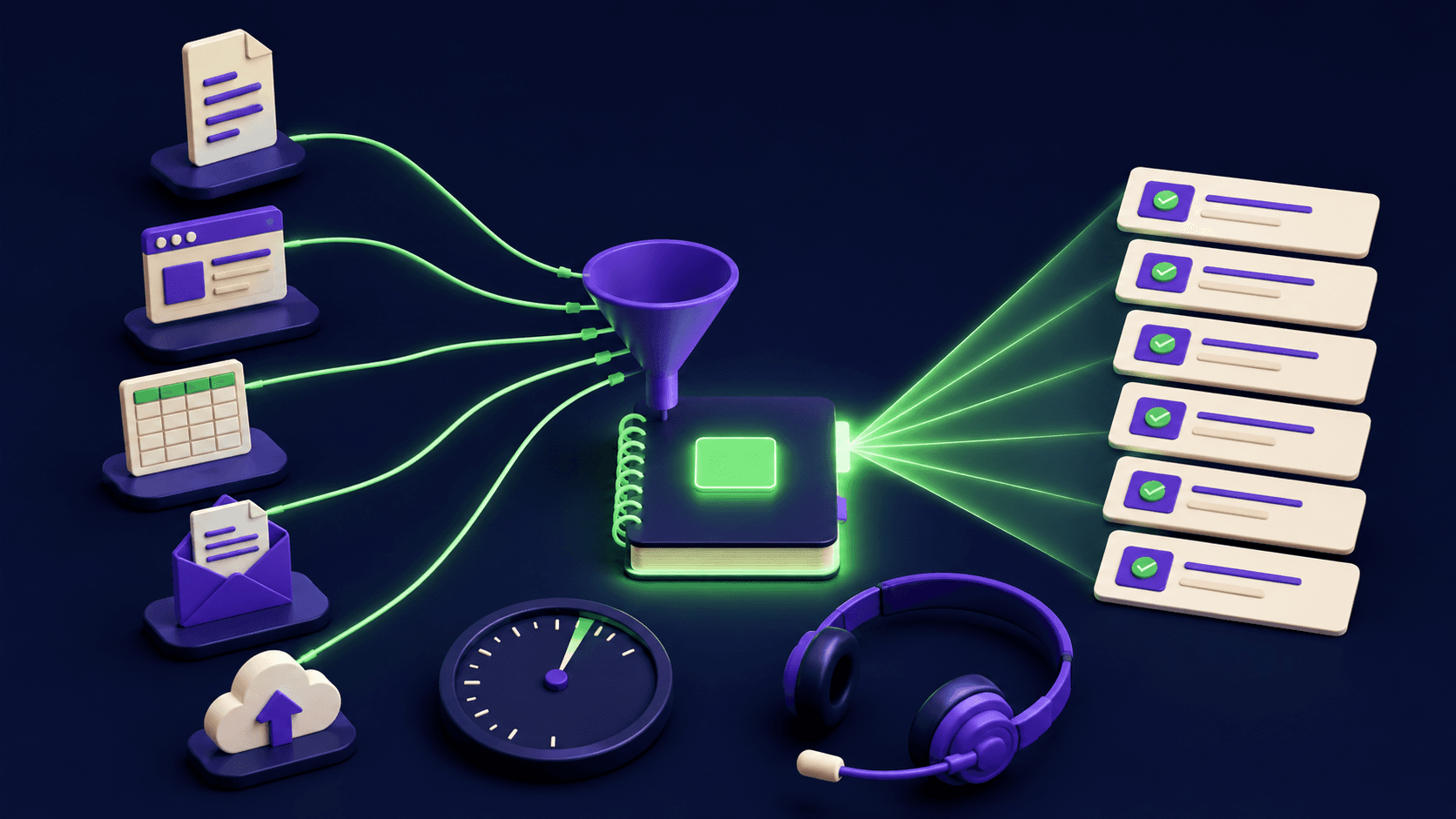
Load 5 source types per account: 10-K, deck, transcripts, news, LinkedIn dumps
Ask 6 pre-call questions; the table below shows exactly what each surfaces
Use the Audio Overview to prep during a commute, hands-free
A weekly n8n refresh keeps the notebook current without manual work
Why does NotebookLM beat a general chatbot for call prep?
A general chatbot draws on its training data, which means it can describe a company as it existed 12 to 18 months ago, invent a funding round that did not happen, or miss a leadership change from last quarter. NotebookLM is grounded in the documents you upload: every answer includes an inline citation pointing to the exact passage, so you can verify the claim in seconds rather than chasing it down manually.
The practical difference is significant. You load the account's latest 10-K and last two earnings transcripts, and when you ask "what is the CFO saying about cost pressure?" the answer cites paragraph 14 of the Q1 2026 transcript. An open chatbot guesses. The grounding matters most when a buyer challenges a number on the call: your answer is sourced, theirs is memory. That is the reputational gap NotebookLM closes for AEs who use it consistently. You can see the full feature set on the NotebookLM tool page and compare it against the broader sales outreach tool directory.
What are the 5 sources to load per account?
The five-source kit covers everything a buyer's committee could raise: financial position, strategic priorities, how they talk about themselves, what the press says, and who the humans in the room are. Load all five and you can answer a follow-up in the meeting by querying the notebook on your phone.
Latest 10-K or annual report. The official financial filing tells you revenue trajectory, stated risks, geographic expansion, and capital allocation priorities. For private companies, use the most recent investor update or pitch deck if available.
Their pitch or sales deck. How a company positions itself to customers reveals the language and outcomes they care about. Mirror that language in your pitch and objection handling.
Earnings call or podcast transcripts. Executives say things in earnings calls and interviews they will not put in a press release. Leadership tone, competitive concerns, and product bets surface here. Transcripts are plain text and upload cleanly.
Recent news (last 90 days). Paste in a Google News dump or a few key articles as plain text files. Acquisitions, layoffs, product launches, and executive departures are the triggers that change the entire conversation.
LinkedIn profile dumps of the buying committee. Copy the profile text of each stakeholder you expect in the room. NotebookLM can cross-reference career history, past employers, and stated interests against your pitch angle, surfacing connection points you would miss in a manual scan. Clay can automate the enrichment step that builds this list.
A notebook built from these five sources takes about four minutes to assemble the first time. After that, weekly refreshes are a two-minute swap of the news file and any new transcript.

What are the 6 pre-call questions to ask the notebook?
Six questions cover the terrain that decides whether you win or lose a deal: funding position, leadership, social proof, objections, pricing pressure, and technical fit. Run all six before every discovery call. The table below is paste-ready: copy each question directly into the chat panel.
Question | What it surfaces | How you use it on the call |
|---|---|---|
"What is the company's current funding status and runway based on the sources?" | Last round date, size, lead investor, implied burn rate from filings | Sizes your deal correctly; a Series A buying committee spends differently than a post-IPO procurement team |
"What leadership changes have occurred in the last 12 months according to the sources?" | New CXO hires, departures, board changes flagged in news or transcripts | New CFOs tighten budgets in quarter one; new CROs are often mandate-holders looking for quick wins. Adjust your pitch accordingly. |
"What companies similar to us does the company work with or mention favorably in any source?" | Named vendors, partners, and case study references in filings or decks | Opens the door to a proof-point: "You mentioned working with X. We helped them cut Y by Z." Connects your story to their existing ecosystem. |
"What objections or concerns about tools like ours appear anywhere in the sources?" | Risk language in 10-Ks, cost-cutting signals in transcripts, vendor consolidation themes | Pre-empt the objection before it arrives. If the CFO mentioned "vendor rationalization" in Q4, address switching cost directly in slide three. |
"What pricing or cost pressure themes appear in executive commentary or filings?" | Margin commentary, COGS pressure, budget freeze language, CapEx guidance | Positions your ROI framing: if they are in cost-cut mode, lead with payback period, not feature breadth |
"What technology platforms, integrations, or vendors does the company mention using?" | Named tech stack from filings, job postings embedded in sources, partnership announcements | Surfaces integration complexity and potential blockers early. If they run Salesforce and your tool requires HubSpot, you want that conversation before not during the demo. |
Teams report that running all six questions takes under three minutes once the sources are loaded. The answers replace what used to be 40 to 45 minutes of manual research, LinkedIn tab-hopping, and Ctrl-F through a PDF. Gong's research on win rates consistently links pre-call research depth to deal velocity: reps who reference specific company context in the first five minutes close faster. NotebookLM makes that depth repeatable rather than heroic.
How does the audio overview commute hack work?
After loading your five sources, click "Generate Audio Overview" in the NotebookLM interface. The tool produces a two-host podcast-style audio summary of your notebook, spoken and navigable. Play it during the commute to the meeting or on the walk from the parking lot. You arrive having heard the account briefing rather than skim-read it at a red light.
The audio overview is not a verbatim readout. NotebookLM synthesizes the key themes, tensions, and facts into a conversational exchange, which makes retention higher than reading bullet points. For AEs who cover 15 to 20 accounts, the commute slot is otherwise wasted prep time. Turning it into a 10-minute account audio brief per call is one of the highest-value uses of the tool. You can configure the depth (brief versus deep dive) before generation. The feature is available on both the free tier and NotebookLM Plus as of mid-2026.
How do you refresh the notebook and automate it?
Manual refresh cadence: once a week, swap out the news file with a fresh Google News export for the account name, and replace any earnings transcript that posted since your last session. The 10-K and LinkedIn dumps refresh quarterly or when a leadership change hits the news. That is roughly two minutes of drag-and-drop per account per week, worthwhile for any deal above a few thousand dollars in ACV.
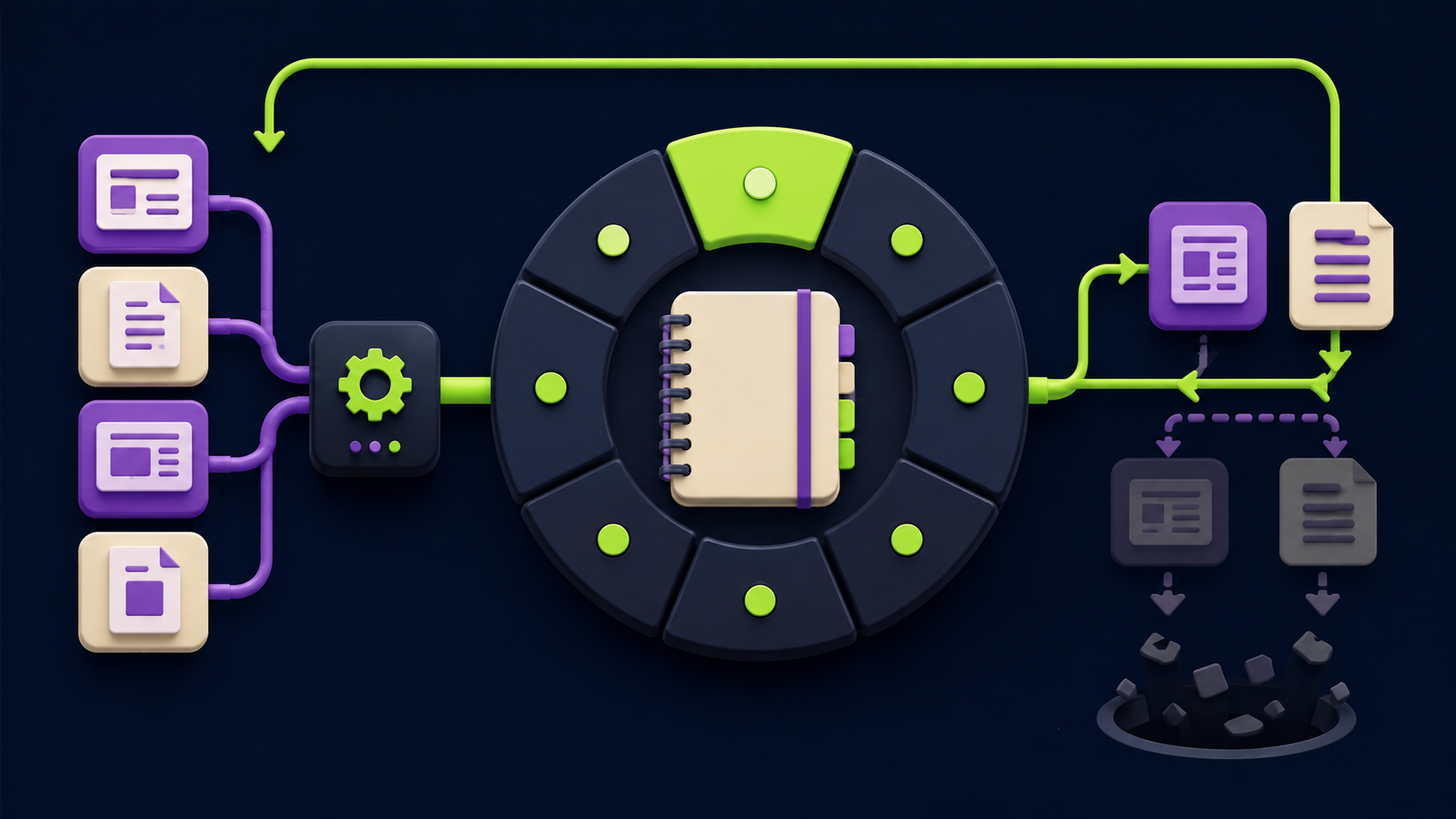
For teams managing 30 or more active accounts, the manual cadence compounds. An n8n automation flow can pull fresh news via RSS or a news API, format the output as a plain text file, and drop it into a shared folder your notebooks watch. When a new earnings transcript posts to an investor relations page, a webhook triggers the file update. You do not open the notebook; the sources refresh themselves. If you want to build that flow, our guide to 15 n8n AI agent workflows includes source-monitoring patterns you can adapt. For the broader case for building automation as a repeatable system, see the AI automation operator playbook.
The automation investment pays off fastest for inside sales teams running high-velocity cycles where the same account may need a refresh before every touchpoint in a 30-day sprint. For enterprise AEs with longer cycles, the weekly manual refresh is sufficient.
Want a done-for-you account research system?
Vantaige builds automation stacks that pull live account intelligence (news, filings, LinkedIn signals) into structured briefings your team can use before every call, without manual effort. Book a free automation audit and we will show you what this looks like for your deal volume and stack.
FAQ
Is my client data used to train Google's models?
As of 2026, Google states that content you upload to NotebookLM is not used to train its AI models and is not shared with other users. Each notebook is private to your account. For enterprise compliance, NotebookLM is available through Google Workspace, which adds data processing agreements and admin controls. Review Google's current data and privacy notice at notebooklm.google before uploading any PII or deal-sensitive files. Policies can change, so check the current terms for your plan.
How many sources can a notebook hold?
As of mid-2026, NotebookLM supports up to 50 sources per notebook on the free tier, with each source up to 500,000 words. NotebookLM Plus increases both the source count and the per-source size. For most account prep notebooks, the free tier is more than sufficient: five sources per account is far below the limit, and you can maintain separate notebooks for different deal stages without hitting a ceiling.
Can it read PDFs and slide decks directly?
Yes. NotebookLM accepts PDFs, Google Docs, Google Slides, plain text files, web URLs, YouTube video links, and audio files. Annual reports in PDF format upload and parse correctly. For slide decks, upload the file directly or share the Google Slides link. The tool indexes all text it can extract, including tables and footnotes in financial filings, though heavily image-based slides may not yield much text for the notebook to cite.
Can a sales team share one notebook across reps?
Notebooks can be shared with collaborators inside Google Workspace, and multiple team members can query the same notebook. This makes a shared account notebook a lightweight team intelligence layer: the AE, the SE, and the CS manager all query the same grounded source set before any touchpoint. NotebookLM Plus adds additional collaboration controls. Shared notebooks work best when one person owns the weekly source refresh so the team is not working from stale data.
How current is the information in the notebook?
The information is only as current as the sources you load. NotebookLM does not browse the web or pull live data on its own. If the earnings transcript you uploaded is from Q3 2025, the notebook answers Q3 2025 questions. This is the explicit trade-off for grounding: no hallucinations, but freshness depends on you. The weekly refresh cadence described above addresses this directly. For web-sourced pages, you can paste the URL as a source and NotebookLM fetches the content at upload time.
Is there a free version, and is it enough for sales use?
Yes. The free tier of NotebookLM supports up to 50 sources per notebook and includes the Audio Overview feature. For individual AEs prepping for calls, the free tier handles the five-source kit described here with room to spare. NotebookLM Plus (part of Google One AI Premium as of 2026) adds higher usage limits, longer audio overviews, and additional customization. Teams running 20 or more active notebooks simultaneously may find the Plus tier worthwhile for the higher quotas.
Does it work for selling into private companies without public filings?
Yes. Replace the 10-K with whatever public-facing financial data exists: a Crunchbase profile pasted as text, a press release announcing a funding round, or a founder interview transcript from a podcast. For private companies, the pitch deck and executive interviews often carry more intelligence than they would for a public company anyway. The five-source framework adapts to whatever documents the account has made publicly available.
How does NotebookLM compare to asking a general AI assistant the same questions?
The core difference is source grounding. A general assistant draws on training data that may be 12 to 18 months old and produces confident answers with no traceable source. NotebookLM cites the exact passage in your uploaded documents. For sales, this matters because a buyer can challenge any claim: with NotebookLM you can quote the source in real time. For research tasks that require current open-web information, a tool like Perplexity complements NotebookLM rather than replacing it.
Related from Vantaige
References
Google, NotebookLM product overview and feature documentation. notebooklm.google
Google, NotebookLM data privacy and usage policy. support.google.com
Gong, revenue intelligence and pre-call research win-rate data. gong.io
Google, NotebookLM Plus and Google One AI Premium plan details. one.google.com
Get the best new AI tools and guides, weekly
One short email a week. The tools worth trying, the guides worth reading, nothing else.
No spam. Unsubscribe anytime.
Aymen B
Contributing writer at Vantaige, covering the AI tools ecosystem.
Similar articles
Discovery Call Prep With ChatGPT: The 4-Prompt Sequence That Wins (2026)

How to Research a New Industry Fast: The 30-Minute Perplexity Template (2026)