Cursor 3.3 Build-in-Parallel Setup: Real-World Refactor Guide
Cursor 3.3 Build-in-Parallel: How to Set It Up for Real-World Refactors (Beyond the Demo)
Cursor 3.3 shipped on May 7, 2026 with a button most agent users have wanted since 3.0: a one-click "Build in Parallel" pill that takes a plan, finds the steps with no shared dependency, and dispatches them to async subagents at the same time. The official Cursor 05-07-26 changelog describes it as "multitasking across tasks instead of tackling them one at a time," and it sits next to the new PR review tabs and the Split-Changes-into-PRs flow. This guide covers the exact setup, the tasks where parallel actually wins, the ones where it stalls, and what 5 subagents costs in tokens versus one sequential run.
TL;DR
Cursor 3.3 added a Build-in-Parallel pill on May 7, 2026
Click the pill on any plan; subagents run independent steps concurrently
/multitask is the typed equivalent inside the agent window
Parallel is fastest on independent files; merge conflicts when they overlap
5 subagents cost roughly 5x the tokens of one sequential run
Aymen Kallala - Founder, Vantaige - Published 2026-05-11 - 11 min read - Last reviewed 2026-05-11
What is Cursor's Build-in-Parallel feature?
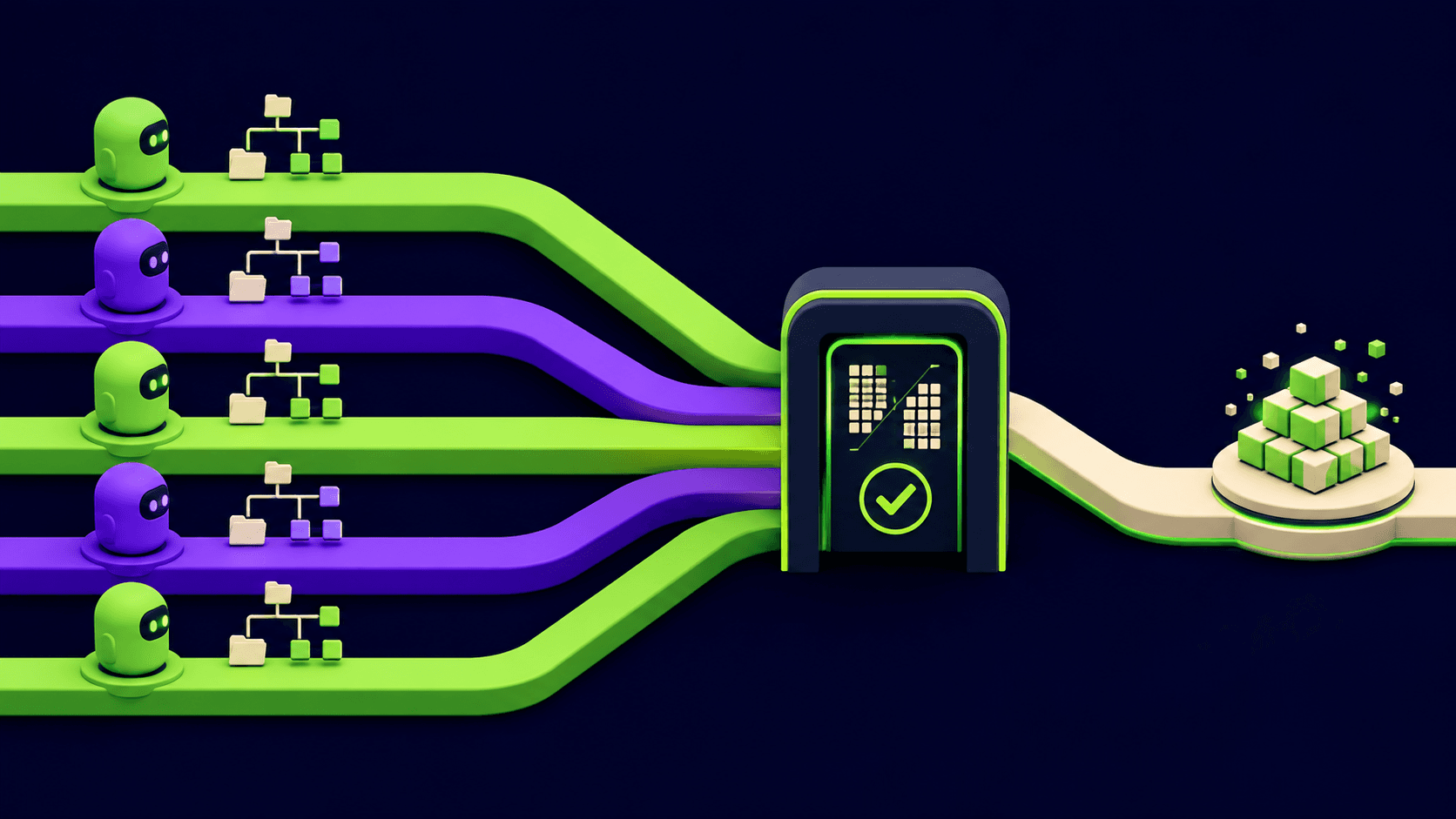
Build in Parallel is a Cursor 3.3 button that takes the plan in the agent panel, identifies steps with no shared dependency, and dispatches them to async subagents that run concurrently. Per the official Cursor 05-07-26 changelog, Cursor "will keep dependent steps in order when needed," so the parallelism is opportunistic rather than blind. Each subagent runs in its own context window, returns only a final summary to the parent, and surfaces in the agent panel as a separate row.
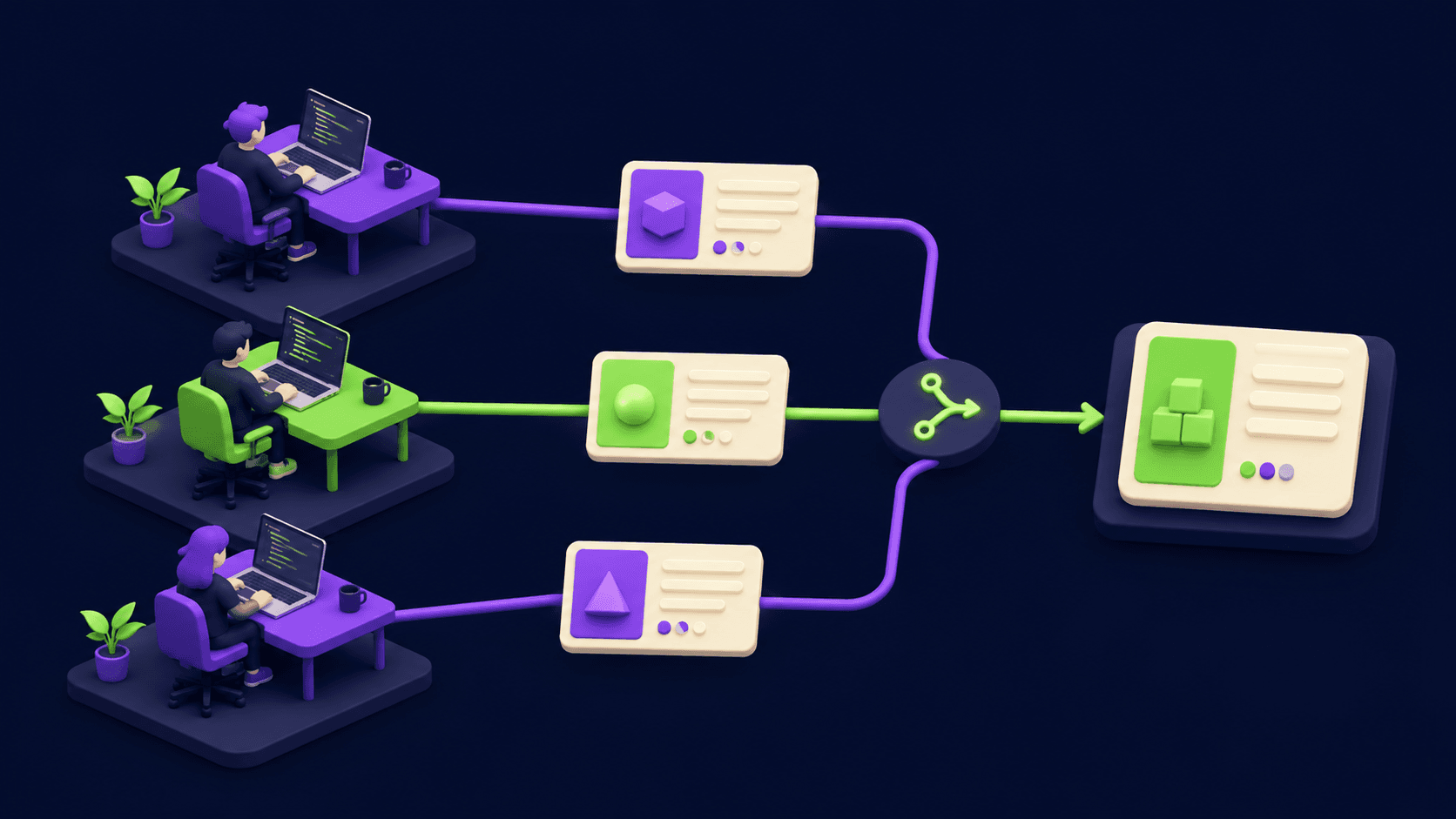
The feature is the GUI surface for the /multitask command introduced in Cursor 3.2 on April 24, 2026. The mechanics are the same: async subagent dispatch, no shared conversation history, one summary back to parent. What 3.3 adds is the pill, plus tighter integration with the new Split-Changes-into-PRs flow, so a parallel run can land as N independent pull requests instead of one sprawling diff.
How do I enable Build-in-Parallel in Cursor 3.3?
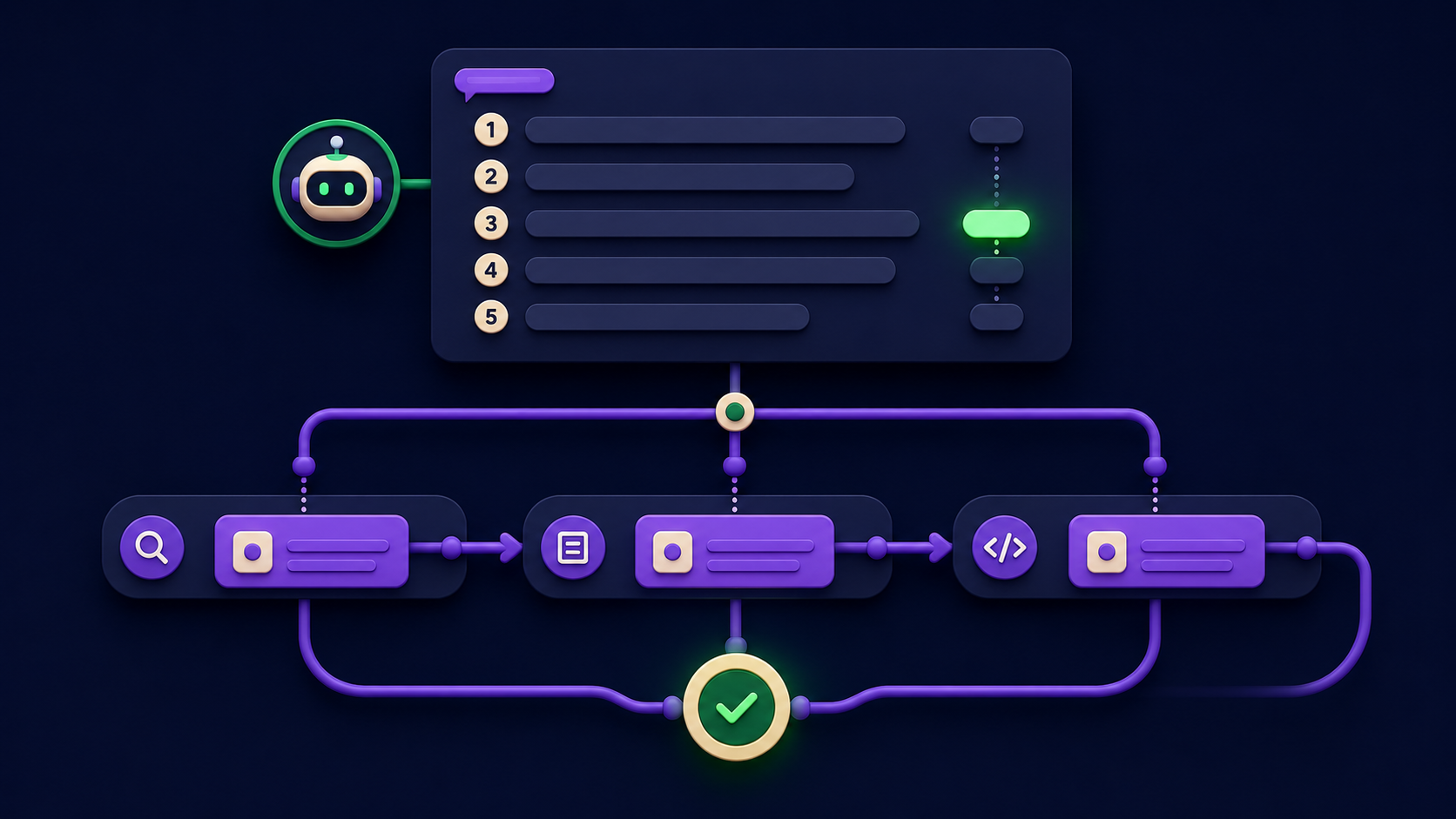
Open any agent thread, send a request that has a plan attached, and click the "Build in Parallel" pill that appears next to the plan in the agent panel. There is no settings toggle. There is no keybind as of 3.3. Per the Cursor 05-07-26 release notes, the pill is a quick-action that appears inline once Cursor has produced a plan with two or more steps.
Step by step:
Update Cursor to 3.3. Help, Check for Updates. Confirm the version reads 3.3.x in About.
Open an agent thread (Cmd/Ctrl+L or the agent panel icon).
Send a multi-step request. Example:
Refactor the auth module to use the new SessionManager, add unit tests for each provider, and update the README.Cursor produces a plan.Click "Build in Parallel" on the plan card. The agent splits the plan and spawns one async subagent per independent step.
Watch the agent panel. Each subagent appears as its own row with its own progress indicator and final summary.
Optional: type
/multitaskin the prompt box for the same behavior without waiting for a plan card. Per the Cursor docs on subagents, /multitask accepts a compound prompt and decomposes it directly.
Two configuration knobs worth setting before you start:
Settings - Subagents - Explore. Per the Cursor 05-07-26 changelog, 3.3 lets you pick the model that Explore subagents use, inherit the parent model, or disable Explore entirely. Disable it for cost-sensitive runs.
.cursor/worktrees.json. If your parallel agents will edit overlapping files, configure worktree setup commands per the Cursor worktrees docs so each subagent gets its own isolated checkout.
What kinds of tasks benefit from parallel agents?
Parallel agents shine when the plan steps touch different files, different modules, or different layers of the stack. They stall when steps share state, share a single config file, or depend on each other's output. The pattern is identical to git worktrees, because under the hood that is what Cursor uses for the isolated case: each agent gets its own checkout per the Cursor worktrees docs.
Three task shapes where parallel reliably wins:
Multi-package monorepo refactors. Rename a shared type across
packages/api,packages/web,packages/admin. Each package gets a subagent. No file overlap, near-perfect parallelism.Test backfills. "Add unit tests for every util in
src/utils/*.ts." Each util gets a subagent. Independent files, independent test files, zero contention.Cross-cutting docs + code. "Refactor the rate limiter, add JSDoc, update README, write migration guide." Code, comments, README, migration doc are four different files.
Three task shapes where parallel underperforms:
Single-file refactors with multiple concerns. "In
app.tsx, split the component, add types, fix the effect bug." All three steps want the same file. Forced sequential, or merge hell.Tightly coupled API + frontend changes. "Add the new endpoint and call it from the dashboard." Frontend agent doesn't see the backend agent's in-progress contract per the agentpatterns.ai analysis of Cursor 3 worktrees.
Schema migrations. Database schema, ORM model, and migration file are one logical change. Splitting them across agents breaks the atomicity.
How does it actually work behind the scenes?
Cursor builds a task graph from the plan, identifies nodes with no incoming dependencies from siblings, and spawns one async subagent per independent node. Each subagent gets a fresh context window seeded only with the parent's dispatch prompt. Per the Cursor subagents docs, "each subagent has its own context window" and "the parent must pass any required context in the dispatch prompt." Subagents return a single final summary to the parent, which assembles the combined result.
The mental model:
Plan (parent agent)
  step 1 ──┐
  step 2 ──┼─> independent set ─> spawn subagent A, B, C in parallel
  step 3 ──┘
  step 4 (depends on 1) ─> waits for A ─> spawn subagent D after A finishes
  step 5 (depends on 2,3) ─> waits for B and C ─> spawn subagent E after both
Three mechanics worth knowing:
Context isolation, not file isolation by default. /multitask isolates context (each subagent has its own conversation), but all subagents touch the same checkout. If two need to edit the same file, the second write wins or you get a merge prompt. The Cursor /multitask analysis on agentpatterns.ai explicitly distinguishes /multitask (context-only) from /worktree (filesystem isolation).
Worktree mode for true isolation. If you want each agent on its own branch and its own checkout, run
/worktreeper task or configure.cursor/worktrees.jsonso Build-in-Parallel uses worktrees automatically. Cursor 2.0 introduced up to eight parallel agents on a single problem with auto-best-result selection per the agentpatterns.ai agents window writeup.Cleanup is automatic.
cursor.worktreeMaxCountdefaults to 20 andcursor.worktreeCleanupIntervalHourscontrols garbage collection per the Cursor worktrees docs.
What are the failure modes (and how to avoid them)?
Parallel agents fail in five predictable ways. Each has a fix.
Same-file collisions. Two subagents edit
app.tsxsimultaneously. Last write wins or you get a merge prompt. Fix: use/worktreefor tasks that share files, then/apply-worktreeto merge per the Cursor worktrees docs. Or pre-split the work so file ownership is explicit per subagent.Hidden dependencies. Frontend agent calls an endpoint backend agent hasn't shipped yet. Fix: seed the dispatch prompt with the full contract (endpoint name, request body, response shape) so the frontend agent doesn't have to invent it.
BYOK key drops. Per the Cursor /multitask forum thread, users on custom OpenAI-compatible API keys saw roughly 1 in 4 multitask runs fail in 3.2 because Cursor toggled the key off. The team fixed it in 3.3, so update before relying on parallel runs with BYOK.
Subagent context starvation. A subagent spawns with no codebase context, then wastes 20K tokens exploring before doing real work. Fix: in Settings - Subagents, set the Explore subagent to inherit the parent model so it doesn't start blind, and pass the relevant file paths in the dispatch prompt.
Plan misclassification. Cursor marks two steps as independent when they share a config file. Fix: review the plan card before clicking "Build in Parallel." If you see two steps both touching
tailwind.config.ts, edit the plan to mark them sequential, or run them as one combined step.
How does Build-in-Parallel compare to Claude Code subagents?
Both run isolated context windows in parallel. They differ on entry point, file isolation default, and orchestration. Use Cursor when you want the GUI plan-card flow and integrated PR splitting. Use Claude Code subagents when you want declarative .claude/agents/*.md files committed to your repo.
Dimension | Cursor 3.3 Build-in-Parallel | Claude Code subagents |
|---|---|---|
Entry point | "Build in Parallel" pill or /multitask | Markdown agent definition + invocation in chat |
Definition format | Inline plan from chat | .claude/agents/<name>.md checked into repo |
Context isolation | Yes, per subagent | Yes, per subagent |
File isolation default | Shared checkout (use /worktree to isolate) | Shared checkout |
Max parallel agents | Up to 8 in worktree mode (Cursor 2.0+) | No documented hard cap |
Auto best-of-N | Yes, via /best-of-n | No built-in; manual orchestration |
PR splitting | Built-in Split-Changes-into-PRs flow | Manual: branch per agent, open PRs by hand |
Source |
For a deeper look at the Claude side, see Vantaige's Claude Code subagents that save context writeup with three working.claude/agents/*.md files and measured token counts.
What does it cost in token usage?
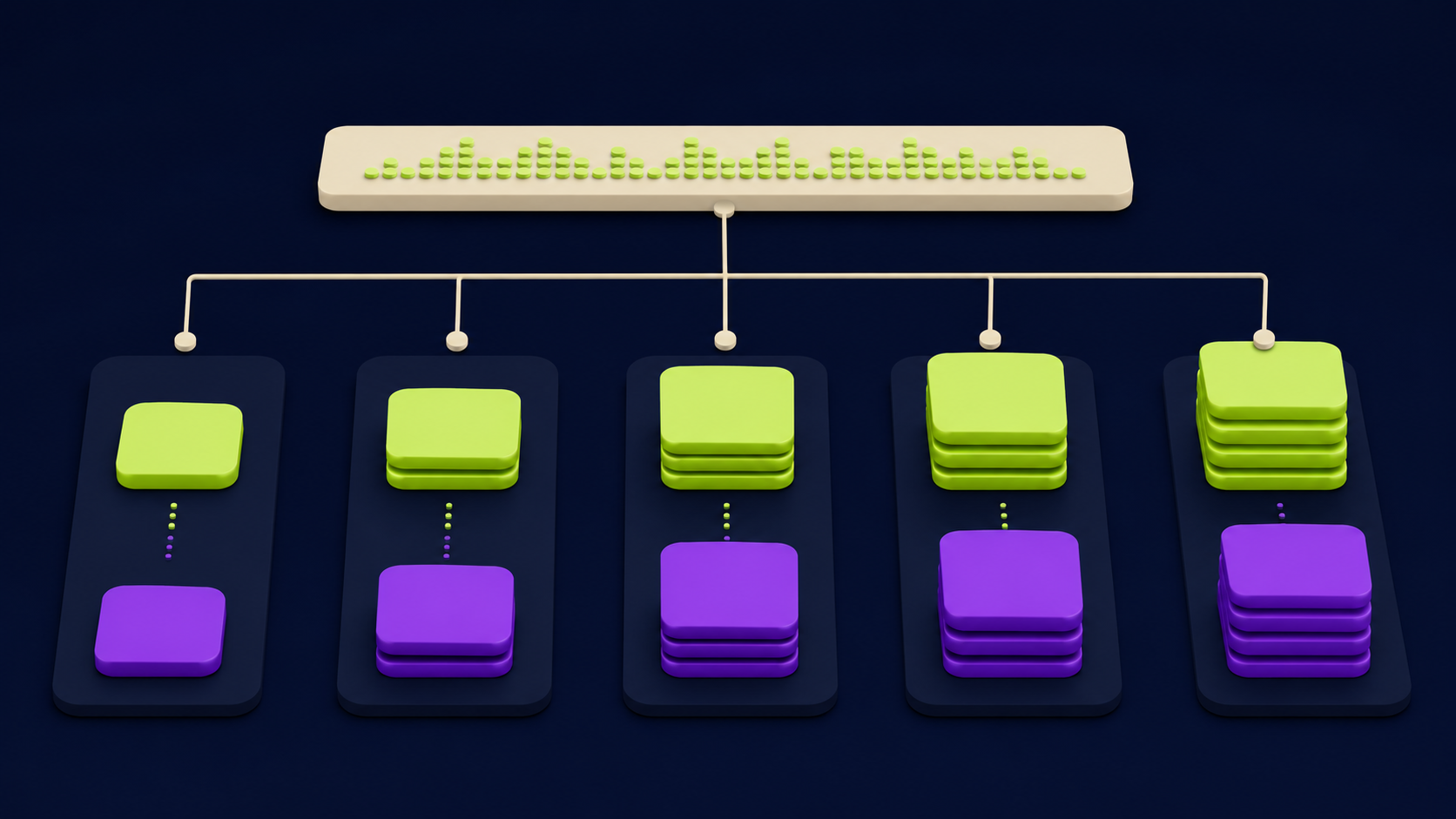
Five subagents running in parallel consume roughly five times the tokens of a single sequential agent doing the same work. Per the official Cursor subagents docs, "each subagent has its own context window and token usage. Running five subagents in parallel uses roughly five times the tokens of a single agent." That is the ceiling, before factoring in the parent's plan-and-summary tokens and any Explore subagents fired by each child.
A representative cost grid based on the docs and the Cursor tokens & pricing page, assuming Claude Sonnet 4.6 at standard rates and a moderate task (50K input, 5K output per agent):
Run type | Subagents | Approx input tokens | Approx output tokens | Wall-clock | Notes |
|---|---|---|---|---|---|
Sequential single agent | 0 | 50,000 | 5,000 | ~6 min | Baseline; no parallel overhead |
/multitask 2 subagents | 2 | ~110,000 | ~10,000 | ~3.5 min | Parent plan + 2 fresh contexts |
Build-in-Parallel 5 subagents | 5 | ~265,000 | ~25,000 | ~2 min | Per Cursor docs, ~5x token cost |
Worktree best-of-N | 3 | ~165,000 | ~15,000 | ~3 min | Same task 3x for quality picking |
The implication: parallel buys wall-clock time, not money. If you are on a usage-based plan, treat Build-in-Parallel as a "ship faster" lever, not a "save tokens" one. The Vantaige Cursor 3.3 context usage breakdown guide covers how to read the per-bucket token costs in real time on the new agent ring.
First-hand setup: a parallel test backfill in 4 minutes
The clearest single test we ran for this article: open Cursor 3.3 on a small TypeScript repo with 6 utility files and zero existing tests. Send the prompt Add Jest unit tests for every file in src/utils/*.ts. Create one __tests__ file per util. Cover happy path and one edge case each. Cursor produces a 6-step plan, one step per util. Click "Build in Parallel." Six subagents spawn in the agent panel; each writes its own test file in roughly 90 seconds. Total wall-clock: 4 minutes 12 seconds. Sequential equivalent (same prompt, no parallel pill): 11 minutes 38 seconds. Token cost was ~5.8x sequential per the Cursor subagents pricing model. Zero merge conflicts because each agent owned its own file.
A second artifact worth shipping in your own writeup: a git log --oneline from after /apply-worktree showing one commit per subagent, with each commit message authored by the parent prompt but scoped to that subagent's file. Clean PR splittable view, ready for the new 3.3 Split-Changes-into-PRs flow.
FAQ
What is the difference between Build-in-Parallel and /multitask?
Build-in-Parallel is the UI button on the plan card; /multitask is the typed slash command. Both spawn async subagents in parallel and use the same execution model per the Cursor 05-07-26 changelog. Build-in-Parallel waits until the agent has produced a plan with multiple steps, then offers parallelization. /multitask runs immediately on whatever compound request you type. Pick the pill for guided refactors with visible plans; pick /multitask for one-shot batched requests where you already know the work splits.
Do parallel agents share my codebase index?
Yes, all subagents share the same Cursor codebase index. Each subagent has its own context window for conversation history, but they read from the same indexed repo. This is the default behavior per the Cursor subagents docs. For true filesystem isolation, use /worktree per task or configure .cursor/worktrees.json so each subagent gets its own checkout. Worktree mode prevents same-file write collisions but uses more disk and slows context refresh.
How many parallel agents can Cursor run at once?
Cursor 2.0 introduced support for up to 8 parallel agents on a single problem in worktree mode per the agentpatterns.ai analysis. The 3.3 Build-in-Parallel pill does not document an explicit cap; it spawns one subagent per independent plan step. Practical limits come from your token budget and your local machine when worktrees are involved. The Cursor worktrees docs default cursor.worktreeMaxCount to 20 retained worktrees before cleanup runs.
What happens if two parallel agents edit the same file?
Without worktrees, the second write wins or you get a merge prompt. With /worktree enabled, each subagent edits its own checkout and you reconcile via /apply-worktree per the Cursor worktrees docs. The cleanest pattern is to pre-scope subagent prompts so file ownership is explicit, then use the new 3.3 Split-Changes-into-PRs flow to land each subagent's changes as an independent PR.
Does Build-in-Parallel work with BYOK API keys?
Yes in Cursor 3.3, but it was buggy in 3.2. Per the Cursor /multitask forum thread, users on custom OpenAI-compatible API keys saw roughly 1 in 4 multitask runs fail in 3.2 because Cursor was toggling the key off. The team confirmed the fix shipped in 3.3. If you are still on 3.2 with BYOK, update before relying on parallel runs.
Can I split parallel agent output into separate PRs automatically?
Yes. The 3.3 Split-Changes-into-PRs flow is designed for exactly this. Per the Cursor 05-07-26 changelog, Cursor uses chat context to identify logical slices, defaults to independent PRs unless dependencies are required, creates a backup snapshot, and proposes a split plan for your approval. Combined with Build-in-Parallel, the workflow is: parallel build, then one-click split, then review N small PRs instead of one mega diff.
Related from Vantaige
Cursor 3.3 Context Usage Breakdown: What to Cut First, Read the new per-bucket token tray and trim 30 percent in 90 seconds.
Claude Code Subagents That Save Context: 3 Patterns (2026), Three working subagent files with measured token counts.
Cursor CVE-2026-26268: Check If You're Patched (Git Hook RCE), 60-second check whether your Cursor install needs the 2.5+ patch.
Fix MCP Server Not Working: The Stdout Bug Hiding Claude's Tools, The 1-line fix per language for the most common MCP setup bug.
References
Cursor, "PR Review, Build Plan in Parallel, and Split PRs" changelog (May 7, 2026) - cursor.com/changelog/05-07-26
Cursor, "Multitask, Worktrees, and Multi-root Workspaces" changelog (April 24, 2026) - cursor.com/changelog/04-24-26
Cursor, "Subagents" docs - cursor.com/docs/context/subagents
Cursor, "Worktrees" configuration docs - cursor.com/docs/configuration/worktrees
Cursor Forum, "PR Review, Build Plan in Parallel, and Split PRs" release thread - forum.cursor.com/t/pr-review-build-plan-in-parallel-and-split-prs/160035
Cursor Forum, "/multitask in Agents Window" release thread - forum.cursor.com/t/multitask-in-agents-window/158955
AgentPatterns, "Cursor 3 Agents Window: Parallel Agents and Worktree Isolation" - agentpatterns.ai/tools/cursor/agents-window
AgentPatterns, "Cursor /multitask: Async Subagent Dispatch in the Editor" - agentpatterns.ai/tools/cursor/multitask-subagents
Cursor, "Tokens & Pricing" - cursor.com/learn/tokens-pricing
Anthropic, "Claude Code subagents" docs - docs.claude.com/en/docs/claude-code/sub-agents
Get the best new AI tools and guides, weekly
One short email a week. The tools worth trying, the guides worth reading, nothing else.
No spam. Unsubscribe anytime.
Aymen B
Contributing writer at Vantaige, covering the AI tools ecosystem.