Run 5 AI Agents in Parallel Without Collisions (2026)
Run 5 AI Agents in Parallel Without Collisions (2026)
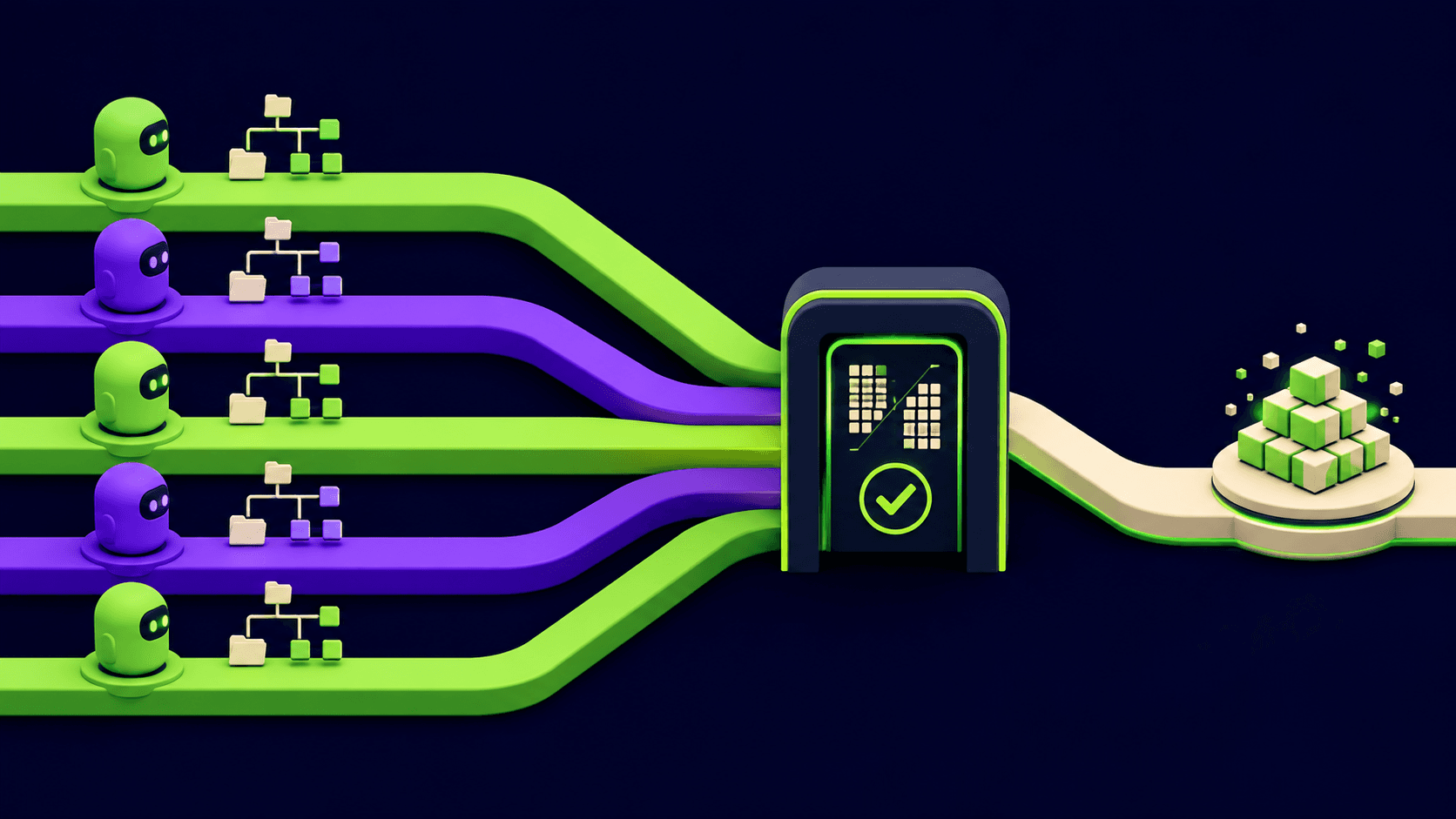
You fire up 5 agents. Twenty minutes later they have stomped each other's files: agent 2 overwrote the auth refactor agent 1 was halfway through, and your working tree is a pile of half-merged edits. Here is the fix. Parallelization is one of the three core agentic patterns in 2026, alongside orchestrator-workers and sequential pipelines, and the reason it usually breaks is not the agents. It is the shared filesystem. This guide gives you the exact setup: one git worktree per agent, disjoint file scopes, an orchestrator that partitions the work, and a merge gate so nothing lands unreviewed.
TL;DR
Give every agent its own git worktree and branch
Partition the task so file scopes never overlap
An orchestrator splits work and assigns owners
Merge through one review gate, never direct to main
Same-file edits force serialization, not parallelism
<your real name> - Founder, Vantaige - Published 2026-05-19 - 12 min read - Last reviewed 2026-05-19
Why do parallel AI agents overwrite each other's files?
Parallel agents collide because they share one working directory. Each agent reads, edits, and writes the same files with no lock between them, so the last write wins and in-progress edits vanish. The fix is filesystem isolation: give each agent its own checkout so two agents physically cannot touch the same file at the same time.
The failure is structural, not a model bug. A single git working tree has one copy of every file. When agent A is two minutes into editing src/auth.ts and agent B opens the same file, B sees A's partial state, makes its own changes, and writes them back. A then finishes and writes its version. One set of edits is now gone, and neither agent knows. Anthropic's Building Effective Agents guide names parallelization (sectioning a task and running subagents simultaneously) as a standard workflow, and the implicit contract is that the sections are independent. Break that contract and you get collisions.
What is the parallelization pattern in agentic systems?
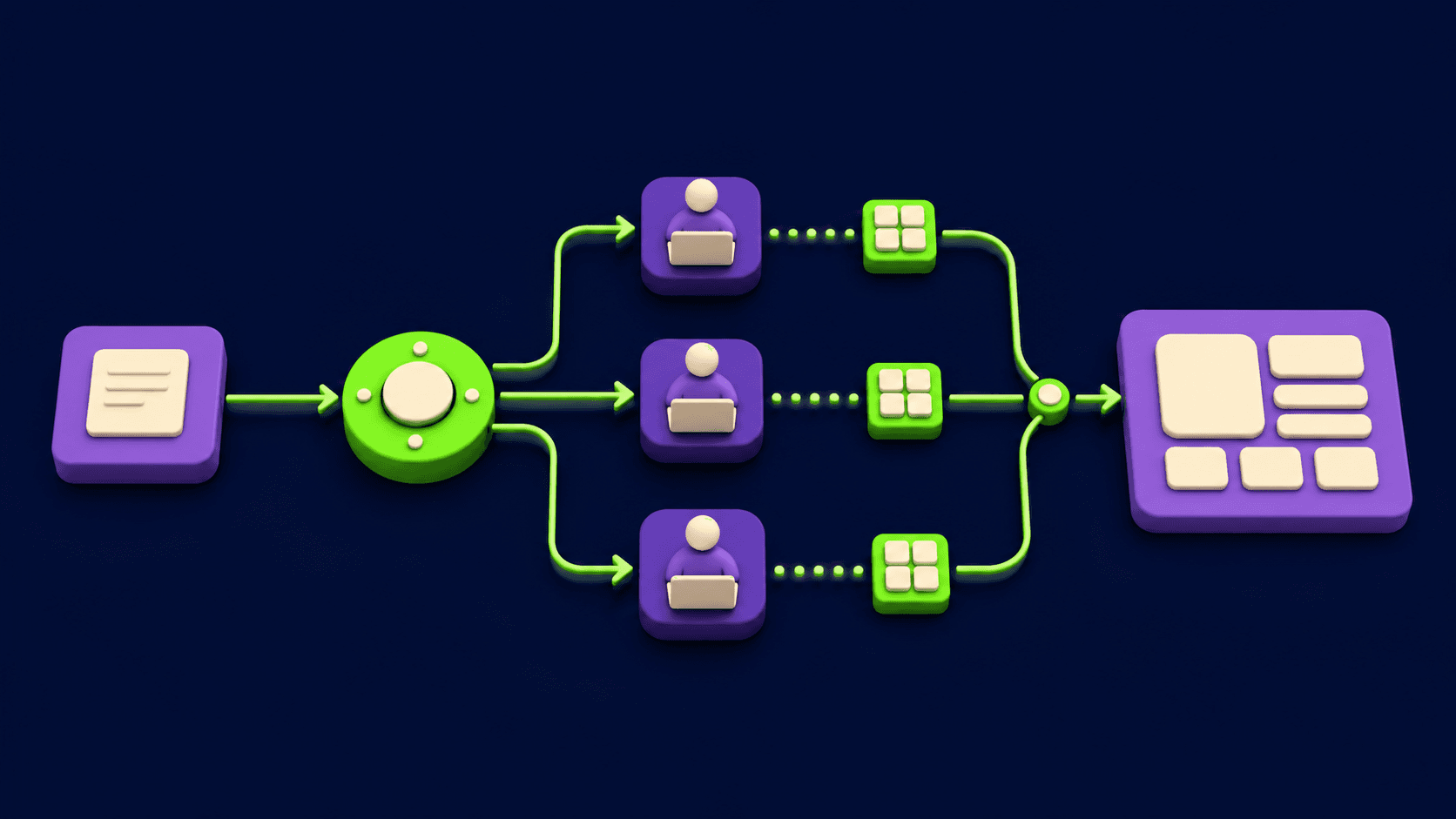
Parallelization is an agentic pattern where one task is split into independent sub-tasks that run at the same time, then their outputs are aggregated. It differs from sequential agents (each step feeds the next) and from orchestrator-workers (a planner dynamically dispatches workers). Parallel is fastest when sub-tasks share no state.
Anthropic's engineering guide describes two parallelization shapes: sectioning (split one job into independent slices, run them concurrently) and voting (run the same job several times and pick the best). For a multi-file code change you want sectioning: each agent owns a slice of the codebase. Orchestrator-workers is the close cousin where a lead agent plans the split at runtime instead of you hardcoding it; see the Vantaige Cursor 3.3 Build-in-Parallel setup guide for how one editor automates that planning step. The key property across all of these: parallel speed is real only when the slices are disjoint. Two agents on overlapping files are not parallel, they are a race condition.
How do I give each agent its own git worktree?
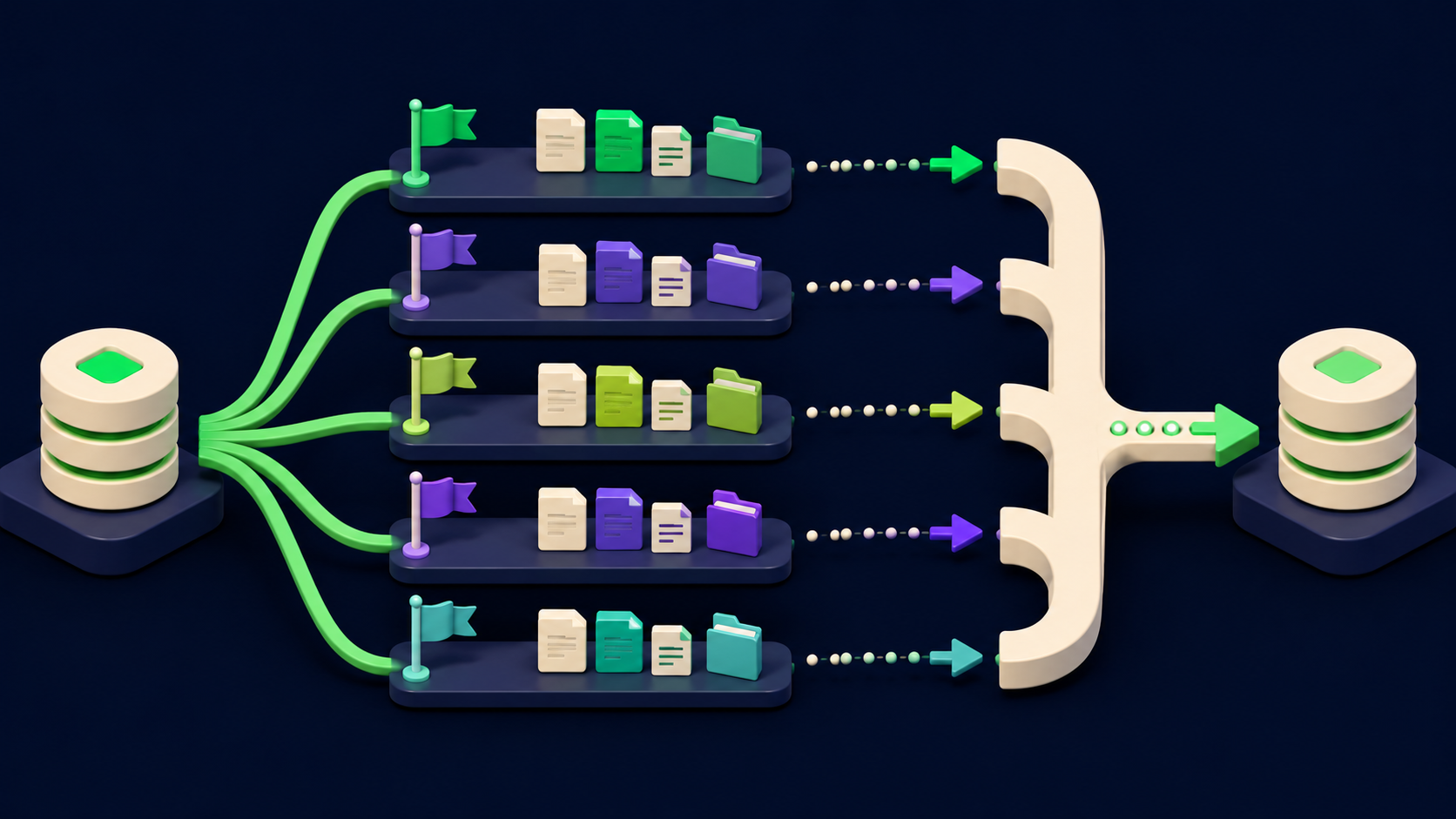
Use git worktree add to create one extra working directory per agent, each on its own branch, all backed by the same repository. Each agent runs in its own worktree path, so edits are physically separate until you merge. This is the single most important step for collision-free parallel agents.
A git worktree is an extra checkout of the same repo, sharing one .git object store but with independent working files and an independent checked-out branch. The official git-worktree documentation describes it as a way to "check out more than one branch at a time." For five agents, create five worktrees off your base branch:
# From the repo root, on an up-to-date main
git fetch origin
git switch main
git pull --ff-only

# One worktree + branch per agent
git worktree add ../agents/a1 -b agent/a1-auth      main
git worktree add ../agents/a2 -b agent/a2-billing   main
git worktree add ../agents/a3 -b agent/a3-api       main
git worktree add ../agents/a4 -b agent/a4-tests     main
git worktree add ../agents/a5 -b agent/a5-docs      main

# Confirm the layout
git worktree list
Now point each agent at its own directory. In Claude Code you open a separate session with its working directory set to that worktree path; the official Claude Code common workflows docs cover the git worktree pattern for parallel sessions. Cursor automates the same idea with worktree-backed parallel agents per its worktrees configuration docs. Mechanics differ per tool, so check current docs for exact flags, but the invariant is identical: one agent, one worktree, one branch. When all five finish, each branch is a clean, reviewable diff:
# Each agent has committed inside its own worktree
git -C ../agents/a1 add -A && git -C ../agents/a1 commit -m "auth: refactor SessionManager"
git -C ../agents/a2 add -A && git -C ../agents/a2 commit -m "billing: split invoice service"
# ...repeat per agent

# Back on main, review and merge one branch at a time
git switch main
git merge --no-ff agent/a1-auth
git merge --no-ff agent/a2-billing
Tear worktrees down when the run is finished so they do not accumulate:
git worktree remove ../agents/a1
git worktree remove ../agents/a2
git worktree prune        # cleans up any stale metadata
How do I partition a task so agents never touch the same file?
Write an explicit ownership map before any agent starts: each agent gets a named slice and a list of paths it alone may edit, plus a read-only set. No path appears in two owned lists. Agents read shared interfaces but only one agent writes any given file. This is what makes the parallelism safe.
The partition is a contract, not a suggestion. The cleanest representation is a small manifest the orchestrator hands to each worker as part of its prompt. Keep owned scopes disjoint and put any file two agents would both need into the shared read-only set with one designated owner:
# task-partition.yaml  (the orchestrator's plan, one block per agent)
shared_readonly:
  - src/types/contracts.ts     # interface only; owned by a3, others read
  - package.json               # owned by a3; others must not edit

agents:
  a1:
    goal: "Refactor auth to use SessionManager"
    owns:   [ "src/auth/**", "src/middleware/session.ts" ]
    reads:  [ "src/types/contracts.ts" ]
  a2:
    goal: "Split the billing invoice service"
    owns:   [ "src/billing/**" ]
    reads:  [ "src/types/contracts.ts" ]
  a3:
    goal: "Add the /v2 API surface + shared contract types"
    owns:   [ "src/api/v2/**", "src/types/contracts.ts", "package.json" ]
    reads:  [ ]
  a4:
    goal: "Backfill unit tests for the changed modules"
    owns:   [ "test/**" ]
    reads:  [ "src/auth/**", "src/billing/**", "src/api/v2/**" ]
  a5:
    goal: "Update docs and the migration guide"
    owns:   [ "docs/**", "README.md", "MIGRATION.md" ]
    reads:  [ "src/**" ]
Three rules make a partition collision-proof. First, every editable path is owned by exactly one agent (check that no glob in two owns blocks can match the same file). Second, anything two agents both need becomes a single owned file plus a read-only reference for everyone else, so the contract is written once. Third, the test and docs agents are pure readers of source but still get their own worktrees, because a test write and a source write in the same tree risk index contention. Disjoint scopes are what convert "5 agents racing" into "5 agents working."
What does the orchestrator actually do?
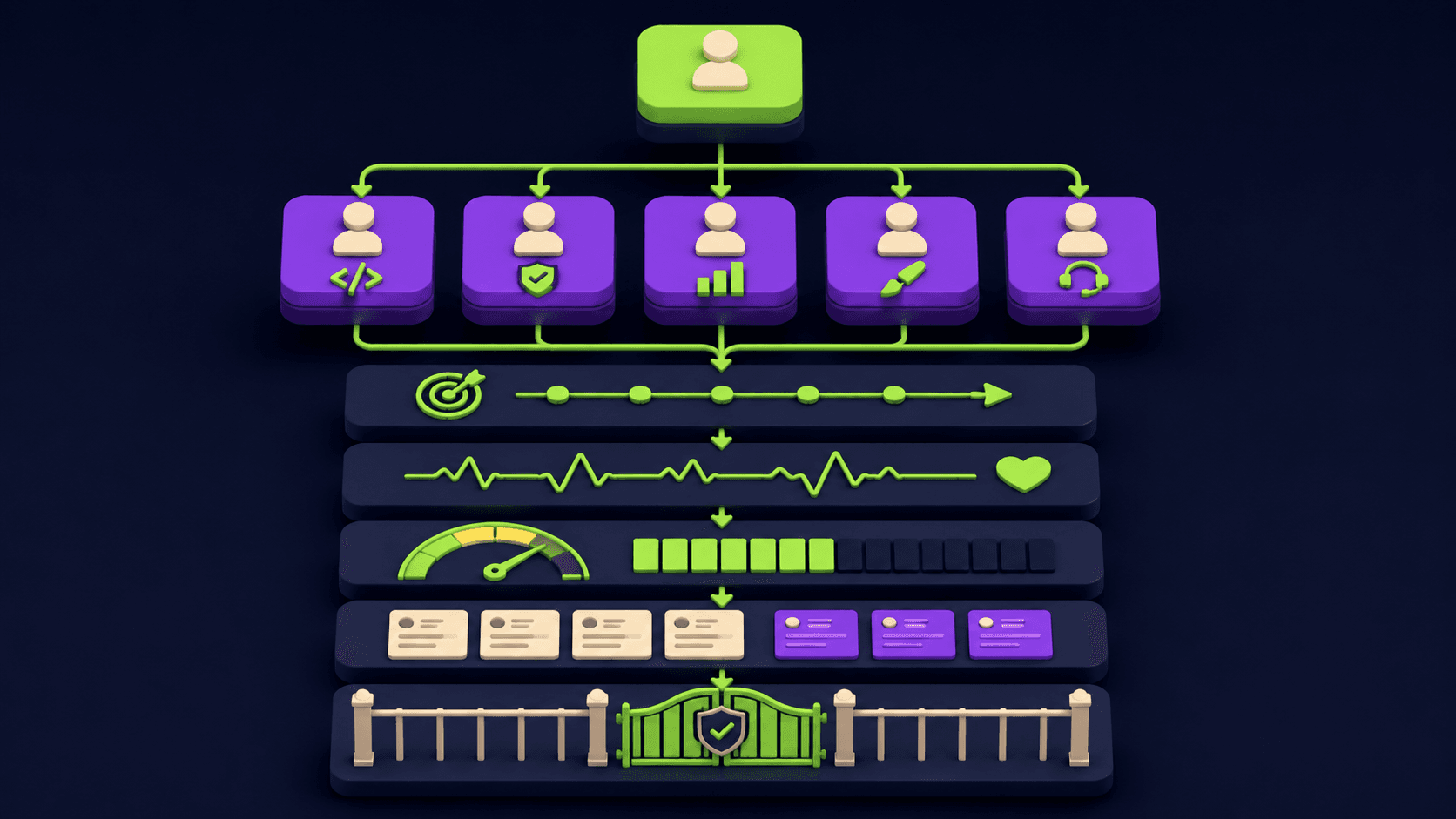
The orchestrator is the lead agent (or a script) that decomposes the goal into disjoint slices, creates one worktree per slice, dispatches one worker per slice with its scoped prompt, waits for all workers, then runs the merge gate. It owns the partition and the integration; workers only touch their own files.
Concretely the orchestrator runs this loop:
Decompose. Turn the goal into N slices with disjoint file scopes. If two slices must touch the same file, do not split them; keep that as one larger slice for a single agent. Misclassifying coupled work as parallel is the most common planning error.
Provision. Create one git worktree and branch per slice (the
git worktree addblock above).Dispatch. Start one agent per worktree. Each agent's prompt includes its
goal, itsownspaths, its read-onlyreadspaths, and one hard instruction: edit only files insideowns; if the task needs a file outside it, stop and report back instead of editing.Collect. Wait for every worker to finish and commit inside its own worktree. Parallel agents return only a final summary to the parent and do not share conversation state. The Vantaige Claude Code subagents context guide covers why each subagent runs in an isolated context window and what to pass in the dispatch prompt.
Integrate. Merge each branch through the review gate (next section). Never let a worker push to main directly.
The pattern is tool-agnostic: Claude Code subagents, Cursor parallel agents, or a plain shell script that launches five CLI processes all implement the same five steps. For a worked example of a lead agent deciding the split dynamically at runtime, see the Vantaige writeup on the orchestrator-workers pattern in Cursor 3.3.
How do I merge five branches without breaking main?
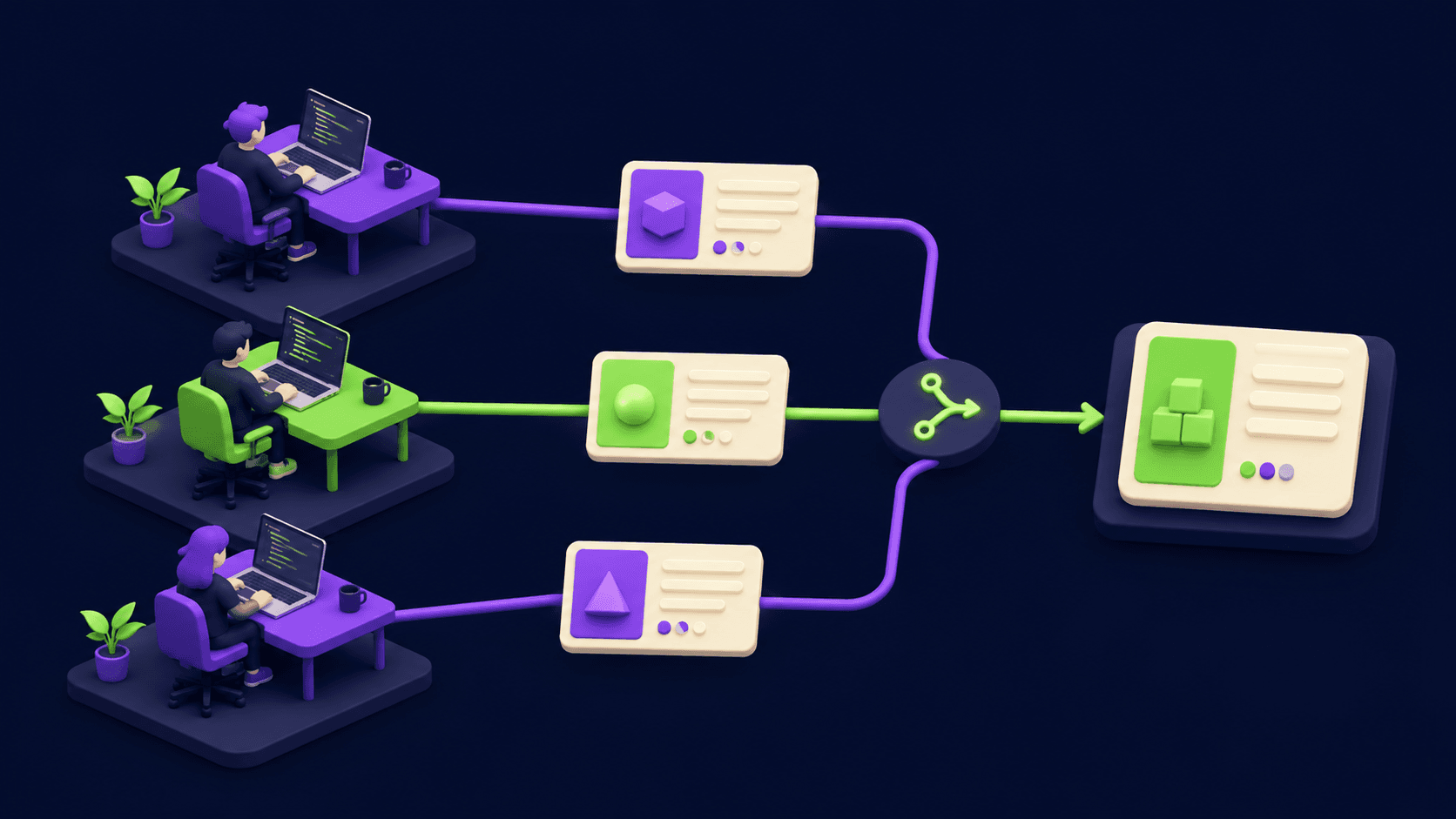
Merge through a single gate: each agent's branch opens a pull request, the orchestrator (or you) reviews the diffs, runs the test suite once on the integrated result, and only then merges. No agent writes to main. Conflicts surface as PR conflicts, not as silent overwrites.
The merge gate turns five risky branches into one safe integration. The sequence:
One PR per agent branch. Each
agent/*branch becomes its own pull request. Small, scoped diffs review fast. Cursor's May 2026 changelog describes a Split-Changes-into-PRs flow that does this automatically; the manual equivalent is one branch, one PR.Review the boundary, not just the code. The highest-value review check is: did any agent edit a file outside its
ownsscope. If yes, the partition leaked and that PR is suspect.Integrate then test once. Merge the branches into an integration branch in dependency order (shared-contract owner first), then run the full test suite on the combined tree. Per-branch green does not guarantee combined green.
Resolve conflicts at the gate. If two branches conflict, git tells you at merge time with the exact file and hunk. That is the correct place to resolve it: visibly, with both versions in hand, not silently inside a shared tree mid-run.
Merge to main last. Only the reviewed, integrated, tested branch lands on main.
A well-partitioned run produces near-zero conflicts because scopes were disjoint by design. The gate exists to catch the cases where the partition was wrong, which is exactly when you want a human or a review agent looking before code hits main.
What are the common mistakes running parallel agents?
Five mistakes cause almost every parallel-agent collision. Each has a direct fix.
Shared working directory. All agents run in one checkout, so they overwrite each other. Fix: one git worktree and branch per agent, every time. This single change eliminates the entire class of silent-overwrite bugs.
Overlapping file scopes. Two agents are both assigned
src/api/. Even in separate worktrees this creates merge conflicts at the gate. Fix: write the ownership manifest and verify no path is owned twice before dispatching.Splitting coupled work. "Add the endpoint" goes to agent A and "call it from the UI" goes to agent B, but the contract does not exist yet, so B invents a wrong one. Fix: keep tightly coupled changes in one slice for one agent, or have the contract owner finish and commit first.
No merge gate. Agents push straight to main, so the first conflict corrupts the trunk. Fix: branch + PR + review + integrated test run before anything reaches main.
Starving the worker prompt. An isolated agent gets the goal but not the file paths or the shared contract, then guesses. Fix: the dispatch prompt must carry the owned paths, the read-only paths, and any interface the agent depends on, because subagents do not share the orchestrator's context.
How many agents can I run in parallel?
The practical ceiling is set by three things: how many truly disjoint slices the task has, your token budget (N parallel agents cost roughly N times one sequential run), and local machine limits when each agent has its own worktree. Most real refactors split cleanly into three to six slices, not fifty.
Token cost scales close to linearly. Five parallel agents each run a full context window, so spend is roughly five times a single sequential pass; Cursor's subagents documentation states running five subagents in parallel uses roughly five times the tokens of one agent. Parallelism buys wall-clock time, not money. The other limit is the task: you cannot create more independent slices than the work has. If a job has two genuinely independent parts, five agents means three are idle or fighting over shared files. Slice by real independence, not by how many agents you wish you could run. For trimming per-agent context, the Vantaige Cursor 3.3 context breakdown guide covers what to cut first.
First-hand setup: a five-worktree refactor in one pass
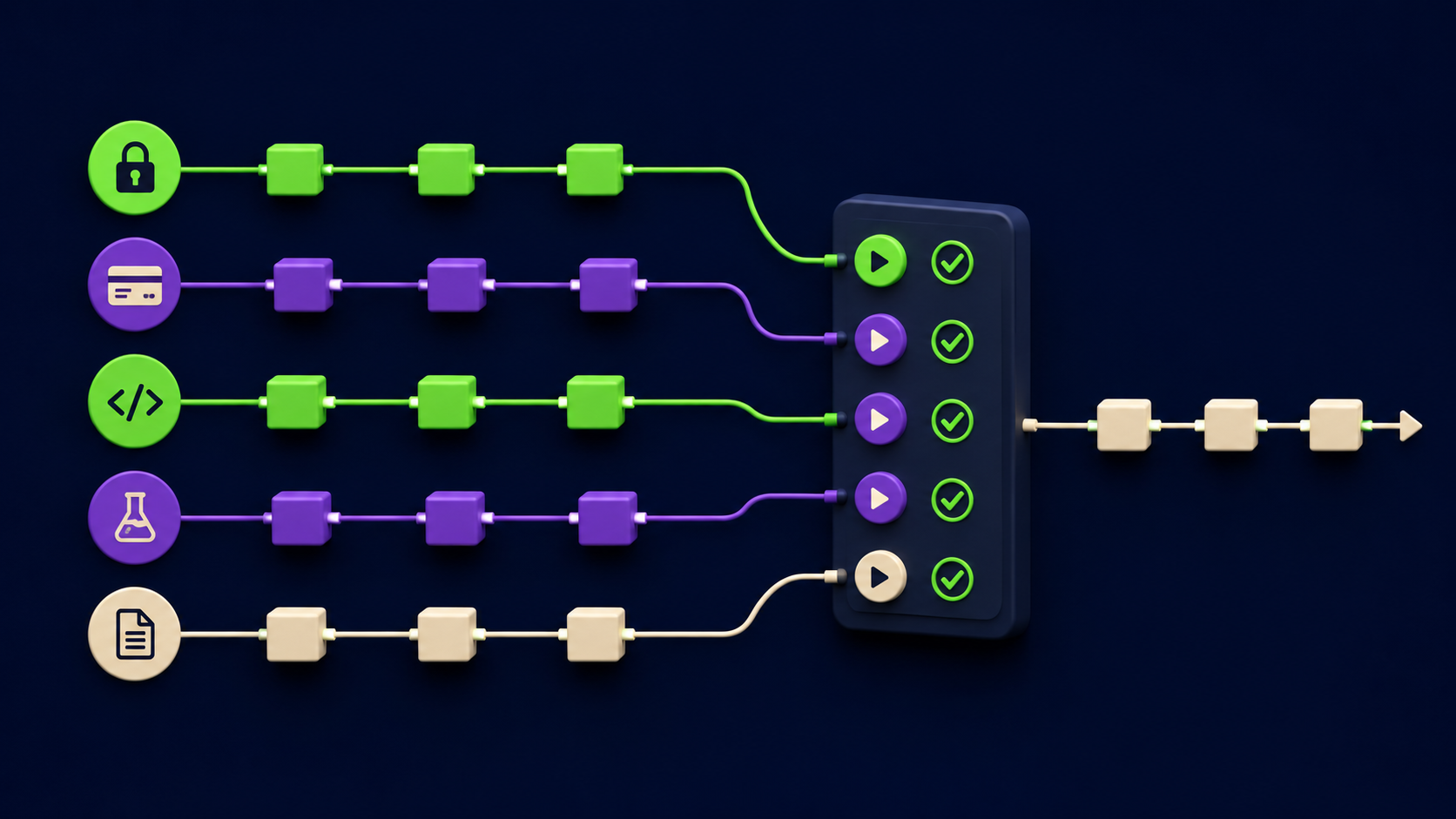
The clearest test we ran for this article: a TypeScript service with auth, billing, an API layer, tests, and docs. Goal: modernize all five areas in one parallel pass. We used the task-partition.yaml above so the five scopes were disjoint, with shared contracts.ts owned only by the API agent. Then five worktrees, five branches, five Claude Code sessions, one per worktree path. Each agent committed inside its own worktree. The integration artifact worth reproducing is the post-merge log: one merge commit per agent branch, contract owner first, zero conflicts because no two agents owned the same path.
$ git log --oneline --merges -5
9f2a1c4 Merge branch 'agent/a3-api'      # contract owner, merged first
b71eADD Merge branch 'agent/a1-auth'
c08d2f1 Merge branch 'agent/a2-billing'
e4a99b2 Merge branch 'agent/a4-tests'
1d6c0aE Merge branch 'agent/a5-docs'

$ git diff --stat main@{1} main | tail -1
 18 files changed, 642 insertions(+), 287 deletions(-)
The one collision we deliberately induced (assigning both the auth agent and the API agent to contracts.ts) produced a merge conflict at the gate, not a silent overwrite: visible, at integration time, with both versions present. Re-running with the file owned by a single agent removed the conflict entirely. Collisions are a partition problem, and the gate is where a bad partition becomes visible instead of destructive.
FAQ
Do I need git worktrees, or can parallel agents share one checkout?
You can share one checkout only if every agent's file scope is strictly disjoint and your tool serializes writes, which most do not guarantee. Git worktrees are the reliable answer: each agent gets its own working directory and branch, so two agents physically cannot edit the same file copy. Per the git-worktree docs, worktrees share one object store but keep working files independent. Shared-checkout setups work until two agents touch the same file, then you get silent overwrites.
What happens if two parallel agents edit the same file anyway?
In a shared checkout, the last write wins and the other agent's edits disappear with no error. In separate worktrees, both edits survive on their own branches and the conflict surfaces at merge time as a normal git conflict you resolve with both versions visible. The second outcome is strictly better: nothing is lost, and the collision is explicit. This is the core reason to give every agent its own worktree even when you believe the scopes are disjoint, because partition mistakes happen.
How is parallelization different from the orchestrator-workers pattern?
Parallelization splits a task into independent slices that run at the same time, with the split often decided up front. Orchestrator-workers adds a lead agent that decides the split dynamically at runtime and may spawn workers iteratively. Anthropic's Building Effective Agents guide treats them as related workflows. In practice you combine them: an orchestrator does the dynamic partition, then dispatches the slices in parallel. Both require disjoint file scopes and a merge gate to be collision-safe.
Does Claude Code support running agents in parallel?
Yes. Claude Code supports multiple parallel sessions and subagents, and the git worktree pattern for running them in isolated working directories is documented in the official Claude Code common workflows docs. Each subagent runs in its own context window and returns a summary to the parent. The exact commands and any flags change between releases, so check the current Claude Code docs rather than assuming a specific flag, but the worktree-per-agent model is stable and tool-agnostic.
How do I keep token cost down when running five agents?
Accept that parallel costs roughly N times sequential (Cursor's subagents docs cite about five times for five agents) and optimize the per-agent context instead. Pass each agent only its owned paths and the one shared interface it needs, not the whole repo. Disable any auto-exploration step that re-scans the codebase blind. Use parallelism only when wall-clock time matters more than spend, and run sequentially when it does not. The Vantaige context breakdown guide details what to trim first.
When should I not run agents in parallel?
Do not parallelize when the work is one logical change across coupled files: a database schema plus its ORM model plus the migration, or a single file that needs several related edits. Splitting these across agents breaks atomicity and creates wrong contracts. Run those sequentially with one agent. Parallel pays off only when the task has genuinely independent slices, such as a monorepo where each package changes separately, or a test backfill where each file gets its own test.
Related from Vantaige
Cursor 3.3 Build-in-Parallel Setup: Real-World Refactor Guide - The orchestrator-workers split automated inside one editor, with token cost numbers.
Claude Code Subagents That Save Context: 3 Patterns (2026) - Why each subagent has its own context window and what to pass in the dispatch prompt.
Cursor 3.3 Context Usage Breakdown: What to Cut First - Trim per-agent context so five parallel agents stay affordable.
n8n MCP Claude Code Setup Guide (2026) - Wire an orchestrator into an n8n workflow that dispatches agents.
References
Anthropic, "Building Effective Agents" - anthropic.com/engineering/building-effective-agents
Git, "git-worktree" documentation - git-scm.com/docs/git-worktree
Anthropic, "Claude Code common workflows" docs - docs.claude.com/en/docs/claude-code/common-workflows
Cursor, "Worktrees" configuration docs - cursor.com/docs/configuration/worktrees
Cursor, "Subagents" docs - cursor.com/docs/context/subagents
Cursor, "PR Review, Build Plan in Parallel, and Split PRs" changelog (May 7, 2026) - cursor.com/changelog/05-07-26
Get the best new AI tools and guides, weekly
One short email a week. The tools worth trying, the guides worth reading, nothing else.
No spam. Unsubscribe anytime.
Aymen B
Contributing writer at Vantaige, covering the AI tools ecosystem.