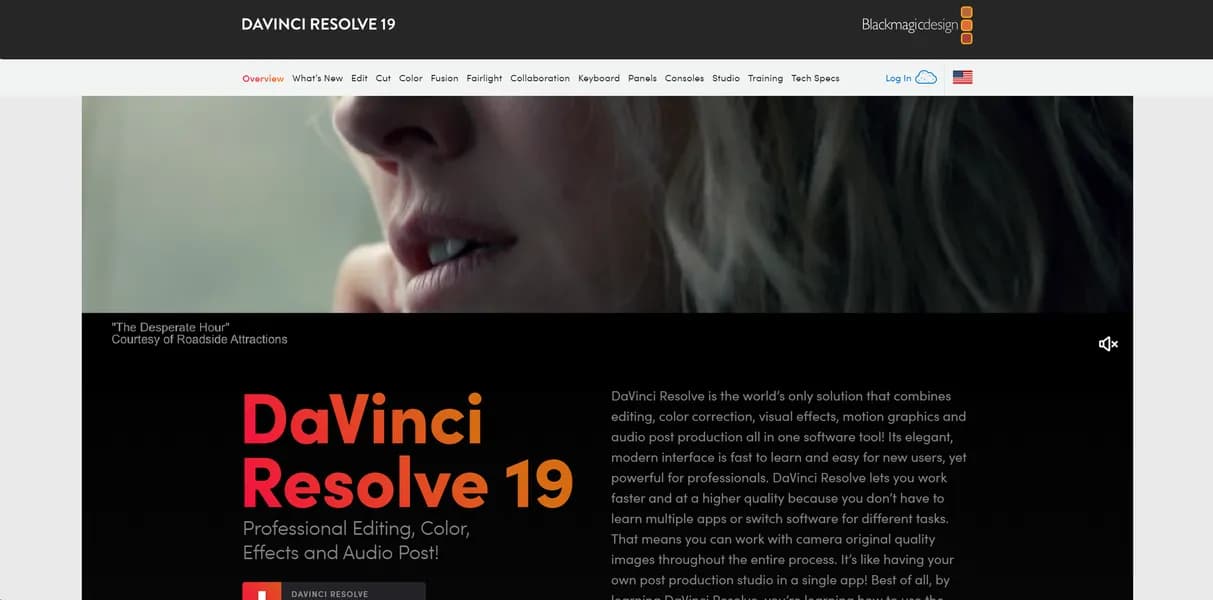

DaVinci Resolve combines video editing, color correction, and audio mixing into a single application for professional filmmakers. It handles 8K raw footage using a node-based workflow. But the steep learning curve and heavy GPU requirements make it difficult for casual creators.
What is DaVinci Resolve?
You shoot a documentary interview in a dark room with mixed lighting. Fixing the skin tones and removing background hum requires exporting files to three different applications. DaVinci Resolve keeps you in one timeline.
Blackmagic Design created this professional video editing software to combine editing, color correction, visual effects, and audio post-production. It targets high-end film and television editors who need precise control over every pixel. The software handles 8K raw footage without requiring proxy files on high-end machines.
- Primary Use Case: Color grading feature films and editing multi-camera television shows.
- Ideal For: Professional colorists and audio engineers.
- Pricing: Starts at $30 (Monthly) – The free tier offers most features without watermarks.
Key Features and How DaVinci Resolve Works
Node-Based Color and VFX
- Visual Node Graph: You connect boxes representing effects to build complex color grades. But managing dozens of nodes becomes confusing on small monitors.
- Universal Scene Description: You import 3D assets from Maya or Houdini. Yet rendering these heavy files requires massive GPU memory.
- Resolve FX: You apply over 100 built-in GPU accelerated effects including blurs and light flares. Still, stacking multiple effects causes playback stuttering on basic laptops.
AI Neural Engine Tools
- Magic Mask: The AI isolates moving objects or people with a single stroke. Still, fast-moving subjects with motion blur break the tracking.
- Voice Isolation: The software removes loud background noise from dialogue tracks. But pushing the isolation slider past 80 percent creates robotic audio artifacts.
- Smart Reframe: The tool identifies action and crops video for vertical social media formats. Yet it struggles to track multiple subjects in the same frame.
Fairlight Audio Integration
- Professional DAW: You mix up to 2,000 tracks with support for VST plugins. But the interface overwhelms users who only need basic volume adjustments.
- 3D Spatial Audio: You master tracks for Dolby Atmos cinema delivery. So you must own a certified surround sound speaker setup to hear accurate results.
DaVinci Resolve Pros and Cons
Pros
- Industry-standard color grading tools match those used in major Hollywood productions like Avatar.
- The free version provides 90 percent of features without watermarks or time limits.
- A $295 one-time perpetual license fee avoids the recurring subscription costs of competitors.
- Optimized performance on Apple Silicon uses Metal for real-time 4K playback.
Cons
- The complex node-based interface creates a steep learning curve for beginners.
- The Fusion VFX page consumes heavy resources and crashes on mid-range laptops.
- Database project management confuses users accustomed to simple file-based saving systems.
Who Should Use DaVinci Resolve?
- Professional Colorists: You get the exact HDR wheels and scopes required for broadcast delivery.
- Budget-Conscious Filmmakers: The free tier gives you professional tools without a monthly bill.
- Solo Content Creators: You should avoid this tool if you just want to trim clips fast.
DaVinci Resolve Pricing and Plans
The pricing structure remains unusual for professional software.
The free tier is a real, permanent version.
DaVinci Resolve Free costs $0 per month. It limits exports to 4K resolution at 60fps. You get standard editing and color tools. DaVinci Resolve Studio costs $30 per month. This unlocks 32K resolution, 120fps, and the AI Neural Engine. You can also buy a Studio Perpetual license for $295. This one-time fee includes all future updates. DaVinci Resolve for iPad costs $94.99 as a one-time upgrade for Studio features on iPadOS.
How DaVinci Resolve Compares to Alternatives
Similar to Adobe Premiere Pro, this software handles massive multi-camera timelines. But Adobe forces you into a $22.99 monthly subscription. Premiere Pro relies on a layer-based workflow for effects. Resolve uses nodes. Adobe integrates well with After Effects (many motion designers prefer After Effects over Fusion). Premiere Pro offers better native support for varied social media export formats.
Unlike Final Cut Pro, Resolve runs on Windows, Mac, and Linux. Final Cut Pro costs $299 and only works on Apple hardware. Final Cut Pro uses a magnetic timeline. Beginners learn this fast. Resolve uses a traditional track-based timeline that requires manual clip management. Final Cut Pro renders background files faster on older Mac hardware.
The Final Verdict for Video Professionals
DaVinci Resolve gives professional colorists and editors unmatched control over their footage. The one-time pricing model respects your budget.
But the hardware tax is real.
You need a dedicated GPU and at least 32GB of RAM to run the Fusion page without crashing (I lost a day of work learning this the hard way). Beginners should look at Final Cut Pro for a gentler introduction to video editing. The honest limit remains the database system. If your local database corrupts, you lose access to all projects inside it unless you maintain strict daily backups.
User Reviews
No reviews yet. Be the first to share your experience!
Sign in to write a review.
Related articles
Guides and articles related to DaVinci Resolve.

AI Video Generator Prompting: The Filmmaker's Real Workflow

Wix Logo Maker Review (2026): Real Costs, the Edit Catch, and AI Alternatives

The Personal AI Productivity Stack (2026): One Tool Per Job, Nothing Extra

Undetectable AI Review (2026): What It Does, What It Costs, and 7 Alternatives

Google Vision AI Explained (2026): Pricing Per 1,000 Units, Free Tier, and Alternatives