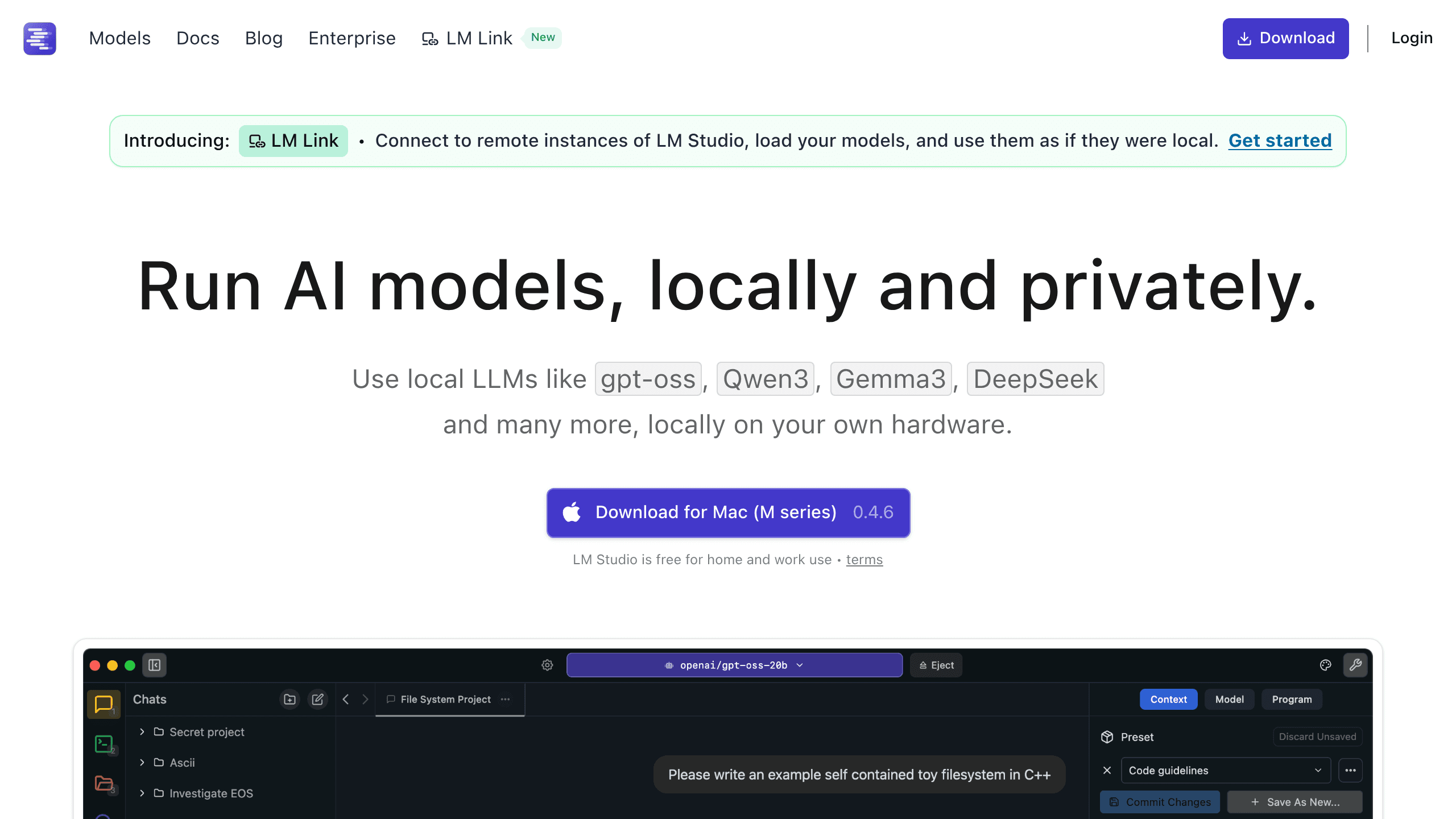
LM Studio is the most widely used desktop app for running open-weight language models locally. Free for personal and work use, it offers a GGUF and MLX model browser, built-in chat UI, and a local OpenAI-compatible API server across Mac, Windows, and Linux.
LM Studio is a free desktop application made by Element Labs, Inc. that lets you download, run, and chat with open-weight large language models directly on your own hardware. Founded by Yagil Burowski, the company ships a polished cross-platform GUI designed to make local inference accessible without requiring any command-line experience. It solves a specific problem: the gap between "open-weight models exist" and "I can actually run them on my machine today."
At its core, LM Studio combines a Hugging Face model browser, a chat interface, and a local API server into one install. It supports GGUF models via a custom llama.cpp fork (covering CPU, NVIDIA GPUs, AMD GPUs, and Apple Silicon via Metal) and MLX-format models via its native MLX engine (exclusive to Apple Silicon, substantially faster on M-series chips). The local API server runs on localhost:1234 and accepts OpenAI-compatible requests, letting you swap your cloud API endpoint for a local one with a single URL change. As of April 2026, the latest stable release is 0.4.12, with active development shipping multiple updates per month.
LM Studio at a glance, April 2026
Version 0.4.12 is the current stable release as of April 17, 2026. LM Studio supports any GGUF-format model (covering virtually all quantized open-weight releases on Hugging Face) and MLX-format models on Apple Silicon. You can load multiple models simultaneously, mixing llama.cpp and MLX engines. Context windows are constrained by available RAM and VRAM; users with 32GB+ systems can run 7B-13B models at extended contexts without trouble.
Supported model families include Llama 3 and 4, Qwen 3, DeepSeek-R1, Gemma 4, Mistral, Phi-4, and most other actively maintained open-weight families. Vision models are supported via both engines (mlx-vlm handles vision on the MLX path). Tool calling and structured JSON output are available through the API. The 0.4.0 release in January 2026 introduced llmster, a headless daemon that runs LM Studio's inference stack on a server or CI environment without any GUI. Developer SDKs for Python and TypeScript shipped as 1.0.0 releases.
Key features added in 2025-2026: Model Context Protocol (MCP) support (0.3.17, June 2025), speculative decoding (0.3.10, February 2025), multi-GPU controls (0.3.14, April 2025), RTX 50-series GPU support via CUDA 12.8 (0.3.15, May 2025), reasoning effort controls for compatible models (0.4.8, March 2026), and LM Link, which provides remote instance connectivity with end-to-end encryption via a Tailscale partnership (0.4.6, February 2026).
The MLX engine is particularly significant for Apple Silicon users. LM Studio benchmarked Llama 3.2 1B at approximately 250 tokens per second on M3 Max using MLX, and KV caching optimization for vision-language models produced a roughly 25x improvement in time-to-first-token for follow-up messages with Gemma 3 12B on M3 MacBook Pro. Mac Studio M3 Ultra and M4 Ultra owners with 96GB or 192GB unified memory can run 70B+ parameter models that are simply out of reach for GPU-limited PC setups.
What LM Studio is actually good at
The model discovery and download workflow is LM Studio's most praised feature. You open the app, search by model name or filter by size and quantization, and download directly to a local models directory. There is no manual Hugging Face navigation, no CLI command to memorize. For someone making their first contact with local inference, this removes the biggest practical barrier.
The local API server is the second major strength. Developers who want to test prompts against a local model before paying for cloud inference can point any OpenAI-compatible client at http://localhost:1234/v1 and get a working endpoint. This makes LM Studio useful not just as a chat UI but as a development proxy: write against the local API, iterate quickly, then swap the base URL for production. The AnythingLLM integration works this way, for example.
Apple Silicon performance via MLX is a genuine differentiator. No competing local GUI provides MLX inference. Ollama uses llama.cpp on all platforms including Apple Silicon. Jan uses its own nitro runtime (also llama.cpp based). LM Studio is the only major GUI that ships a dedicated MLX engine, and the performance difference on M-series chips for supported model families is measurable, not marginal.
"Interface makes working with on-device models easier than command-line tools. Great for experimenting without burning subscription credits." - Reddit user, cited in LM Studio 2026 Review, elephas.app
The MCP client support (added June 2025) extends the chat UI into an agent-capable interface: you can connect the running model to external tools, file systems, or APIs through MCP servers, turning a local chat session into a tool-using agent without leaving the app. The Anthropic-compatible API output option (0.4.9, April 2026) further broadens integration options beyond strictly OpenAI-pattern workflows.
Where LM Studio breaks: the failure modes users keep hitting
The closed-source nature of the application binary is the loudest recurring complaint from the r/LocalLLaMA community. One frequently upvoted comment captures the tension directly:
"This is awesome, I just hate the closed source nature of LM Studio." - r/LocalLLaMA commenter, 21 upvotes, circa 2024-2025
Because LM Studio is not auditable, users who care about application-level transparency cannot verify what telemetry the app sends, even if they accept that their model inference runs fully offline. The privacy policy states that no messages or chat history leave the device by default, but the code cannot be independently confirmed. This is a genuine limitation compared to Ollama (MIT-licensed, fully open source) and Jan (AGPLv3, fully open source).
Hardware requirements are non-trivial. The practical minimum is 16GB RAM, with 32GB recommended for a comfortable experience with 7B models at moderate context lengths. Users on 8GB systems either cannot run LM Studio effectively or are limited to very small models (1B-3B) with low context limits. Unlike cloud services, there is no way to scale hardware on demand.
Download management has been a source of friction. Models range from 2GB to 100GB+ depending on parameter count and quantization. Failed or interrupted downloads historically required a full restart with no resumption from where they stopped. This is particularly painful for 40GB+ model files on slower connections.
GPU offload configuration is not intuitive for new users. The n_gpu_layers setting, context window size, and batch size all interact in ways that can produce silent performance degradation or out-of-memory crashes without clear error messaging. The app provides sliders and inputs for these parameters but offers limited guidance on optimal values for specific hardware and model combinations.
The tool calling implementation, while available, is described in community threads as beta-quality for many model families. Not all models that claim tool calling support in their Hugging Face cards perform reliably through LM Studio's API endpoint, and testing across model families produces inconsistent results.
LM Studio vs. Ollama vs. Jan
Ollama is CLI-first. It ships as a lightweight Go binary wrapping llama.cpp, exposing a terminal interface and REST API with no GUI. Model management happens through commands like ollama pull llama3 and ollama run llama3. Because Ollama has no GUI overhead, it has a smaller process footprint and faster cold start, making it the preferred choice for headless server deployments, scripting, and developer workflows where a chat interface is unnecessary. It is fully open source (MIT license). The critical limitation: Ollama provides no MLX engine, so Apple Silicon users get llama.cpp performance only. There is no built-in model browser with download UI; you need either the terminal or a third-party front-end like Open WebUI for a chat experience. For developer-focused local inference with no need for a GUI, Ollama is frequently the right choice. For anyone who wants a self-contained desktop experience, LM Studio wins on usability.
Jan (jan.ai) is open source (AGPLv3) and ships as an Electron-based desktop app with a ChatGPT-like UI. It uses a nitro runtime (llama.cpp-based) and has no MLX engine, so all inference on Apple Silicon uses llama.cpp Metal acceleration only. Jan's model hub is smaller and less integrated with Hugging Face than LM Studio's browser. The open-source codebase is Jan's primary advantage: the full application is auditable, which directly addresses the trust objection that follows LM Studio around. The interface is functional but generally rated below LM Studio in polish. Jan has a smaller community and moves slower on feature additions, lacking equivalents to llmster, MCP support, or the MLX engine. For open-source purists who need transparency over features, Jan is the honest recommendation. For users who want the most capable and actively developed local LLM GUI, LM Studio leads the category.
A point worth noting: performance differences between LM Studio and Ollama on equivalent hardware running GGUF models via llama.cpp are under 5% per community benchmarks on r/LocalLLaMA. The choice is primarily about interface and workflow, not raw inference speed for most users. The MLX delta on Apple Silicon is where LM Studio creates a real performance gap.
Is the paid tier worth it?
There is no paid individual tier. LM Studio is free for personal use and, since July 8, 2025, free for work and commercial use as well. Yagil Burowski announced the change directly: "Starting today, there's no need to fill a form or contact us. You and your team can just use LM Studio at work!"
The policy shift followed two years during which a commercial license was technically required for organizational use. The friction in the procurement process was suppressing adoption at companies and universities, not generating revenue, so the requirement was dropped entirely. Fortune 500 companies and universities were already using the app through the Enterprise tier; the change primarily freed small teams and individual professionals from the paperwork.
The free Teams Hub plan (public organization) allows teams to share prompts and chat outputs. A private Teams plan for smaller organizations with collaboration needs was introduced in the same announcement. An Enterprise plan with SSO, model and MCP gating, and access management exists for large organizations with compliance requirements, at undisclosed pricing.
For the vast majority of users, the answer is simple: LM Studio costs nothing to use for any purpose. The Enterprise plan is only relevant for organizations that need SSO or need to control which models employees can access. If you are an individual or a small team, there is no upsell path that affects your daily use of the tool.
Best use cases (and when to skip it)
LM Studio is strongest for: hobbyists and researchers who want a GUI-driven local inference experience without terminal commands; Apple Silicon users who want MLX-accelerated inference for supported models; privacy-conscious professionals (legal, medical, financial) who cannot send client data to cloud APIs and need a verifiable offline workflow; developers building OpenAI-API-compatible applications who want a local server for testing before production; and teams using local models in conjunction with AnythingLLM, ComfyUI, or other tools that accept OpenAI-compatible endpoints.
Skip LM Studio if: you are on 8GB RAM and expecting anything beyond small model performance; you need application-level code audibility and cannot accept a closed-source binary (use Ollama or Jan); you are deploying local inference at scale on a Linux server where llmster's headless mode would work but Ollama's lighter footprint is better suited; you need proprietary models like GPT-4o or Claude, which are unavailable locally; or you want to fine-tune models rather than just run inference (LM Studio does not support fine-tuning, unlike dedicated tools).
Users who care about the Llama model family specifically will find LM Studio one of the fastest paths to running Llama 3 and Llama 4 locally, with both GGUF and MLX format support covering virtually every quantization variant the community has released.
Getting started with LM Studio
Download from lmstudio.ai for macOS, Windows, or Linux. On first launch, the Discover tab presents a searchable model browser. For a first model, a 4-bit quantized 7B model (Q4_K_M quantization, roughly 4-5GB) is a practical starting point on a 16GB system. LM Studio displays RAM requirements per model before download.
After loading a model, the Chat tab provides a standard conversation interface with system prompt control, temperature, context window settings, and response length controls in the sidebar. The Developer tab exposes the local server toggle, letting you start the OpenAI-compatible API server with one click.
For Apple Silicon users wanting MLX performance: switch the model format filter to MLX in the Discover tab. MLX model downloads are separate from their GGUF counterparts; download an MLX variant of your target model, and LM Studio will automatically route inference through the MLX engine. The speed improvement over GGUF/llama.cpp is immediately obvious on M3 and M4 chips.
The CLI tool (lms) handles model loading, server management, and log inspection from the terminal. The Python and TypeScript SDKs (both at 1.0.0 as of 2025) wrap the local API for developer workflows. The headless llmster daemon is documented at lmstudio.ai/docs for server use cases.
User Reviews
No reviews yet. Be the first to share your experience!
Sign in to write a review.
Related articles
Guides and articles related to LM Studio.
Run Open Source AI Models Locally: Battle-Tested Guide
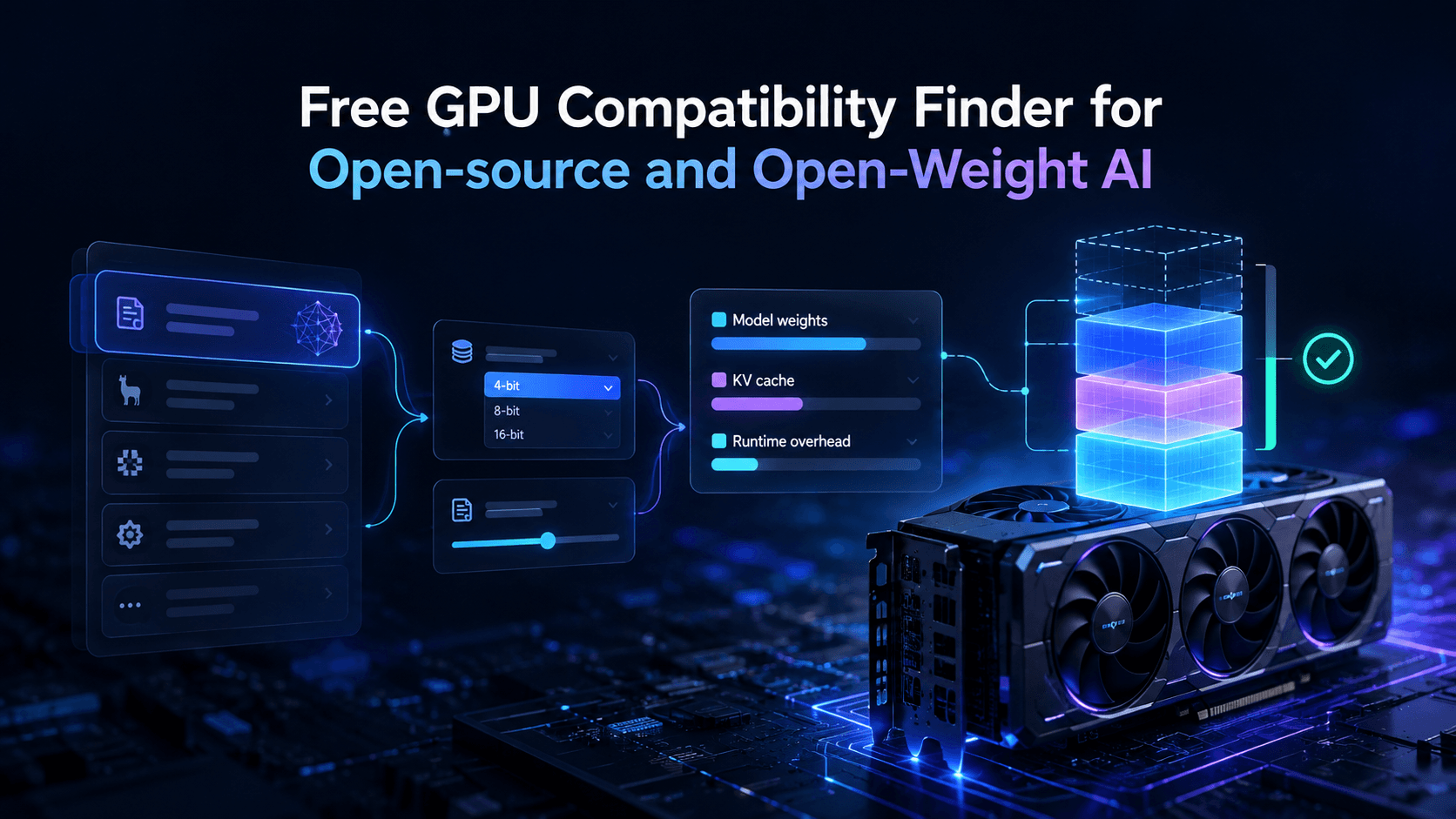
Vantaige Launches the LLM VRAM Calculator: A Free GPU Compatibility Finder for Open-source and Open-Weight AI
Ship Your First MCP Server in 20 Minutes (2026)

Nous Hermes 4: The Self-Hosted Open-Weight Agent Brain (2026)
Grok 4.3 API for Agents (May 2026): Pricing, Benchmarks, Migration