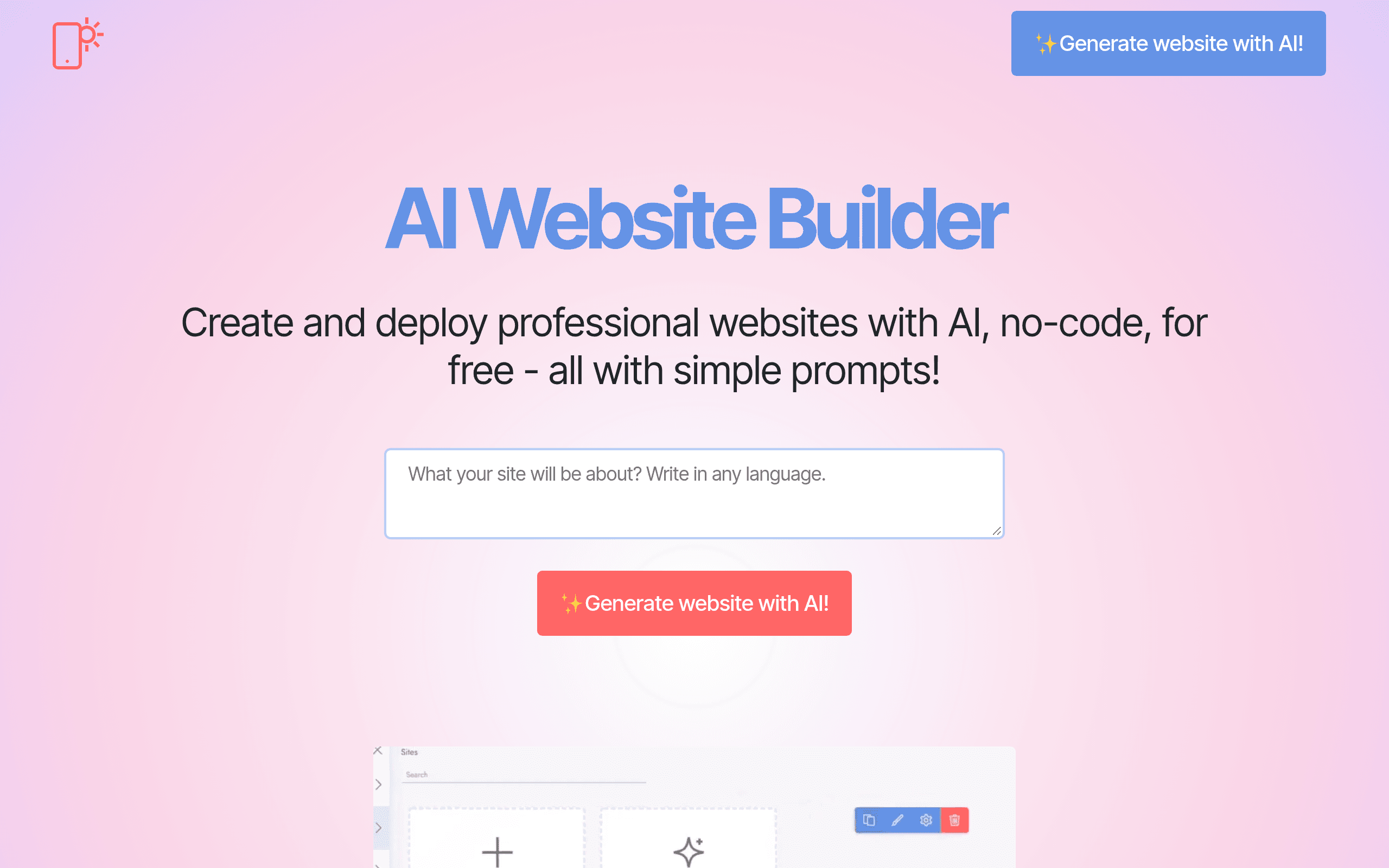

Mobirise AI Website Builder generates responsive, multi-page websites from a single text prompt in under 60 seconds. Designed for freelancers and small businesses, it allows users to export HTML files for local hosting. The AI-generated copy often requires heavy manual editing to sound natural.
What is Mobirise AI Website Builder?
Over 5,000 pre-designed layout blocks power the Mobirise AI Website Builder. This platform generates a complete multi-page website from a single text prompt in under 60 seconds. Users type a description of their business, and the engine outputs a responsive layout filled with stock images and placeholder copy.
Developed by Mobirise, this tool solves the blank page problem for freelancers and small business owners. It bridges the gap between automated online builders and traditional local development. You can generate a site online or download the desktop application to build offline.
This flexibility appeals to users who want full control over their hosting environment.
- Primary Use Case: Generating responsive HTML websites for local export and private hosting.
- Ideal For: Freelancers and budget-conscious small business owners.
- Pricing: Starts at $2.42/mo (Freemium) – An extremely low entry price for unlimited hosting and custom domains.
Key Features and How Mobirise AI Website Builder Works
Automated Site Generation
- Prompt-to-Site: Creates full layouts, text content, and images based on a text description. The generated text usually requires manual editing to fix generic phrasing.
- Block Library: Provides access to over 5,000 pre-designed website blocks. Users must manually customize these blocks after the initial AI generation.
- Mobile-First Design: Ensures all generated pages automatically adjust to smartphones and tablets. You cannot disable the responsive behavior for specific elements.
Offline Editing and Exporting
- Desktop Application: Offers offline software for Windows, macOS, and Linux. Large projects can cause performance lag on older machines.
- Local Export: Allows local drive export to HTML and CSS files. Free users are limited to three exports per month.
- FTP Upload: Pushes site files directly to your private server. You must configure your own FTP credentials manually.
Integrations and Basic Commerce
- E-commerce Blocks: Integrates simple PayPal and Stripe checkout buttons. It does not support complex inventory tracking or variable shipping rates.
- Google Maps: Embeds interactive maps with custom markers into any block. You need a valid Google API key for advanced styling.
- Contact Forms: Features customizable forms with server-side processing. Advanced conditional logic is not supported.
Mobirise AI Website Builder Pros and Cons
Pros
- Offline editing capability allows you to build websites without an active internet connection using the desktop app.
- Users retain full ownership of their code by exporting standard HTML and CSS files to any hosting provider.
- The $2.42 per month starting price is significantly lower than major competitors like Wix or Squarespace.
- Mobile-first design ensures all 5,000 pre-designed blocks are responsive by default across smartphones and tablets.
Cons
- AI-generated text often reads like generic filler and requires significant manual rewriting to match specific brand voices.
- The platform lacks a large third-party app ecosystem compared to CMS giants like WordPress or Shopify.
- The desktop application experiences noticeable performance lag when handling very large projects with dozens of pages.
- The free tier forces mandatory Mobirise branding on your site until you upgrade to a paid subscription.
Who Should Use Mobirise AI Website Builder?
- Budget-Conscious Solo Founders: The $2.42 monthly premium plan offers a cheap way to secure a custom domain and SSL certificate.
- Freelance Web Designers: The ability to generate a quick layout and export the raw HTML saves hours of initial coding.
- Privacy-Focused Users: The offline desktop app lets you build and store your entire website locally before publishing.
- Not for E-commerce Brands: Store owners needing inventory management and complex shipping rules should avoid this tool.
Mobirise AI Website Builder Pricing and Plans
Mobirise uses a freemium pricing model. The Free Plan costs $0 per month and acts as a basic entry point. It includes the standard site editor and allows up to three local exports per month. Free sites carry mandatory Mobirise branding.
(The free tier acts more like an extended trial if you care about professional branding.)
The Premium Plan costs $2.42 per month. This tier removes all ads and unlocks unlimited hosting. Users can connect a custom domain and receive an SSL certificate. It also grants full access to advanced features and unlimited local exports.
How Mobirise AI Website Builder Compares to Alternatives
Similar to Wix ADI, Mobirise AI asks for a business description and generates a complete layout. Wix ADI keeps you locked into their proprietary hosting ecosystem. Mobirise lets you export the raw HTML and CSS files to host anywhere. Wix offers a much larger app market for adding complex features like booking systems.
Unlike 10Web, this tool does not rely on WordPress. 10Web generates a WordPress site using Elementor, which gives you access to thousands of plugins. Mobirise produces static HTML sites.
Static sites load faster and are more secure, but they lack the dynamic database capabilities of a WordPress setup.
The Verdict for Budget-Conscious Creators
Mobirise AI Website Builder delivers excellent value for users who want raw HTML files. The offline desktop app is a rare feature in the modern website builder market. (I found the local export process incredibly fast during testing.) If you want to host your own site and pay less than $3 a month, this is a strong choice.
Users who need complex dynamic features should look elsewhere. The lack of a database means you cannot easily run a membership site or a large online store. If you need advanced e-commerce or a massive plugin library, choose 10Web instead.
User Reviews
No reviews yet. Be the first to share your experience!
Sign in to write a review.
Related articles
Guides and articles related to Mobirise AI Website Builder.

Wix Logo Maker Review (2026): Real Costs, the Edit Catch, and AI Alternatives

The AI Content Automation Stack: 7 Tools That Run a Full Blog Without a Team

AI Content Automation Services: What a Done-For-You Setup Includes (and Costs)

Perplexity AI Tutorial: Maximize Your Research Workflows

The Personal AI Productivity Stack (2026): One Tool Per Job, Nothing Extra