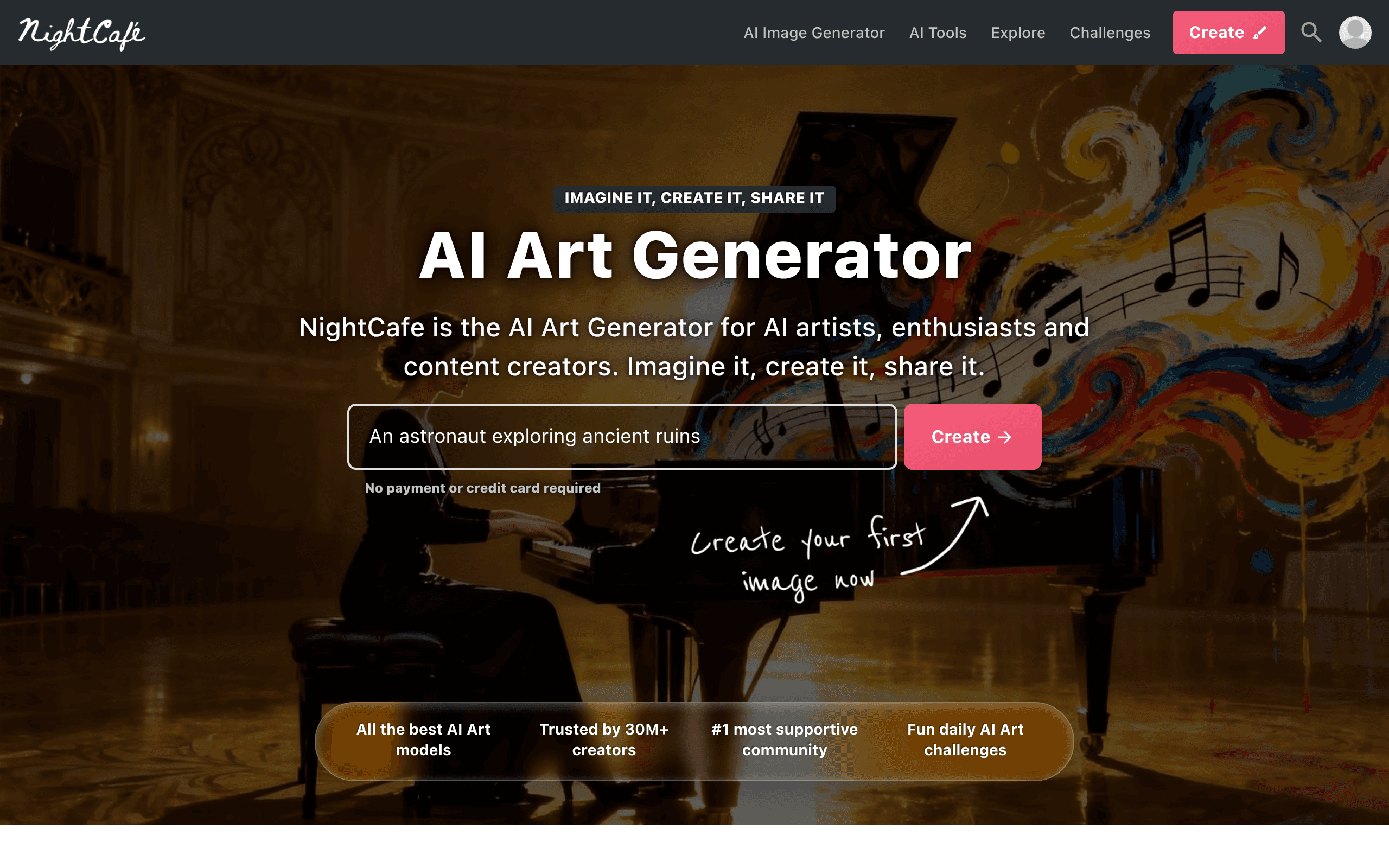
NightCafe Studio is an AI art generation platform that aggregates models like DALL-E 3 and Flux into a single interface. It helps hobbyists create high-resolution images and participate in daily challenges. But high-end models consume credits rapidly, making heavy use expensive.
What is NightCafe Studio?
The most impressive part of testing NightCafe Studio is how it aggregates multiple top-tier image models into one browser window. You do not need separate subscriptions for DALL-E 3, Stable Diffusion, and Flux.1 Pro. But this convenience comes with a strict credit economy. It drains fast if you rely on premium models (we burned through 50 credits in ten minutes testing DALL-E 3).
Developed by NightCafe Studio Pty Ltd, this AI art generation platform solves the fragmentation problem in digital art creation. It gives hobbyists and tabletop RPG players a single hub to generate, upscale, and share custom imagery.
- Primary Use Case: Generating custom digital artwork using multiple AI models from a single interface.
- Ideal For: Hobbyist digital artists and tabletop RPG players.
- Pricing: Starts at $4.49 (monthly subscription billed annually) — Provides 100 credits per month plus a first-month bonus.
Key Features and How NightCafe Studio Works
Multi-Model Image Generation
- Stable Diffusion Access: Generates images using SDXL, 1.5, and 2.1. Limit: Older models struggle with text rendering.
- Premium Models: Access DALL-E 3 and Flux.1 Pro. Limit: Costs more credits per generation than base models.
- Bulk Creation: Generate up to 16 images simultaneously. Limit: High failure rate if prompts are too complex.
Advanced Editing and Control
- ControlNet Integration: Guides generation using Depth, Canny, and Pose maps. Limit: Requires technical understanding of structural maps.
- Evolve Tool: Modifies existing images while keeping the original seed. Limit: Small prompt changes sometimes cause unexpected visual shifts.
- Advanced Upscaling: Increases resolution up to 8000×8000 pixels using Real-ESRGAN. Limit: Upscaling consumes extra credits and takes several minutes.
Community and Customization
- Daily Challenges: Themed contests offering credit prizes. Limit: Only the top 20 percent of voted entries win credits.
- LoRA Fine-tuning: Train custom models on 20 to 40 personal images. Limit: Training requires a paid subscription tier.
NightCafe Studio Pros and Cons
Pros
- Generous daily credit system grants 5 free credits every 24 hours.
- Aggregates DALL-E 3, Flux, and Stable Diffusion into one unified interface.
- Active community ecosystem provides constant inspiration and free credit earning opportunities.
- The Evolve tool speeds up iterative design compared to re-prompting from scratch.
- Mobile-optimized web interface functions as a high-performance PWA on iOS and Android.
Cons
- High-end models like DALL-E 3 consume credits rapidly.
- The feature-dense user interface overwhelms beginners compared to simpler tools.
- Free tier users experience longer generation queues during peak server traffic hours.
- Copyright ownership of AI-generated images remains a complex legal gray area.
Who Should Use NightCafe Studio?
- Tabletop RPG Players: You can generate custom character portraits and campaign maps using fine-tuned Stable Diffusion models.
- Budget-Conscious Hobbyists: The daily free credits let you generate a few images every day without spending money.
- Professional Graphic Designers (Not Recommended): You should look elsewhere. The credit system makes high-volume commercial generation too expensive, and the interface lacks precise layer controls.
NightCafe Studio Pricing and Plans
The Free plan costs $0 per month. It provides 5 daily credits and lets you earn more through community participation. This is a real free tier, not a disguised trial.
The AI Beginner plan costs $5.99 per month ($4.49 billed annually). It includes 100 credits per month and a first-month bonus.
The AI Hobbyist plan costs $9.99 per month ($7.49 billed annually). It provides 200 credits per month and a specific Flux model allowance.
The AI Enthusiast plan costs $19.99 per month ($14.99 billed annually). It gives you 500 credits per month and unlimited FAST base models.
The AI Artist plan costs $49.99 per month ($37.49 billed annually). It includes 1400 credits per month and the highest allowances for Flux and fine-tuning.
How NightCafe Studio Compares to Alternatives
Similar to Midjourney, NightCafe Studio produces highly detailed artistic images. But Midjourney requires a Discord account and a paid subscription to generate anything. NightCafe operates entirely in a web browser and offers a genuine free tier. Midjourney still wins on raw aesthetic quality for default prompts.
Unlike Leonardo.ai, NightCafe Studio focuses on its social feed and daily challenges. Leonardo.ai targets game developers with specific asset generation tools and texture mapping. NightCafe is better for casual users who want to share art. Leonardo.ai suits technical users building specific project assets.
The Verdict: Best for Social AI Art Enthusiasts
NightCafe Studio delivers excellent value for hobbyists who want to experiment with multiple AI models. The daily free credits make it accessible. The community challenges keep users engaged.
But professional designers will find the credit limits restrictive.
If you need high-volume generation and precise canvas controls, look elsewhere. We recommend Midjourney as a specific alternative for users who prioritize raw image quality over a web interface and free access. The honest limit remains the unpredictable cost of premium generation. We still do not know if NightCafe will offer unlimited DALL-E 3 access in the future.
User Reviews
No reviews yet. Be the first to share your experience!
Sign in to write a review.
Related articles
Guides and articles related to NightCafe Studio.

Perplexity AI Tutorial: Maximize Your Research Workflows
How to Get an AI Model Wearing Your Clothes (Step by Step)

Wix Logo Maker Review (2026): Real Costs, the Edit Catch, and AI Alternatives
Freepik AI Is Now Magnific: What Changed, What It Costs, and Whether to Stay (2026)
One Product Photo, Full Fashion Campaign: AI Images and Video That Sell (2026)