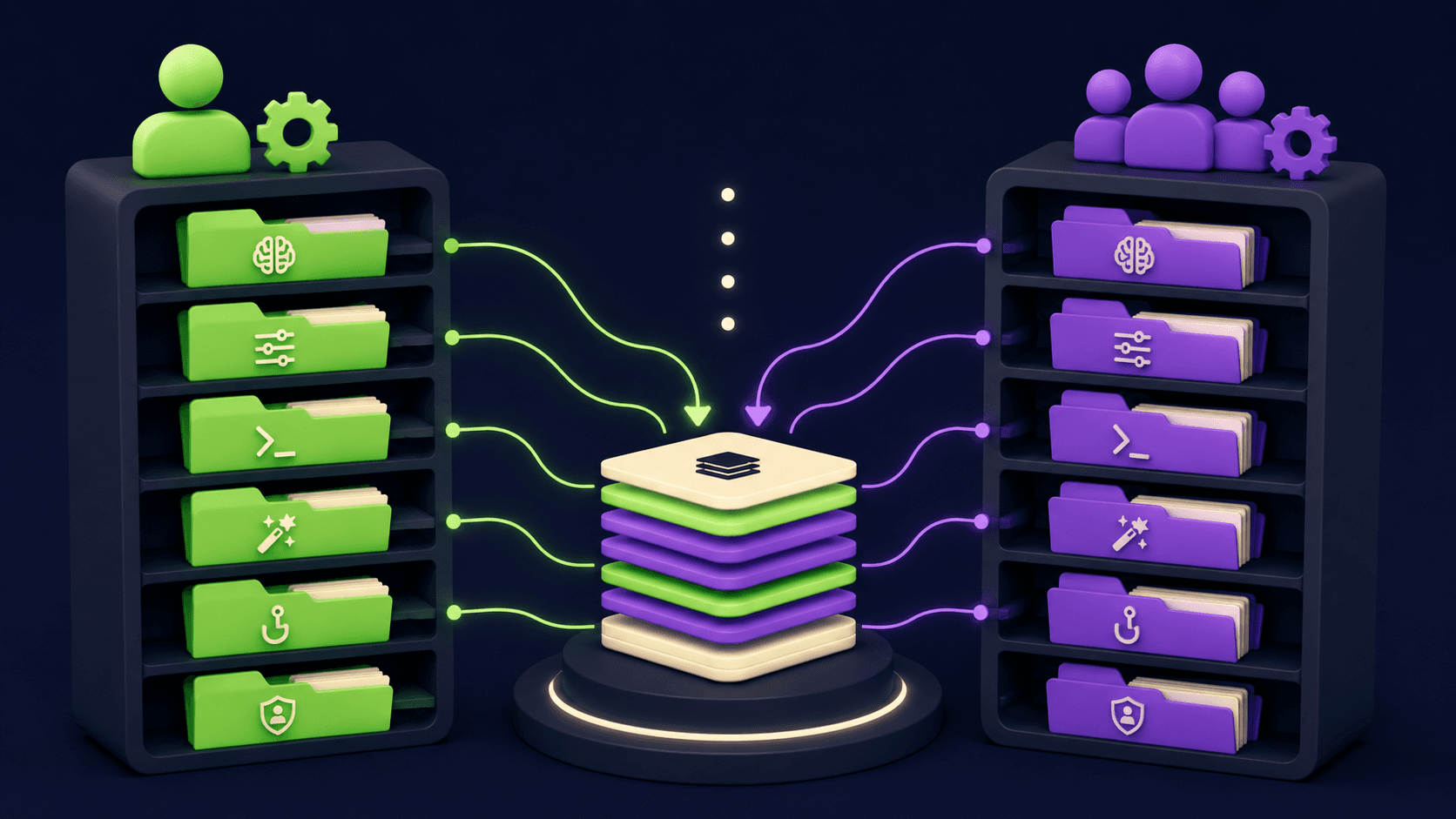

Roo Code is a free, open-source VS Code extension that runs role-based AI agents (Architect, Code, Debug, Orchestrator) directly in your editor. Apache 2.0, bring-your-own-API-key, no subscription needed. Reached 3 million installs before archiving in May 2026.
Roo Code is a free, open-source VS Code extension that puts a multi-agent AI development team inside your editor. Built on top of the Cline codebase and released under Apache 2.0, it lets you connect your own API keys from Anthropic, OpenAI, Google Gemini, OpenRouter, AWS Bedrock, or local model providers. Your project files stay on your machine; Roo Code never routes code through its own servers. The extension reached 3 million VS Code marketplace installs and 23.8k GitHub stars before the founding team announced in April 2026 that they were archiving the project to pursue a new cloud-based direction. As of May 2026, a community team is maintaining the codebase and Kilo Code (a direct fork) continues active development for users wanting a supported successor.
The core features that made Roo Code a power-user favorite: role-based modes that constrain what the AI can do at each phase (Architect for planning, Code for implementation, Debug for root-cause analysis, Orchestrator for multi-agent delegation); diff-based editing that rewrites only changed lines rather than entire files, cutting API costs by roughly 30% compared to full-file tools; Custom Modes that let teams define specialized AI personas with scoped tool permissions; Boomerang Tasks that break large work into isolated subtasks each with their own context window; and MCP server support for connecting external tools. The extension supports any model that exposes an OpenAI-compatible API, giving it broader compatibility than most closed competitors like Cursor or Windsurf.
What Roo Code actually does in early 2026
Roo Code operates as an autonomous agent inside the VS Code sidebar. You describe a task in plain language, and the agent reads files, writes diffs, runs terminal commands, and reports back, asking for approval before each consequential action. The approval model is configurable: tight (approve every write), loose (auto-approve reads and terminal commands), or fully automated for specific modes.
The mode system is the thing most users point to as Roo Code's defining contribution to the AI coding tool space. When you open a new session, you pick a mode. Architect mode activates planning-oriented prompts and prevents code writes entirely, so you can have a high-level design conversation without the agent accidentally touching files. Code mode enables multi-file edits and terminal access. Debug mode prioritizes root-cause tracing. Orchestrator mode, built on the earlier community concept called Boomerang Mode, breaks a large task into subtasks: the parent task pauses, a subtask spins up in a different mode (say, Code), runs to completion, and returns a summary to the parent. The parent never sees the full implementation details, only the summary, keeping its context window from filling up.
Custom Modes, shipped in v3.2.0 on February 12, 2026 (the same release that rebranded the extension from Roo Cline to Roo Code), let teams define their own personas beyond the built-ins. A "Security Review Mode" might have read-only tool access and a prompt pre-loaded with your company's security policies. A "Migration Mode" might have specific rules about the legacy framework to avoid. Teams can publish and share modes via the community Mode Gallery, which grew to dozens of pretested configurations for common workflows like API scaffolding and test generation.
The diff editing system, introduced experimentally in v2.1 (February 2025) and stabilized over subsequent releases, is a real differentiator on token cost. For a 500-line file with 10 changed lines, Roo Code's search/replace diff approach costs roughly $0.0003 per edit with Claude Sonnet. Cline, which rewrites entire files, costs around $0.0075 for the same change. On large refactors across dozens of files, this adds up to meaningful savings.
"I've tried Cursor, Windsurf, Cline, Trae and others, and although using RooCode with OpenRouter is more expensive, it is also far more effective." - Chief Architect, SourceForge review, 2025
"Tons of features and new updates coming near daily, with a large community in Discord and a ton of information available." - Chief Architect, SourceForge review, 2025
Where Roo Code sits versus Cline and Aider
The comparison to Cline, its upstream parent, is the most common question in the community. Both are Apache 2.0, both are BYOM, and both run inside VS Code. The differences are architectural and philosophical.
Cline uses a Plan-and-Act pipeline: it indexes the entire repository at startup to build a map of file relationships, then generates an ordered execution plan for your approval before touching anything. This gives Cline stronger cross-repository reasoning on large codebases (no need to manually specify context with @file markers). Cline also has CLI 2.0 for terminal-based workflows, full browser automation via Computer Use, and a more mature enterprise feature set including SSO, RBAC, and formal SOC 2/GDPR documentation. At 58k GitHub stars and 5M+ installs, it has a significantly larger install base. The tradeoff: Cline iterates more conservatively. Features that Roo Code shipped months earlier (diff editing, custom modes) took longer to land in Cline.
Roo Code went the other direction: faster releases, more experimental willingness, mode-based architecture instead of monolithic planning. Context is explicit: you tell Roo what files to look at using @file and @dir markers. This keeps operations scoped to what you specify, which some developers prefer for large monorepos where full indexing is expensive. Diff editing reduces token costs. Custom Modes give teams more workflow control than Cline's simpler Plan/Act toggle. The tradeoff: more configuration required upfront, and the stability record was mixed.
Aider is a different category entirely. It runs in the terminal, not inside VS Code, and treats Git as a first-class citizen: every AI change is automatically committed with a descriptive message, letting you use standard git diff, log, and revert commands to manage AI output. This is genuinely useful for developers who want a full audit trail without thinking about it. Aider is Python-based and has 44k+ GitHub stars (nearly double Roo Code's), a longer development history (started circa 2023), and strong adoption among terminal-first developers. What it does not have: a graphical sidebar, role-based modes, visual approval flows, or the kind of multi-agent orchestration Roo Code built with Boomerang Tasks. The choice is largely workflow-driven: if you live in the terminal and want clean git history, Aider is purpose-built for that. If you want a VS Code sidebar agent with mode-based control and a visual conversation interface, Roo Code (or its successor forks) fits better. Both compare favorably to closed-source options like GitHub Copilot, which does not support BYOM or custom agent personas.
What the agent loop reality looks like
Gage Vander Clay, a developer at Atomic Object, wrote an honest account of his Roo Code adoption in March 2025. His opening line: "When I first tried it out, I struggled to get any real value from it. I retreated back to what I knew: writing code myself." His eventual workflow, after learning the tool, consistently started in Architect mode to craft an implementation plan, then switched to Code mode for execution. He kept task scope small ("the quality of responses provided by an LLM is inversely related to the size of the input"), maintained manual write approval to catch loops, and used Checkpoints to roll back bad edits. He also added a warning that applies to any autonomous coding tool: "I do not recommend asking Roo to do anything you yourself don't know how to do."
That last point captures the core experience of Roo Code for most power users. The tool amplifies what you already know. It handles boilerplate, multi-file refactoring, test generation, and repetitive implementation work well. It struggles when the developer cannot evaluate its output, when the codebase is too large for the chosen model's context window, or when the task requires judgment calls that are hard to specify upfront.
The Boomerang/Orchestrator mode changes the calculus on large tasks. Rather than giving the agent a 20-step brief and watching it run out of context halfway through, you give Orchestrator a high-level goal. It proposes subtask breakdowns for your approval. Each subtask runs in isolation with its own clean context window, then returns a summary. The parent task stitches the results together. This pattern, popularized by Roo Code and since adopted by multiple forks including Kilo Code, is genuinely useful for week-long refactors or full-feature builds. It also extends to pairing with external tools via MCP: Boomerang subtasks can call MCP servers for database queries, web fetching, or API calls, returning structured results to the parent.
Who Roo Code is built for
Roo Code was purpose-built for experienced developers who want maximum control over their AI coding workflow without paying a SaaS subscription. The ideal user already understands how to manage API keys, has an opinion on which model to use for which task, and can audit the diffs an agent produces. Teams that fit this description report significant productivity gains on repetitive or boilerplate-heavy work.
It also suits developers who need to run AI tooling in air-gapped or privacy-sensitive environments. Because Roo Code only sends data to the model provider the user configures (nothing routes through Roo's own servers), security-conscious teams can point it at a local Ollama instance and keep everything on-premise. The .rooignore file lets you exclude sensitive paths from the agent's view, similar to .gitignore.
Open-source contributors and teams that want to customize the tool at the source code level also found Roo Code a natural fit. Its Apache 2.0 license means you can fork it, modify it, and run it internally. Several companies built internal tooling on top of the Roo Code codebase. The community Mode Gallery demonstrated what happens when customization is easy: hundreds of pretested configurations for specific stacks and workflows accumulated in months.
What Roo Code is not
Roo Code is not a beginner tool. The configuration surface area (model selection, mode setup, context management, token budgeting) requires developer experience. Users who want to open a tool and get suggestions without configuration are better served by GitHub Copilot or the Cline extension with its defaults.
It is not a fully managed subscription service. There is no team dashboard, no usage analytics, no billing portal. API costs land directly on whatever account you connect. If you need predictable monthly billing and vendor support, Cursor or Continue.dev Pro are better fits.
It is not a terminal tool. Developers who want CLI-first workflows with automatic git commits should use Aider instead. Roo Code requires VS Code or a compatible fork to run.
As of May 15, 2026, the original repository is archived. Users starting fresh should evaluate Kilo Code (the most active fork). Cline now incorporates many of Roo Code's contributions, per Cline CEO Saoud Rizwan: "They innovated, built an incredible community, and contributed to Cline more than anyone else."
User Reviews
No reviews yet. Be the first to share your experience!
Sign in to write a review.
Featured in collections
Curated lists that include Roo Code.
Related articles
Guides and articles related to Roo Code.

Run a Company With AI Agents: The Open-Source Orchestration Setup (2026)

Cut Your AI Agent Token Bill 5x: The Claude Code Efficiency Patterns (2026)

Claude Code vs Cursor vs Codex vs Devin vs Replit Agent 3: 2026 Scorecard

Replit Pricing Explained (2026): Core vs Pro and Effort-Based Agent Billing

Cursor 3.3 Context Usage Breakdown: What to Cut First