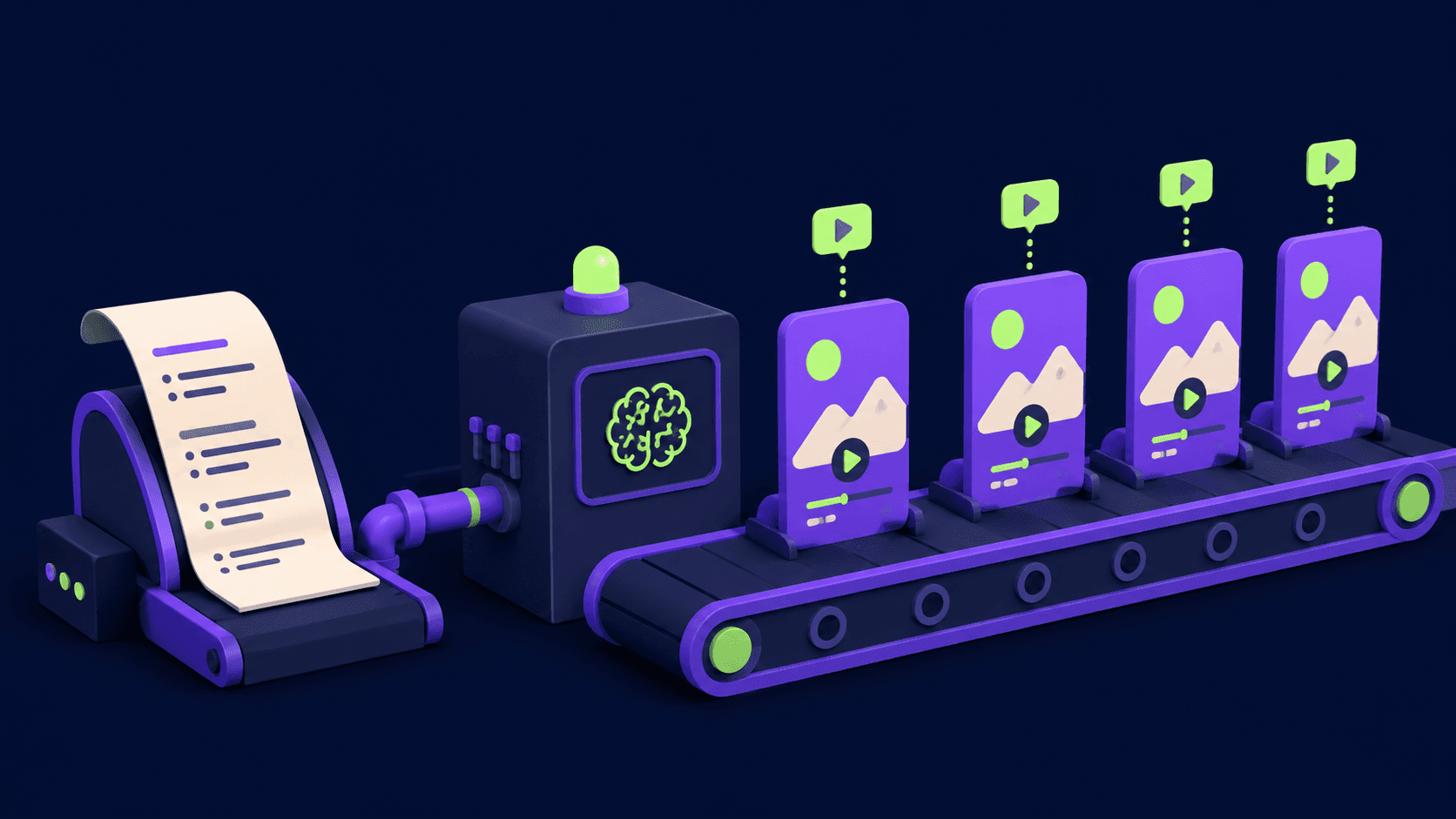
Designs.ai is a web-based creative suite from Inmagine Lab that combines logo generation, text-to-video, AI voiceover, graphic templates, and multi-LLM chat under one subscription. Useful for solopreneurs and small businesses needing fast, broad-format content without a designer.
Designs.ai is a web-based AI creative suite built by Inmagine Lab Pte Ltd, a Singapore-headquartered visual content company that also owns the 123RF stock library. Since launching in 2019, the platform has grown from a logo generator into a multi-tool hub covering graphic design, video production, text-to-speech, and AI-assisted copywriting, all targeted at non-designers who need brand and marketing assets without the cost of hiring a professional or learning software like Illustrator or Premiere. The company claims over one million users and counts enterprise customers including Coca-Cola, IBM, and Salesforce, though the bulk of the user base is small business owners, freelancers, and content marketers.
The core suite in April 2026 includes Logomaker (AI logo generation with brand kit export), Videomaker (script-to-video with stock footage and AI voiceover), Designmaker (graphic templates across 80+ formats), Speechmaker (text-to-speech in 23 languages), AI Chat (a multi-LLM interface with access to ChatGPT-4, Claude 3 Opus, Llama 70B, and Mistral 8x7B), Color Matcher, Font Pairer, and Slides. Subscribers get access to a licensed media library of over 150 million images and video clips through the 123RF and Getty Images integrations. The platform API is available for teams that need to programmatically generate assets at scale.
What Designs.ai creates in April 2026
As of the June 2024 platform relaunch, Designs.ai repositioned from a focused design suite into what it calls an "ultimate AI tool hub," adding multi-LLM chat and expanding the asset generation capabilities significantly. That relaunch is the single most significant product moment in the company's recent history: it brought ChatGPT-4, Claude 3 Opus, Llama 70B, and Mistral 8x7B under one roof with a single subscription, making Designs.ai one of the few design-focused platforms to include a serious AI chat layer alongside creative tools.
The Logomaker generates multiple logo variations in under 10 minutes. You enter your company name, industry, and style/color preferences, and the AI produces a grid of options with icon, font, and color combinations. Downloads include PNG, JPG, SVG, and PDF with multiple background options, plus a brand kit with mockups. The Videomaker takes a script (up to 3,000 characters on Pro), selects matching stock clips, adds an AI voiceover, syncs text overlays, and exports platform-optimized clips for Facebook, Instagram, TikTok, and YouTube in approximately 3 to 10 minutes. The Designmaker offers over 20,000 templates across formats including social posts, banners, presentations, and print materials, with batch processing that generates multiple size variants simultaneously. Speechmaker supports 23 languages including regional variants, with 50-plus voice styles and adjustable tone and pitch.
The AI Chat feature is genuinely differentiated: instead of subscribing to ChatGPT Plus, Claude Pro, and Perplexity separately, Designs.ai bundles access to multiple models in a single interface. For creative professionals who use AI chat primarily for copywriting briefs, campaign ideation, or caption drafting alongside their design work, this bundling has practical cost value.
Where Designs.ai sits versus Canva and Looka
The two most useful comparisons for understanding what Designs.ai actually is and is not are Canva and Looka, because each represents a different kind of gap.
Canva vs. Designs.ai: Canva has over 100 million users, native iOS and Android apps, a desktop app, and 250,000-plus templates across more formats than Designs.ai covers. The deeper mechanical difference is editing depth. Canva's templates are fully deconstructable: you can reposition every object, adjust kerning precisely, swap individual vector elements, and control layer order. Canva's Magic Studio AI suite (Magic Design, Magic Eraser, Magic Edit, Dream Lab text-to-image) integrates AI at the template level rather than generating standalone assets. Canva's Brand Kit stores logo files directly, while Designs.ai's Brand Kit stores color palettes and font selections but does not support logo file storage. For someone who needs to iterate on designs, adjust compositions, and maintain strict brand consistency across dozens of formats, Canva's editing environment is significantly more capable. Designs.ai is faster to a first result but slower to a polished one.
Looka vs. Designs.ai: Looka does exactly one thing: logo plus brand identity. Its machine learning model asks style, industry, and preference questions, then generates logos using a brand-coherence engine that automatically propagates the chosen logo's hex codes and font pairings to 300-plus branded assets (business cards, letterheads, social media covers, a downloadable brand guide). Looka's one-time purchase option ($20 for the logo files, $96/year for the full brand kit) is structurally different from Designs.ai's subscription requirement. In side-by-side quality tests published across multiple review sites in 2025, Looka consistently produces logos rated higher for visual polish and brand coherence. The trade-off is obvious: Looka cannot generate video, voiceover, or any general-purpose marketing asset. Designs.ai's breadth is its actual product proposition; Looka's depth is its proposition. They serve different needs.
For users who need both logo work and broader creative output, it is worth noting that Wix Logo Maker and Picsart both occupy adjacent territory. Wix Logo Maker's output integrates directly into Wix websites, making it the strongest choice for users building on that platform. Picsart covers photo editing, collage, and AI image generation with a stronger mobile experience than Designs.ai, though it lacks Designs.ai's video and voiceover capabilities.
"Its current production lacks originality and taste.. the designs lack any real strategy or depth. It's like the AI just threw a bunch of shapes and colors together." - Vero (professional designer), verobranding.com, July 2024
The credit and pricing reality
Designs.ai uses an AI credit system layered on top of its subscription tiers. Basic plan subscribers receive 1,000 credits/month; Pro subscribers receive 3,000 credits/month; Enterprise subscribers receive 15,000 credits/month. Video generation, image generation, and AI chat interactions each consume credits at different rates. The practical implication is that a Basic subscriber who generates several videos in one month can hit their credit limit before month-end, requiring either an upgrade or a wait.
Free: $0/mo. Preview-only access, no downloads, 500-character Speechmaker limit, limited template library. Sufficient for evaluating the interface, not for production use.
Basic: ~$19/mo (annual billing). Unlimited downloads, 1,000 AI credits/month, 10 monthly premium 123RF images, 1 team member, 1,000-character Speechmaker limit. Best entry point for a solo user with moderate output needs.
Pro: ~$49/mo (annual billing). 3,000 AI credits/month, 20 monthly 123RF premium images, 10 monthly Getty video clips, 3,000-character Speechmaker limit, up to 5 team members. Required for any serious video production volume.
Enterprise: ~$169+/mo. 15,000 AI credits/month, 5-plus team members, dedicated account management, custom onboarding, enterprise security controls. Priced for marketing teams and agencies.
The credit system is not prominently disclosed during the signup flow, which contributes to confusion when users find their Basic plan credit allowance smaller than expected. Annual billing is substantially cheaper than monthly, but commits users to a full year with a tool they may not have fully tested on the free plan (which prevents downloads, making meaningful evaluation difficult).
Where Designs.ai consistently disappoints
Every individual tool in the Designs.ai suite is outclassed by a specialist. This is not a fatal flaw. The platform's value proposition is breadth, not depth, but it creates a specific ceiling that users hit predictably.
The Logomaker is the most criticized tool. Logo output is consistently described by professional designers and even casual reviewers as generic: standard font pairings, predictable icon shapes, no strategic differentiation for any given industry. Fine-grained editing is limited; users cannot reposition individual vector elements, adjust kerning precisely, or swap out icon components at the path level. The result is a logo that looks AI-generated. For businesses where brand identity matters, this is a meaningful limitation.
"Trial to subscription conversion happened in an unethical fashion." - Csaba K., SmartCustomer, January 2024
The subscription and billing experience has generated sustained negative feedback. Multiple users across Trustpilot and SmartCustomer (formerly Sitejabber) report being charged after requesting trial cancellations, finding no in-product way to remove a payment method, and receiving slow or no response from customer support when disputing charges. One user (Rick M., May 2023) reported being charged $228 with no recourse. A dedicated third-party cancellation guide exists specifically for Designs.ai users, which signals this is a known pattern rather than an isolated incident. This is the platform's most significant trust problem.
Video processing is slow. Generating a short clip (under 60 seconds) takes 3 to 10 minutes and can produce rendering errors requiring re-runs. The AI voiceover in Speechmaker, while functional across 23 languages, is described as "somewhat robotic," sufficient for YouTube tutorials or explainer videos but not for branded content where voice quality matters. The platform has no mobile app, which is a notable gap for content creators who manage social media on the go.
Who Designs.ai is built for
Designs.ai earns its place for a specific profile: a solopreneur, startup founder, or small marketing team that needs to produce logos, social graphics, short videos, and marketing copy across multiple formats without the budget for separate tools or a design hire. The June 2024 expansion adding multi-LLM chat and the Slides tool increased the platform's coverage further. For this user, the breadth-to-cost ratio is genuinely competitive. No other single subscription at this price point bundles logo generation, video production, AI voiceover, graphic templates, and access to multiple frontier AI models simultaneously.
The platform is less suited for users who have any of the following needs: a distinctive, non-generic logo for a competitive brand; mobile workflow; high-volume video production; or clean subscription management without billing friction. Professional designers and branding agencies will find the output ceiling too low for client-facing work and should look at Canva for template-based design or specialized tools for each vertical. Users who need a logo specifically, and only a logo, will get better results from Looka.
The practical test: if your business is in its first year, you have a tight budget, and you need a functional brand identity plus marketing assets this week, Designs.ai can deliver that quickly. If you are building a brand you intend to grow and compete on, the generic output ceiling will become a problem sooner than the low price justifies.
User Reviews
No reviews yet. Be the first to share your experience!
Sign in to write a review.
Related articles
Guides and articles related to Designs.ai.

Wix Logo Maker Review (2026): Real Costs, the Edit Catch, and AI Alternatives
Freepik AI Is Now Magnific: What Changed, What It Costs, and Whether to Stay (2026)
How to Make Money Selling AI UGC Content for Brands (2026)

Best AI Fashion Model Generators for Clothing Brands (2026)

AI Fashion Prompts That Stay Consistent: The Working Formula (2026)