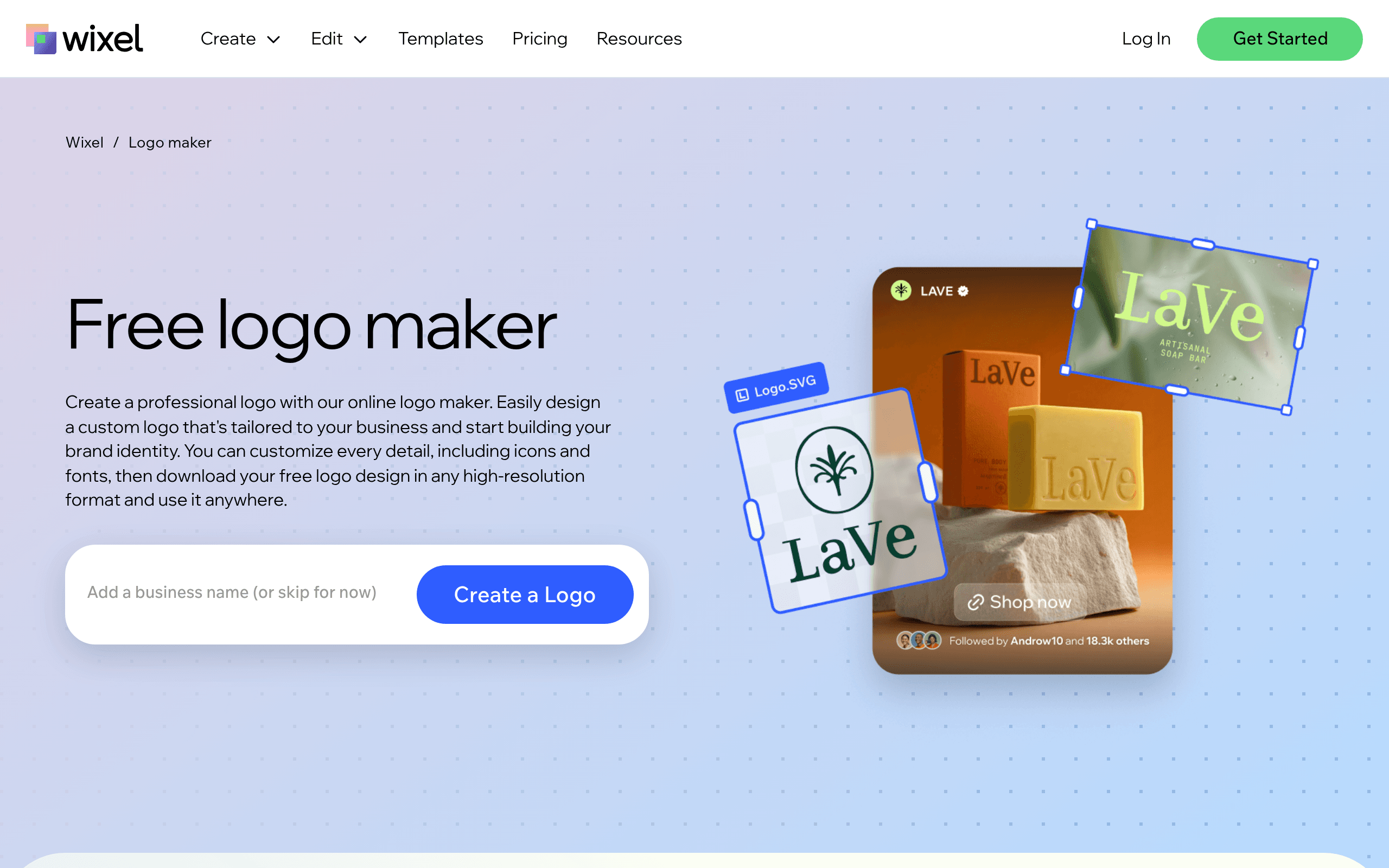

Wix Logo Maker generates brand identities for small businesses using a guided questionnaire. The tool exports high-resolution SVG files for professional printing. Users cannot upload custom fonts, which restricts advanced design flexibility.
What is Wix Logo Maker?
Wix Logo Maker is a questionnaire-driven design engine that produces basic brand identities. It trades deep customization for speed.
Wix.com Ltd. built this tool to help new business owners bypass expensive agency fees. The generator asks five questions about your industry and style preferences before spitting out dozens of layout options. It targets solo founders who need a usable logo today.
- Primary Use Case: Generating a unique brand identity for a new small business.
- Ideal For: Solo founders and small business owners on a tight budget.
- Pricing: Starts at $17 (freemium) – You must buy a website plan to get full logo rights.
Key Features and How Wix Logo Maker Works
AI Design Engine and Questionnaires
- Style Questionnaire: Generates initial concepts based on your selected industry and visual preferences. The AI relies on generic icon pairings.
- Secondary Layouts: Creates vertical, horizontal, and circular variations. Longer brand names break the text wrapping.
Customization and Asset Export
- Customization Editor: Allows manual adjustment of hex colors and font kerning. Users cannot upload their own external fonts.
- Vector File Export: Provides SVG files for infinite scaling on physical merchandise. This feature requires a paid plan.
- Social Media Kit: Generates 40 pre-sized versions for platforms like YouTube and Instagram. The auto-cropping cuts off wide logos.
Ecosystem Integration
- Website Sync: Pushes the finished logo into an existing Wix website header. This only works if you use Wix for hosting.
- Brand Guide PDF: Compiles a document with specific hex codes and typography. The guide lacks advanced brand voice guidelines.
Wix Logo Maker Pros and Cons
Pros
- Direct integration with the Wix ecosystem allows for immediate brand deployment across websites.
- The editor provides granular control over individual element spacing compared to Looka.
- High-resolution SVG files ensure the logo remains sharp for large physical banners.
- Users can design and preview the logo before spending any money.
- Complete social media kits save hours of manual resizing work.
Cons
- The free version only allows a low-resolution sample download.
- AI-generated suggestions feel generic compared to custom agency work.
- Users cannot upload their own custom fonts or specific external icons.
Who Should Use Wix Logo Maker?
- Beginner solo founders: You need a professional look without learning complex design software.
- Existing Wix users: The direct integration pushes your new logo straight to your website header.
- Advanced brand designers: This tool is a poor fit. You will hit a wall due to the inability to upload custom vector assets.
Wix Logo Maker Pricing and Plans
The pricing structure ties logo ownership to website hosting plans. The free tier acts as a trial.
- Free: $0/mo. Includes 500MB storage and Wix branding. You only get a low-resolution logo file.
- Light: $17/mo. Includes 2GB storage and a custom domain. This removes Wix branding.
- Core: $29/mo. Includes 50GB storage and basic eCommerce tools.
- Business: $39/mo. Includes 100GB storage and standard eCommerce features.
- Business Elite: $159/mo. Includes unlimited storage and priority support.
- Enterprise: Custom pricing. Offers tailored solutions for large-scale businesses.
How Wix Logo Maker Compares to Alternatives
Similar to Looka, Wix asks you questions to generate initial concepts. Looka focuses on brand identity and offers better typography pairings. Wix forces you into its website builder ecosystem (which feels expensive if you only want a logo).
Unlike Canva, this tool generates the layout for you. Canva provides thousands of static templates that you must edit by hand. Canva offers much more flexibility for general graphic design tasks.
The Verdict for Solo Founders
Wix Logo Maker works best for business owners who already plan to build a Wix website. You get a decent logo and a website in one afternoon (I tested this with a fictional coffee shop brand).
The integration saves time.
Budget-conscious users who just want a standalone logo will find the subscription model frustrating. You end up paying for website hosting you might not need.
We still do not know if Wix plans to decouple the logo maker from its site builder subscriptions. Until then, standalone logo buyers should look at Looka instead.
User Reviews
No reviews yet. Be the first to share your experience!
Sign in to write a review.
Related articles
Guides and articles related to Wix Logo Maker.

Wix Logo Maker Review (2026): Real Costs, the Edit Catch, and AI Alternatives

How to Get an AI Model Wearing Your Clothes (Step by Step)

The AI Content Automation Stack: 7 Tools That Run a Full Blog Without a Team

Best AI Fashion Model Generators for Clothing Brands (2026)
One Product Photo, Full Fashion Campaign: AI Images and Video That Sell (2026)