
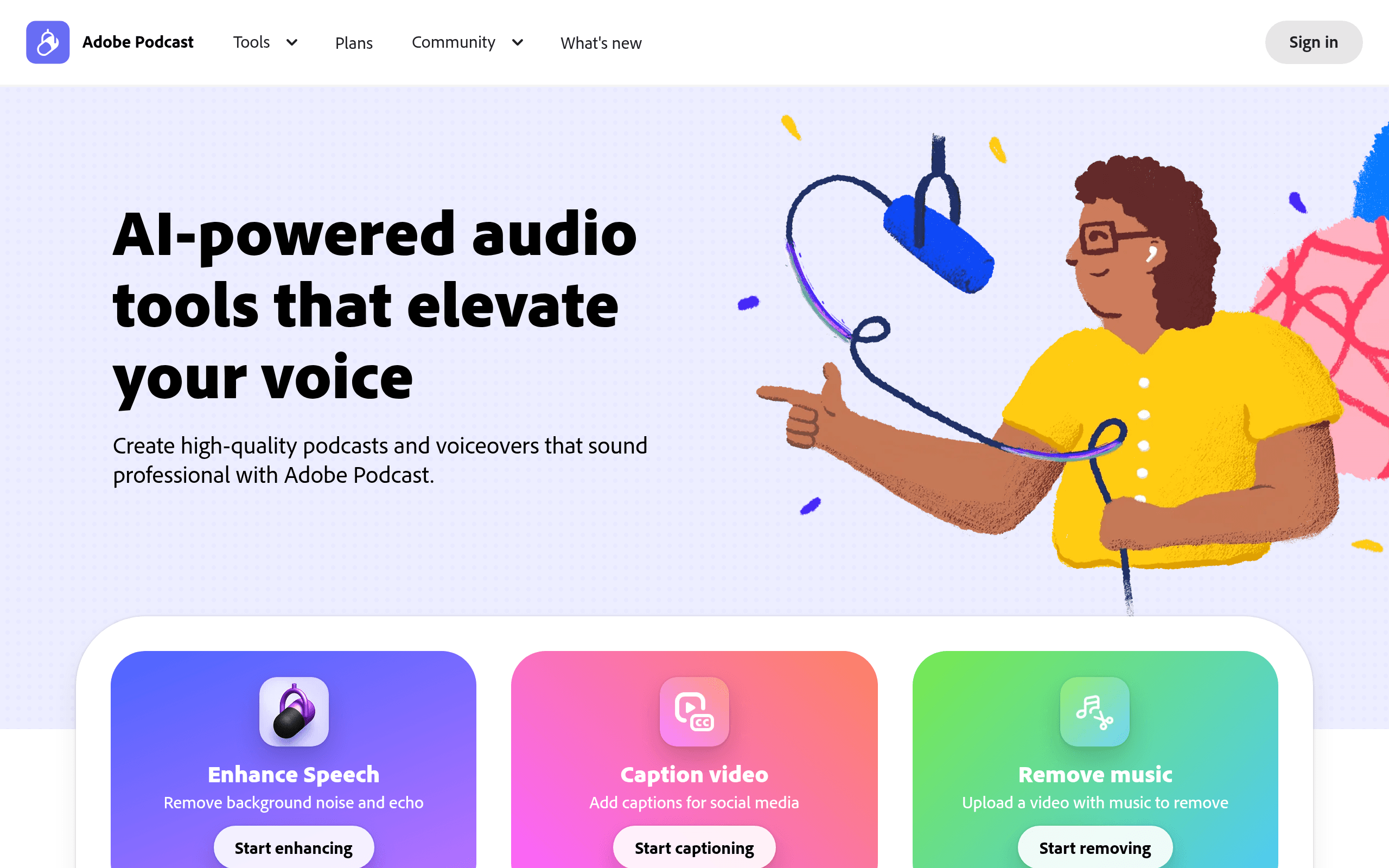
Adobe Podcast is a web-based AI audio editor designed to clean up low-quality voice recordings and edit episodes via text transcripts. It offers excellent noise removal for solo creators on a budget. However, the AI enhancement can sometimes make specific vocal tones sound robotic.
What is Adobe Podcast?
Adobe Podcast is a web-based AI audio tool that turns phone recordings into studio-grade tracks. You upload an audio file, and the software removes background noise while equalizing vocal frequencies.
Developed by Adobe Inc., this platform targets solo creators and remote interviewers who lack expensive microphones. It solves the problem of bad room acoustics by applying machine learning models trained on professional voiceovers.
- Primary Use Case: Cleaning up low-quality voice recordings from smartphone microphones.
- Ideal For: Solo podcasters and video creators on a budget.
- Pricing: Starts at $8.33 (freemium) : Premium costs $9.99 monthly and includes Adobe Express.
Key Features and How Adobe Podcast Works
AI Audio Enhancement
- Enhance Speech: Removes background noise and echo from recordings. Free users get 1 hour daily.
- Strength Adjustment: A slider controls the intensity of the AI effect (the slider is essential for avoiding a robotic tone). This is a Premium-only feature.
Text-Based Editing
- Studio Editor: Deleting transcript text removes the corresponding audio. Transcripts miss specific words, requiring manual correction.
- Video Support: Upload MP4 and MOV files to edit audio tracks directly. Limited to 1GB file sizes on the Premium plan.
Recording and Hardware Testing
- Mic Check: Analyzes microphone gain and distance to optimize your setup. It provides instant feedback before you hit record.
- Remote Recording: Capture high-quality audio with guests via a browser link. Free users can only download 2 Studio projects per day.
Adobe Podcast Pros and Cons
Pros
- Enhance Speech provides studio-quality results even from cheap smartphone microphones.
- Text-based editing cuts the time needed for rough cuts by at least half.
- Mic Check prevents clipping errors before they happen using visual feedback.
- The $9.99 Premium tier includes a full Adobe Express subscription for social media graphics.
Cons
- The Enhance Speech effect produces an over-processed or robotic tone on higher-pitched voices.
- Studio editor lacks advanced multi-track mixing found in professional DAWs like Audition.
- Free tier restricts users to 1 hour of processing per day and blocks video files.
Who Should Use Adobe Podcast?
- Budget Solo Creators: You get professional audio without buying a $300 microphone.
- Social Media Managers: The included Adobe Express Premium access makes this a great bundle for video shorts.
- Professional Audio Engineers: This tool is not a good fit for you. You will miss VST plugin support and precise multi-track mixing capabilities.
Understanding the usage limits helps you choose the right tier.
Adobe Podcast Pricing and Plans
The Free Plan costs $0 per month. It includes a 1-hour daily limit, a 30-minute maximum file duration, and a 500MB size cap (I found the 500MB limit restrictive for long interviews). You can only upload audio files and download 2 Studio projects daily.
The Premium Plan costs $9.99 per month or $99.99 annually. It increases limits to 4 hours daily, 2-hour file durations, and 1GB file sizes. You also gain video support, bulk uploads, strength adjustment sliders, and unlimited Studio downloads.
How Adobe Podcast Compares to Alternatives
Similar to Descript but Adobe focuses more on automated audio cleanup rather than complex video timeline editing. Descript offers a wider array of video transitions and multi-track features. Adobe wins on pure noise reduction quality.
Unlike Riverside.fm, this tool relies on post-production enhancement rather than capturing uncompressed local video files. Riverside targets high-end video podcasters who need 4K local recording. Adobe Podcast serves users who want quick browser-based audio fixes.
The Best AI Audio Tool for Solo Creators
Adobe Podcast delivers massive value for solo creators who record in untreated rooms.
Audio engineers who need precise control over EQ bands should look elsewhere.
If you need advanced video editing alongside text-based audio cuts, Descript is a better alternative.
User Reviews
No reviews yet. Be the first to share your experience!
Sign in to write a review.
Related articles
Guides and articles related to Adobe Podcast.

Wix Logo Maker Review (2026): Real Costs, the Edit Catch, and AI Alternatives
Undetectable AI Review (2026): What It Does, What It Costs, and 7 Alternatives

The Personal AI Productivity Stack (2026): One Tool Per Job, Nothing Extra
AI Video Generator Prompting: The Filmmaker's Real Workflow
The AI Content Automation Stack: 7 Tools That Run a Full Blog Without a Team
