
Akkio is a no-code AI platform for predictive analytics and media intelligence. Marketing and agency teams use it to build ML models, score leads, forecast campaign outcomes, and generate automated reports, all without writing a line of code.
Akkio is a no-code predictive analytics and generative BI platform built for marketing teams, media agencies, and business analysts who need machine learning outputs without machine learning expertise. Founded in Cambridge, MA in 2019 by Abraham Parangi, Craig Wisneski, Ekin Keserer, and Jon Reilly, the company raised a $15 million Series A led by Bain Capital Ventures in August 2023 and has since signed major partnerships with Havas and Horizon Media. Akkio's core pitch is straightforward: connect your data, describe what you want to predict, and deploy a working model in minutes rather than months.
The platform covers three interconnected capabilities. First, predictive modeling: Akkio trains and tests multiple ML models automatically, selects the best performer for your data, and deploys predictions directly into tools like HubSpot, Snowflake, Google Ads, and Meta. Second, conversational analytics: the Chat Explore and Chat Data Prep features let users clean datasets and surface insights through natural language without writing SQL or Python. Third, domain-specific AI agents: the Audience Agent builds precise audience segments and lookalike models for direct DSP activation, the Strategy Agent converts internal documents and external signals into actionable campaign insights, and the Reporting Agent generates automated client-ready dashboards from campaign data. The platform is SOC 2, HIPAA, and GDPR certified.
What Akkio actually is in April 2026
Akkio launched in 2019 as a general-purpose AutoML tool. By 2024, it had pivoted sharply toward advertising agencies and media planning teams, positioning itself as "Generative BI for agencies." That pivot accelerated in June 2024 when Akkio launched the Agency Data LLM, the first large language model trained specifically for advertising analytics. Built on a proprietary Retrieval-Augmented Generation (RAG) architecture and what Akkio calls a "Generative Knowledge Graph," the AD LLM was benchmarked against GPT-4o: it delivered more accurate and informative answers 80% of the time and processed agency-tailored prompts 13.7 times faster.
The January 6, 2026 partnership announcement with Havas, the global communications group with over 23,000 employees and 100+ markets, cemented this positioning. As part of Havas's EUR 400 million AI investment, Akkio now powers the Converged.AI operating system across audience building, insights generation, media planning, forecasting, and automated reporting. This is the platform's largest deployment to date, and the first time Akkio operated at global holding company scale.
For teams outside the ad-agency context, Akkio still functions as a no-code AutoML platform. The workflow is: connect a data source (Google Sheets, Salesforce, Snowflake, HubSpot, BigQuery, Meta, Google Ads, among others), identify the column or outcome you want to predict, and let Akkio select and train the best-performing model. Predictions can be deployed back to the source system via native integration, exposed via API endpoint, or embedded in a shareable web app for non-technical stakeholders.
"Akkio is by far the best no code AI platform. Fast, easy, intuitive, and has the best performance of them all." - Nicholas, Product Hunt
Where Akkio sits versus DataRobot and Snorkel AI
These three tools appear in the same "AI for data teams" category but they address fundamentally different problems at different points in the ML pipeline.
DataRobot is an enterprise AutoML and MLOps platform aimed at data scientists and ML engineers at large corporations. Where Akkio abstracts away model internals entirely, DataRobot exposes raw model artifacts, Shapley value explainability dashboards, custom feature engineering pipelines, drift detection, and full MLOps lifecycle management. A DataRobot deployment might cost $10,000 to six figures annually depending on usage tier, and it assumes you have ML engineers on staff to use it. Akkio's sweet spot is the marketing analyst or media planner who does not have ML expertise and does not want to hire for it. For that buyer, DataRobot's depth is overhead, not advantage. The tradeoff: Akkio's no-code abstraction means you cannot inspect model internals, tune hyperparameters, or export model artifacts, which limits it for teams that need to explain predictions in regulated contexts.
Snorkel AI operates upstream in the ML pipeline, not downstream. Snorkel's core technology is "weak supervision," a programmatic approach to data labeling that uses rules, heuristics, and pre-trained models to annotate large datasets automatically instead of manually. Snorkel is for ML engineering teams that need correctly labeled training data to feed into their own model training pipelines. Akkio skips the labeling stage entirely, working with structured tabular data that is already in a usable form. A team using Snorkel AI needs to have ML infrastructure to train and serve models on the labeled data it produces. A team using Akkio does not. They solve adjacent problems, not competing ones: users working at enterprise scale on unstructured data with a full ML team would use Snorkel; users doing predictive analytics on structured CRM or ad data without a data science team would use Akkio. If you want a Vantaige comparison for data labeling specifically, see Snorkel AI.
For users who need to enrich contact and company data before feeding it to a predictive model, Clay handles upstream data enrichment that pairs naturally with Akkio's downstream prediction layer. For document extraction and structured data preparation from PDFs and forms, Nanonets covers the extraction pipeline that Akkio can then model against.
How Akkio's AI models actually work
Akkio's prediction engine is an AutoML system: given a dataset and a target column, it trains multiple model architectures (gradient boosting, logistic regression, neural networks, and others depending on the task type), evaluates performance on held-out test data, and selects the best performer. Users see a prediction accuracy score but not the underlying model architecture or feature importance breakdown, which is a deliberate design choice that keeps the interface simple but limits model interpretability.
The Chat Data Prep feature, launched January 2023, was one of the first ML platforms to use generative AI for conversational data cleaning. Users describe what transformation they want in plain language ("remove duplicates, split this column into first and last name, fill missing values with the median") and Akkio executes it. This replaced a manual step that previously required SQL or Python for non-trivial data prep tasks.
The Agency Data LLM uses a Generative Knowledge Graph that maps relationships within campaign data and identifies data quality issues automatically, then layers RAG retrieval on top so the model can answer agency-specific queries accurately. The benchmarking claim of 13.7x speed improvement over GPT-4o for agency prompts reflects the efficiency gain of domain-specific fine-tuning versus general-purpose LLM inference.
Deployment options are flexible: predictions route back to source integrations (HubSpot lead scores update automatically), or are served via API for embedding in internal tools, or shared as web app endpoints that clients or stakeholders can query directly without an Akkio account.
"Being able to have natural conversations with our data that auto-generates reports is what I like most about Akkio." - G2 Verified Reviewer, 2025
The friction users keep hitting
The most frequently cited frustration is the hard ceiling on model customization. Akkio gives you no access to raw model code, no hyperparameter tuning, no custom feature engineering pipeline. For a marketing analyst, this is fine. For a data scientist who outgrows the no-code abstraction, it is a dead end. Several G2 reviewers noted that model performance visibility is limited: Akkio shows an accuracy percentage but does not surface confusion matrices, precision/recall breakdowns, or Shapley-based feature importance, which makes it difficult to diagnose why a model underperforms on specific segments.
A second hard constraint: Akkio works only with structured tabular data. It does not support image classification, text embedding at scale, audio analysis, or any unstructured data type. Users who want to classify customer support tickets at scale, analyze images from ad creatives, or process PDFs cannot do so with Akkio natively. A workflow pairing Akkio with Nanonets for document extraction, then feeding structured outputs to Akkio, is one workaround.
Documentation has been cited repeatedly as insufficient for advanced use cases. The help center covers basics well but leaves complex integrations and edge cases underdocumented. There is no self-hosted deployment option, which is a blocker for enterprises with data residency requirements outside the US or EU (though the SOC 2, HIPAA, and GDPR certifications cover most commercial use cases).
Finally, real-time inference is not Akkio's use case. Fraud detection, live pricing adjustments, or algorithmic trading require sub-100ms inference latency that a SaaS batch prediction platform cannot reliably deliver. These are purpose-built MLOps infrastructure problems, not Akkio's intended territory.
Who Akkio is for, and when to skip it
Akkio is most compelling for three specific buyer types in 2026. First, media agencies and advertising teams, which is the explicitly stated primary audience after the 2024-2026 repositioning. The Audience Agent, Reporting Agent, and AD LLM are built for campaign workflows and have been validated at Havas, Horizon Media, and Dentsu scale. Second, marketing and sales ops teams at SMBs and mid-market companies who want CRM-integrated predictive scoring (lead scoring, churn risk, upsell probability) without hiring a data scientist. Third, business analysts who work with structured data regularly and need to turn historical data into forecasts for internal planning without involving an engineering team.
For deeper data analytics and ML workflows that pair well with Akkio's outputs, Google Cloud Vision AI handles unstructured image and video data that Akkio cannot process, and Clay covers data enrichment pipelines that feed cleaner inputs into Akkio's models.
Skip Akkio when your use case requires model explainability for regulated decision-making, custom model architectures, unstructured data, real-time inference, or a self-hosted deployment. Also skip it if your team includes data scientists who want to own the ML pipeline end-to-end: the abstraction that helps non-technical users will feel like a cage to an ML engineer.
User Reviews
No reviews yet. Be the first to share your experience!
Sign in to write a review.
Related articles
Guides and articles related to Akkio.

15 AI Agent n8n Workflows You Can Build This Weekend (2026)

Replace 6 SaaS Subscriptions With 4 n8n AI Agents (2026)
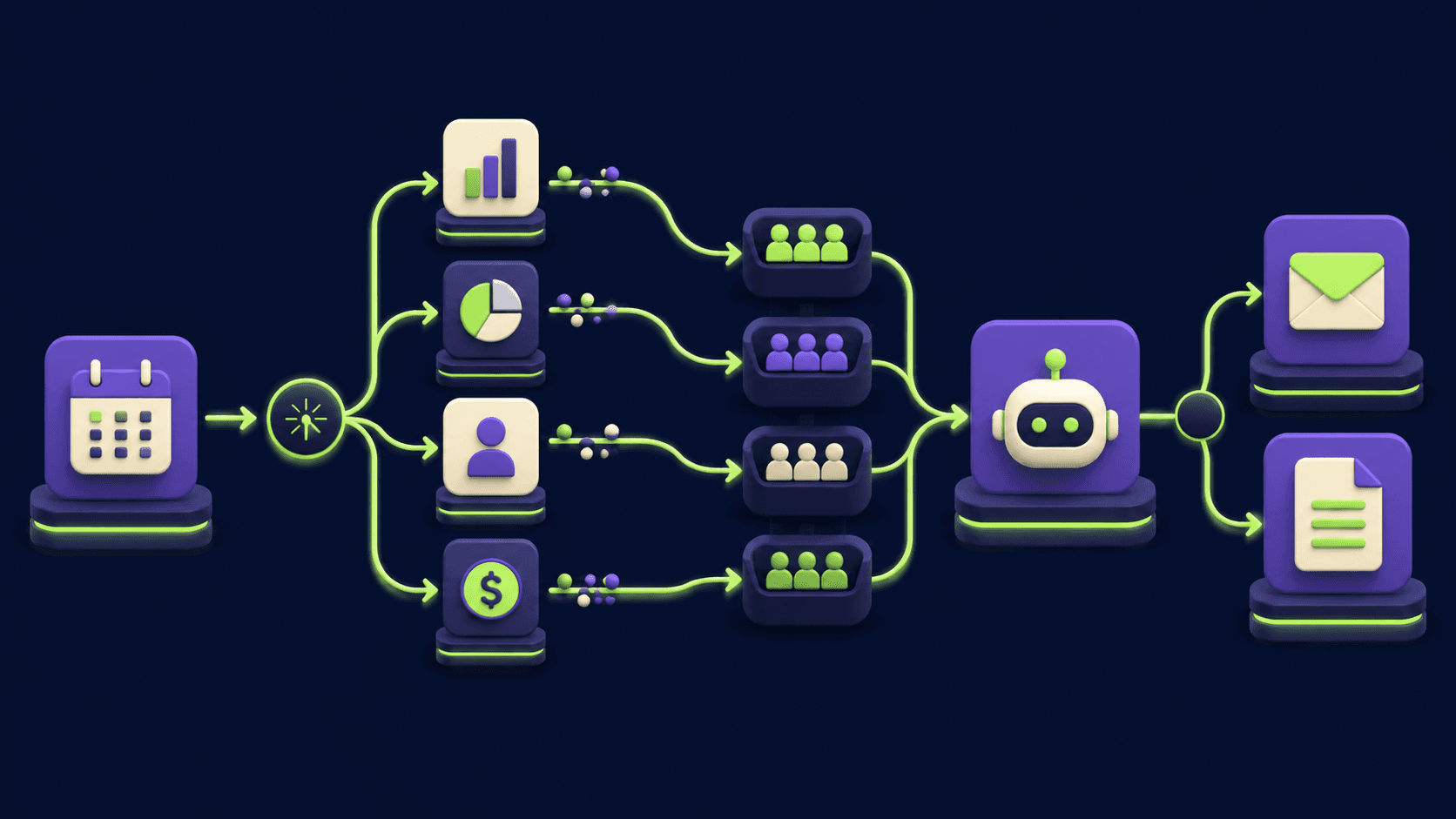
Auto-Build Weekly Client Status Reports From Slack, Asana, GitHub & Stripe (2026)
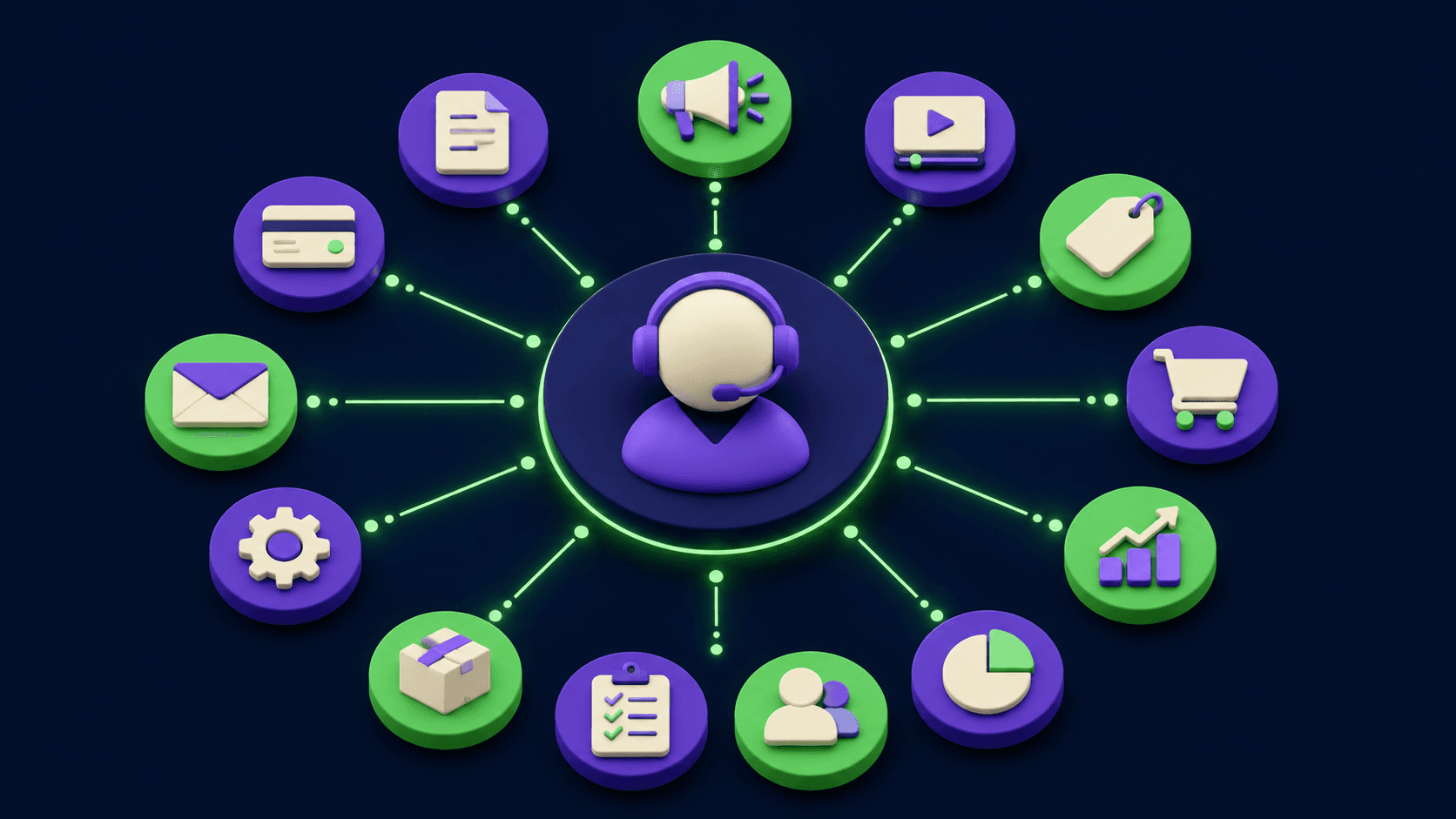
AI Agents for Business: What They Actually Are and 12 Things You Can Automate Today
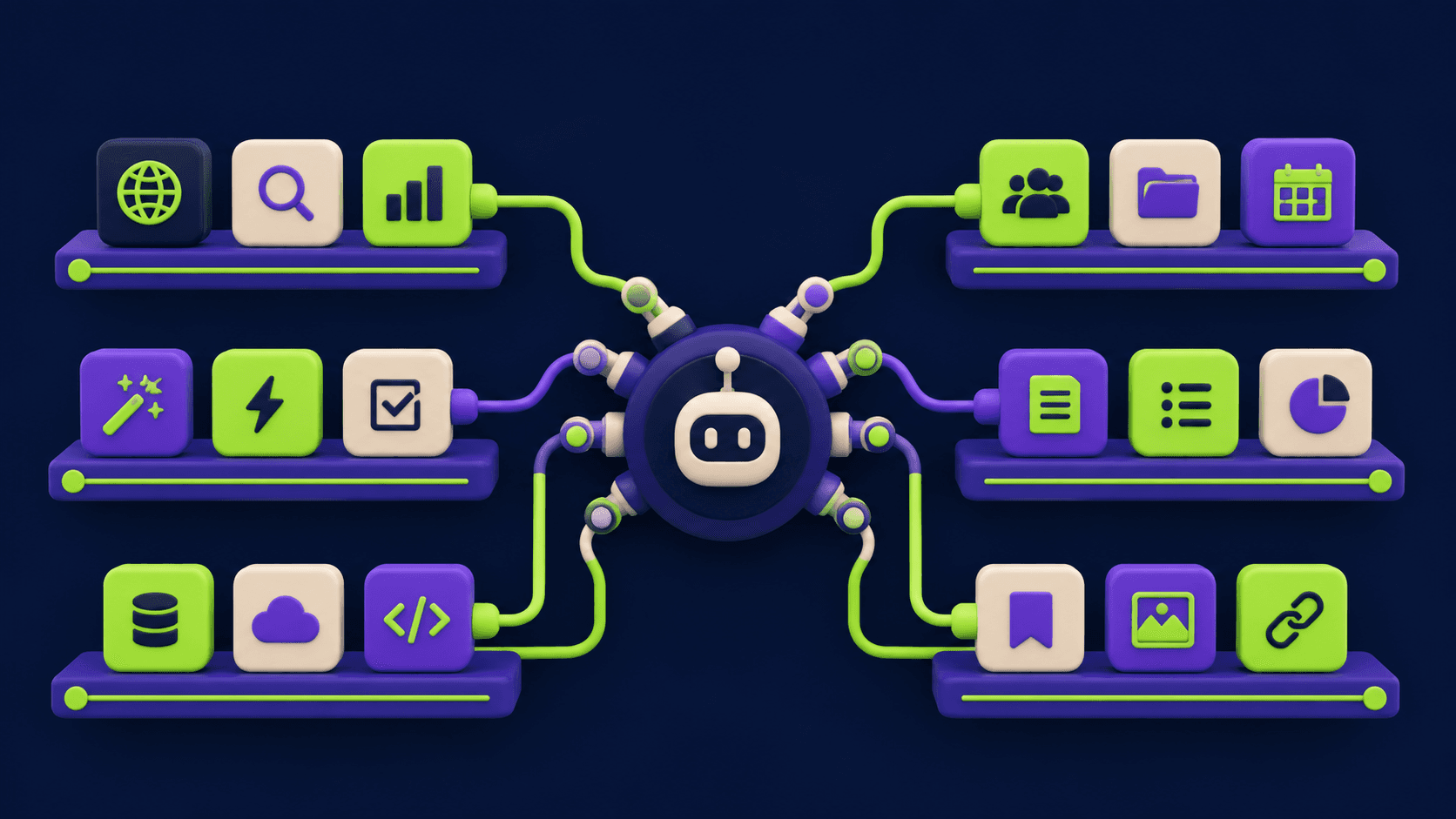
Turn Any AI Agent Into a Superagent: The 12-Integration Stack (2026)