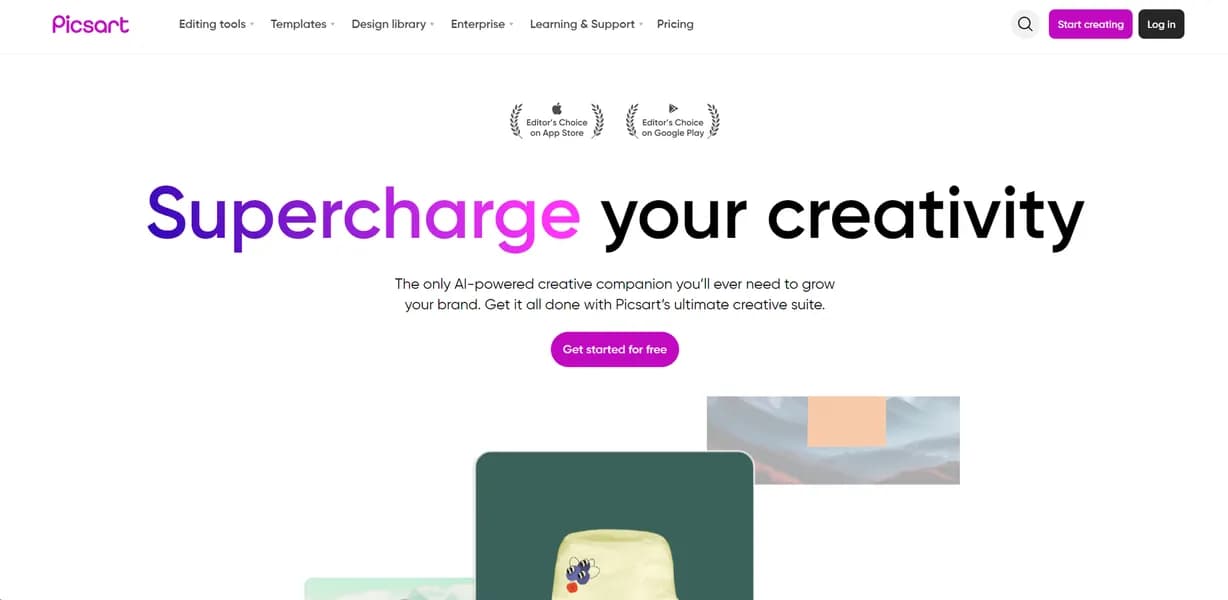

Picsart is a photo and video editing platform built for social media creators. It offers AI tools like background removal and image generation. Users can batch process up to 50 images at once. The free tier includes intrusive advertisements and limits AI generation to five credits per week.
What is Picsart?
Creators expect mobile photo editors to offer basic filters and cropping tools. Picsart delivers a full suite of AI generation features directly on mobile devices. Users get desktop-level object replacement and background removal tools packed into a touch interface. The platform bridges the gap between simple social media filters and complex graphic design software.
Developed by Picsart, Inc., this creative platform solves the problem of fragmented content creation. Social media managers and solo creators use it to produce visual content quickly. The tool combines photo editing, video trimming, and AI generation into one workspace. Users no longer need to switch between separate applications to remove a background, add text, and apply a filter.
- Primary Use Case: Removing backgrounds and replacing objects in social media photos.
- Ideal For: Solo social media creators and mobile-first designers.
- Pricing: Starts at $266.66/month (Pro). A high entry price for mobile editing.
Key Features and How Picsart Works
AI Image Manipulation
- AI Image Generator: Creates images from text prompts. Pro users can generate up to 50 images per day.
- AI Replace: Swaps objects in photos via a brush tool. The accuracy depends heavily on the text description provided.
- AI Image Enhancer: Increases image resolution by up to 4x. It reduces noise but sometimes over-smooths facial details.
Batch Processing and Editing
- AI Background Remover: Deletes backgrounds with one tap. Users can batch process up to 50 images simultaneously.
- Batch Editor: Applies identical filters or watermarks to multiple photos. This saves time for e-commerce product listings.
Asset Libraries and Storage
- Sticker Maker: Grants access to over 60 million community-created stickers. Finding high-quality assets requires heavy filtering (expect to scroll past many low-effort user uploads).
- Video Editor: Trims clips and adds music from a library of 1000 licensed audio tracks. The timeline interface feels cramped on smaller phone screens.
- Cloud Storage: Syncs projects across mobile and web platforms. Pro users receive a strict 5GB storage limit.
Picsart Pros and Cons
Pros
- Cross-platform availability lets users start designs on mobile and finish them on a web browser.
- The community-driven sticker library provides over 60 million free assets for quick design mockups.
- AI tools like object replacement sit directly inside the standard editing workflow.
- The mobile app interface responds well to touch controls without requiring a stylus.
- Regular weekly updates introduce new AI features based on current social media aesthetics.
Cons
- The free version forces users to watch intrusive full-screen advertisements constantly.
- The mobile app frequently crashes when users attempt to edit high-resolution files.
- The credit system restricts power users who hit their daily AI limits quickly.
- Customer support takes days to respond to billing disputes according to Trustpilot reviews.
Who Should Use Picsart?
- Mobile-first creators: Users who shoot and edit entirely on their phones benefit from the touch-optimized interface.
- E-commerce sellers: Shop owners can remove backgrounds from 50 product photos at once to standardize listings.
- Social media managers: Marketers can generate captions and ad copy directly within the design interface.
- Budget-conscious professionals (Not a fit): The $266.66 monthly Pro price tag makes this tool too expensive for casual hobbyists.
How much does this mobile editing capability cost?
Picsart Pricing and Plans
The Free plan costs $0 per month. It includes basic starter tools and a strict limit of 5 AI credits per week. This tier functions more like an ad-supported trial than a usable workspace. Users face constant pop-ups urging them to upgrade.
The Pro plan costs $266.66 per month. It provides AI tools for creative work and allocates 500 credits per month. Users also get 5GB of cloud storage. This price point sits far above industry standards for mobile editing applications.
The Ultra plan costs $2,252.50 per month. It targets heavy AI usage with 2500 credits per month. Only enterprise-level marketing agencies could justify this massive monthly expense.
The Enterprise plan requires custom pricing. It offers custom AI solutions and tailored credit volumes for large teams. Buyers must contact sales to negotiate specific terms.
How Picsart Compares to Alternatives
Similar to Canva but with a stronger focus on photo manipulation. Canva excels at template-based layout design for presentations. Picsart provides superior brush-based editing tools for altering specific pixels within an image. Canva wins on typography, while Picsart wins on raw image distortion.
Unlike Adobe Express, this tool relies heavily on community-generated assets. Adobe Express connects directly to Adobe Stock for professional imagery. Picsart users pull from a massive library of 60 million user-created stickers instead. Adobe targets corporate users, while Picsart targets social media influencers.
The Verdict for Mobile Content Creators
Social media managers who edit exclusively on mobile devices get the most value here. The touch interface handles complex object replacement better than most desktop ports (we found the brush tracking highly accurate on smaller screens).
The high subscription cost remains a major barrier.
Users who need professional layout tools should look elsewhere. Canva offers better typography controls and presentation templates for a fraction of the price. The honest limit lies in the pricing model. We still do not know why the Pro tier costs $266.66 per month when competitors charge fifteen dollars.
User Reviews
No reviews yet. Be the first to share your experience!
Sign in to write a review.
Related articles
Guides and articles related to Picsart.

Wix Logo Maker Review (2026): Real Costs, the Edit Catch, and AI Alternatives
Best AI Fashion Model Generators for Clothing Brands (2026)
Freepik AI Is Now Magnific: What Changed, What It Costs, and Whether to Stay (2026)

How to Get an AI Model Wearing Your Clothes (Step by Step)
AI Clothing Photoshoot: What It Really Costs vs a Studio Shoot (2026)