
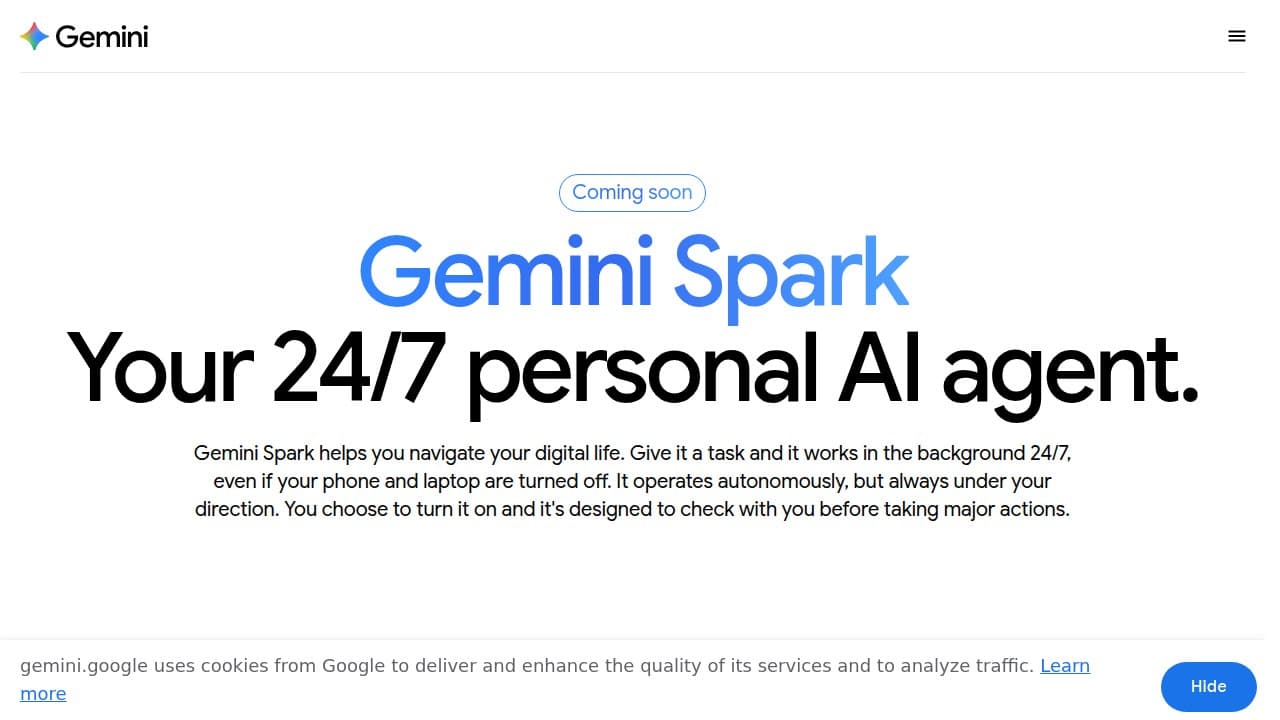
Gemini Spark is Google's always-on personal cloud agent, announced at Google I/O 2026 and powered by Gemini 3.5 Flash. It runs background tasks across Gmail, Docs, Sheets, and Calendar even when your laptop is closed, but requires a $99.99/month Ultra subscription and is US-only in beta.
Gemini Spark is Google's 24/7 personal cloud AI agent, announced at Google I/O 2026 on May 19, 2026 alongside Gemini Omni, Gemini 3.5 Flash, and the Anti-Gravity 2.0 coding platform. Unlike the standard Gemini chat assistant you might already use, Spark is not a conversation interface. It is a persistent background agent that keeps executing tasks after you close your laptop, lock your phone, or walk away from your desk entirely. Powered by Gemini 3.5 Flash and Google's Antigravity agentic harness, Spark operates on dedicated ephemeral virtual machines in Google Cloud, reads and writes natively to Gmail, Calendar, Drive, Docs, Sheets, and Slides, and routes all traffic through a secure Agent Gateway that enforces Data Loss Prevention policies.
The product works through three mechanisms: Tasks (multi-step goals you assign in natural language), Skills (custom routines the agent learns from your description or past behavior), and Schedules (time-based or conditional triggers like "every Monday at 9 AM, scan my inbox"). At launch, Spark connects natively to Gmail, Google Calendar, Drive, Docs, Sheets, Slides, YouTube, and Google Maps, with third-party connections via Model Context Protocol (MCP) to Canva, OpenTable, and Instacart. As of June 2026, it is in beta, available only to US-based Google AI Ultra subscribers at $99.99 per month or $200 per month, and has rolled out first to trusted testers, then to broader Ultra users in the week following the announcement.
What Gemini Spark actually is in May 2026
The clearest way to understand Spark is to contrast it with every Gemini product that came before it. Standard Gemini chat requires you to be present. You open the app, type a question, get a response, and when the session ends, nothing more happens. Spark breaks that model entirely. You assign a goal, describe the parameters, and then the agent works independently, monitoring inboxes, synthesizing documents, or generating digests, whether or not you ever return to the app.
Google CEO Sundar Pichai described it at I/O 2026 as: "It's your personal AI agent that helps you navigate your digital life, taking action on your behalf and under your direction." VP Josh Woodward put the practical case more concretely: "Need to send an email to your boss with a status update? Spark can pull all the facts from your emails, your docs, your sheets, and slides and write the draft for you."
Three example use cases dominate Google's official materials. First: set up a recurring workflow where Spark monitors your inbox for school communications each week, extracts deadlines and key dates, and sends a consolidated digest to you and your partner. Second: teach Spark to analyze your sent emails and learn your writing style as a "ghostwriter" skill, then apply that style when drafting future outreach. Third: pull monthly credit card statements from your email, scan them for new subscription fees, and flag anything unexpected in a summary note.
The technical infrastructure is more sophisticated than a typical chatbot integration. Each Spark task runs in a fresh, strictly isolated VM, meaning session data never bleeds between tasks. The Agent Gateway enforces DLP policies on all outbound traffic. App connections (Gmail, Drive, etc.) default to off and require explicit user activation, a design choice that reflects Google's attempt to build trust before capability.
"Spark runs on Gemini 3.5 and is deeply connected with workspace tools like Gmail, Docs, Slides, and more. The key difference is that Spark is cloud-based, so it can keep working after you close your laptop or lock your phone. Think of it like an AI assistant that can monitor a task, keep track of information, and help complete workflows over time." - tech creator covering Google I/O 2026, YouTube, May 2026
How Spark works across Gmail, Docs, and Calendar
The native Workspace integration is the part of Spark that competitors genuinely cannot replicate without Google's cooperation. Because Spark runs on Google's own infrastructure as a first-party agent, it reads Gmail, Docs, Sheets, and Calendar at the API level, not by simulating a browser session or relying on OAuth tokens managed by a third party. That means faster reads, more reliable writes, and less latency when chaining multi-step workflows across multiple Workspace apps in sequence.
A workflow sequence that tech creator coverage called out as a key demo: take raw meeting notes scattered across Gmail threads and chat histories, synthesize them into a structured action item list, write that list as a polished Google Doc, and draft an email to kick off the project with the key participants. The entire sequence runs without a human keeping a tab open. The agent handles the reading, the synthesis, and the writing, then pauses before sending the email to surface a draft for user approval (assuming the permission model works as advertised in the keynote).
Skills add a teachable layer on top of the task system. Rather than scripting a workflow in YAML or a no-code editor, users describe what they want in plain language or show the agent past examples. Spark then infers the pattern. The "ghostwriter" example from Google's official materials is representative: upload 50 past sent emails, describe the context ("these are my cold outreach emails"), and Spark creates a reusable skill that drafts future emails in your voice when asked.
Schedules extend the agent into proactive monitoring. You can configure recurring checks ("every Friday at 5 PM, review this week's Sheets data and send me a summary"), conditional triggers ("if I receive an email from any address matching this domain, flag it and add a Calendar reminder"), or one-time delayed tasks ("in three days, follow up on this thread if I haven't heard back"). As of the beta, scheduling works via the Gemini app interface with natural language input.
Where Spark sits versus OpenClaw and ChatGPT Agent
The comparison that immediately comes up in coverage is OpenClaw (formally renamed Clawdbot after an Anthropic trademark request in January 2026, though widely still called OpenClaw). OpenClaw is open-source, self-hosted, and BYOM (Bring Your Own Model): you can run Claude, GPT-4, Gemini, or local Ollama models as the brain, and deploy on any Mac, Linux box, Raspberry Pi, or VPS. At over 295,000 GitHub stars, it is one of the largest open-source AI agent projects in existence. But OpenClaw has no native Workspace integration. If you want it to read Gmail, you need to build a custom connector, grant OAuth permissions, and manage the token lifecycle yourself. The agent also cannot read from Google Docs at source, it needs either a webhook feed or an intermediary. Self-hosting costs $5-20 per month in VPS fees plus your own API key management, security patching, and uptime responsibility. Spark's appeal versus OpenClaw is zero setup for Workspace, zero infrastructure management, and native read/write access to Google's data layer. OpenClaw's appeal is privacy control, model choice, and the ability to run locally without sending your data to Google's cloud at all.
ChatGPT Agent (OpenAI, in research preview since April 2026) is session-based by default. It runs while your ChatGPT session is active and can perform multi-step tasks, but it is not designed to keep working with your device off. The persistent-VM model is Spark's genuine architectural differentiator. ChatGPT Agent also has no native Gmail or Docs write access, it uses third-party connectors via Zapier or MCP, which adds latency and an extra point of authentication to manage. Both products cost roughly $100 per month at their respective tiers. If you need an agent that runs while you sleep and reads Gmail without any connector plumbing, Spark has the architectural advantage today. If you need a mature, production-tested agent that you can actually use without a waitlist, ChatGPT Agent is further along in its rollout.
For commercial workflow automation, Lindy is the incumbent to consider alongside Spark. Lindy supports GPT-5, Claude, and Gemini models interchangeably, connects to 1,000+ tools via OAuth, runs 24/7 on triggers and schedules, and starts at a lower price point than Ultra. It is not US-only. But Lindy requires more setup overhead, you define workflows in a no-code editor rather than natural language, and its Gmail integration is OAuth-mediated rather than native, which means Spark will generally be faster and more reliable for pure Workspace tasks once it matures. For businesses needing to connect Salesforce, Slack, HubSpot, and 50 other tools in one agent, Lindy is the more practical choice today. For a solo user deep in Google's ecosystem who wants background assistance, Spark's design is more elegant if it delivers on the promise.
Users pairing Spark with Google Gemini's standard chat interface will get the most cohesive experience, as both share the same subscription tier and model backend. Those interested in the broader Gemini Omni video model announced at the same I/O event will find that Omni and Spark are separate products at separate access levels.
The rollout and access reality (trusted testers, Ultra beta, US-only)
The gap between the I/O 2026 announcement and what a new user can actually access is significant enough to affect any practical decision about Gemini Spark right now.
The rollout as announced: trusted testers received access in the week of May 19, 2026. Broader beta access for US Google AI Ultra subscribers opened in the week of May 26. The Google Gemini account on X confirmed this directly: "Gemini Spark will roll out to trusted testers this week, and as a Beta for U.S.-based Google AI Ultra subscribers next week." A version for businesses via Google Workspace and Gemini Enterprise was also mentioned as coming.
What this means practically: as of June 2026, Spark is available to US users who already pay $99.99 per month or $200 per month for AI Ultra. There is no free trial, no one-month introduction, and no way to test it without the subscription. Users outside the US, including the EU and UK, cannot access it at all. EU access is delayed until at least late summer 2026 pending AI Act compliance documentation. There is also no Google AI Ultra plan below $99.99 that includes Spark. Lower-tier AI Plus and AI Pro subscribers get Daily Brief and Gemini Omni but not the persistent agent.
The macOS desktop app integration, which would give Spark access to local files and cross-desktop workflows, is planned for summer 2026. That feature is not available in the current beta. For now, Spark operates cloud-to-cloud: it reads from your Workspace data in Google's servers and writes back to those same servers, but cannot touch anything stored locally on your machine.
Early friction and open questions
The most significant concern to surface in the days after the I/O announcement was the gap between keynote language and fine-print documentation. Paul Monckton, writing for Forbes in May 2026, flagged that Google's own onboarding materials at beta launch contained a warning that the assistant "may do things like share your info or make purchases without asking", language that directly contradicts the keynote's promise that Spark would require explicit approval before high-stakes actions like sending emails or spending money. Google has not publicly clarified which description governs the actual agent behavior.
"Google's own onboarding warned that the assistant may do things like share your info or make purchases without asking, language that directly contradicts the keynote's assurance of strict authorization, placing the onus squarely on the user to supervise Gemini Spark." - Trak.in, citing Forbes/Paul Monckton, May 2026
Several recurring concerns appear across early coverage:
No independent security audit: Spark holds session credentials and reads your full Gmail and Drive. No third-party security audit of the architecture has been published as of June 2026. The ephemeral VM claim is credible but unverified by external researchers.
Compute budget constraints: Intensive multi-step workflows deplete a usage allowance faster than regular chat sessions. Ultra subscribers at the $99.99 tier may encounter limits on complex agent runs.
Very limited public reviews: Because trusted tester groups are not self-serve and the US Ultra requirement narrows the pool, almost no independent hands-on reviews existed in the public record through the first three weeks of the beta.
No local file access at launch: Cloud-VM architecture means anything saved on your hard drive is inaccessible until the macOS desktop integration ships.
Users concerned about cloud agent security should also consider that Manus and Zapier Agents offer alternative agentic architectures with different permission models and longer track records in production. Neither has Spark's native Workspace integration, but both have published security documentation and a wider base of real-world users to learn from.
Who Spark is for (and who should wait)
Spark makes the most sense for a specific profile: a US-based Google Workspace power user who is already paying for Ultra, comfortable with early beta software, and has specific recurring workflows that currently require a browser tab to stay open. If your job involves synthesizing information from Gmail threads into Google Docs, tracking deadlines across multiple senders, or generating templated reports from Sheets data, Spark's native integration and background execution are genuinely compelling. Small business owners with repetitive billing, follow-up, or client communication patterns are the clearest fit.
The case for waiting is almost as strong. The permission model contradiction is unresolved. There are no independent security audits. The beta is too new for anyone to have logged meaningful time with real workflows and reported back. If you are outside the US, waiting is not optional, access is unavailable. If you are privacy-sensitive, handing inbox-level Gmail access to a cloud agent running on Google's servers requires a level of trust that the company has not yet earned through transparency about how credentials and task context are stored and purged. And if you are considering Spark purely because of I/O hype without a specific workflow in mind, the $99.99 monthly commitment is a significant ask for a feature in beta that has received almost no independent verification.
For reference: ChatGPT Agent at the same $100 monthly price point has a wider rollout, more public reviews, and no US-only restriction, even if its architecture lacks Spark's persistent cloud execution and native Workspace access. The right choice depends on whether Workspace-native integration is the specific capability gap you are trying to fill.
Score: 4.0. The architectural ambition and native Workspace integration are real differentiators that no competitor at this price currently matches. But a beta gated behind $100 per month, available in one country, with an unresolved autonomy disclosure contradiction and zero independent security review cannot earn a higher mark until the product is tested in the open at scale.
User Reviews
No reviews yet. Be the first to share your experience!
Sign in to write a review.
Related articles
Guides and articles related to Gemini Spark.

Turn Any AI Agent Into a Superagent: The 12-Integration Stack (2026)

The Personal AI Productivity Stack (2026): One Tool Per Job, Nothing Extra
Google vs OpenAI vs Anthropic Agents: The May 2026 Platform Showdown

Google Vision AI Explained (2026): Pricing Per 1,000 Units, Free Tier, and Alternatives

Claude Code Dreaming (Memory Consolidation): 2026 Setup Guide
