Jan is a free, open-source desktop app by Menlo Research that runs large language models entirely on your own hardware. No cloud, no subscriptions, no data leaving your machine. Supports Llama, Qwen, Mistral, Gemma, and dozens more GGUF models on Windows, macOS, and Linux.
Jan is a free, open-source desktop application that runs large language models locally on your computer. Built by Menlo Research (a Singapore-based applied R&D startup, previously known as janhq), Jan lets you download and run models from Llama, Qwen, Mistral, Gemma, and DeepSeek families without any cloud dependency. It is a genuine ChatGPT alternative that keeps every word of every conversation on your own hardware. With over 5.3 million downloads and 42,000 GitHub stars as of mid-2026, it is one of the most widely adopted local LLM clients available. The project is licensed Apache 2.0, meaning the full source code is auditable, forkable, and legally usable in commercial projects without royalty obligations.
The app bundles a ChatGPT-style chat interface, a built-in model hub for downloading quantized GGUF files directly from HuggingFace, and a one-click OpenAI-compatible local API server on localhost:1337. Developers can point LangChain, AutoGen, or any OpenAI-SDK-compatible tool at that endpoint without changing their code. Jan v0.7.7 (February 2026) added native MLX support for Apple Silicon, accelerating inference on M-series Macs significantly. The app also supports Model Context Protocol (MCP) for experimental agentic tool use, allowing Jan to call web search, file access, and other external tools from within a conversation. Users can optionally connect cloud providers like OpenAI, Anthropic, Mistral, or Groq via API key for a hybrid local-and-cloud setup.
What Jan actually does in May 2026
Jan v0.7.9, released March 23, 2026, is the current stable release. It fetches a curated model list during onboarding, caps context length automatically to prevent out-of-memory crashes, and includes a CLI for scripted workflows on Windows and macOS. The app runs on Windows 10+, macOS 13.6+, and mainstream Linux distributions, with system requirements starting at 8GB RAM (16GB recommended) and 10GB+ of storage for models.
The inference engine under the hood is llama.cpp, the same C++ runtime used by LM Studio and Ollama. For Apple Silicon, the MLX path (added in 0.7.7) provides a meaningful speed boost over the default Metal path. GPU acceleration for NVIDIA and AMD cards is handled via CUDA and ROCm. The Jan app exposes advanced llama.cpp parameters (context size, temperature, repeat penalty, seed) through an "Advanced Settings" panel for users who want to tune beyond the defaults.
Jan also ships its own model family. Jan-Nano, a 4-billion parameter non-thinking model optimized for deep research tasks with MCP tool use, was released June 16, 2025, and is hosted on HuggingFace (Menlo/Jan-nano). It integrates directly with the Jan app and is designed to produce structured, cited research reports using connected search tools. A companion "Jan v1" setup guide on the official site walks through configuring the research-optimized system prompt. For users who want to stay entirely within the Jan ecosystem, this model-plus-app combination is the intended first-class experience.
The local API server deserves its own mention. When you click "Start Server" in the Jan interface, it exposes a fully OpenAI-compatible REST endpoint at localhost:1337. Unlike some alternatives, Jan supports running multiple model endpoints simultaneously, which means a developer can configure both a local Llama instance and a remote OpenAI-proxied model behind the same interface and switch between them without restarting.
Where Jan sits versus LM Studio and Cherry Studio
The local LLM desktop space has three serious contenders in 2026: LM Studio, Jan, and Cherry Studio. They serve meaningfully different users despite surface-level similarity.
Jan vs. LM Studio comes down to openness versus polish. LM Studio is proprietary, closed-source, and requires a commercial license for business use. Jan is Apache 2.0: every line of code is on GitHub, every dependency is auditable, and there are no licensing fees for enterprise deployment. For organizations that need to verify compliance (HIPAA, GDPR, SOC 2 audits), Jan's open source nature is not a talking point, it is a practical requirement. On user experience, LM Studio has a narrower lead: its built-in HuggingFace model browser lets you filter and download models without leaving the app in about 2 minutes, while Jan's model discovery requires more manual steps and takes closer to 5 minutes for a first-time setup. Both tools use llama.cpp as their inference engine, so raw generation speed on identical hardware is within 5% of each other. LM Studio has recently added a proprietary SDK and more refined MLX support, giving it an edge for developers who want to build LM Studio-specific tooling. Jan's advantage is that its codebase will never change its license on you.
Jan vs. Cherry Studio is a more fundamental architectural split. Cherry Studio (AGPL-3.0) is primarily a cloud aggregator: it gives you a single polished interface for switching between 20+ cloud LLM providers, with optional local model support via Ollama as a backend. Cherry Studio's identity is "one UI for all your cloud APIs." Jan's identity is the opposite: eliminate cloud APIs entirely and run everything on your own machine. Cherry Studio supports iOS and macOS, which Jan does not (no mobile client). Cherry Studio has slightly more GitHub stars (~44,900 vs. Jan's ~42,400) and a more active model-switching workflow for users who genuinely use multiple cloud providers. But for the user whose core requirement is zero data leaving the device, Cherry Studio's cloud-first DNA makes it a different category of product. Users evaluating Cherry Studio for its local AI capabilities should also consider Open WebUI and AnythingLLM, which offer web-based local AI interfaces with strong RAG and knowledge base features.
"It does make it easier for the end user who doesn't want to fiddle around with python dependencies, command lines". EMM_386, Hacker News, March 2024
Jan also positions itself differently from Ollama, which is CLI-first and headless. Ollama is a backend; Jan bundles a complete frontend. Many users actually run both: Ollama serves models to multiple frontends while Jan acts as the desktop chat client. The tools complement each other rather than compete directly.
What the local LLM workflow reality looks like
Day-to-day use of Jan falls into three patterns. The first is the privacy-isolated document review workflow: a healthcare professional, lawyer, or financial analyst disables their internet connection, loads a quantized 7B or 13B parameter model (3-8GB GGUF files), and uses the chat interface to query or summarize documents that cannot be sent to a cloud provider. This is Jan's clearest value proposition and the scenario where no cloud tool can compete on privacy guarantees.
The second pattern is the developer local API loop: spin up the Jan server on localhost:1337, point a LangChain or custom Python application at it, and iterate on prompts and agent logic without accumulating API costs. Jan's OpenAI-compatible endpoint means existing code that calls openai.chat.completions.create() requires only a base URL change to run against a local model. For developers building and testing LLM features, this is a meaningful cost and latency advantage during development.
The third is the research assistant mode using Jan-Nano and MCP. Configure Jan with an MCP server that provides web search access, load the Jan-Nano 4B model with its research system prompt, and ask it to produce a structured report on a topic. Jan-Nano achieves 91.1% accuracy on the SimpleQA benchmark, compared to 78.3% for the earlier Lucy 1.7B model it succeeded. This workflow produces cited, organized research rather than casual conversational responses.
"It also tries to allocate 30gb that is the size of the model but my vram is only 10gb and machine is 32gb, so it does not make sense. Ollama works perfect with 30b models.". Anonymous user, BigGo community report, August 2025
The friction point users hit most often is VRAM detection. Jan does not always correctly split model loading across CPU and GPU memory the way Ollama does, so users with 10-12GB VRAM cards sometimes find Jan refuses to load a model that runs fine in Ollama. This is a known issue as of 2025-2026 and the most common complaint in community forums. Version 0.7.9 added context length capping to reduce one category of these crashes, but the VRAM allocation logic remains imperfect.
Who Jan is built for
Jan is the right tool for privacy-first professionals: anyone handling confidential documents, medical records, legal briefs, or financial data who needs AI assistance without cloud exposure. It is equally well-suited to open-source advocates who need Apache 2.0-licensed, auditable code for compliance purposes. Developers who want a GUI-based local inference server for testing LLM integrations, without managing the Ollama CLI, are also natural users.
Jan is not the right choice for users who prioritize model discovery speed and a polished first-run experience: LM Studio handles onboarding more smoothly and its integrated HuggingFace browser requires fewer steps. Jan is also a poor fit for users who need to run multiple models simultaneously, as parallel model sessions are not fully supported. Anyone wanting a web-accessible interface rather than a desktop app should look at Open WebUI or AnythingLLM instead.
Jan was named one of the 20 hottest open-source startups of 2024 by TechCrunch's ROSS Index (March 22, 2025), based on GitHub star growth rate. That recognition reflects genuine community momentum: the project has accumulated 42,000+ stars and 5.3 million downloads without any paid tier or aggressive marketing. The team's July 2025 decision to archive Cortex.cpp and merge their inference work directly upstream into llama.cpp was a deliberate choice to strengthen the shared open-source foundation rather than maintain a competing fork.
What Jan is not
Jan is not a model provider. It does not train, fine-tune, or host any LLMs on its own servers. You supply the hardware; Jan supplies the interface. If you are looking for a managed service that hosts models for you, you want something like Ollama's cloud offering, or a cloud provider directly.
Jan is not a no-code AI builder. It does not let you deploy chatbots to external users, build workflows with a visual interface, or connect to business apps like Slack or Notion out of the box. For those use cases, AnythingLLM and similar tools have more mature workflow and deployment features.
Jan does not run on mobile. There is no iOS or Android client as of mid-2026. Users who want a local LLM on an iPhone or iPad will need to look elsewhere.
Finally, Jan's "100% offline" claim deserves a nuance. The app makes connections to GitHub and external sources for model metadata and update checks during normal operation. It is not air-gapped by default. Users in strict air-gapped environments should verify network behavior before deployment or configure network rules accordingly.
User Reviews
No reviews yet. Be the first to share your experience!
Sign in to write a review.
Featured in collections
Curated lists that include Jan.
Related articles
Guides and articles related to Jan.
Run Open Source AI Models Locally: Battle-Tested Guide
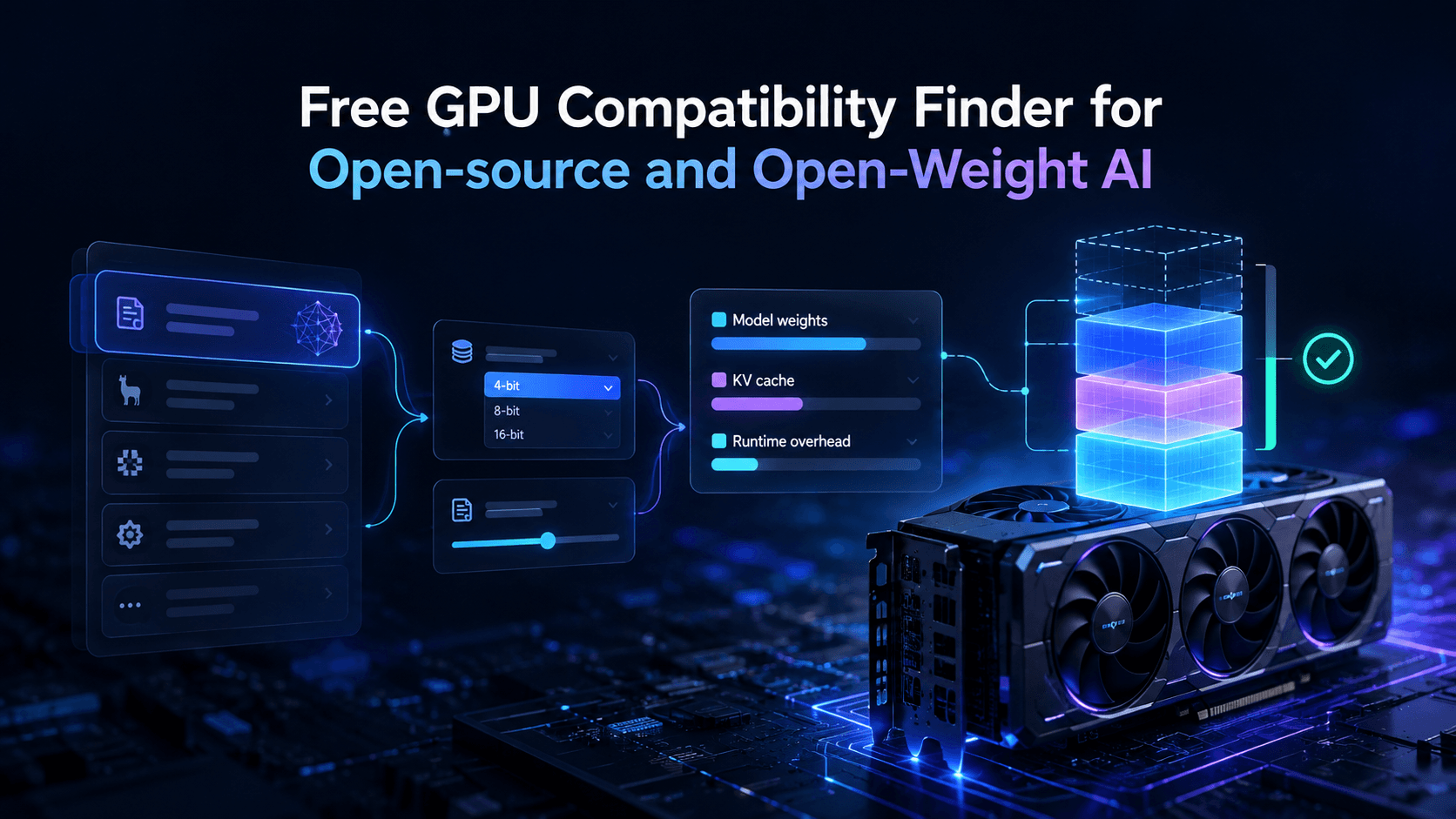
Vantaige Launches the LLM VRAM Calculator: A Free GPU Compatibility Finder for Open-source and Open-Weight AI
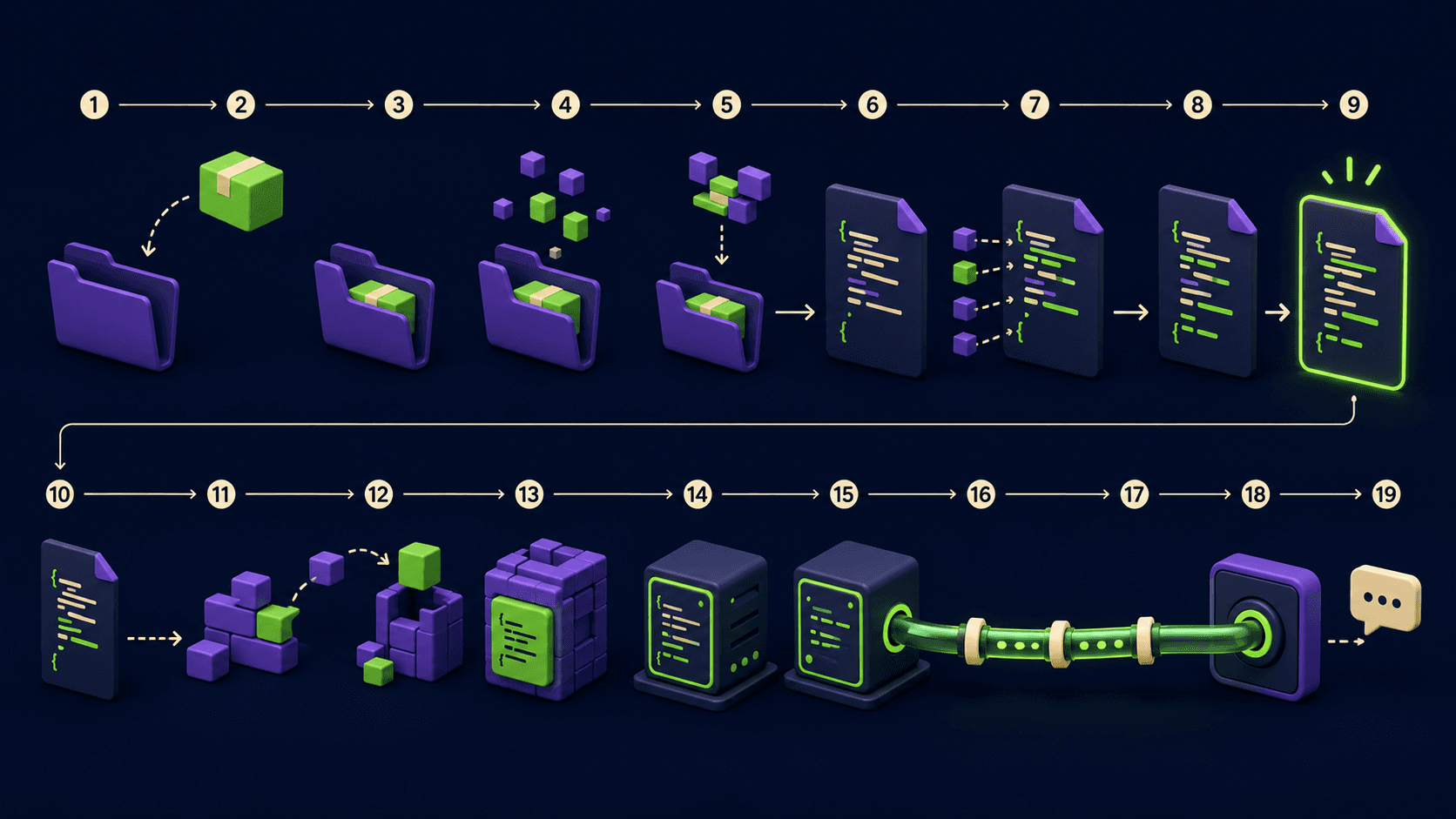
Ship Your First MCP Server in 20 Minutes (2026)

Nous Hermes 4: The Self-Hosted Open-Weight Agent Brain (2026)

AI Security Tools for Small Teams (2026): The Stack That Doesn't Need a SOC